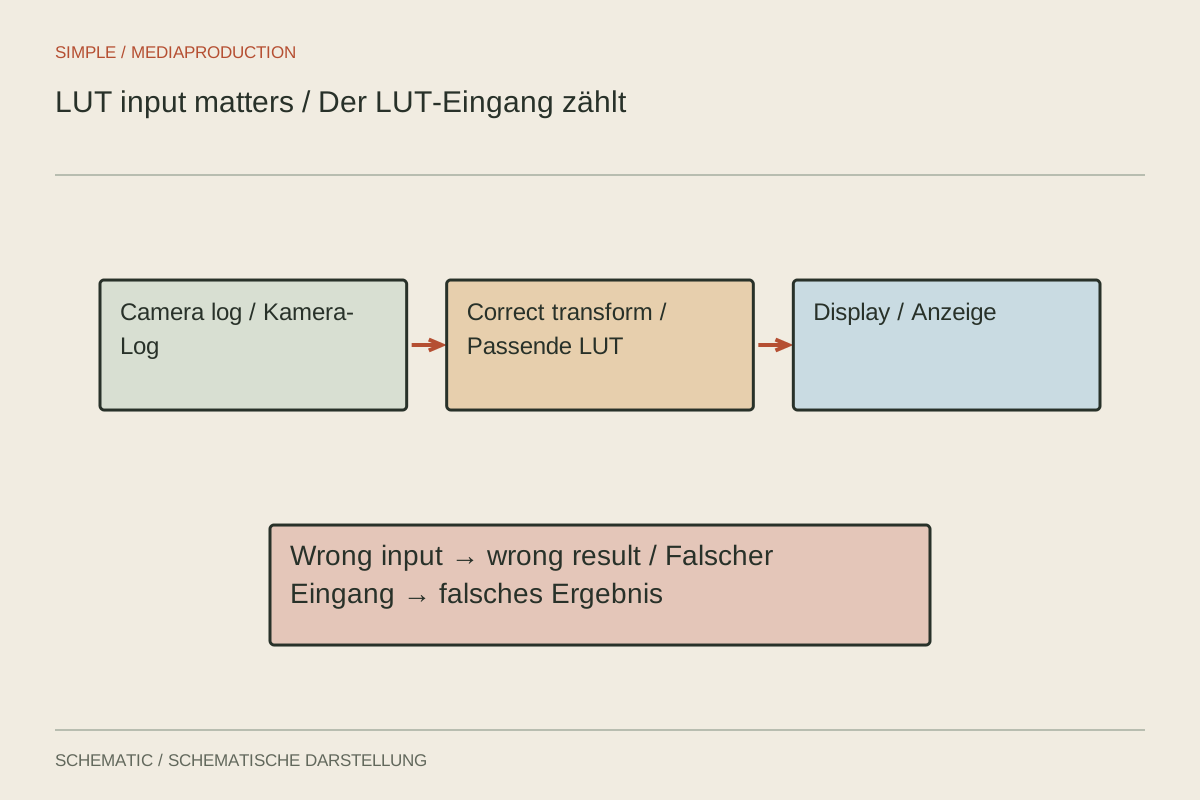
A flat camera image becomes pleasantly contrasty with one LUT, while the same effect makes faces almost black in another clip. The table is not necessarily broken. It may be receiving a signal it was never designed to process. Before selecting a look, establish how the recording profile, footage interpretation and working colour space fit together.
Perform the conversion only once
Record the actual camera profile, including its colour space and gamma curve. The camera model alone is insufficient because it may offer several recording profiles. Then check whether the editor already transforms that material into the working colour space automatically. Adding a technical LUT can accidentally perform a second conversion.
Separate technical conversion from creative treatment. A technical transform might prepare a particular log signal for an intended SDR workflow. A creative look changes the appearance and often expects a different, already defined input. The .cube extension does not tell you which job the table performs or where it belongs in your processing chain.
Test one clip under controlled conditions
Duplicate a short sequence and choose a shot containing a face, a neutral surface, and both bright and dark areas. Disable additional looks initially. Check the clip interpretation and the sequence output settings. Once that foundation is correct, enable the LUT at its intended position in the processing chain.
Compare more than the overall impression. Look for detail in bright clothing, separation between dark objects, and texture in strongly coloured subjects. A blue product becoming a featureless patch is a specific reason to investigate. Greater contrast does not automatically mean the image contains more useful information.
Change one element at a time. If white balance, exposure, the LUT and the output colour space all change together, identifying the cause of an improvement or failure becomes difficult. Save a comparison state without the look and another with it. Both must pass through the same correctly configured output path.
Diagnosing doubled contrast
Suppose two clips from the same camera were recorded with different profiles. One is log footage; the other is already prepared for ordinary SDR presentation. Applying the same log conversion to both may make the second excessively harsh. Record profiles per recording group rather than once for the entire shoot day.
Work from the beginning of the problem clip's processing chain. Disable the creative look, check automatic source interpretation, then compare the technical transformation. If a plausible image already appears without an additional LUT, establish which automatic processing produced it. That does not mean every automatic interpretation is creatively finished.
Also inspect the position of an exposure adjustment. The same control change before or after a nonlinear transformation can behave differently. Avoid concealing an incorrect foundation with very large opposing corrections. A brief processing note makes the arrangement understandable during a later handover.
For severely clipped highlights, inspect the original data without the suspected look. If detail exists there, processing may be discarding it. If it was absent from the recording, a LUT cannot reliably recover it. This comparison separates a capture problem from an unsuitable table and prevents correcting the wrong stage.
When the result does not fit
Reducing intensity can soften an overly strong creative treatment. It does not reliably repair an incorrect technical input conversion. Check the LUT documentation first, then clip interpretation, then correction order. If the expected input is undocumented, avoid relying on that table as the technical foundation of your project.
With several cameras, interpret and match each source before considering a shared look layer. Applying the same table to every original recording does not guarantee matching colours. Keep the LUT and a note about its use with the project where its licence permits this, so the treatment can be reproduced later.
Finally, export a few representative seconds and open the file in the intended playback environment. A convincing preview does not confirm every export setting. If only the exported version looks different, investigate the output configuration and player before recolouring the whole film. This small comparison keeps a delivery problem from turning into unnecessary creative changes.