Planning & scripts
One video, one central message
Turn a broad subject into a filmable brief: one viewer question, an answer you can demonstrate, and the pictures needed to support it.
156 topics
Search for a task, a piece of equipment or a production problem.
Planning & scripts
Turn a broad subject into a filmable brief: one viewer question, an answer you can demonstrate, and the pictures needed to support it.
Planning & scripts
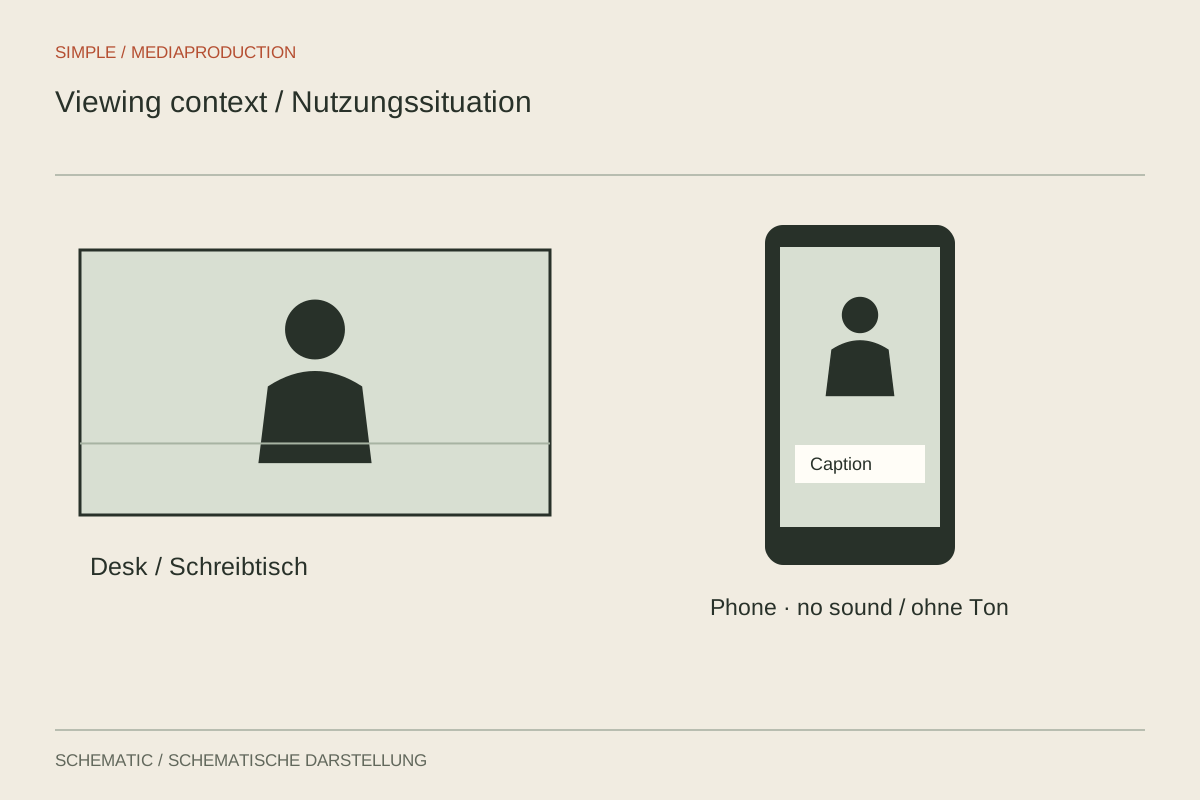
Audience, prior knowledge and viewing conditions determine what the picture needs to explain.
Planning & scripts
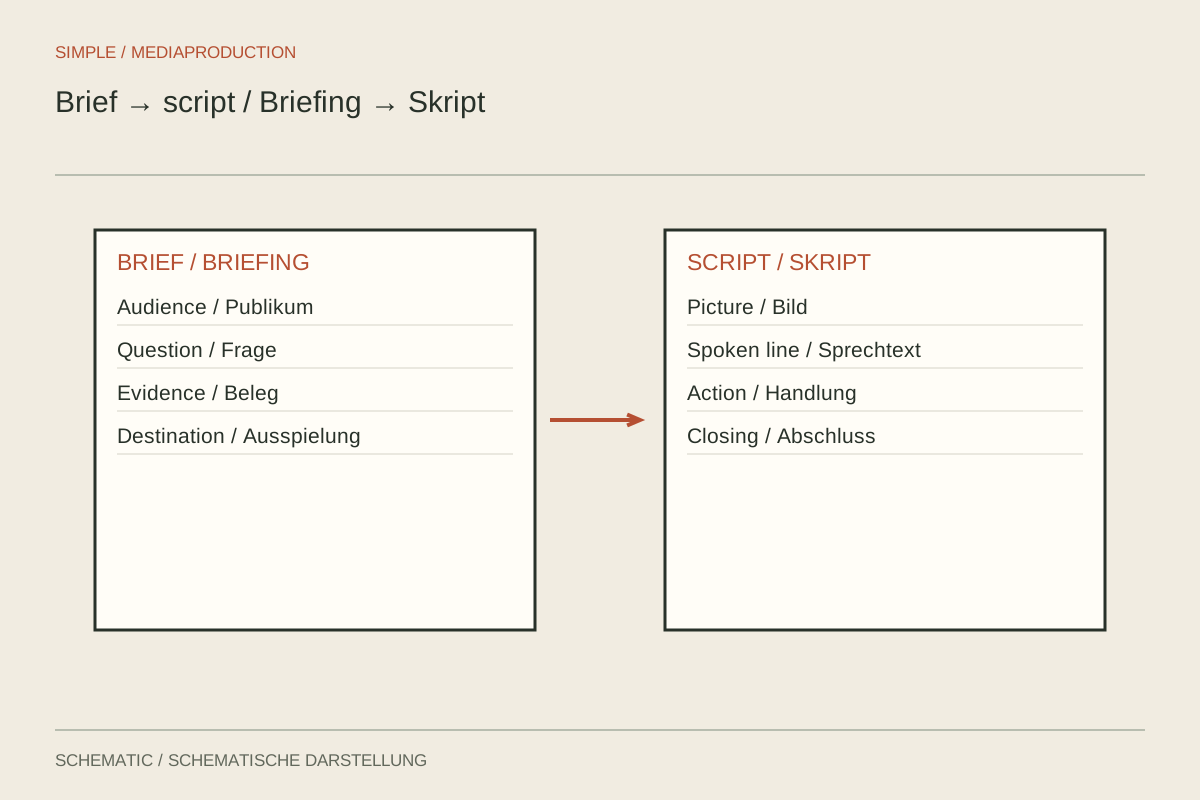
A short brief records the purpose, boundaries and deliverables before individual lines are written.
Planning & scripts
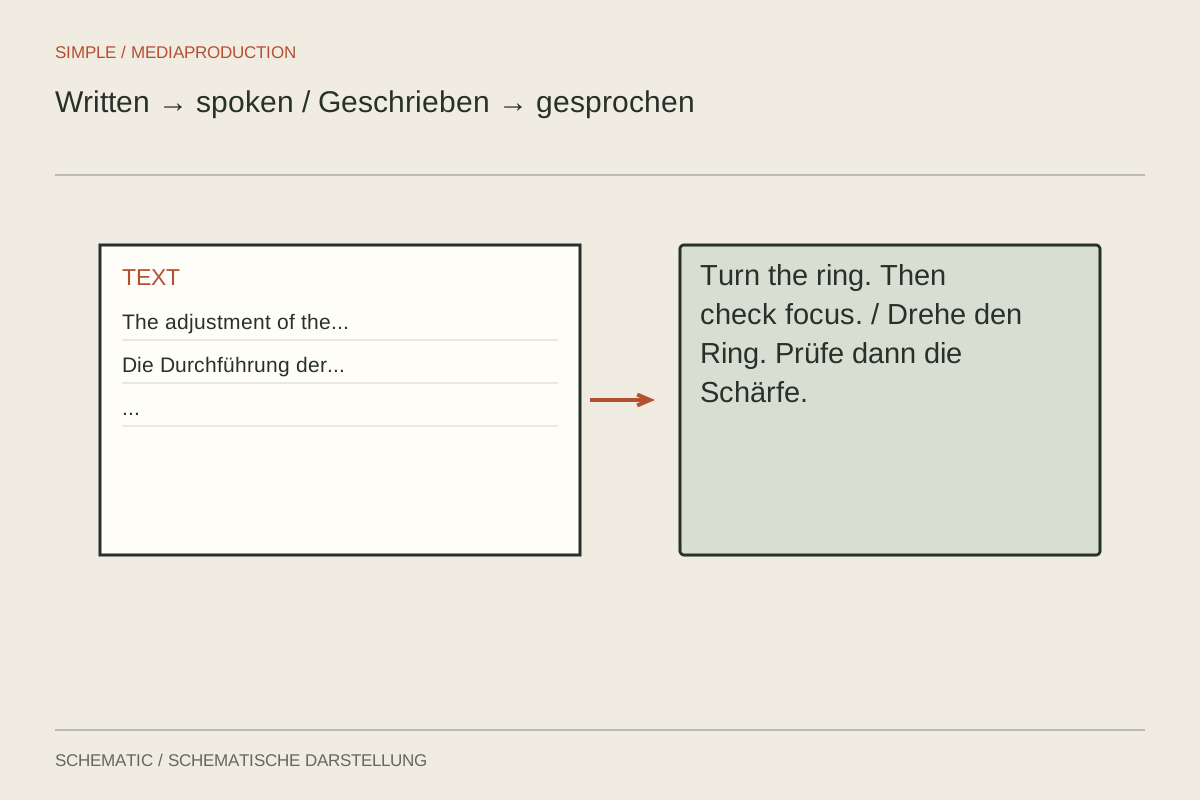
Write for the ear: one thought at a time, clear references and room for the action.

Planning & scripts
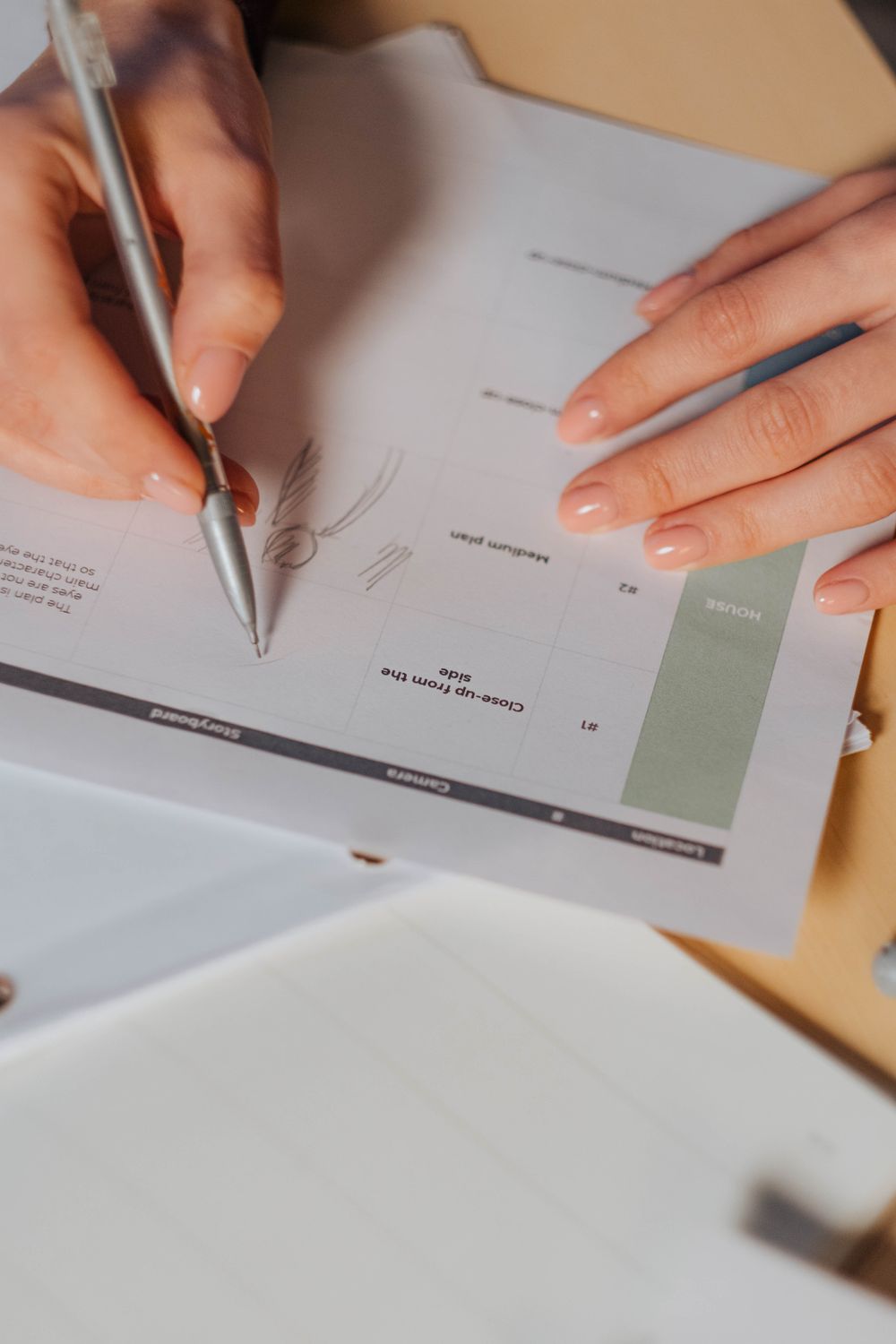
A storyboard earns its place when spatial relationships or the order of pictures need resolving before filming.
Planning & scripts
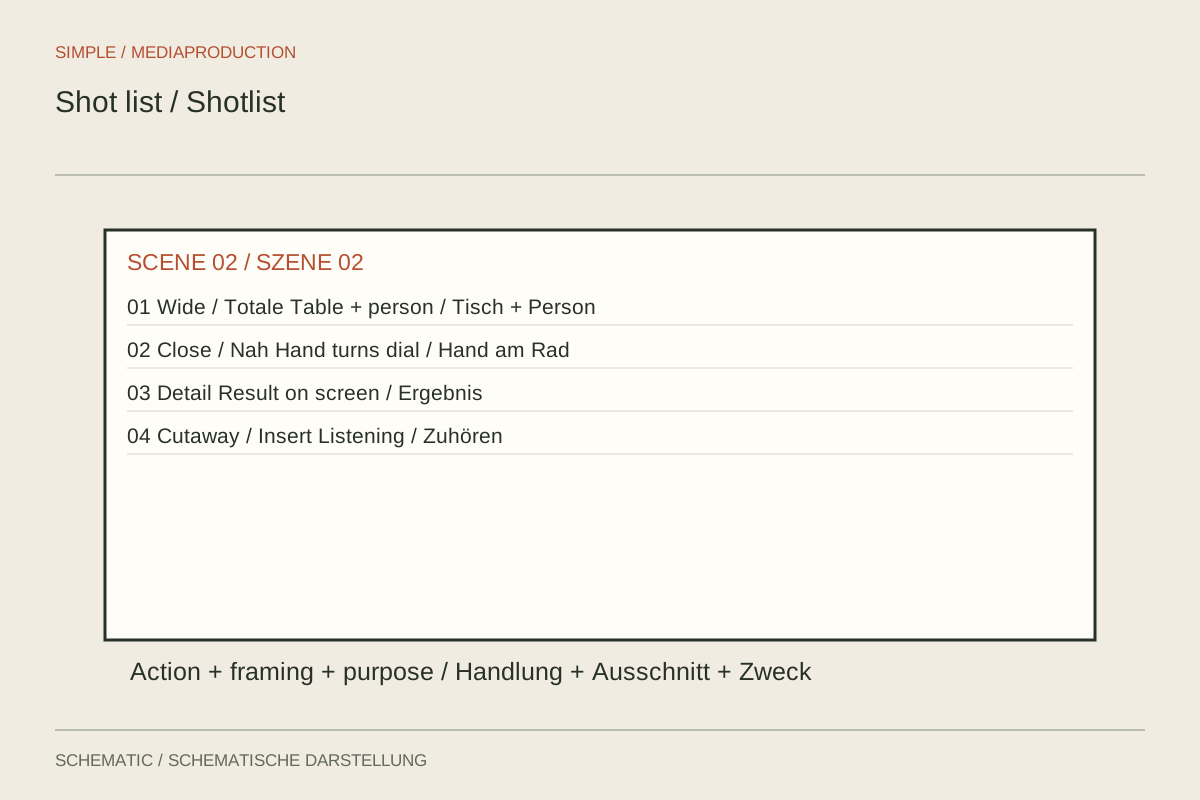
A shot list describes required coverage briefly enough to remain useful during filming.
Planning & scripts
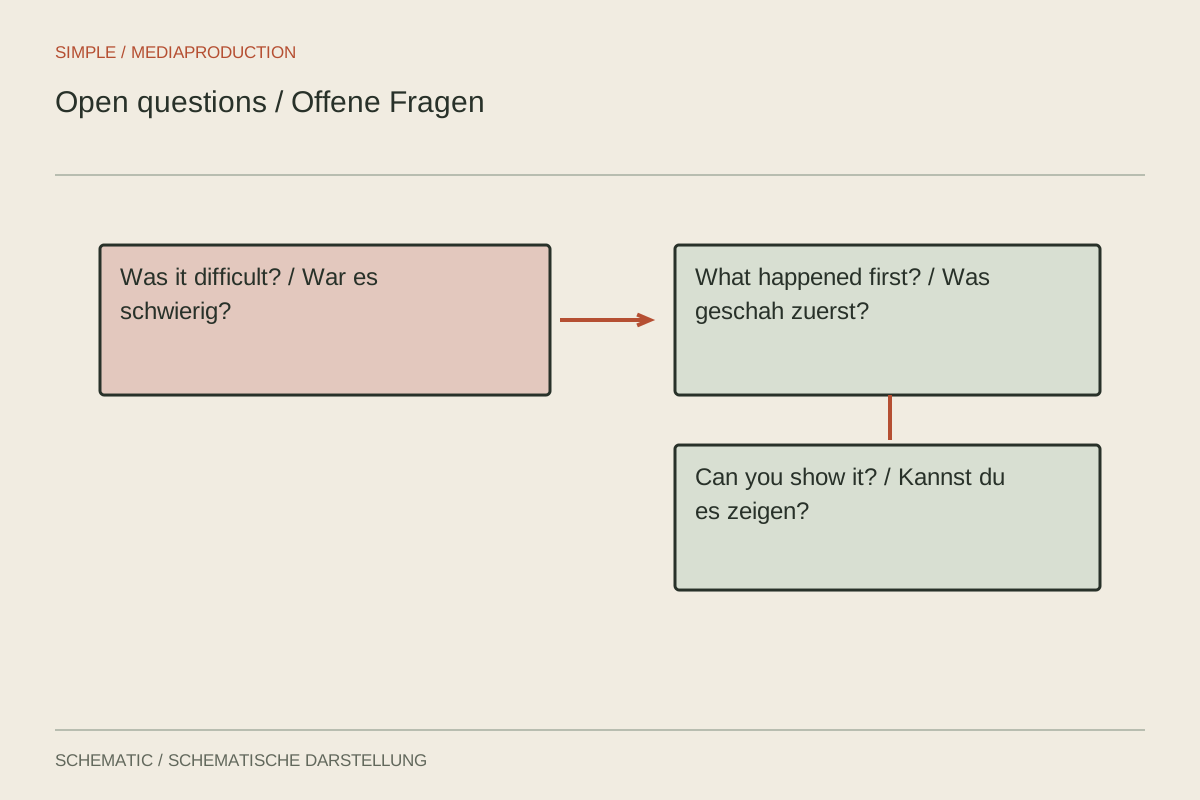
Questions should reveal experiences and concrete events without supplying the answer you want to hear.
Planning & scripts
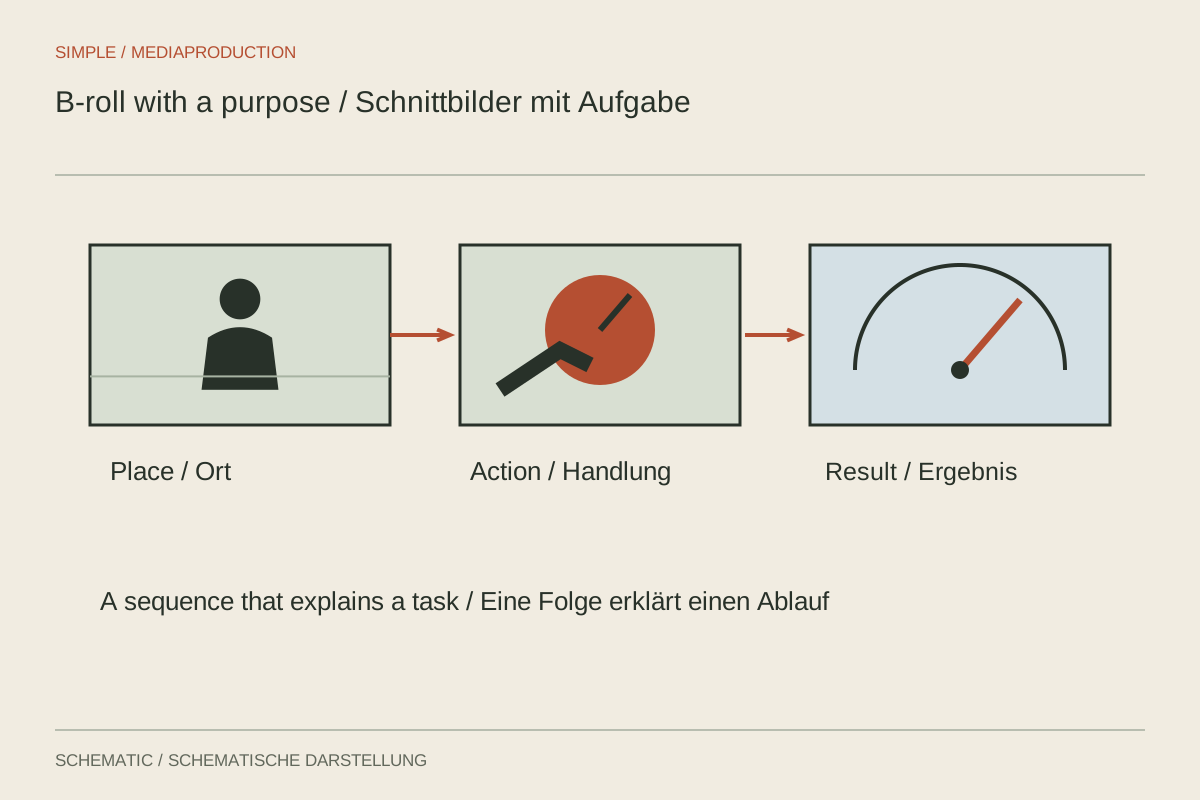
Plan supporting footage around its storytelling job, rather than collecting attractive details at random.
Planning & scripts
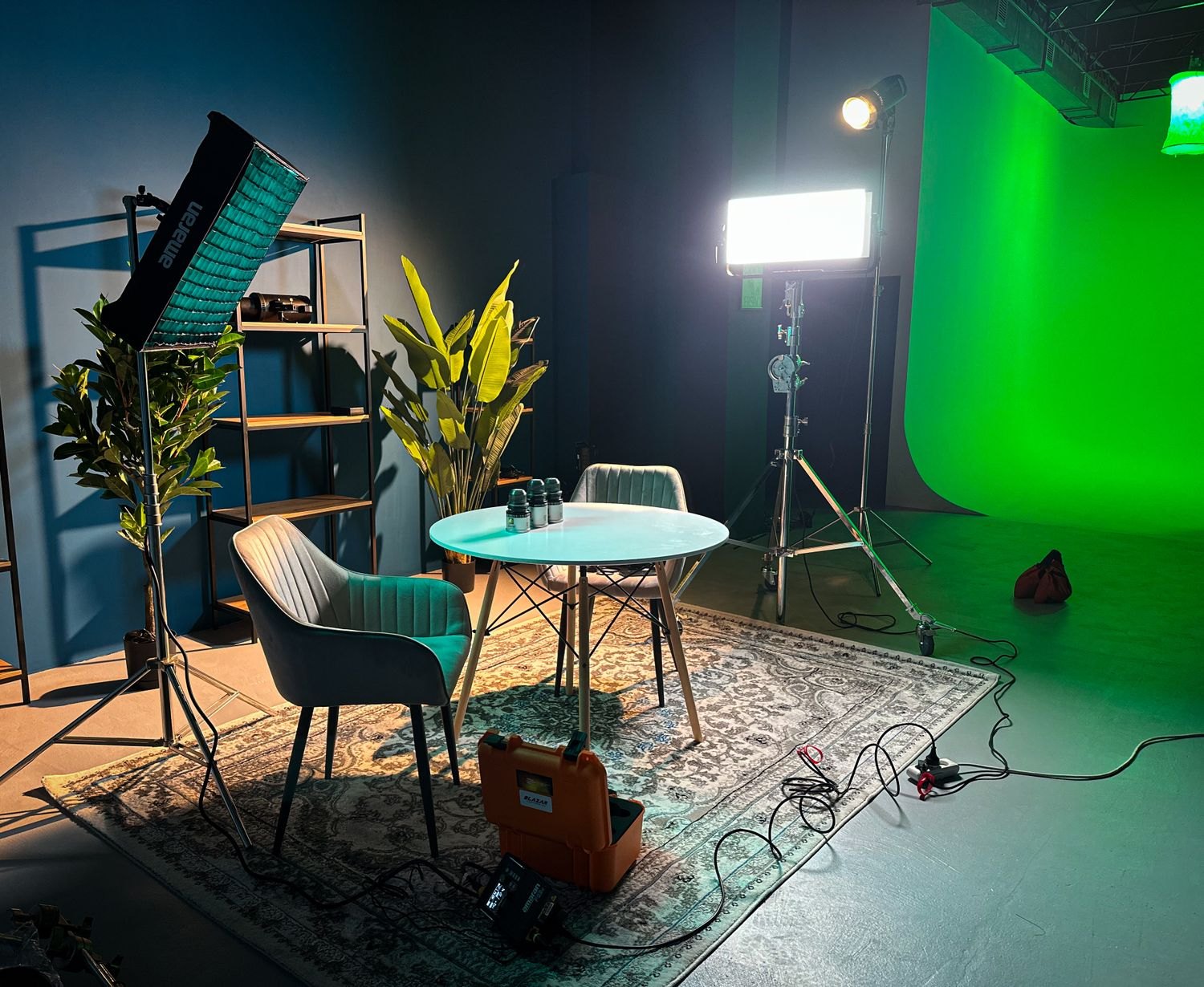
Check a location with a camera and headphones: light, noise, space and access need to work together.
Planning & scripts
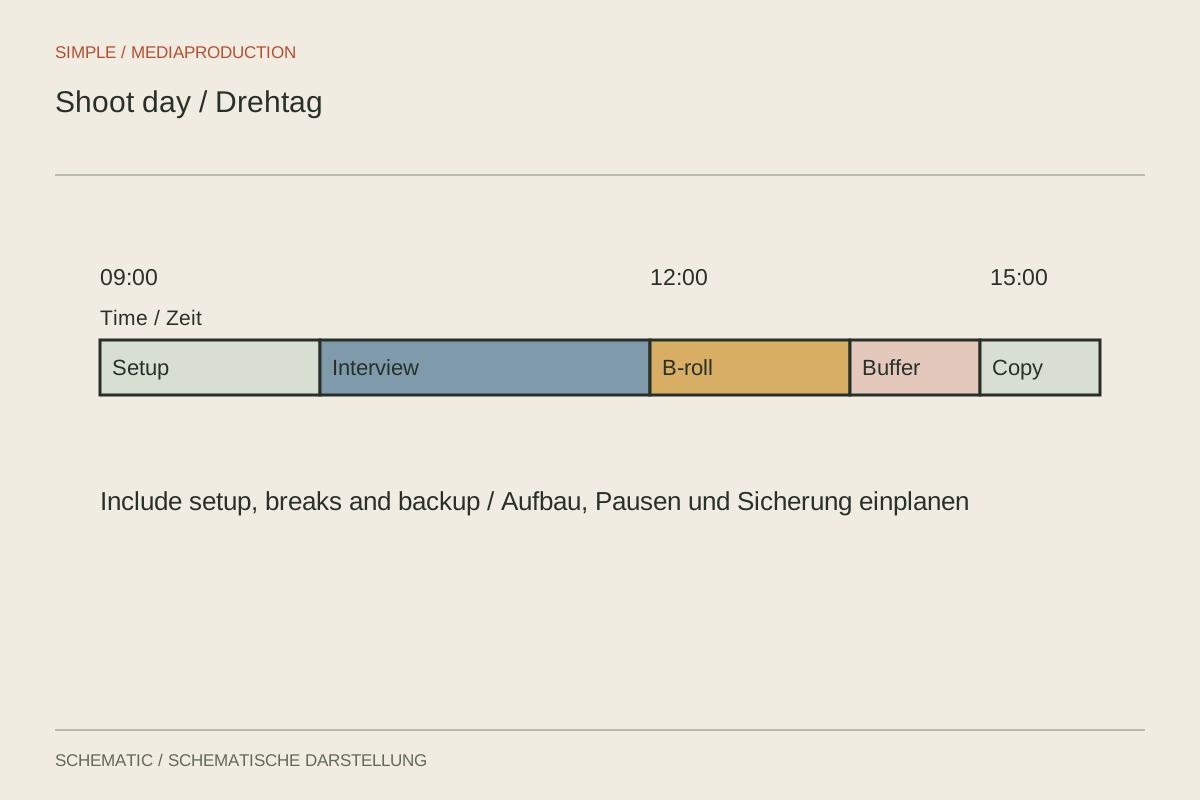
A schedule must account for setup, checks, repeats and moves, not merely the length of the finished scenes.
Planning & scripts
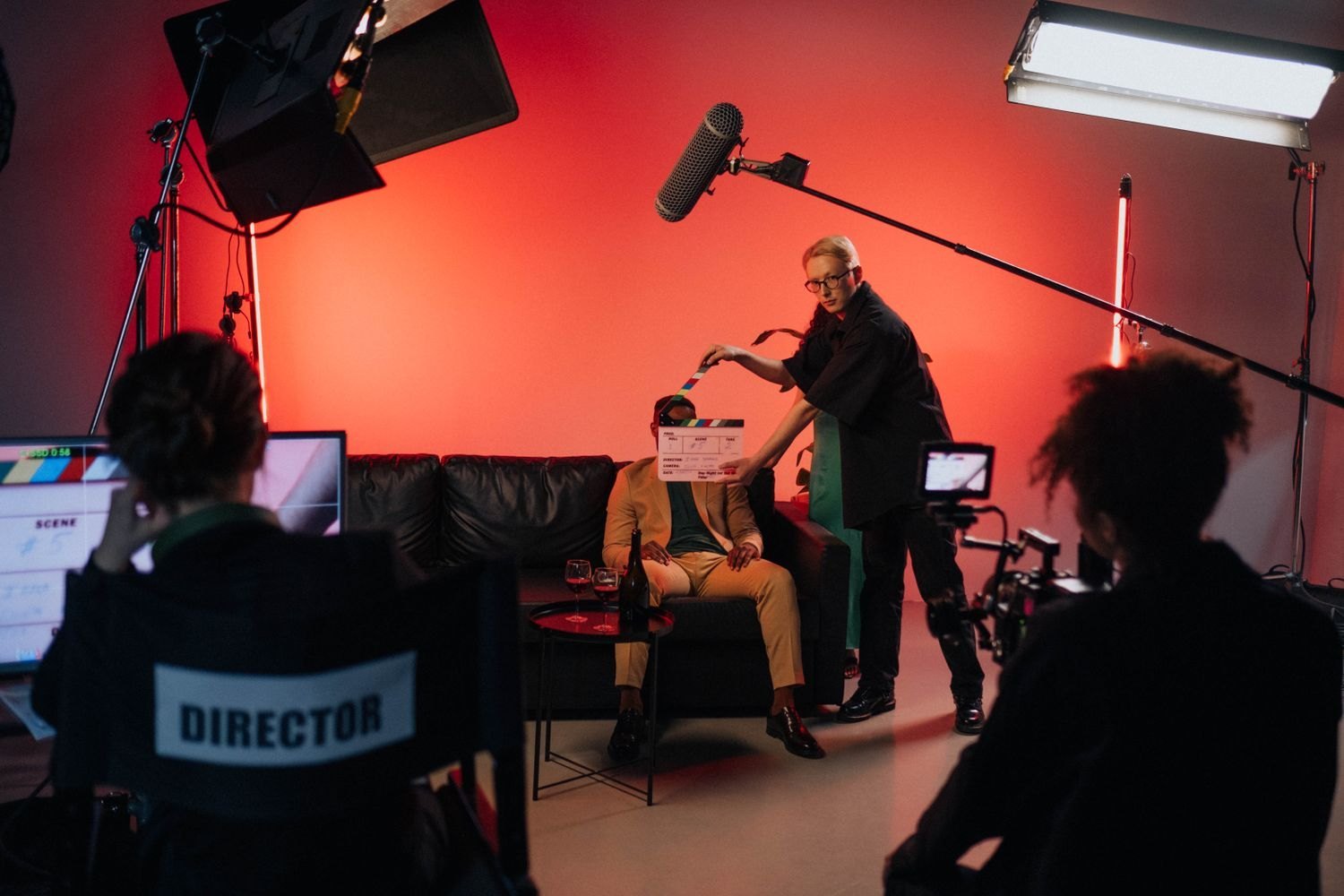
Even with two people, every critical task needs a clear owner.
Planning & scripts
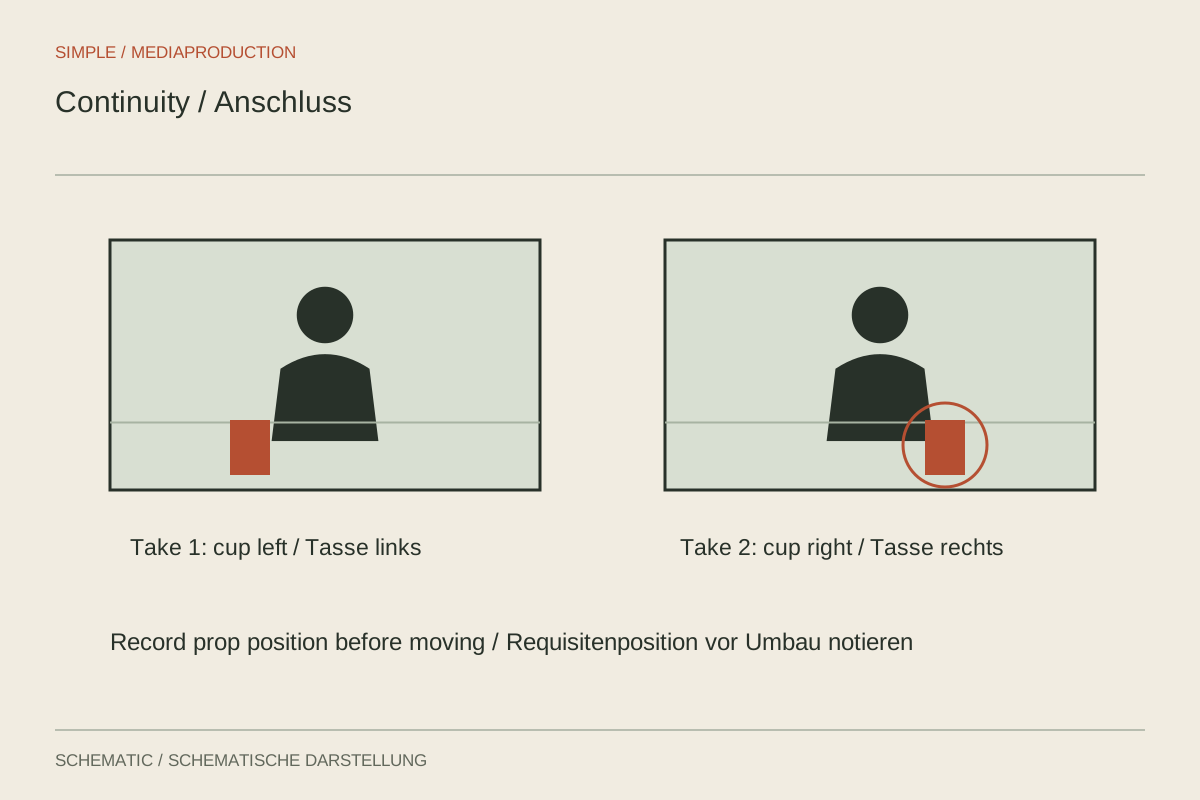
Continuity notes preserve visible states so separately recorded shots can depict the same action.
Planning & scripts
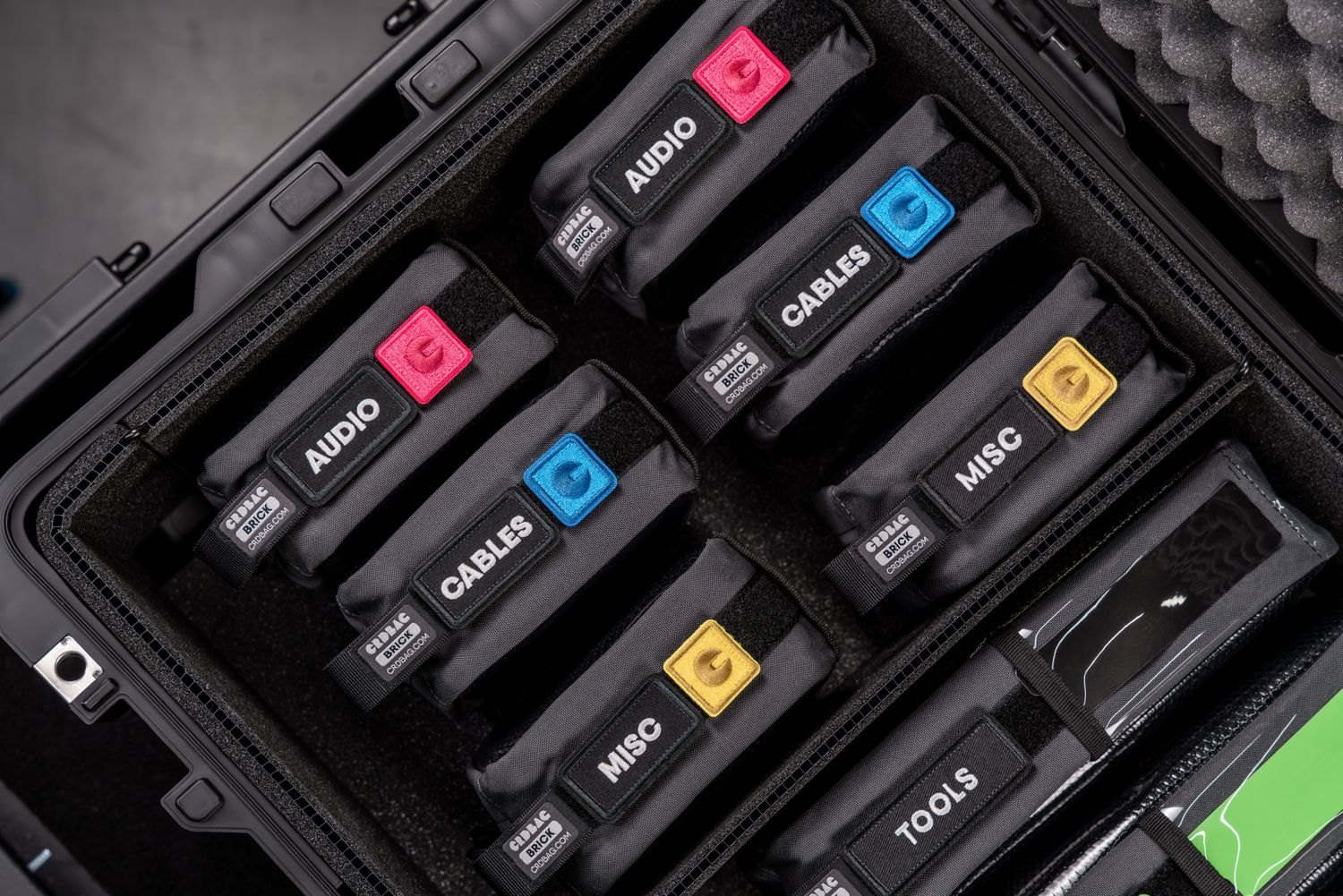
A complete signal path matters more than a long packing list: record, replay and transfer before closing the bag.
Planning & scripts
A rehearsal checks movement, clarity and equipment without scripting away the eventual answer.
Planning & scripts
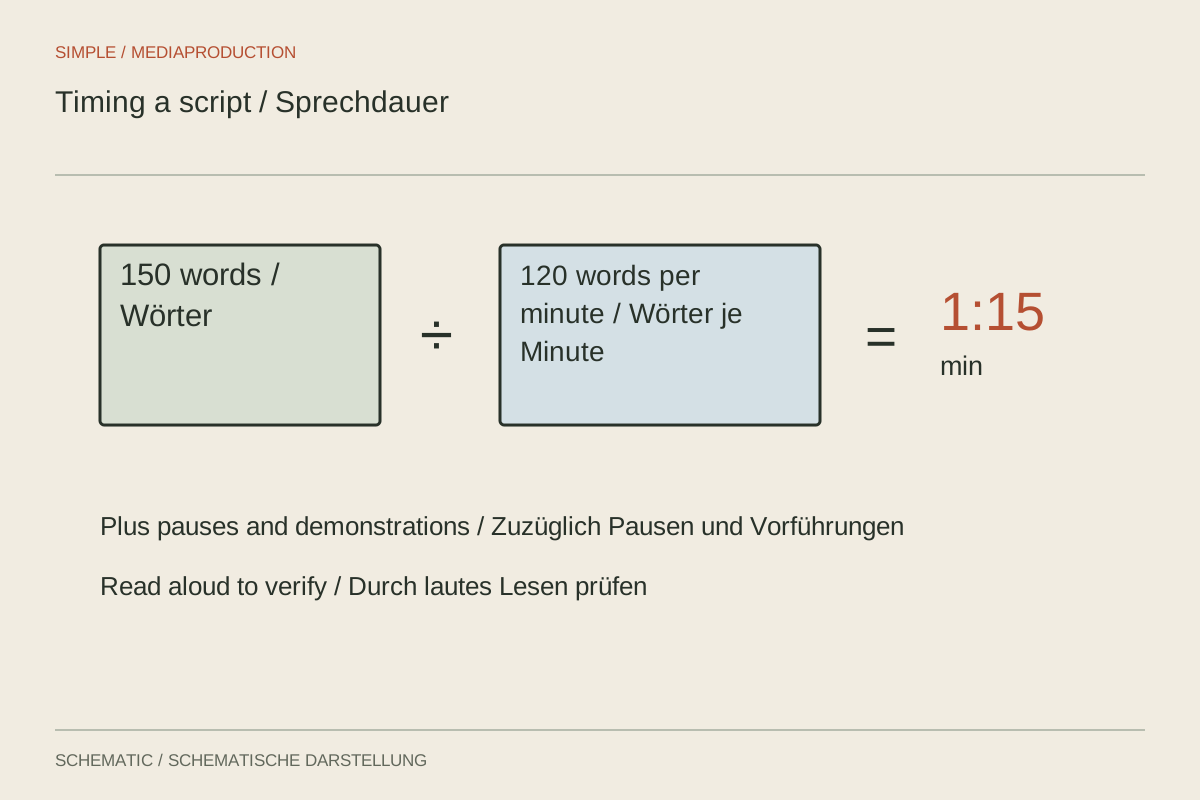
Word count gives a starting estimate. Measured delivery, action and pauses determine the actual duration.
Planning & scripts
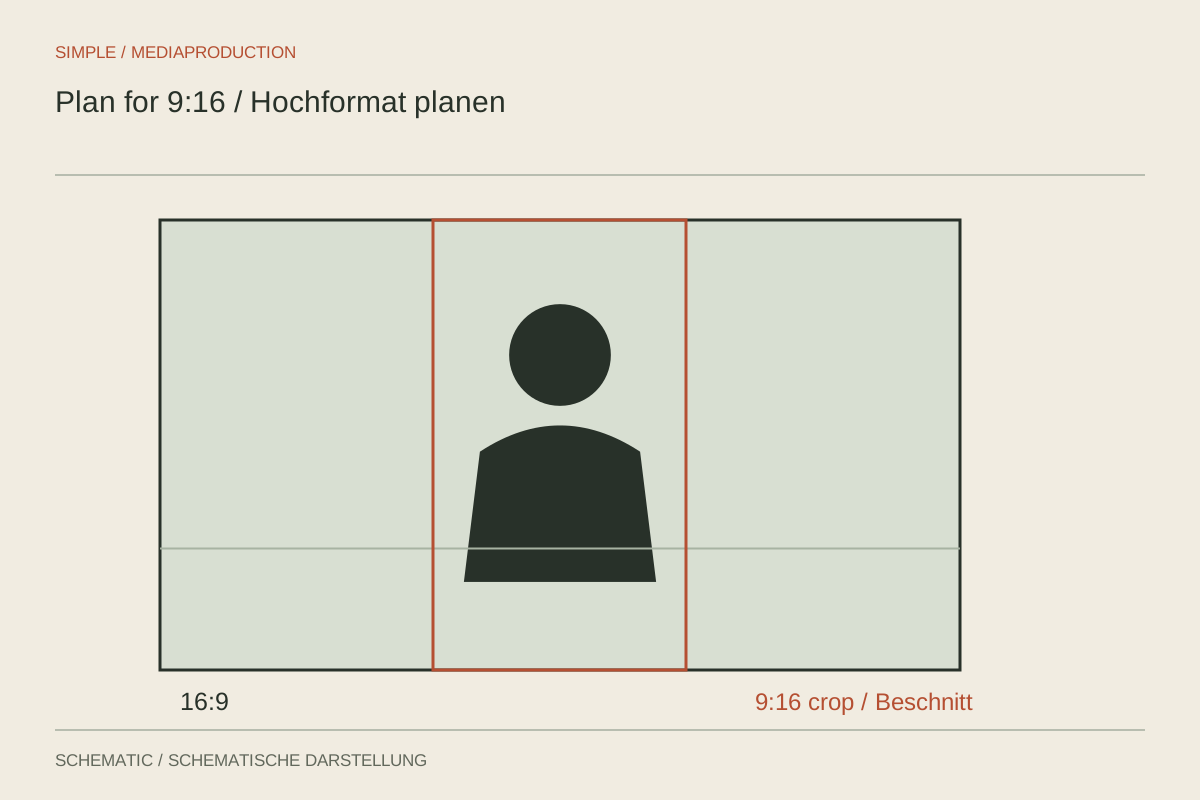
Vertical framing affects subject spacing, hand movements and text areas during recording.
Planning & scripts
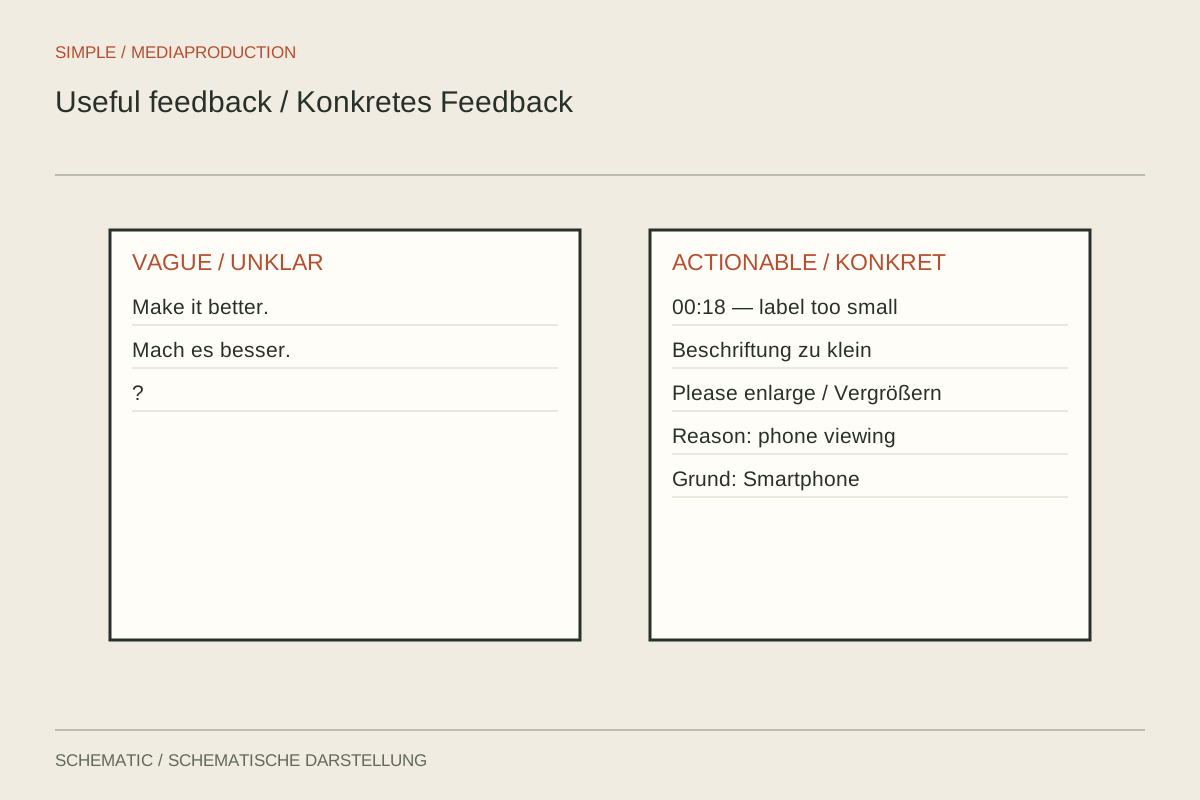
Feedback becomes useful when it identifies an observable problem and fits the current stage of work.
Planning & scripts
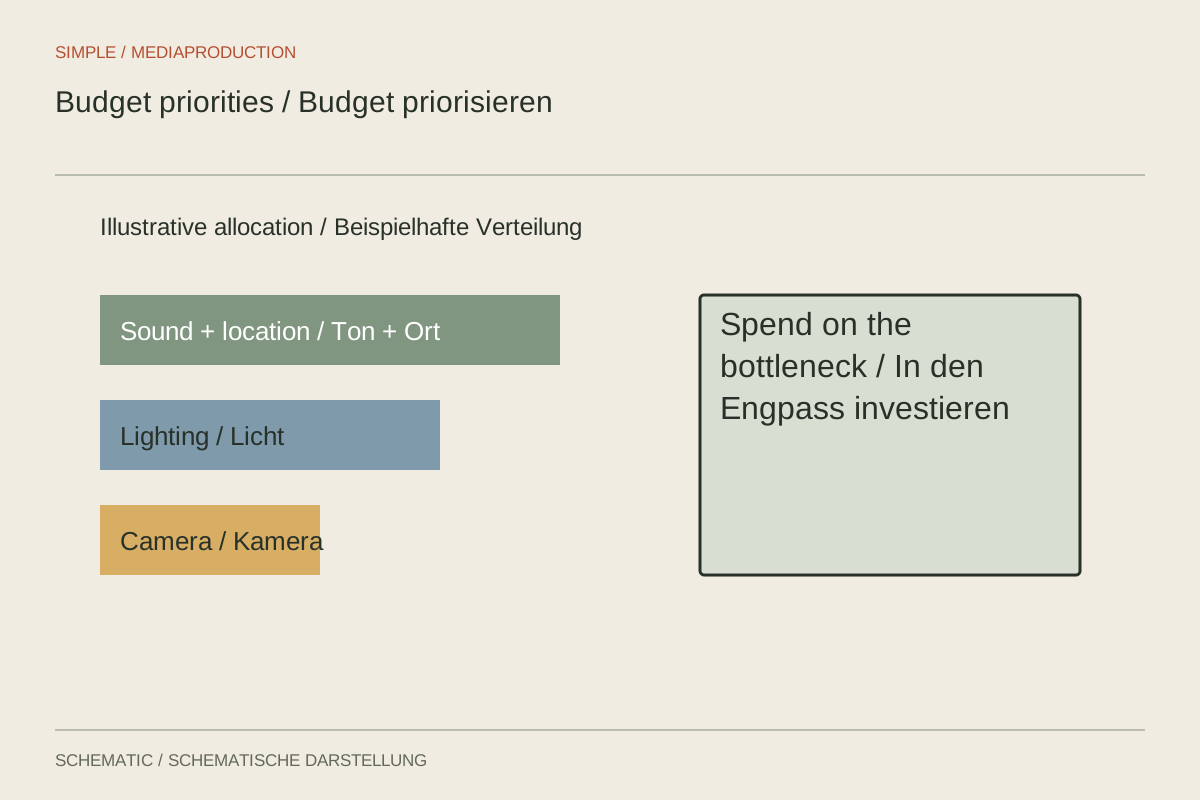
Allocate a small budget around bottlenecks: clarity, recording conditions and necessary working time come first.
Planning & scripts
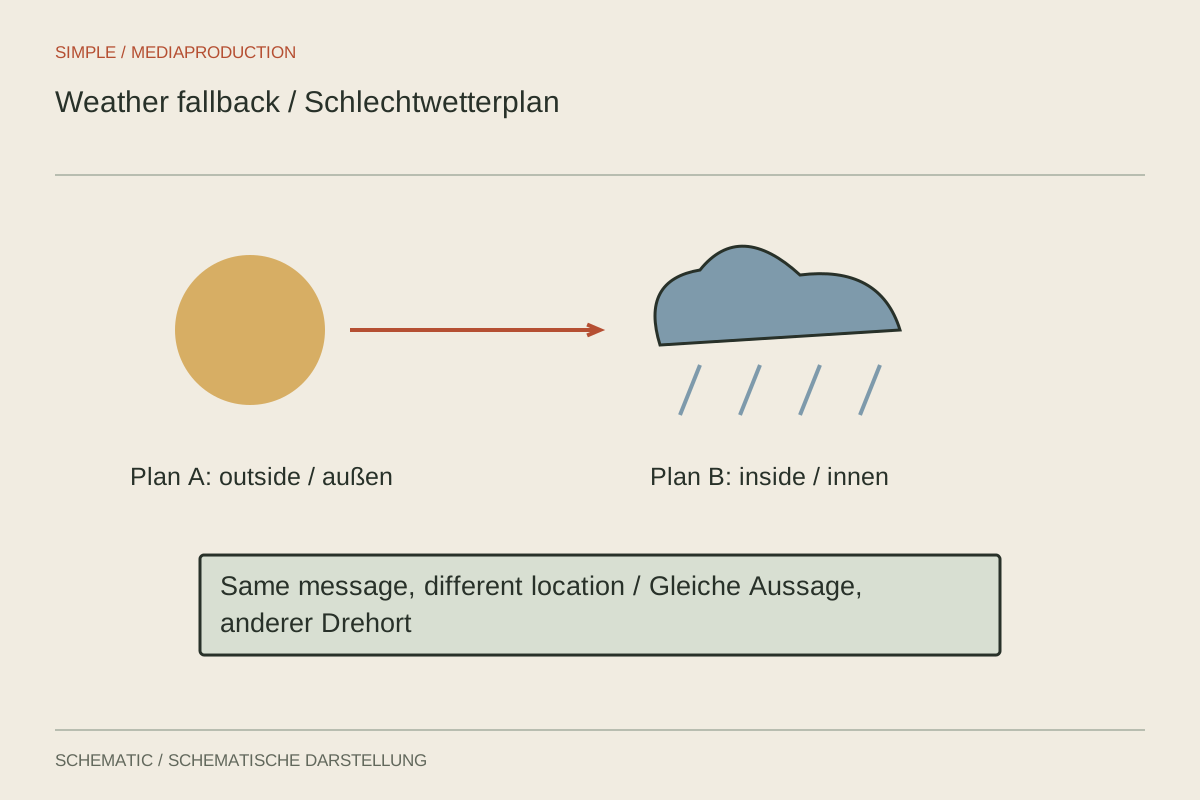
A fallback plan establishes which shots remain useful and safe when the weather changes.
Planning & scripts
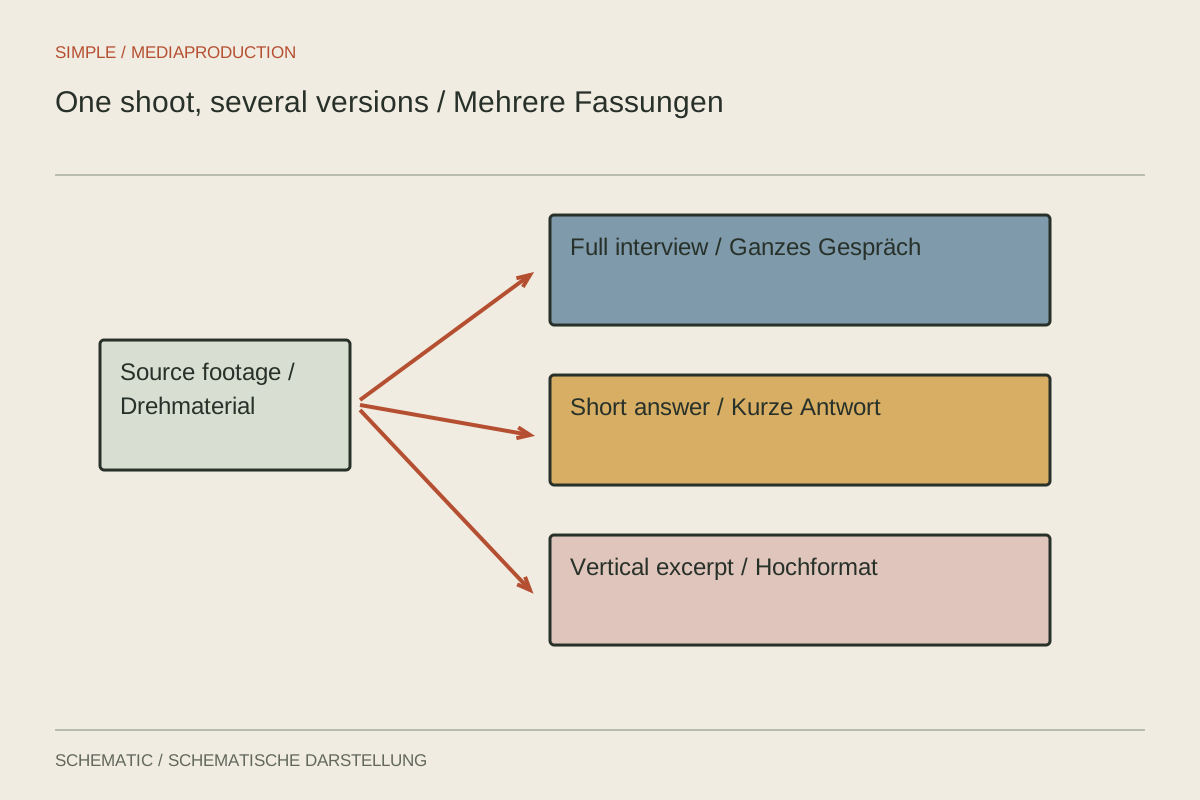
Multiple versions need shared foundations and deliberately separate coverage, text and approvals.
Camera & movement
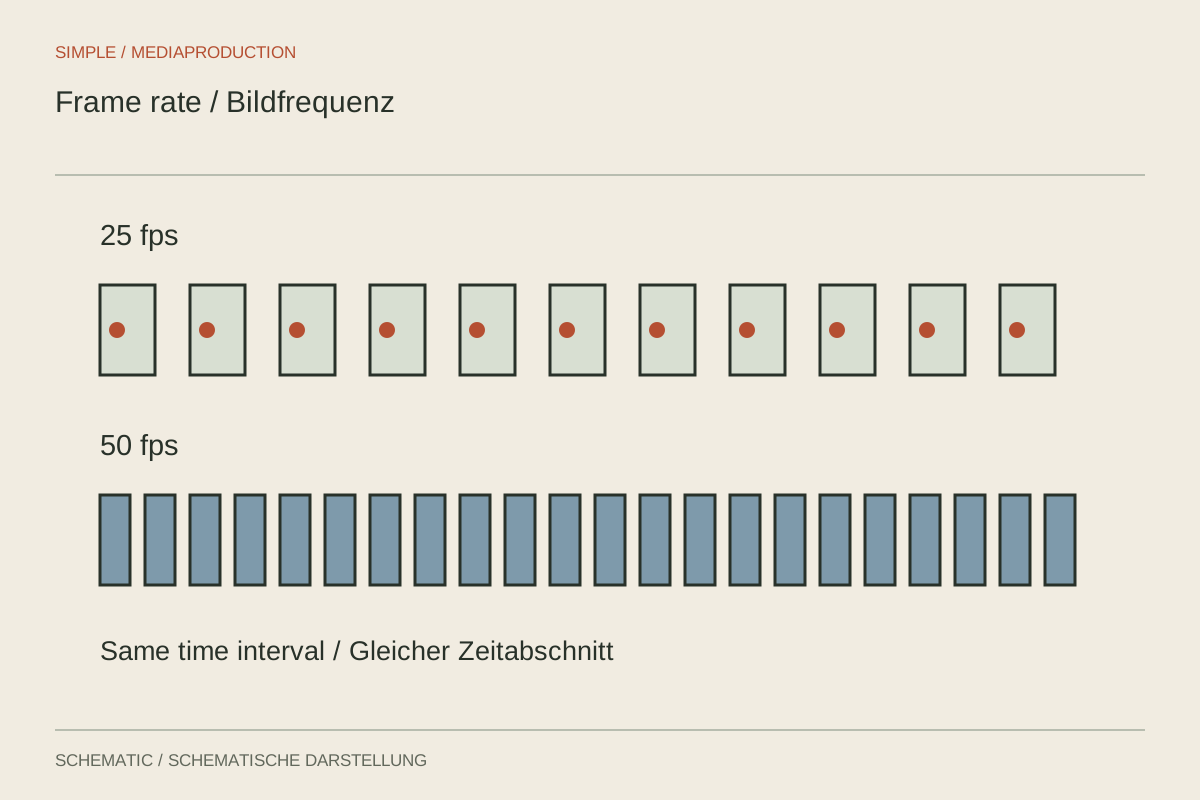
Frame rate connects capture, motion and delivery. Choose it before filming and distinguish slow-motion capture deliberately.
Camera & movement
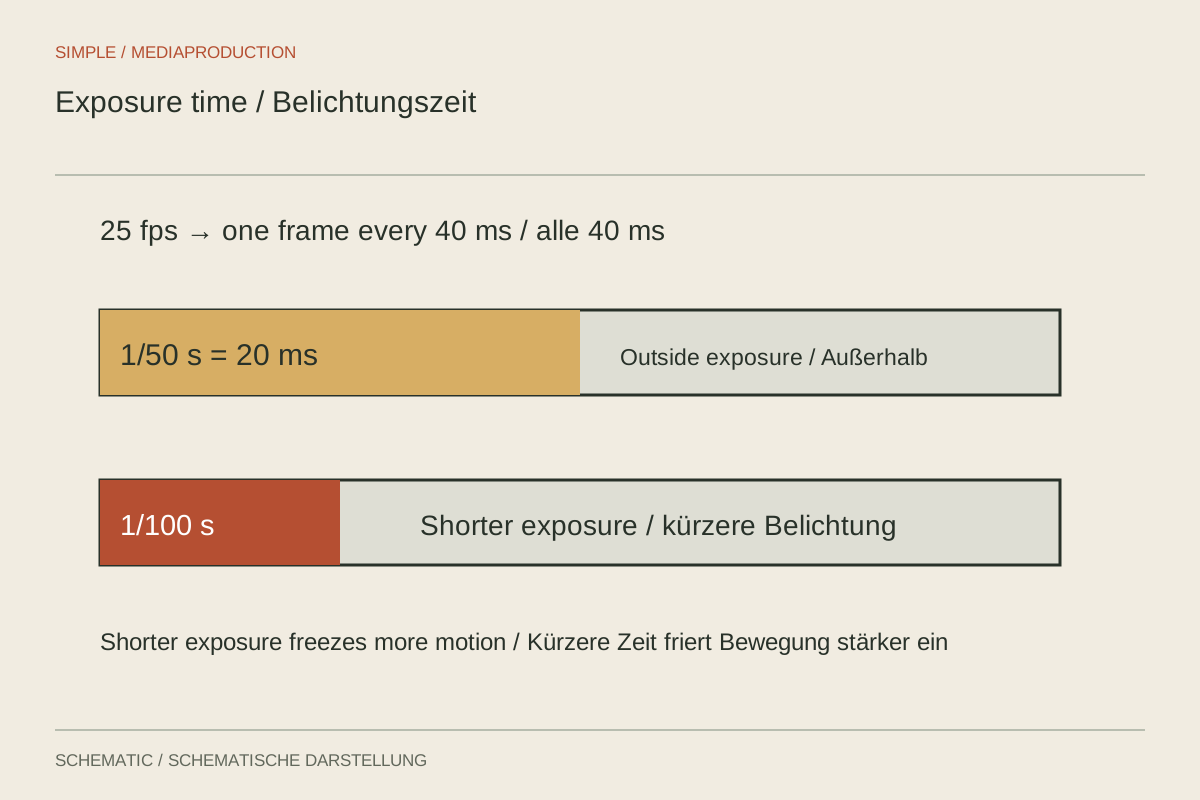
Shutter duration determines how far a subject can move within a single frame.
Camera & movement
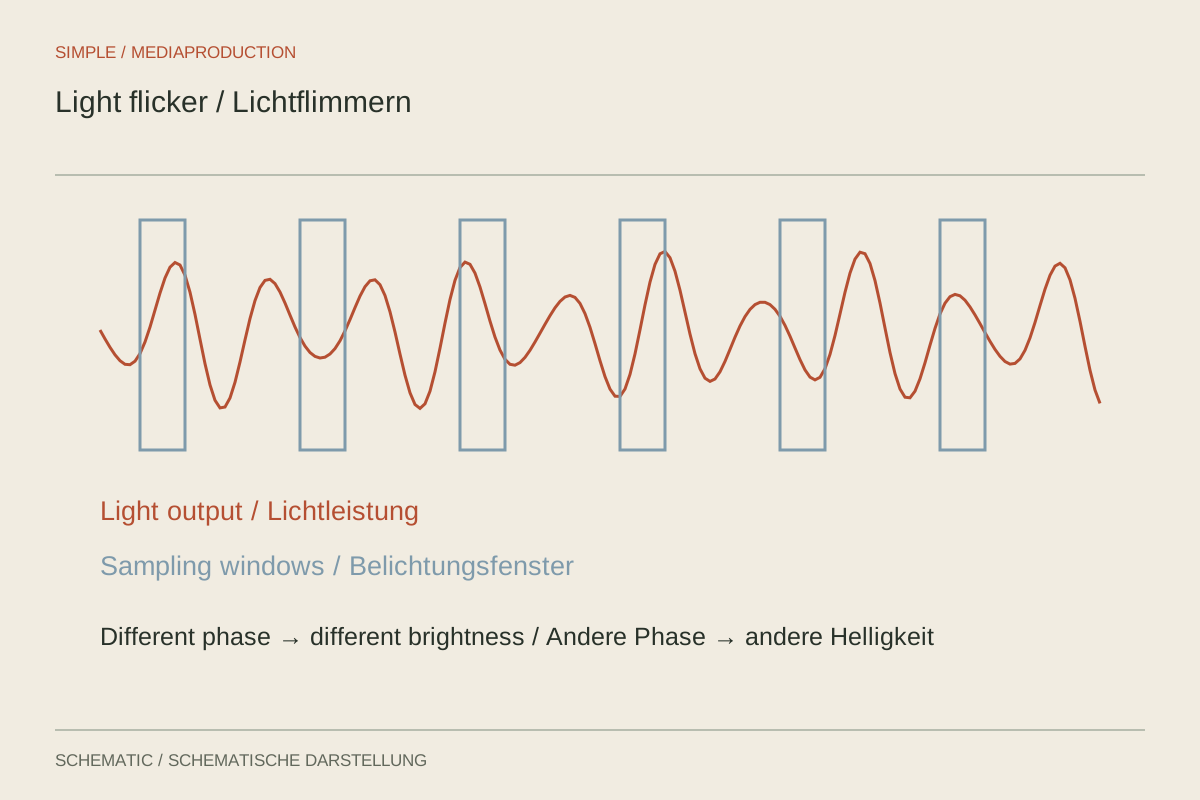
Isolate flicker at the light source and verify it in a recorded test; the preview alone is insufficient.
Camera & movement
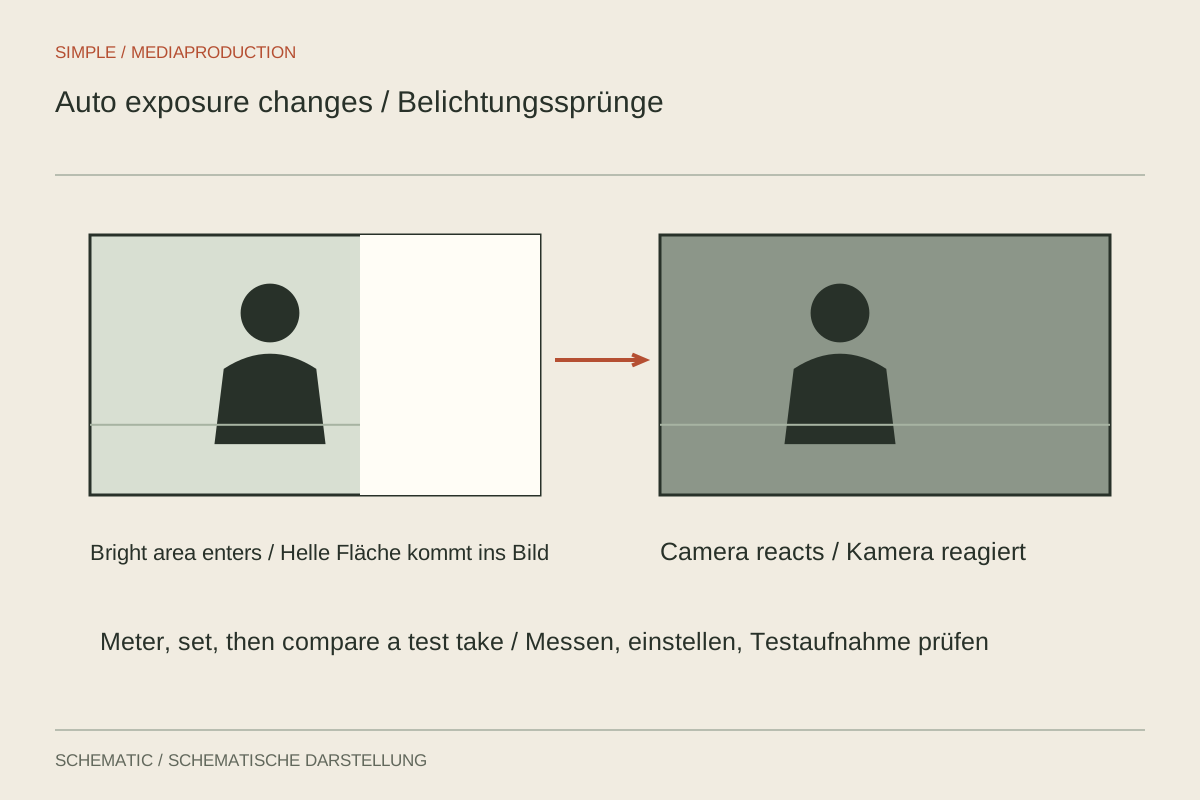
Brightness jumps often come from active automation. Identify which exposure parameter is actually changing.
Camera & movement
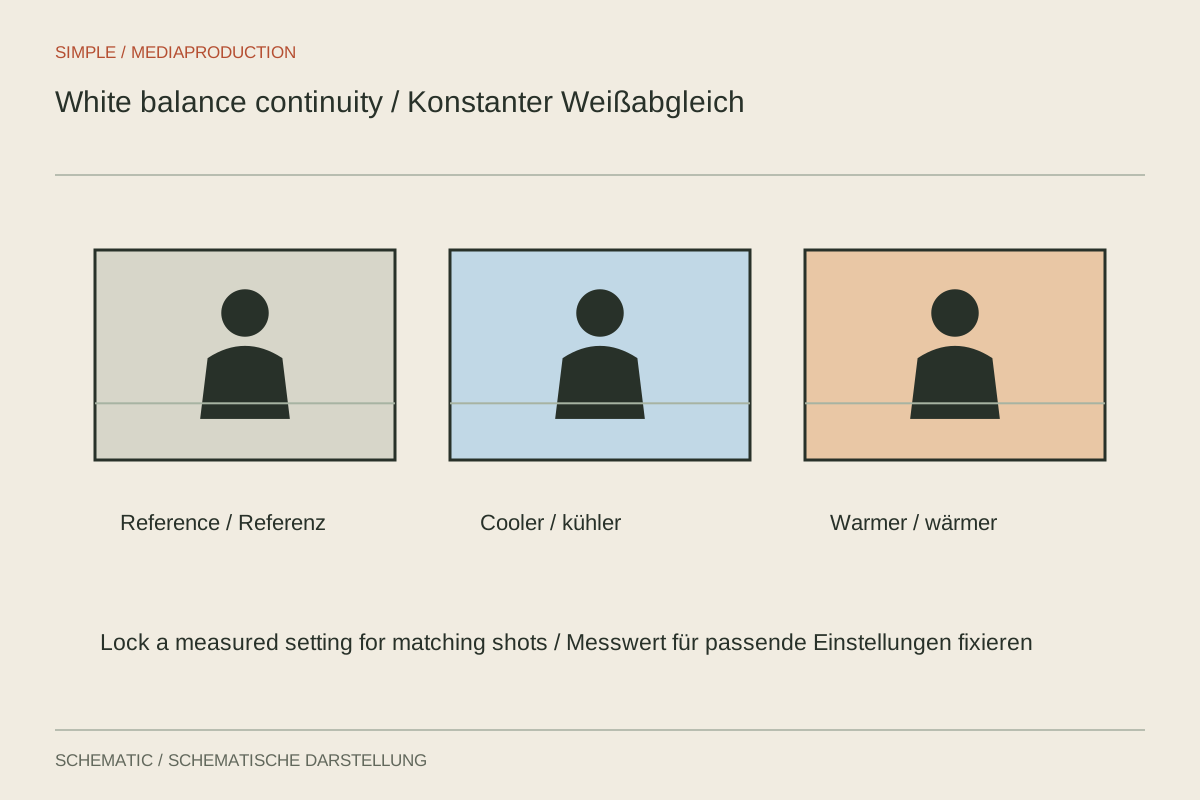
A fixed white balance prevents colour drifting within one consistent lighting setup.
Camera & movement
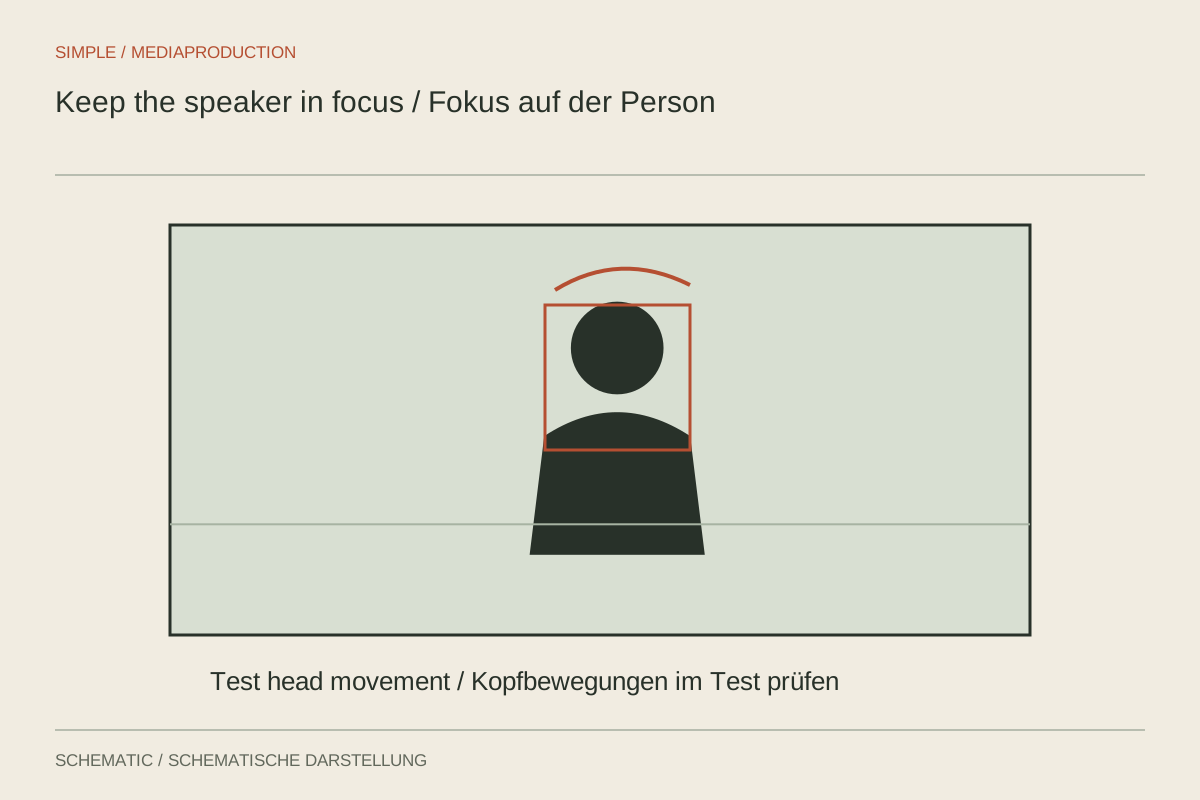
Focus needs to cover the speaker’s movement. Face detection alone is not a complete check.
Camera & movement
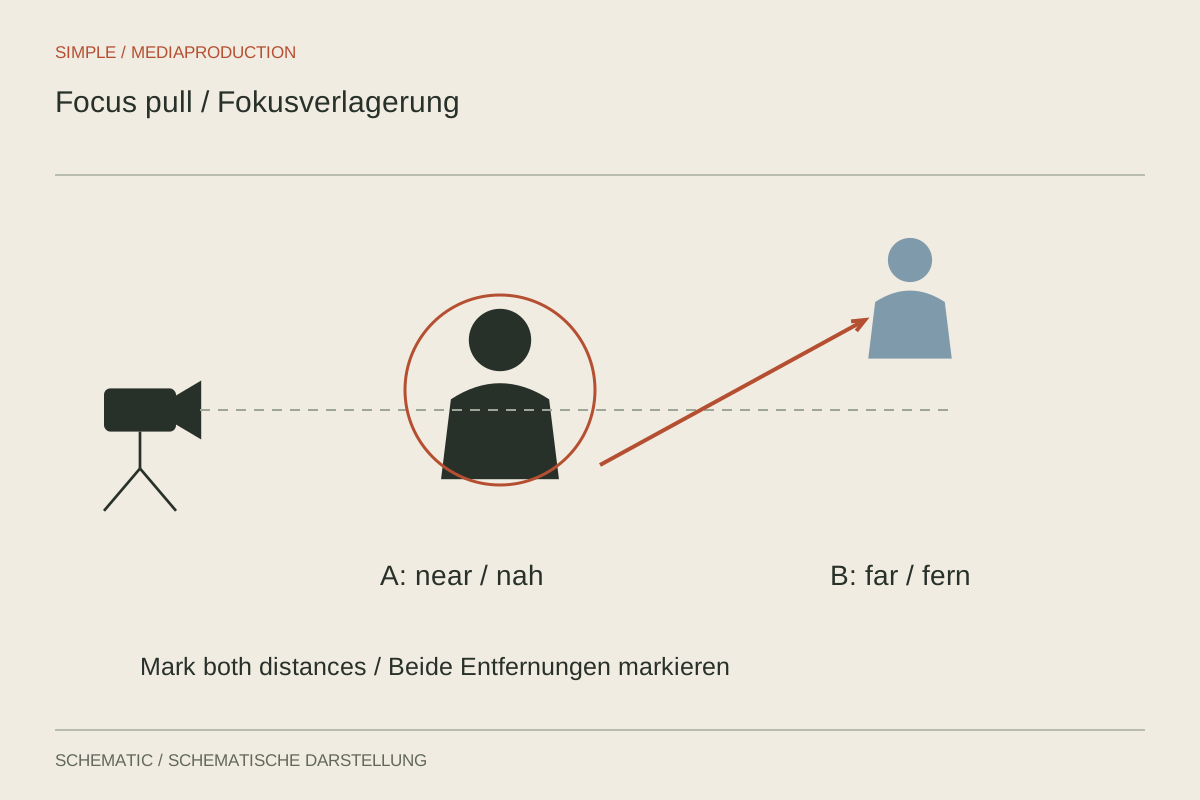
A focus pull directs attention between two distances. Its starting point, destination and reason should be clear.
Camera & movement
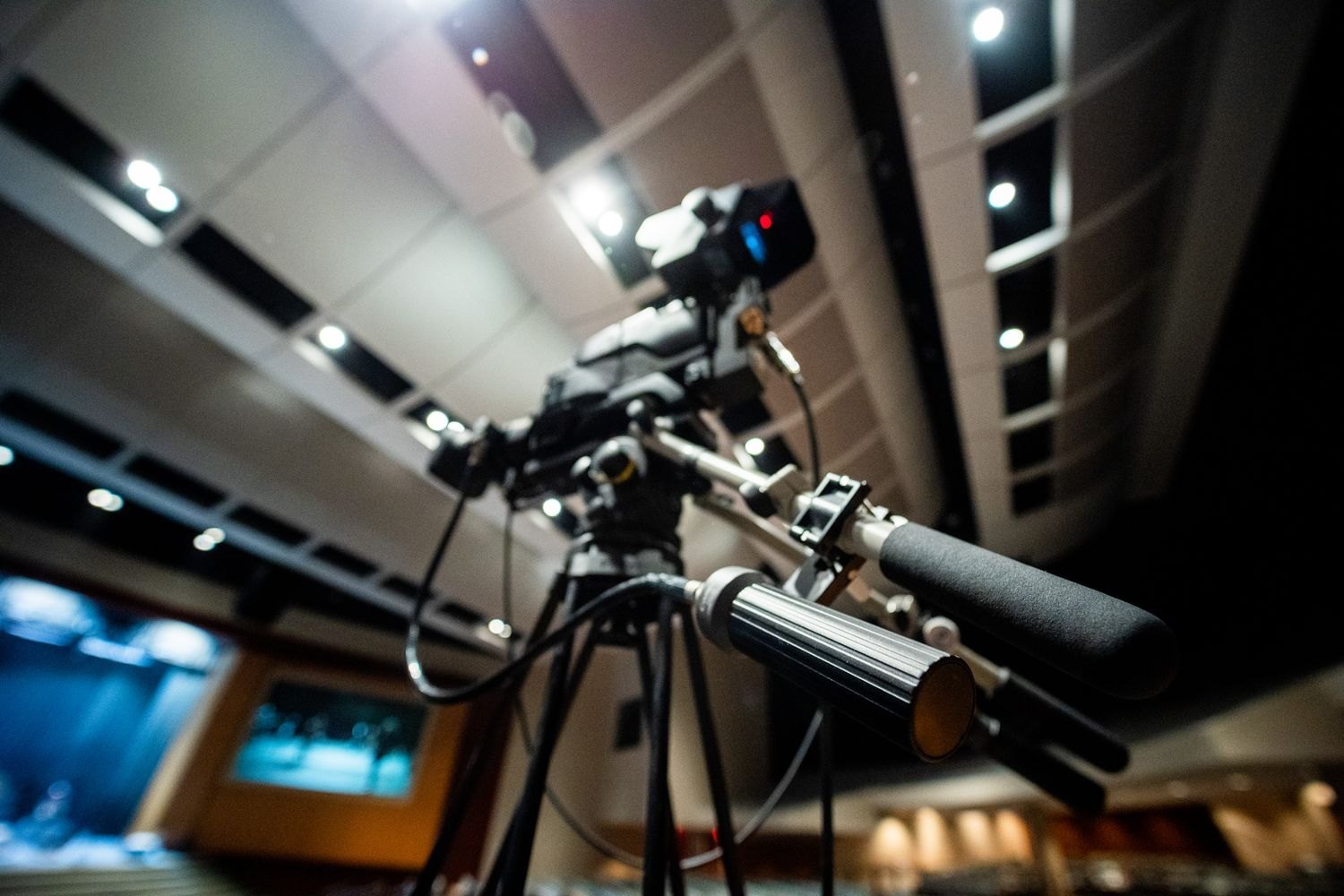
A smooth pan begins with a defined ending frame and suitable resistance in the tripod head.
Camera & movement
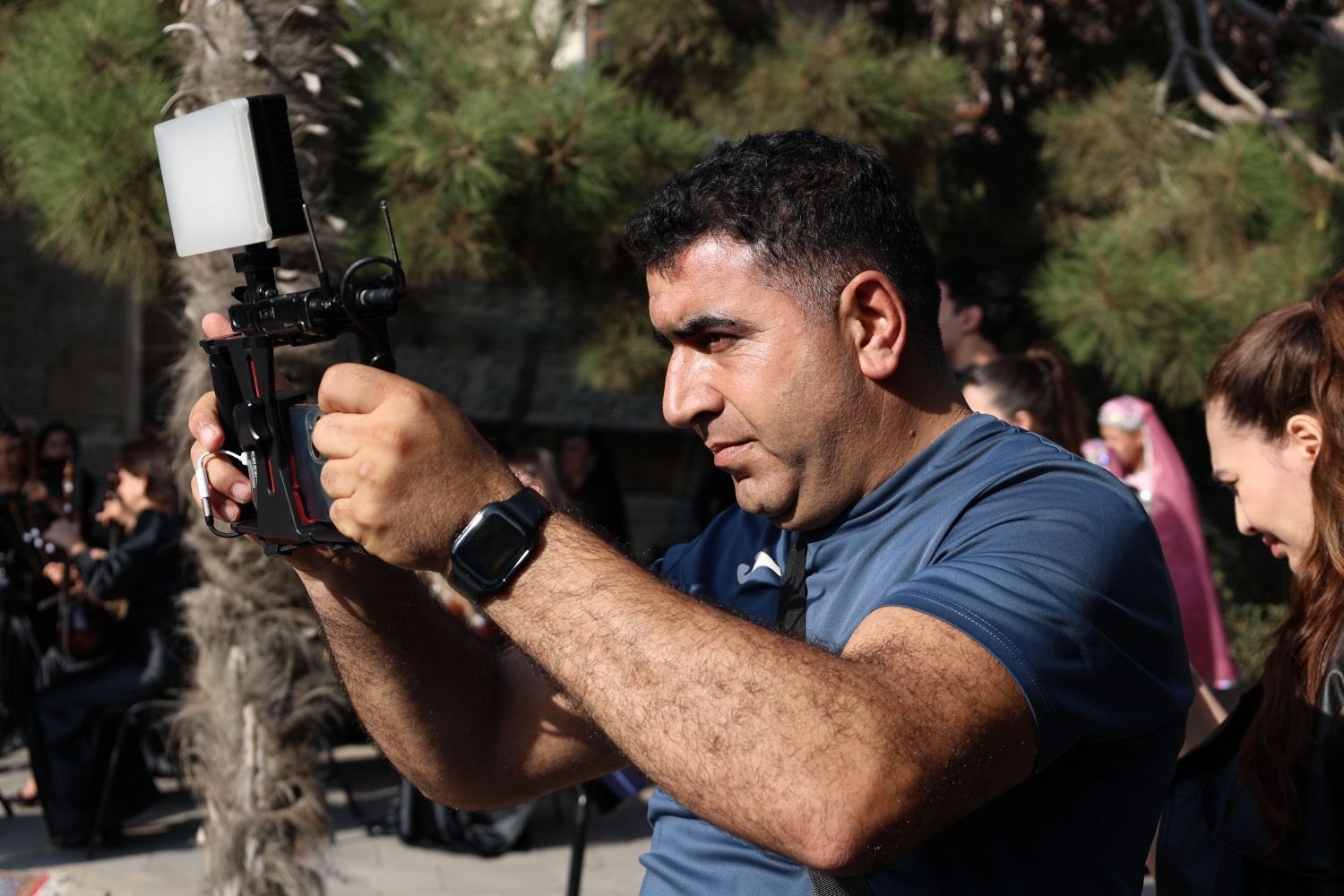
Handheld filming needs a clear movement and a stable hold, rather than constant small corrections.
Camera & movement
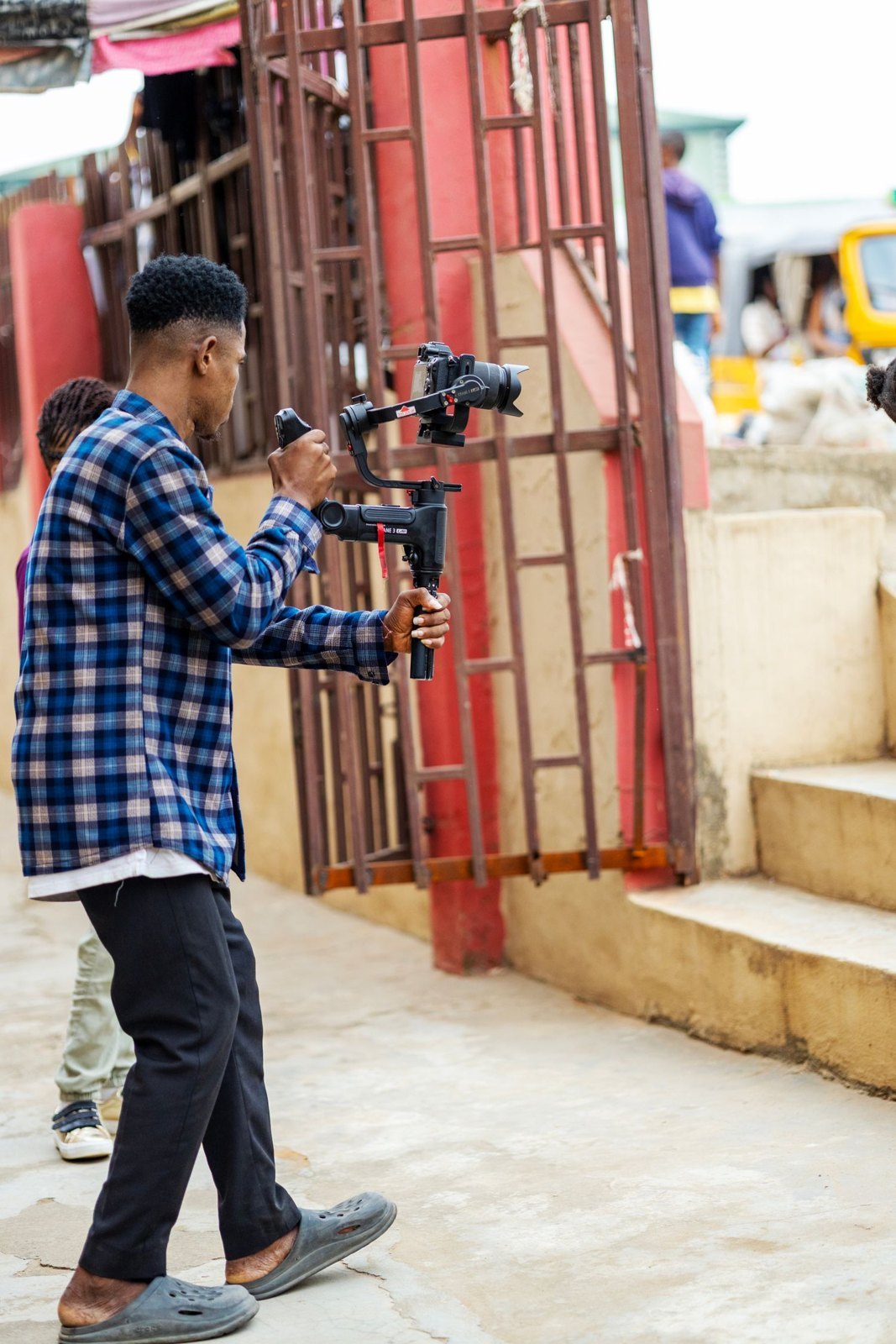
A gimbal stabilises rotation but does not replace a planned route or controlled walking.
Camera & movement
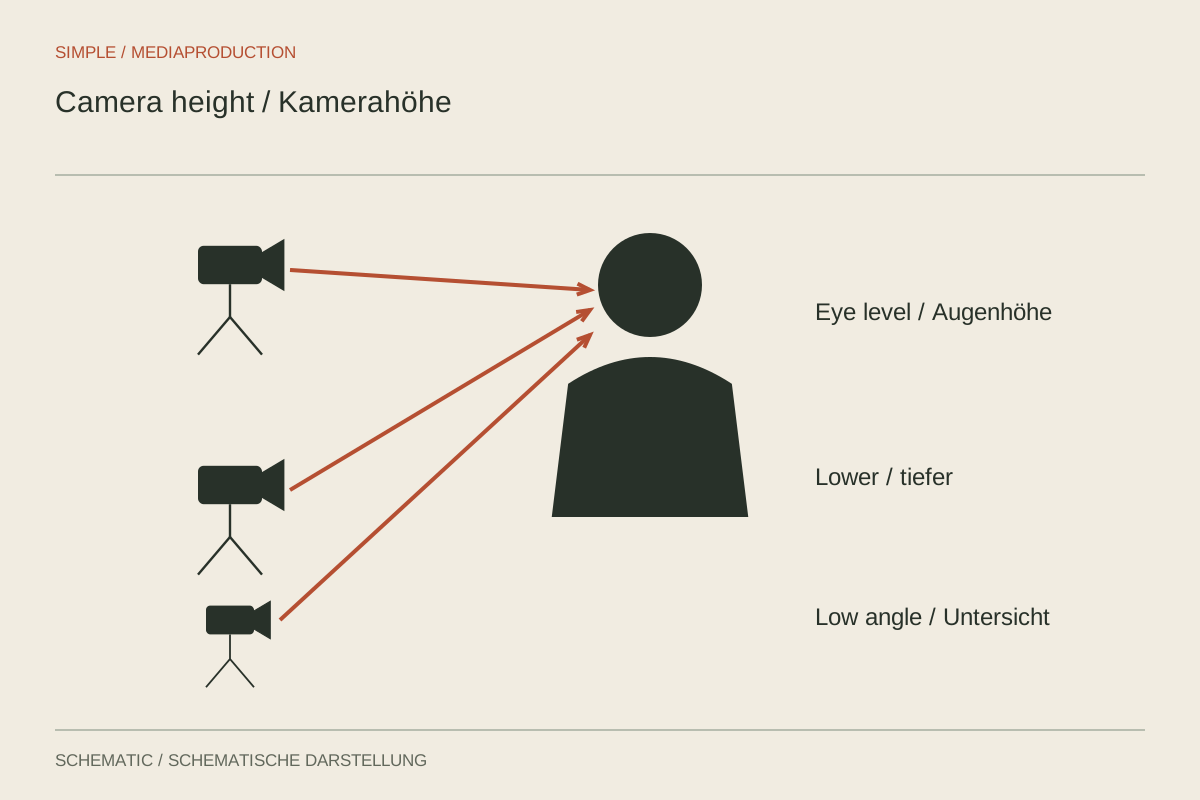
Camera height changes visibility and spatial relationships even when the lens stays the same.
Camera & movement
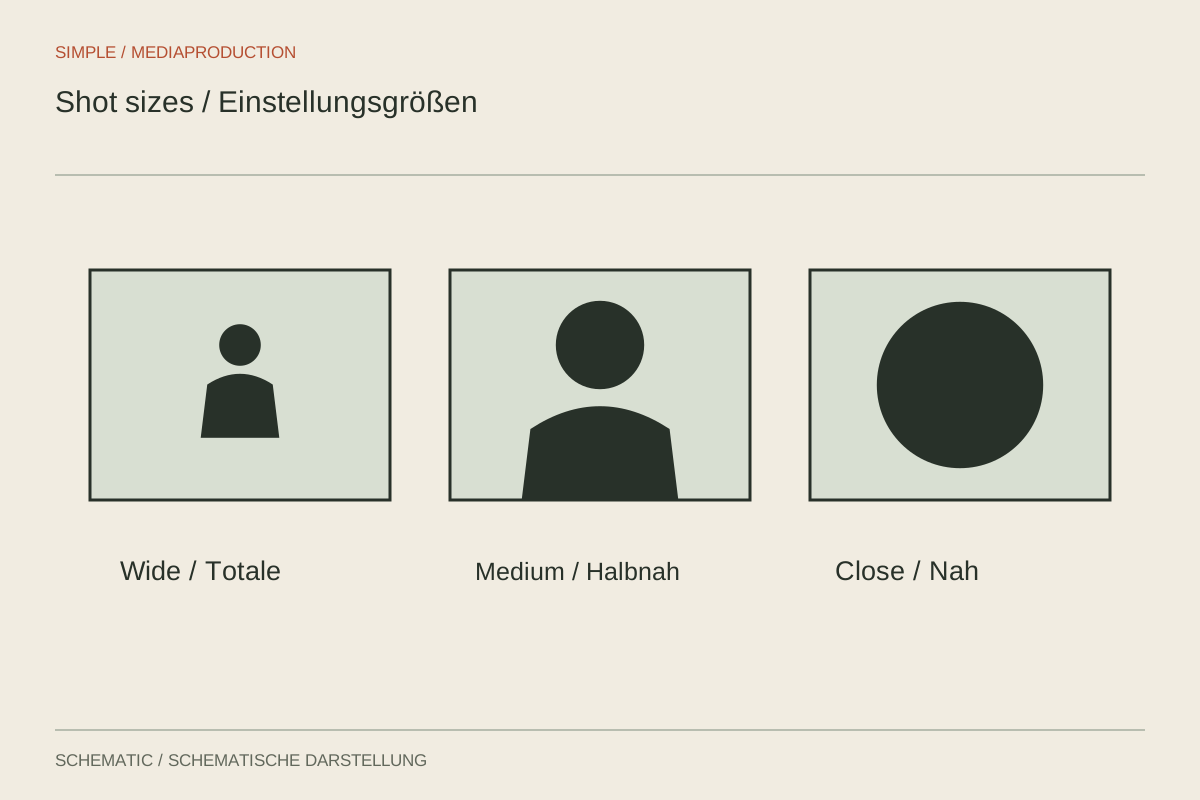
Shot sizes distribute information: wider views establish space, closer views reveal the decisive action.
Camera & movement
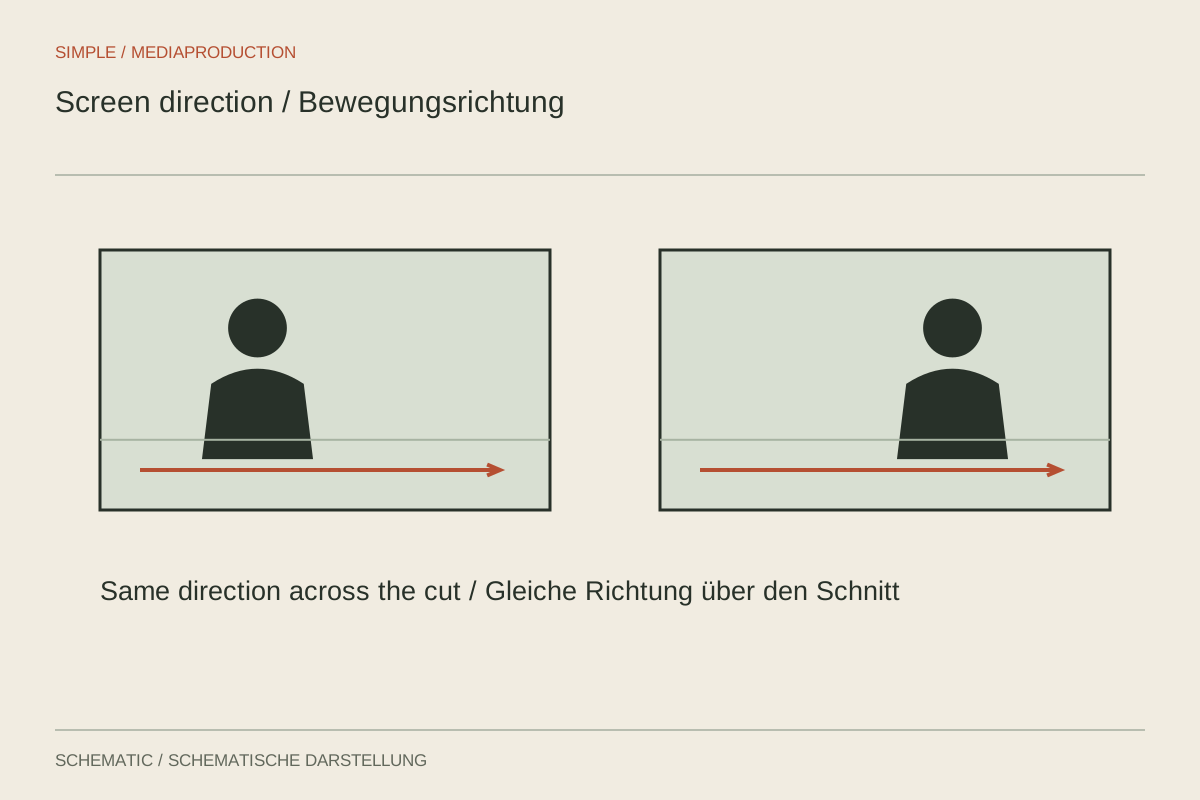
Eyelines and movement connect separate images. Their direction helps viewers understand the space.
Camera & movement
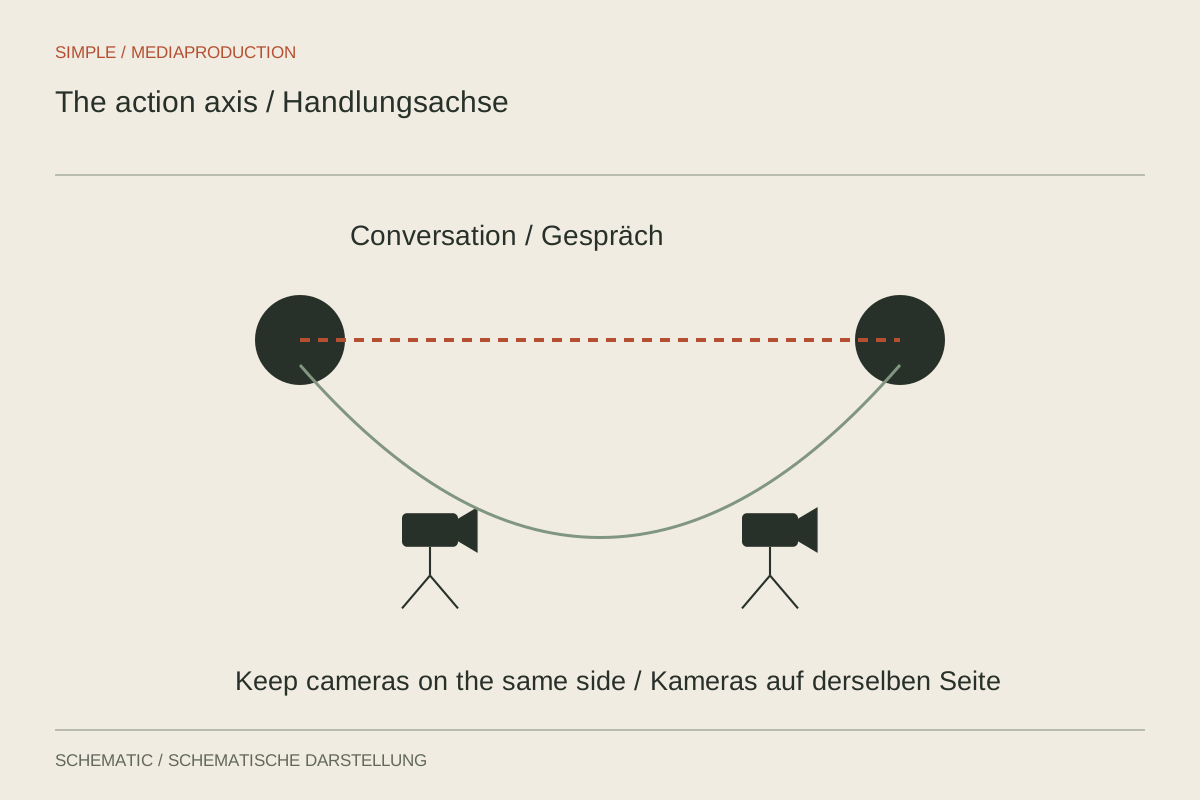
The line between interview participants helps keep two camera angles spatially consistent.
Camera & movement
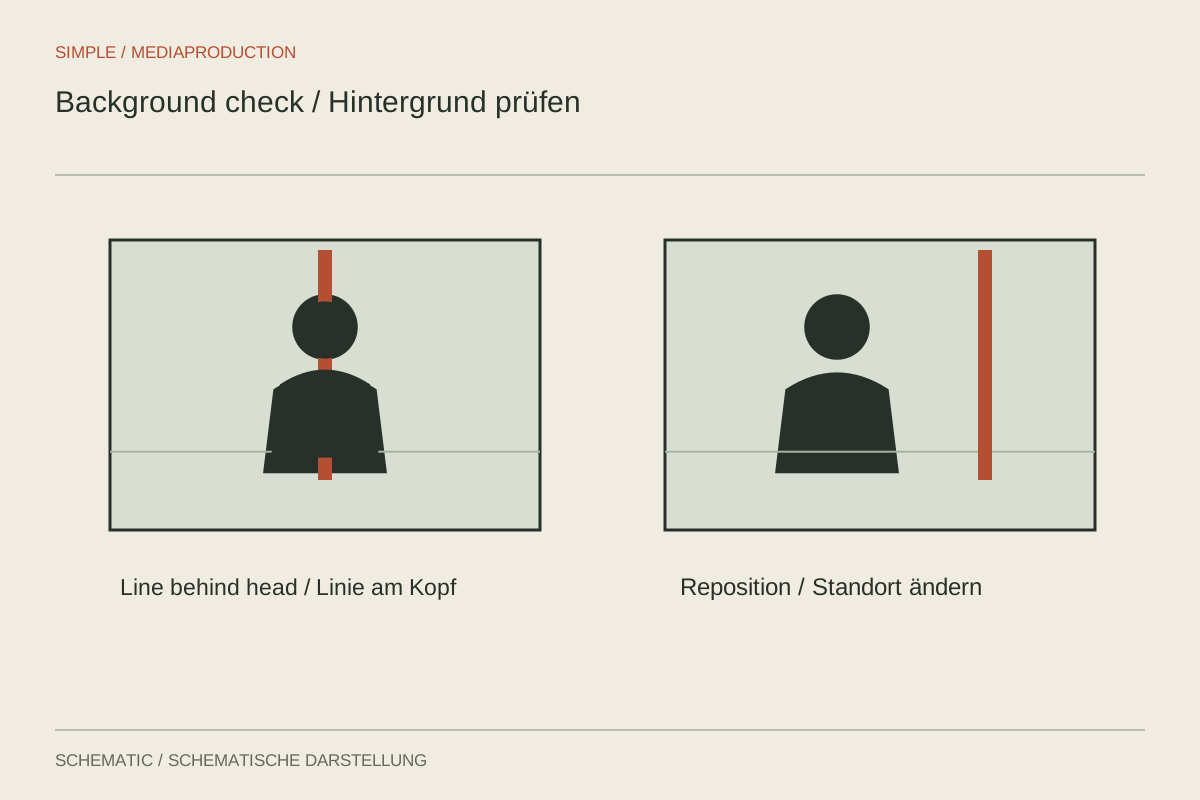
Check a background for distracting relationships, not only for clutter.
Camera & movement
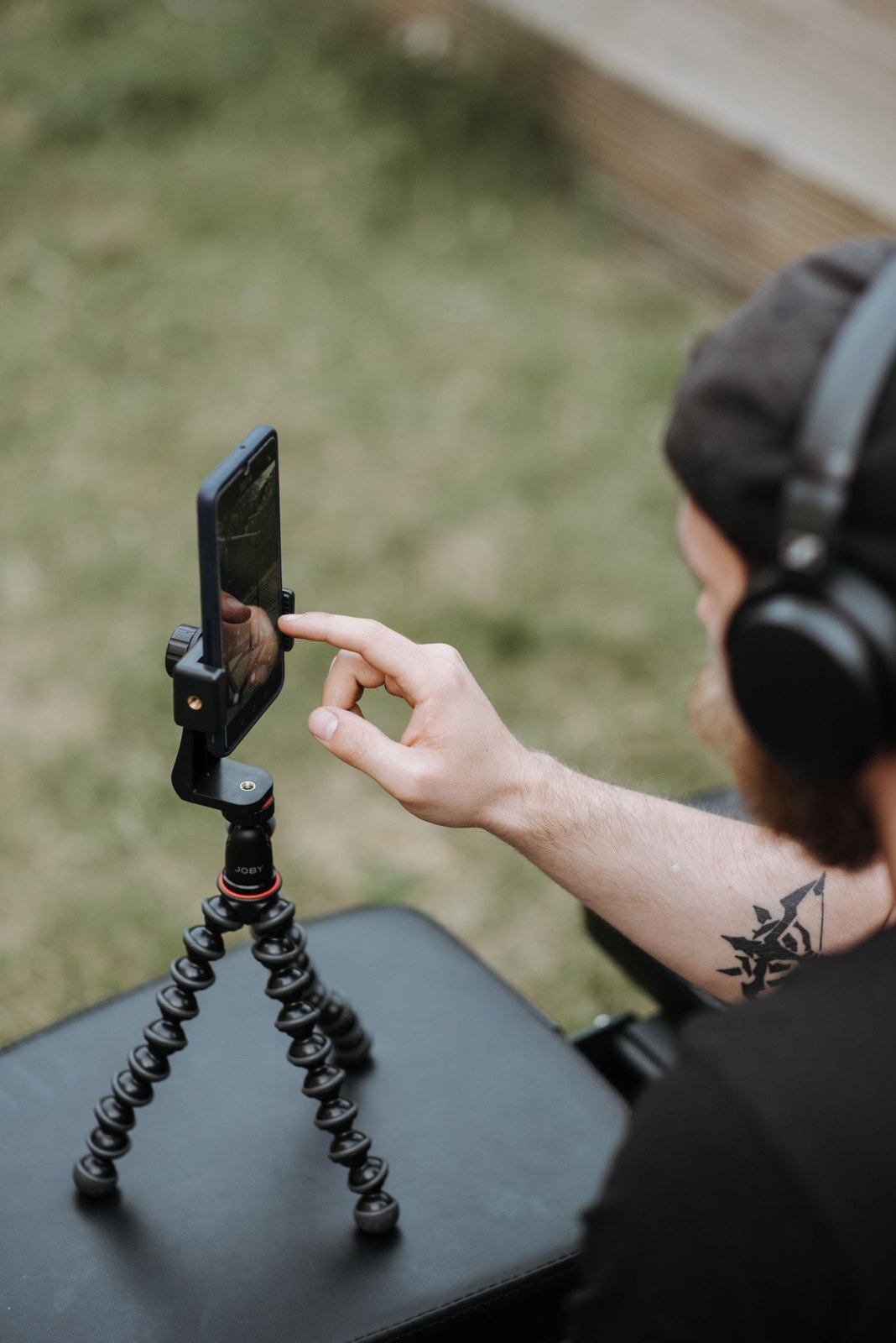
A lock preserves selected settings, but they must match the distance and lighting of the later action.
Camera & movement
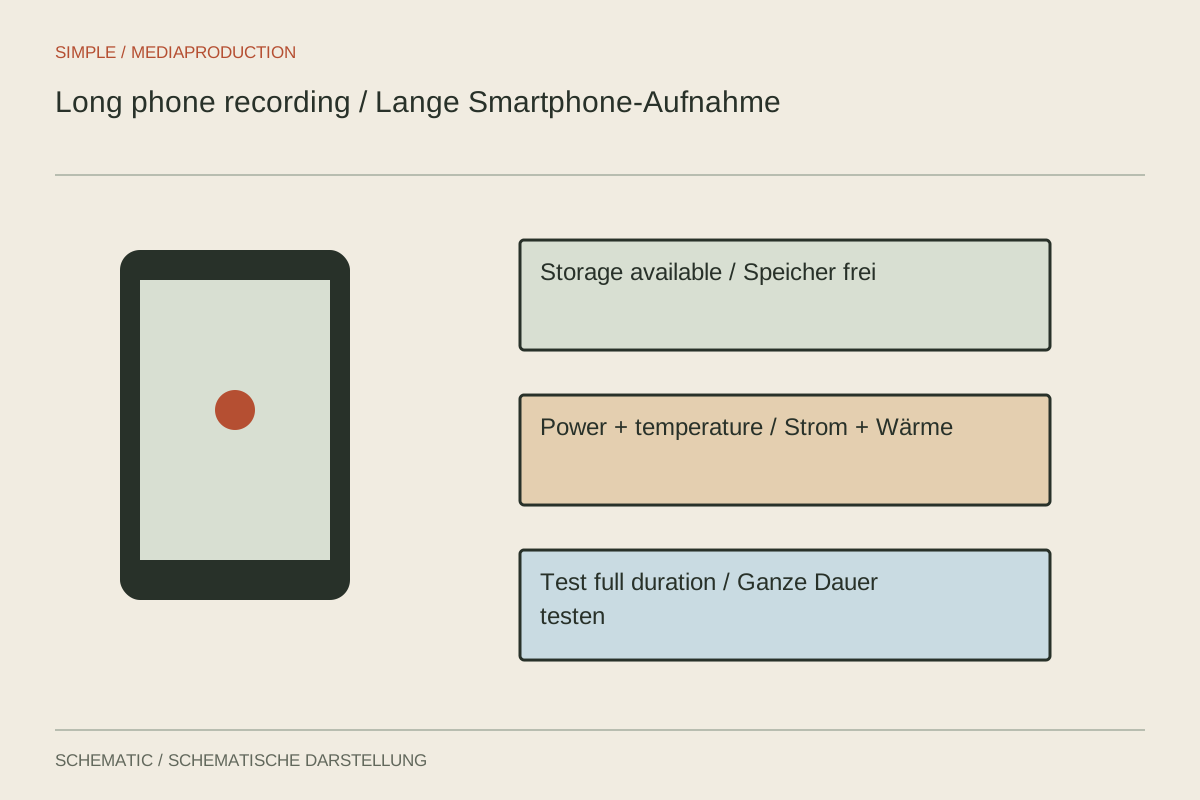
Storage, power and heat need testing across the intended duration, not only in a short sample clip.
Camera & movement
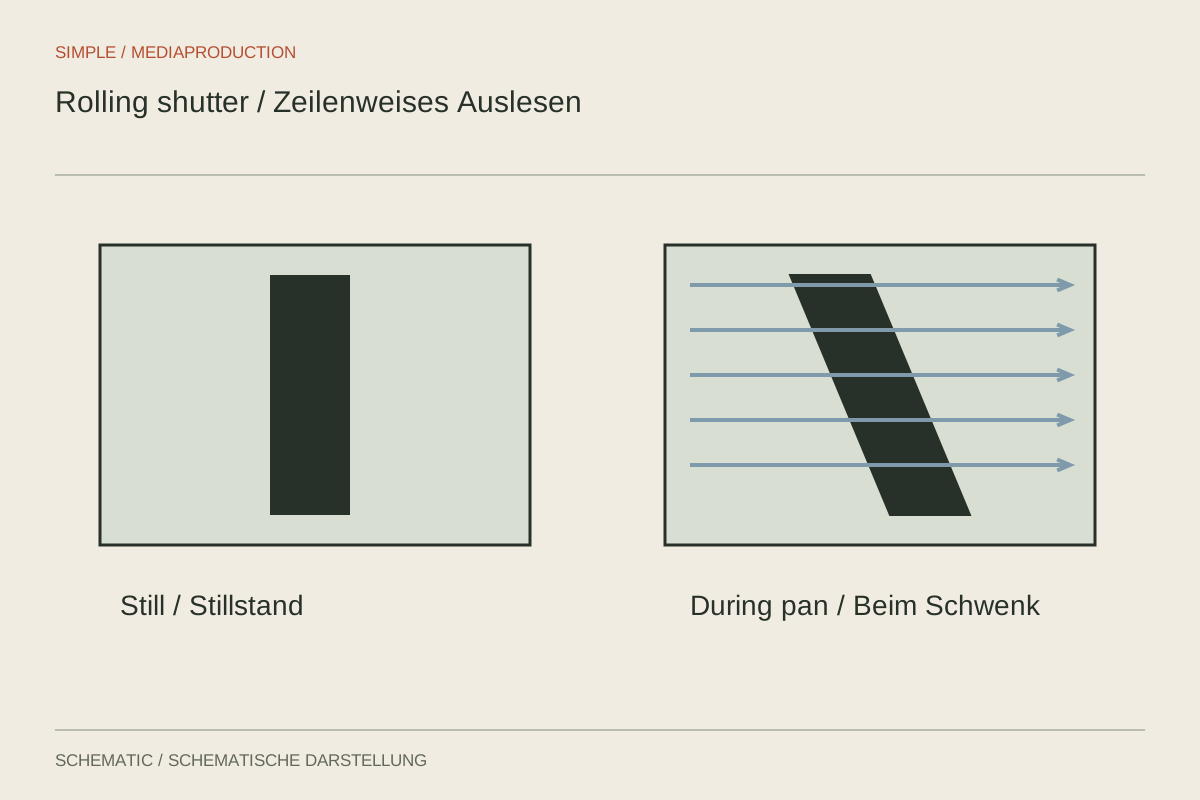
Skewed lines come from time-offset sensor readout. A faster shutter alone does not remove that geometric distortion.
Camera & movement
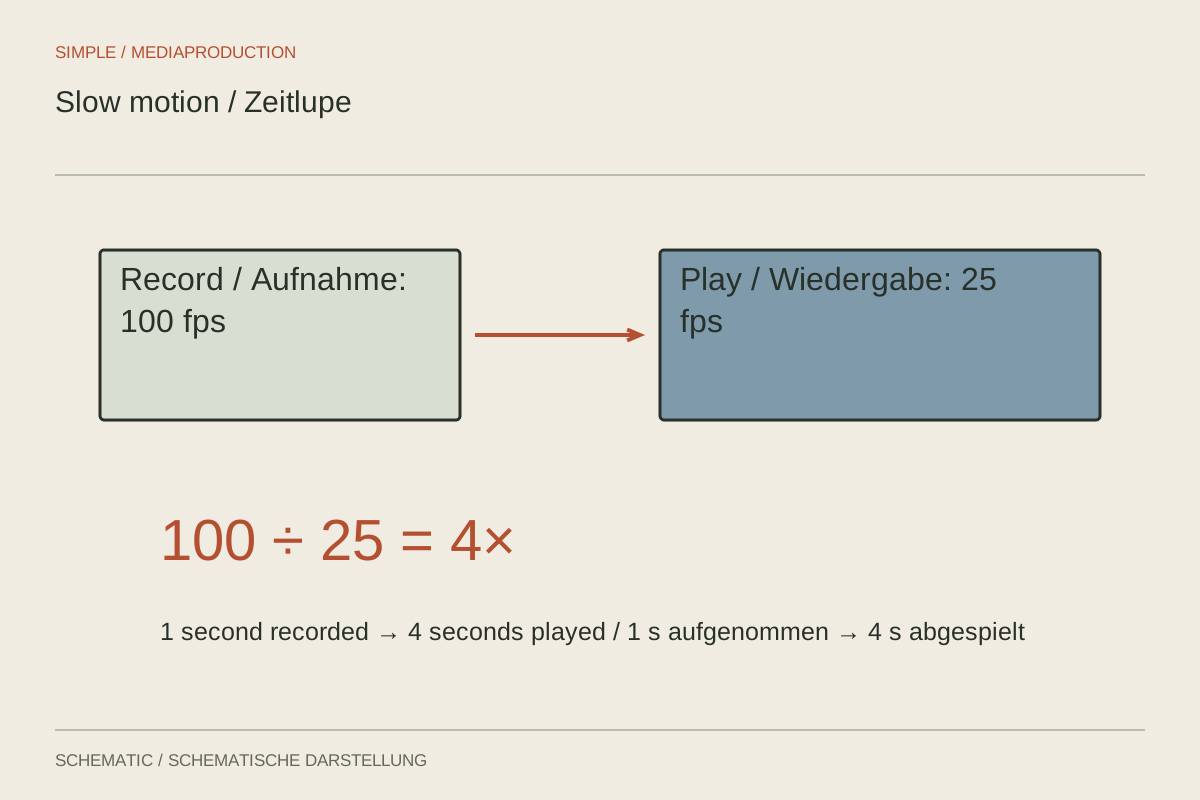
Slow motion needs enough captured movement phases and a clear decision about playback and sound.
Camera & movement
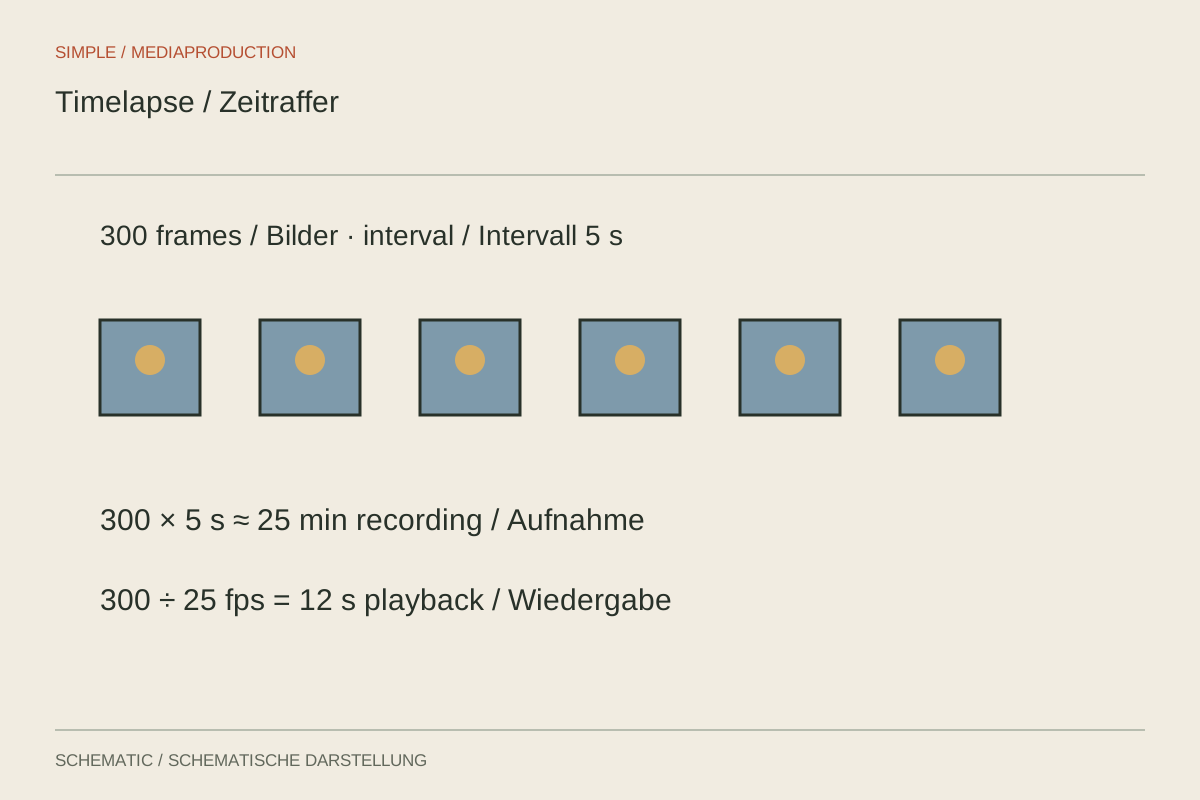
Interval, recording duration and output rate together determine the finished timelapse length.
Camera & movement
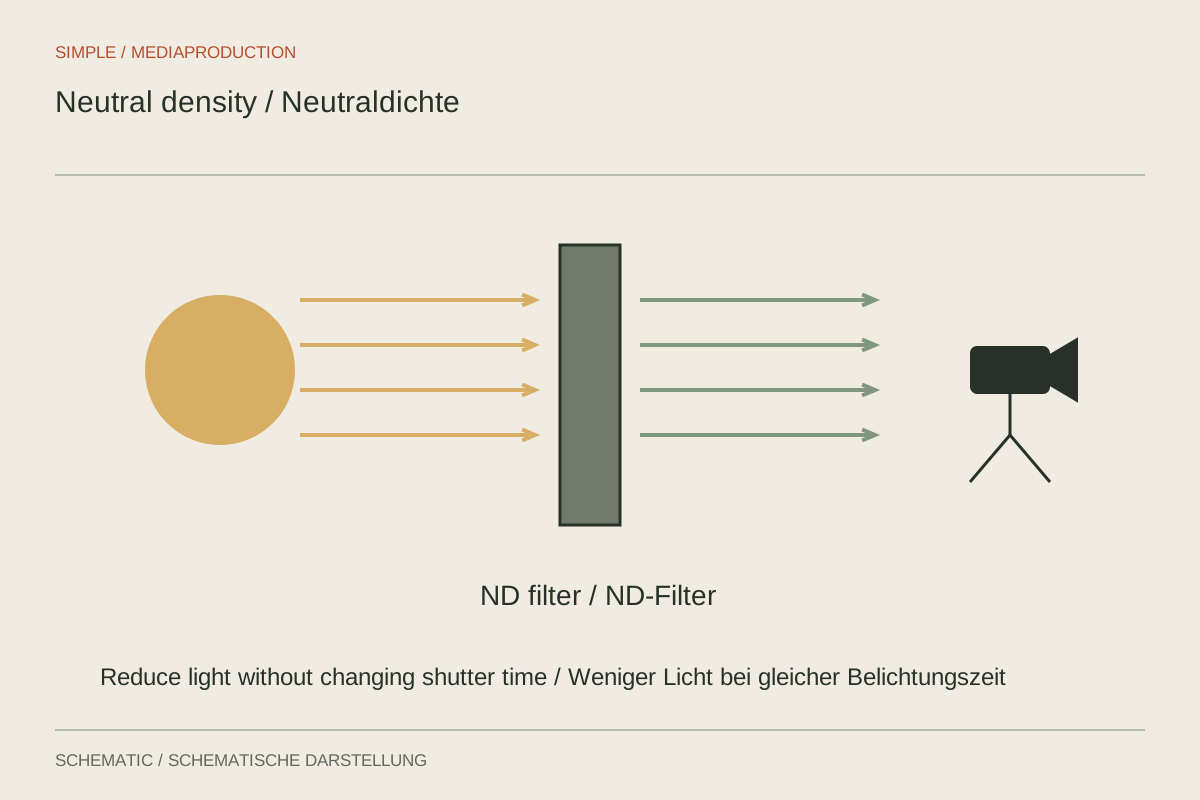
An ND filter reduces light so shutter duration and aperture can be chosen for their visual effect.
Camera & movement
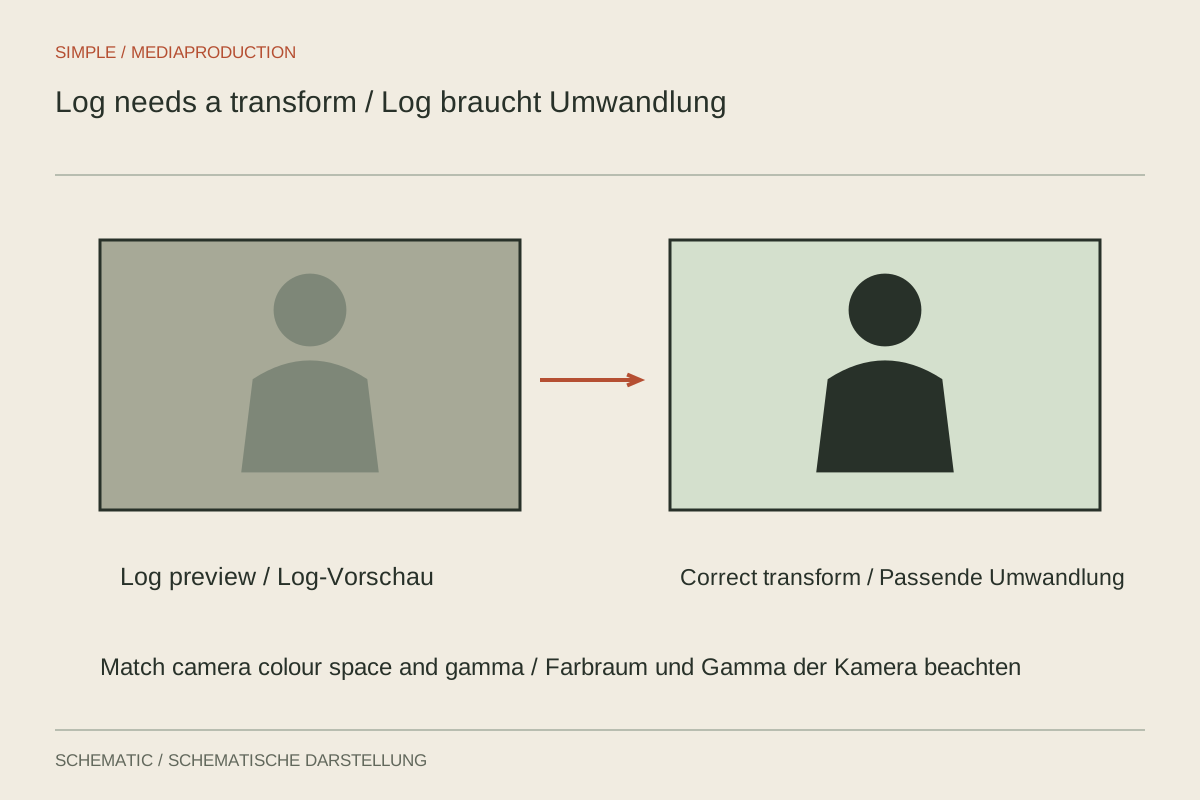
Log is a capture and processing workflow. It helps when exposure, colour management and post-production are planned together.
Camera & movement
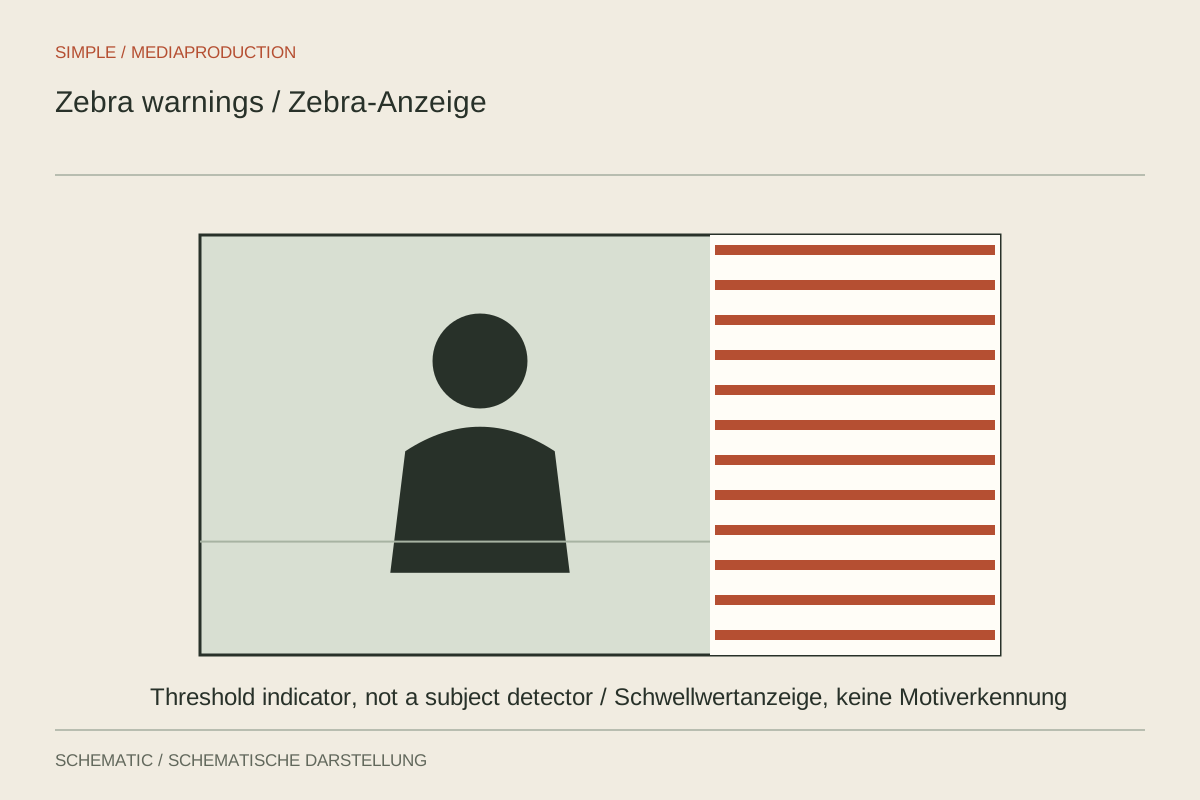
Zebra stripes indicate a configured signal range. Their meaning depends on the threshold and picture profile.
Camera & movement
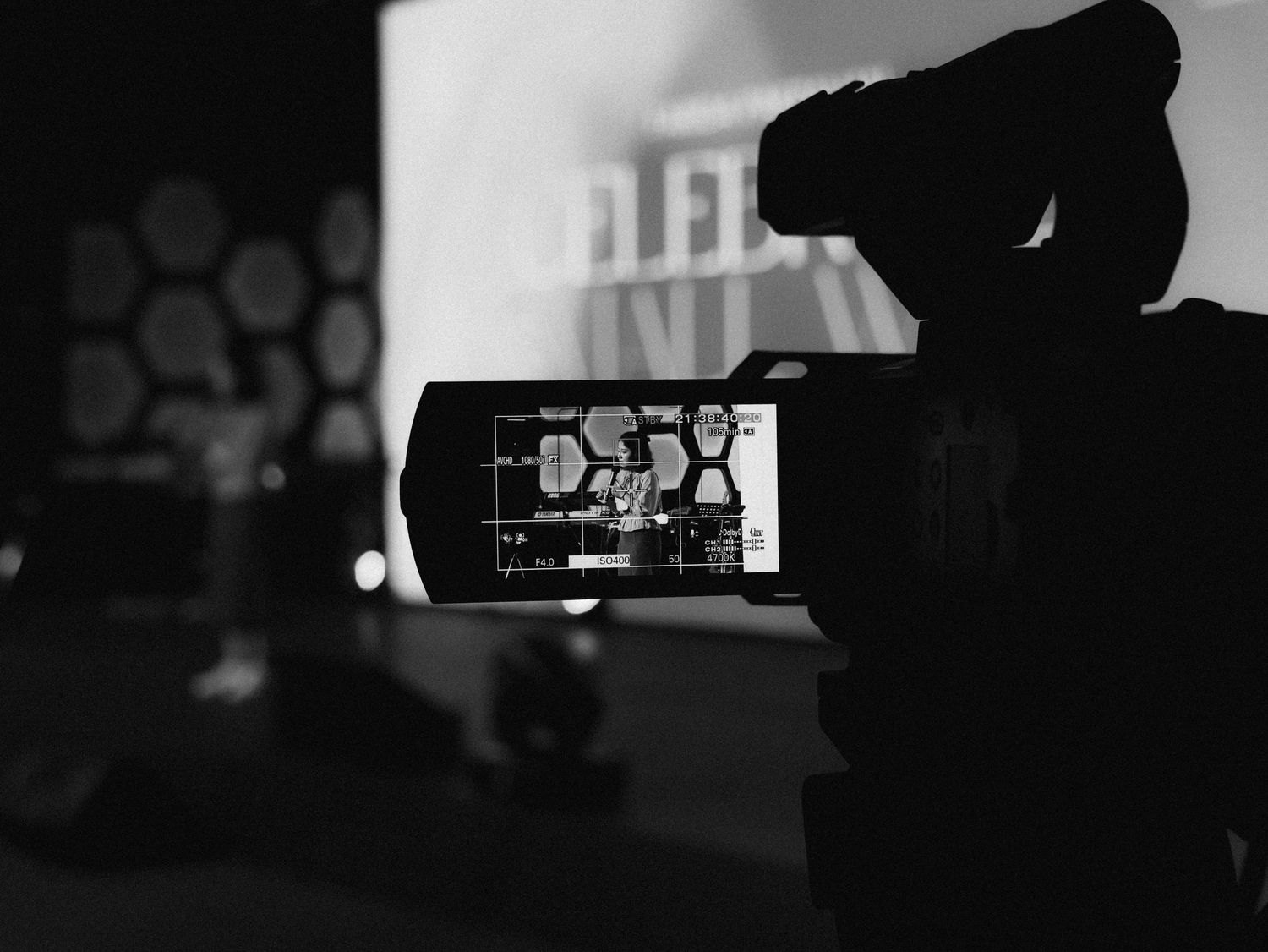
A long take needs a duration test using the actual format, power, card and environment.
Camera & movement
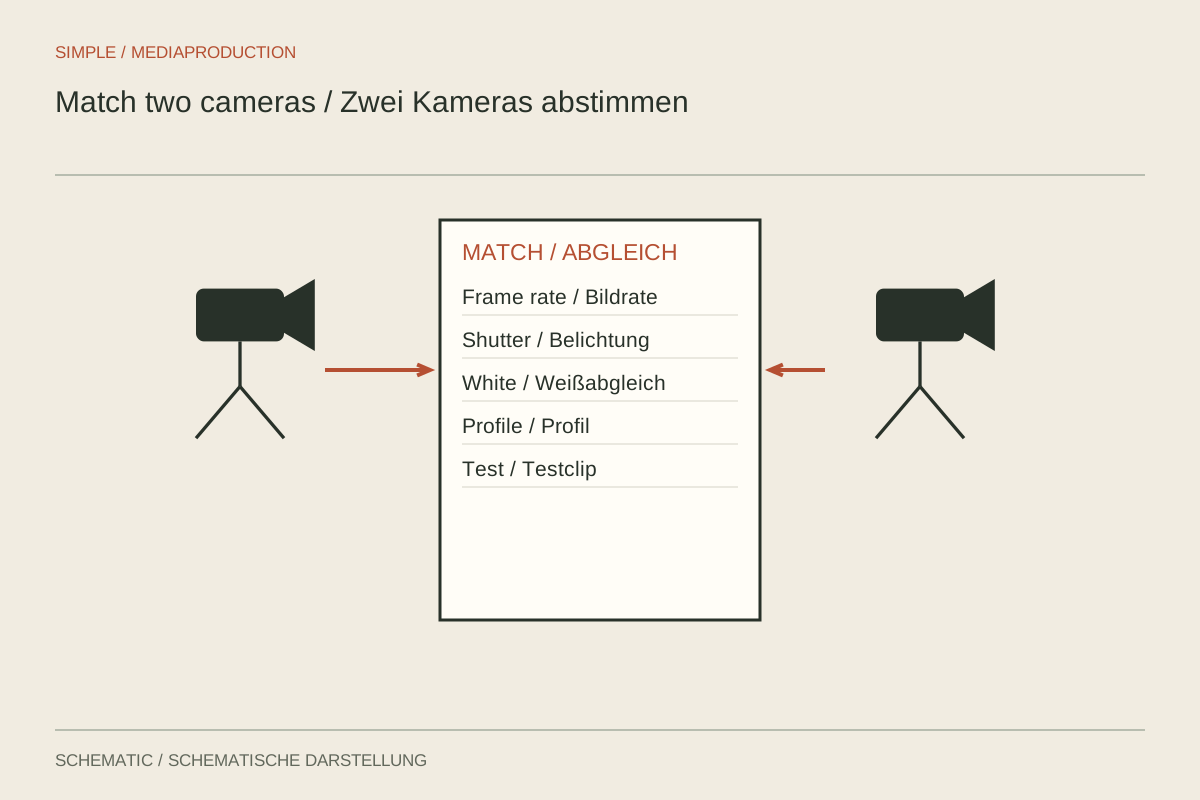
Match two cameras before recording across timing, colour, exposure and the purpose of each view.
Camera & movement
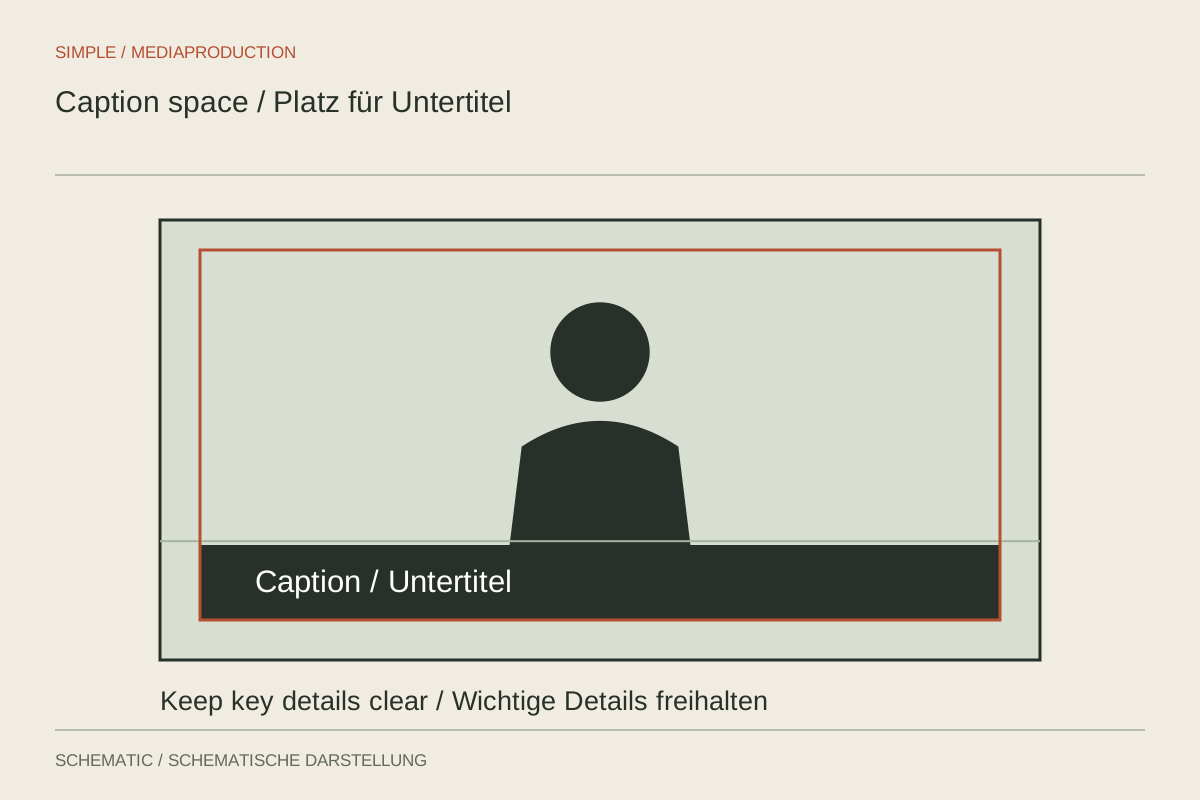
Plan space for actual versions and captions without shrinking the essential action unnecessarily.
Camera & movement
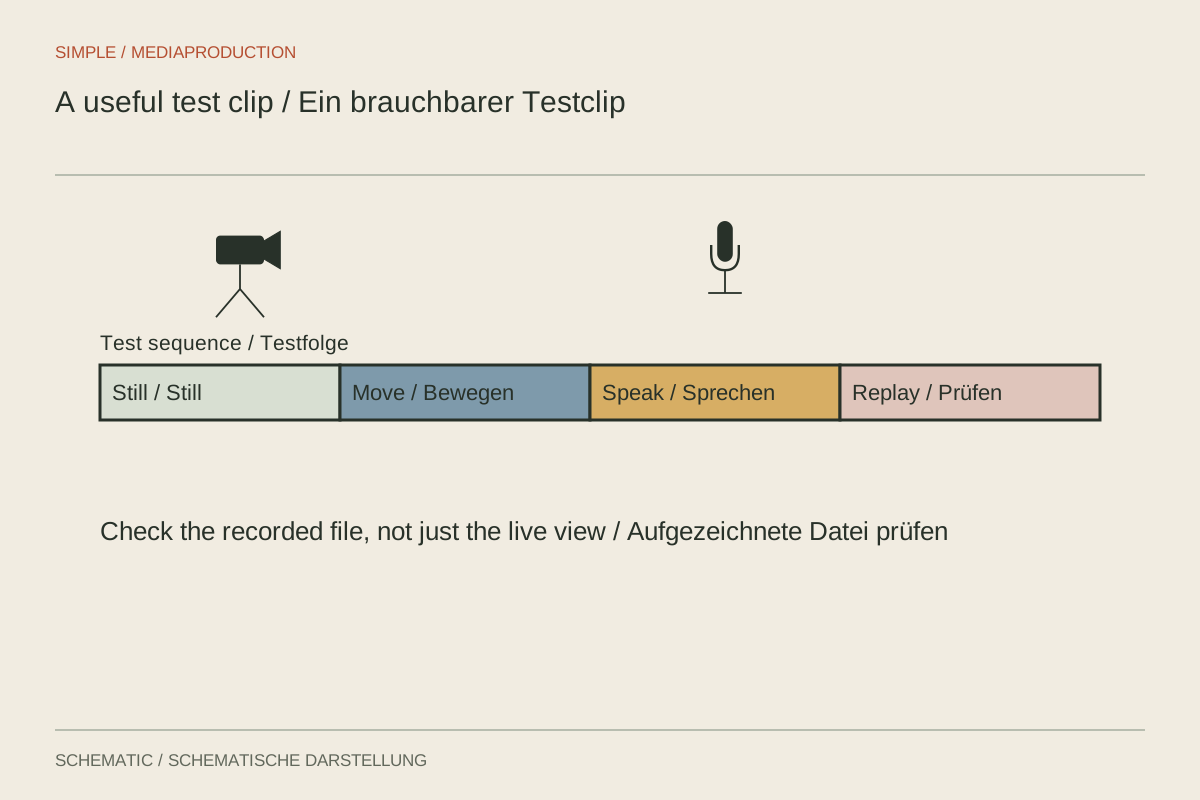
A test clip should contain the difficult conditions of the planned shoot, not merely confirm the camera records.
Camera & movement
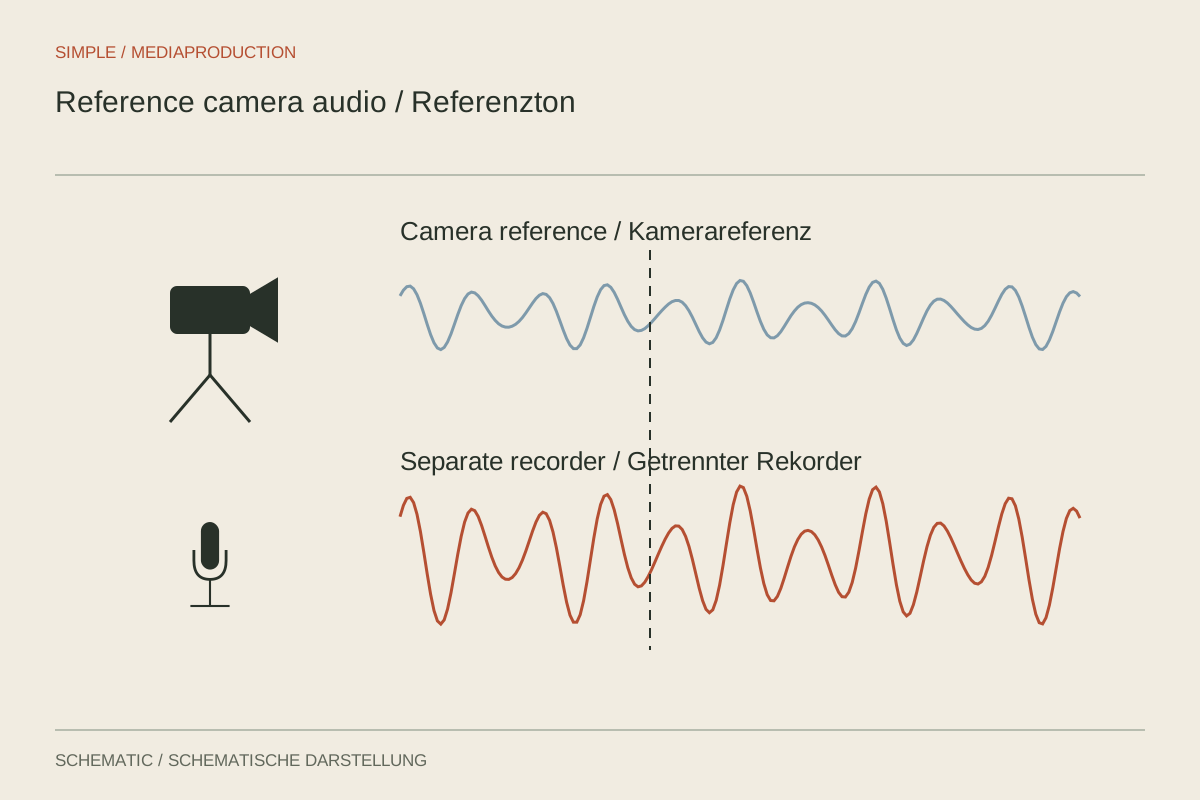
An intelligible reference track helps align separately recorded sound. It does not replace checking synchronisation.
Light & location
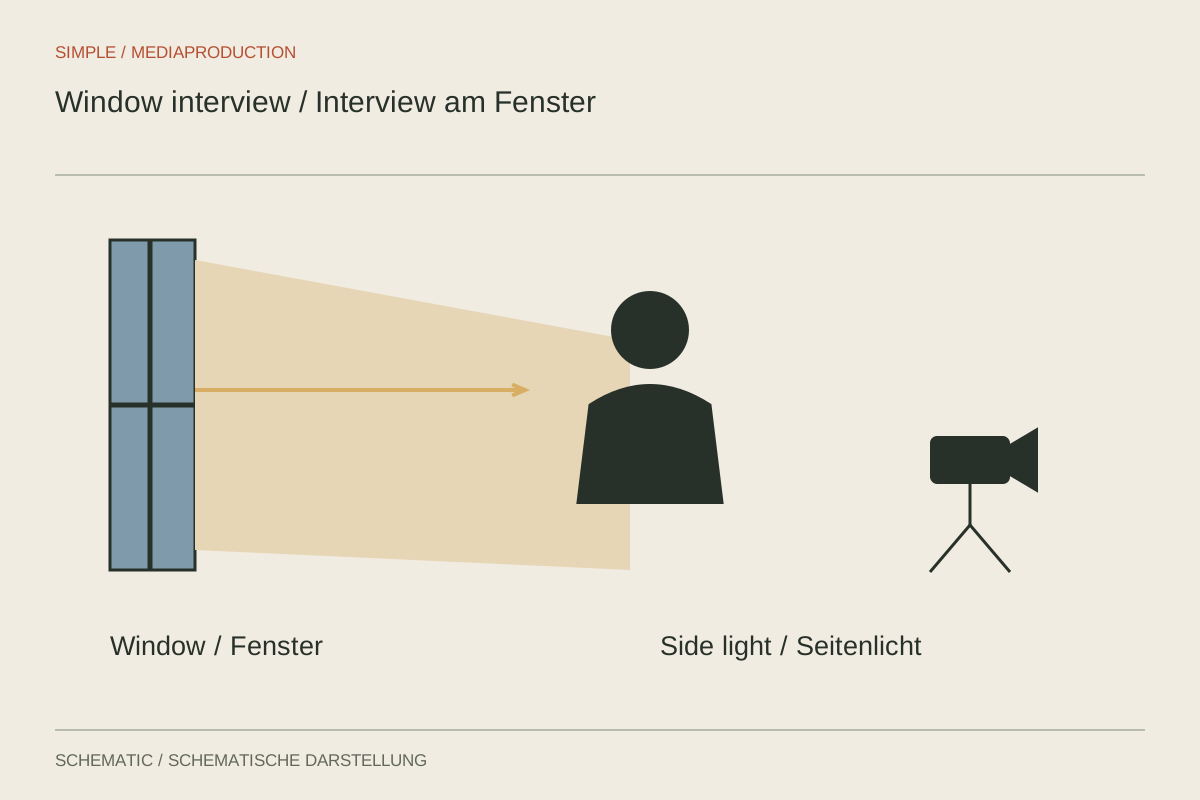
Window light can carry an interview when direction, distance and changes over time are checked first.
Light & location
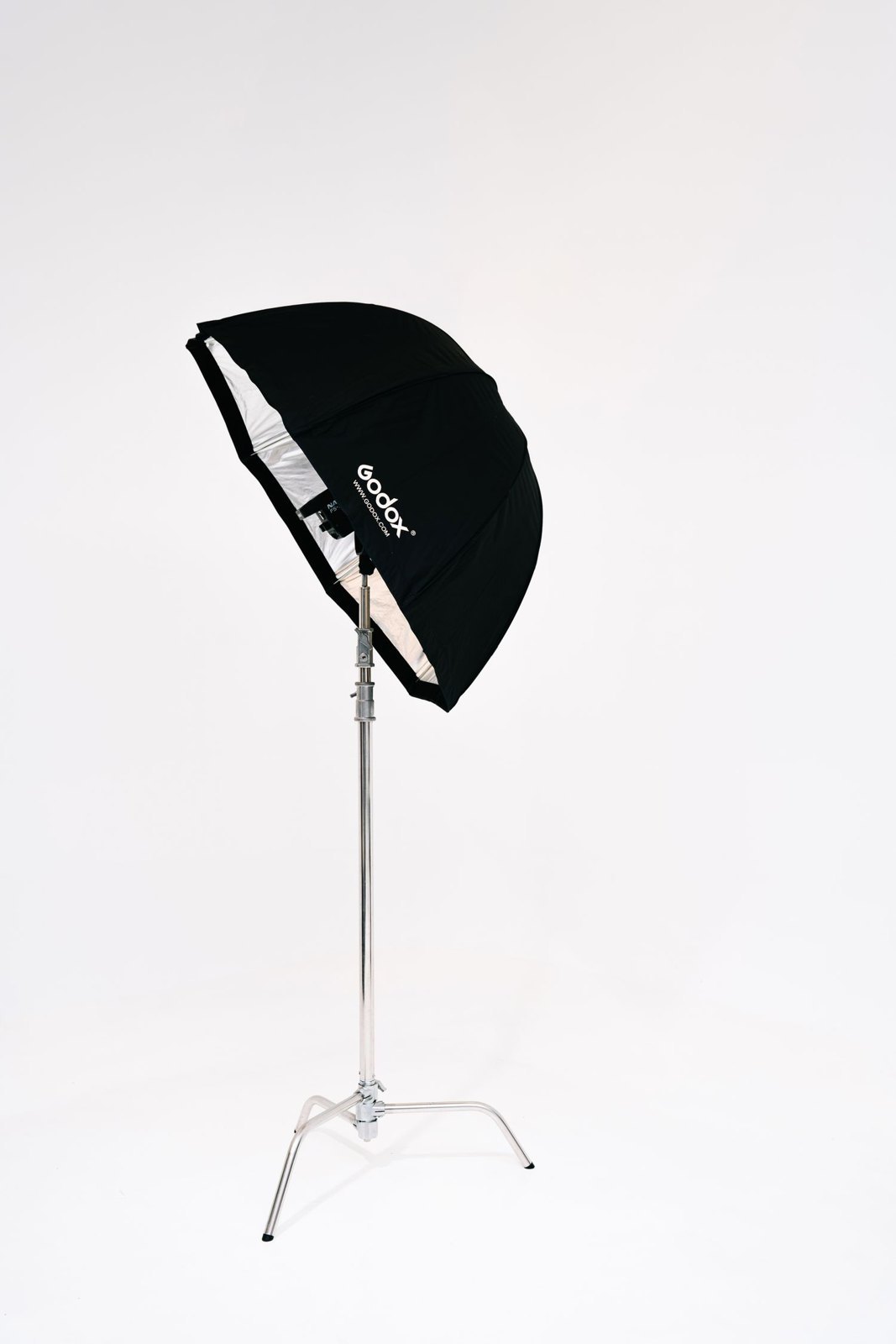
One light can shape a face when room reflections and background are considered deliberately.
Light & location
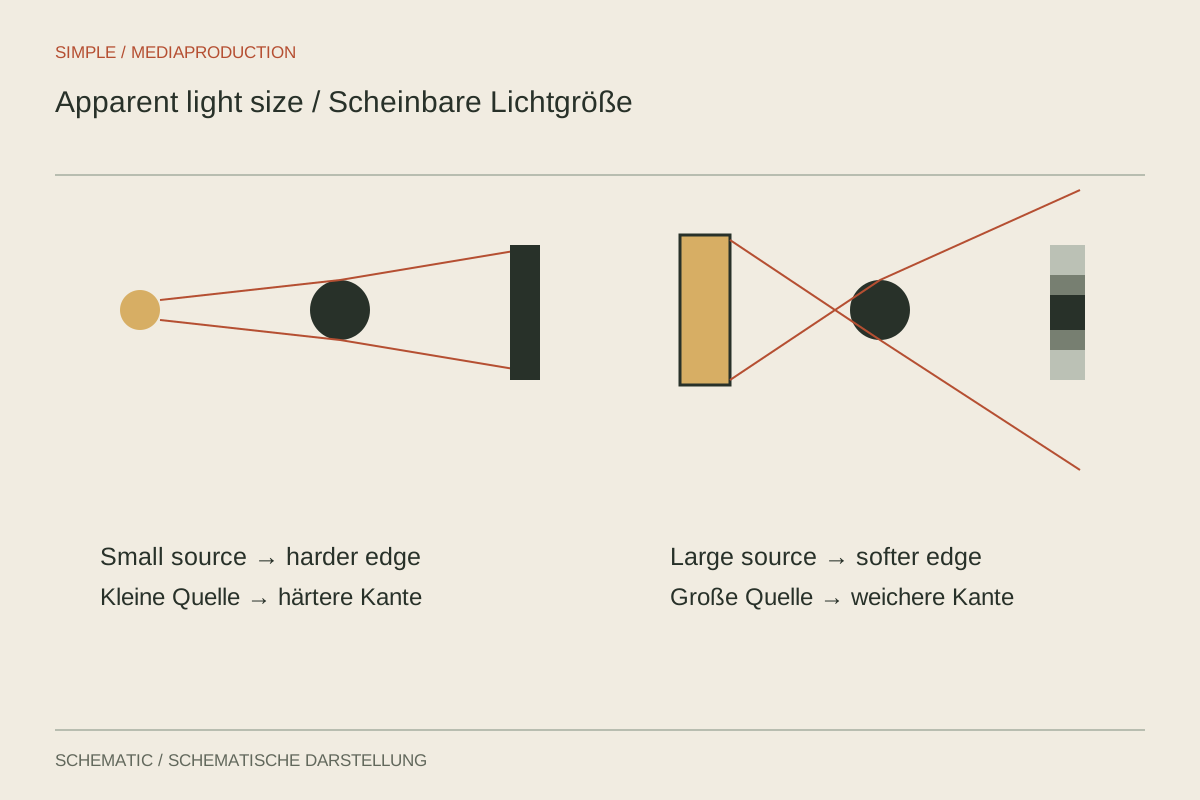
Soft or hard primarily describes shadow edges. Brightness and contrast are separate choices.
Light & location
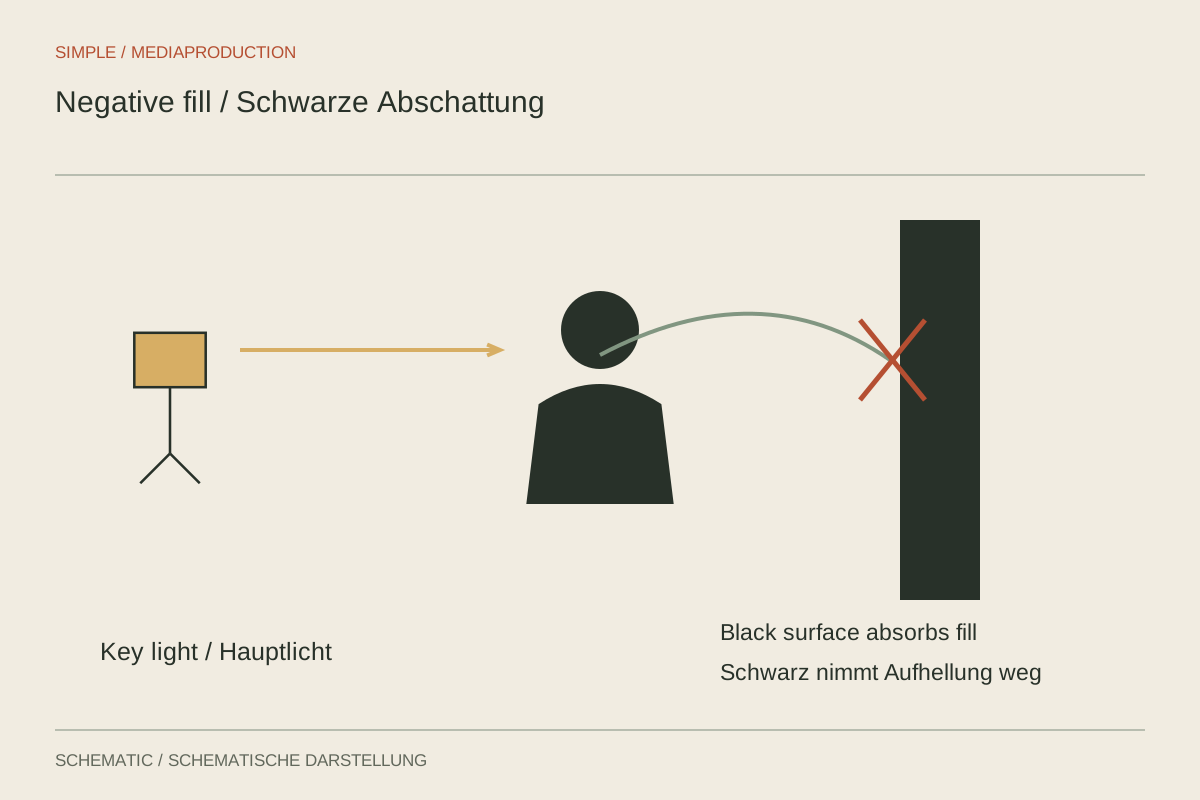
Black surfaces reduce reflected light and can shape the shadow side without adding another lamp.
Light & location
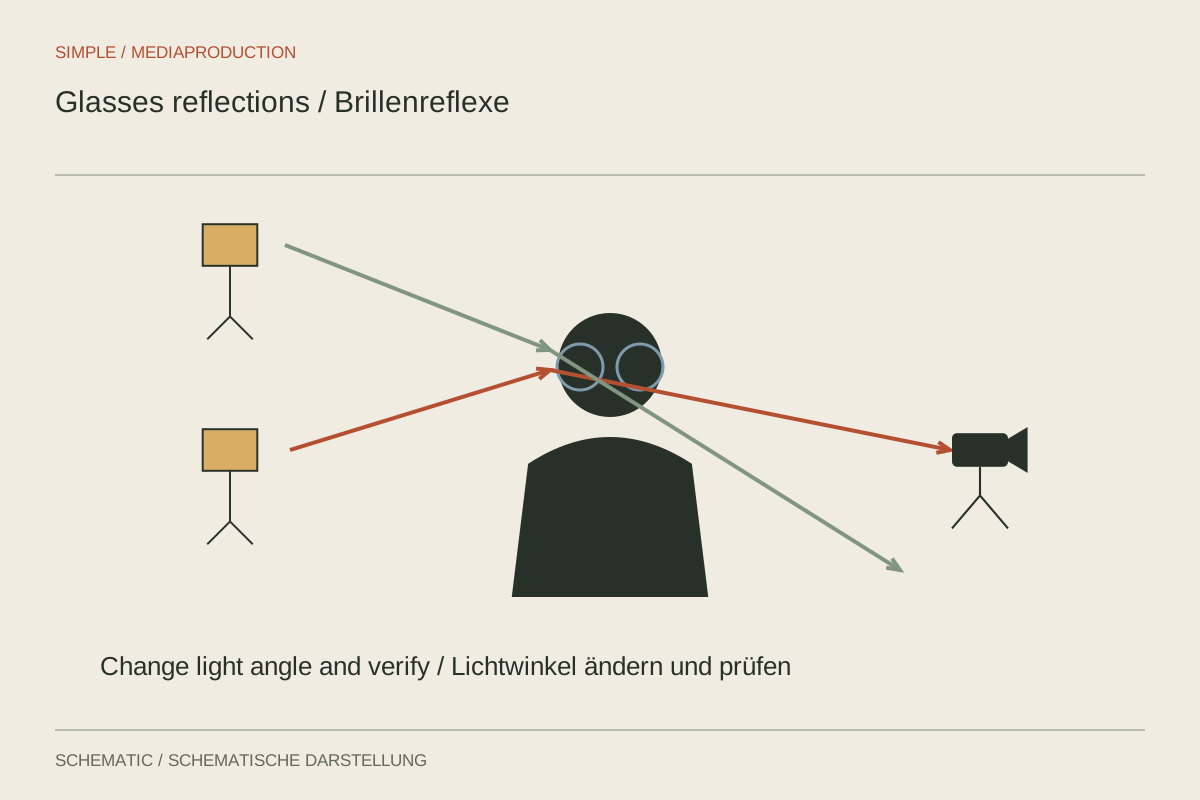
Glasses reveal the light source. Small changes in angle can clear the eyes without forcing the speaker into an unnatural posture.
Light & location
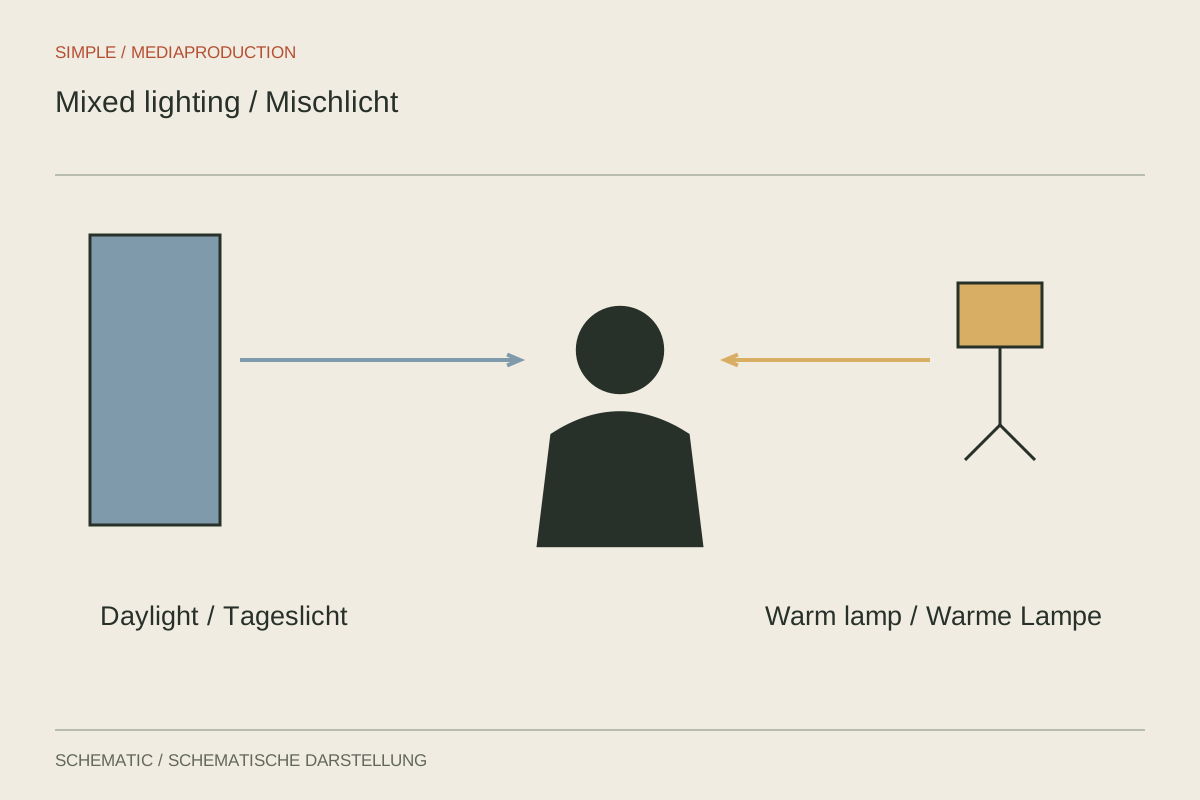
One white balance cannot always correct differently coloured sources. What matters is which light reaches the face.
Light & location
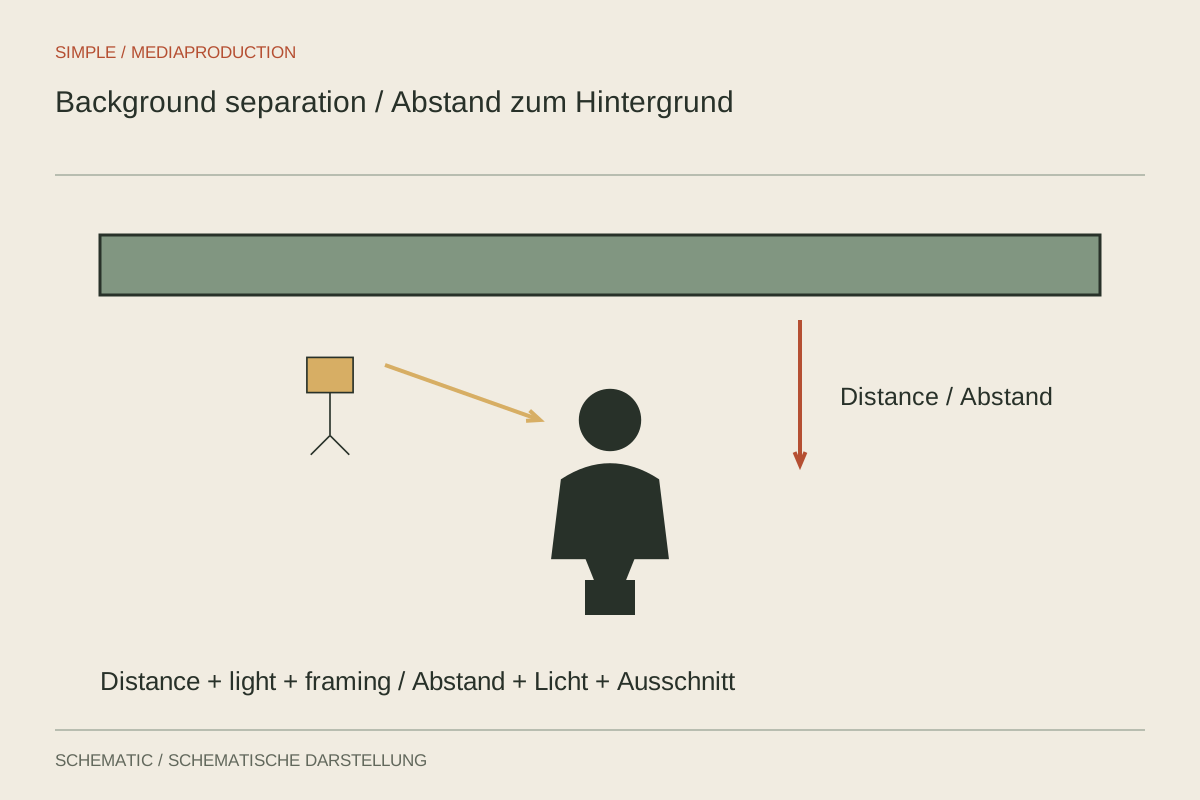
Distance, brightness and colour can distinguish a speaker from the background. A separate rim light is only one option.
Light & location
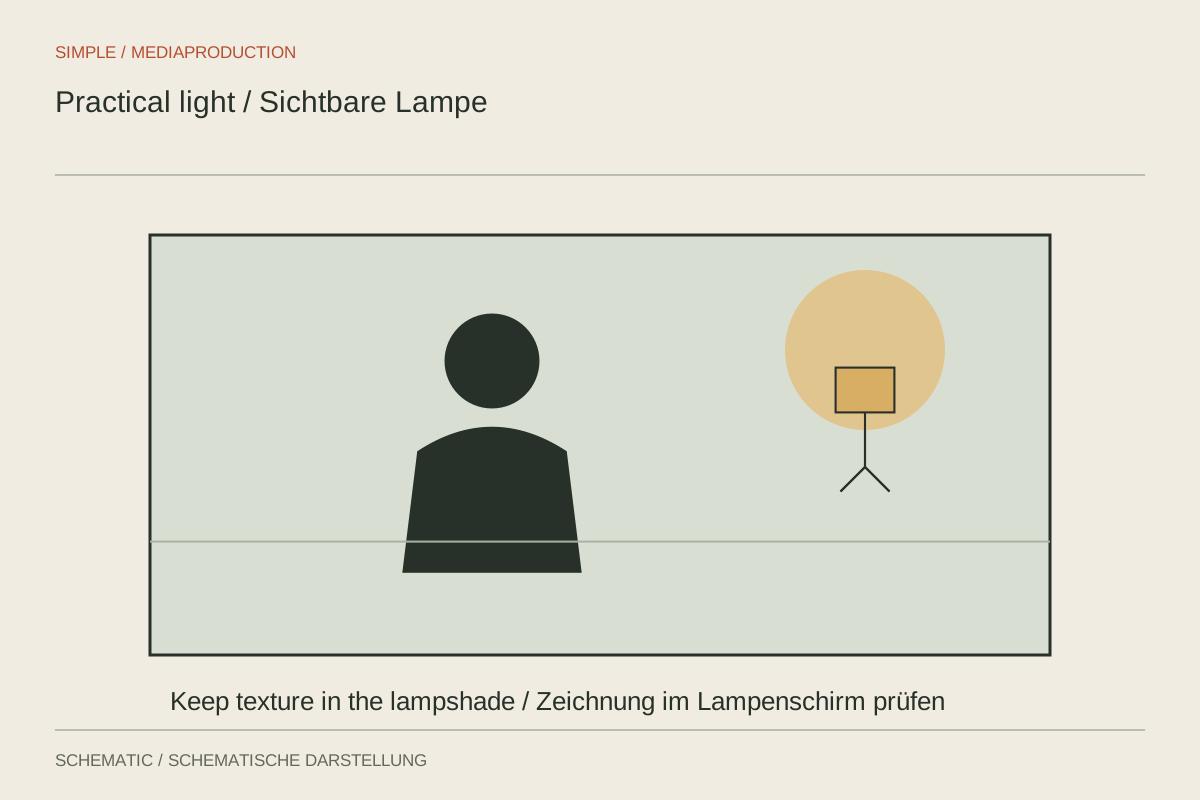
A visible lamp can explain the room and motivate its lighting. Its brightness still needs to work with the face and camera.
Light & location
In a tight room, camera, lighting and microphone compete for space. Begin with framing and movement routes.
Light & location
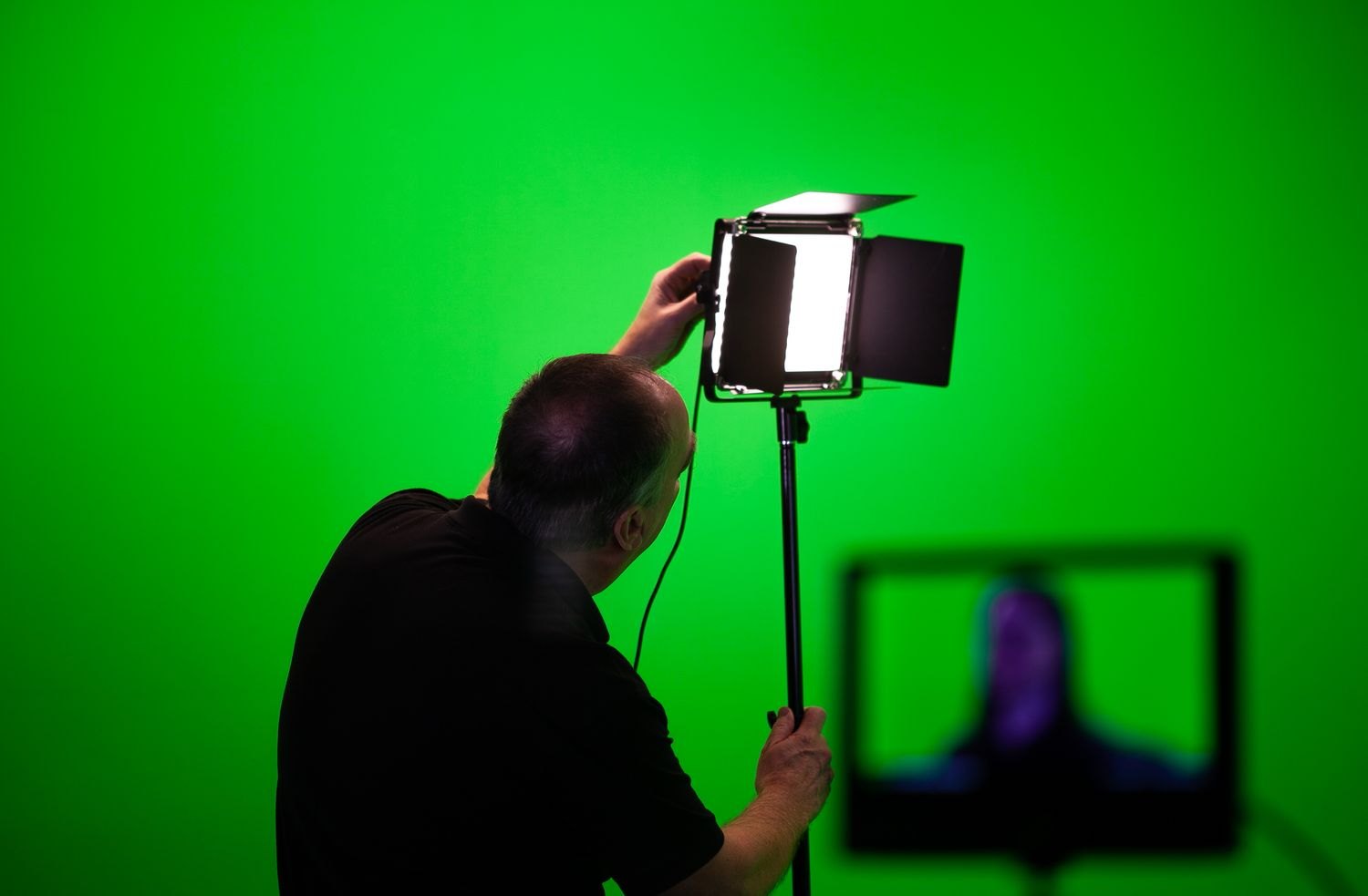
An evenly lit green background makes keying easier. Prepare the screen, speaker and replacement scene separately.
Light & location
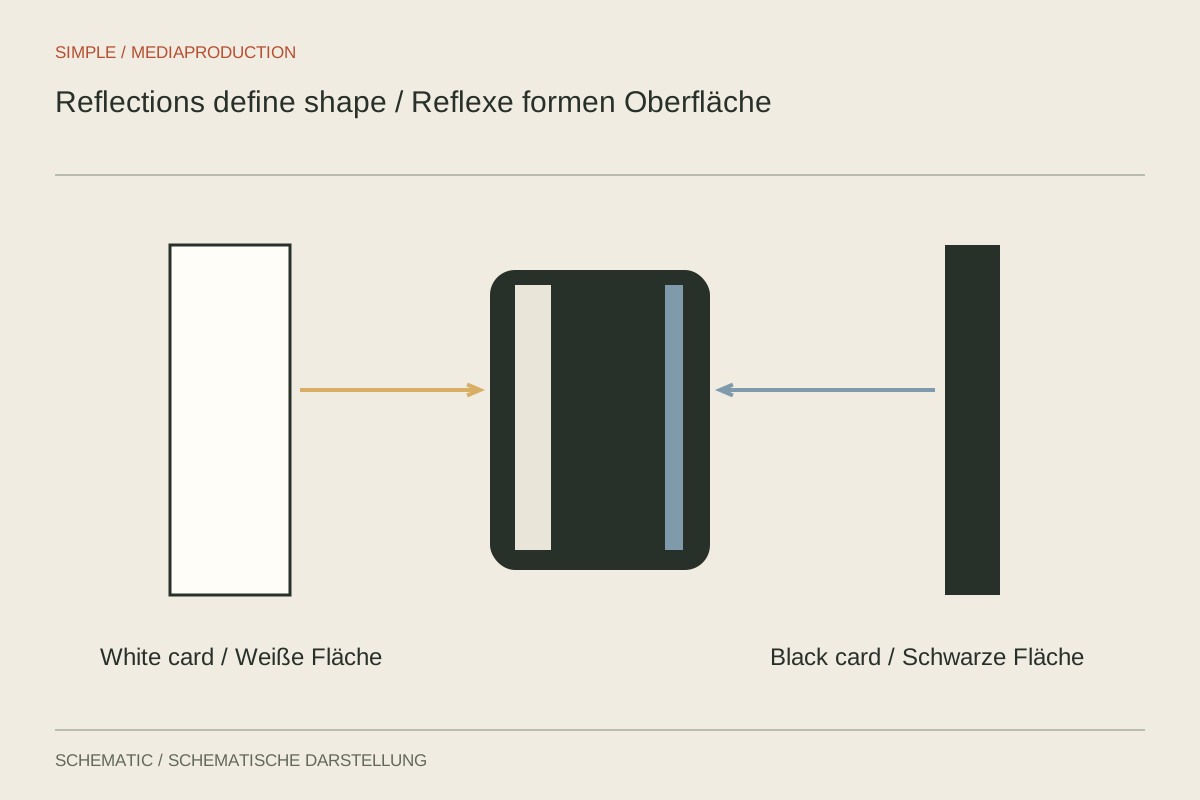
Glossy surfaces reveal their surroundings. Shape the bright and dark areas they reflect instead of trying to remove every reflection.
Light & location
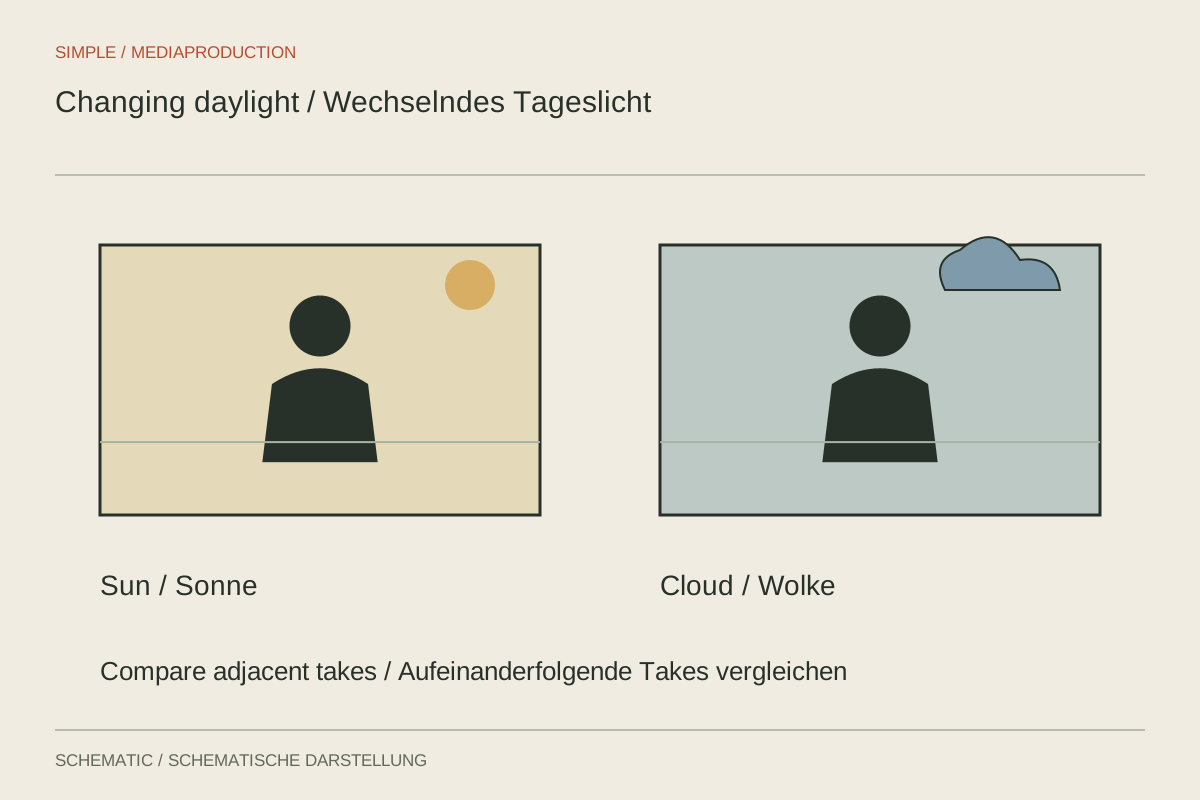
Clouds and moving sunlight change connected shots. Locked exposure alone does not make the lighting consistent.
Light & location
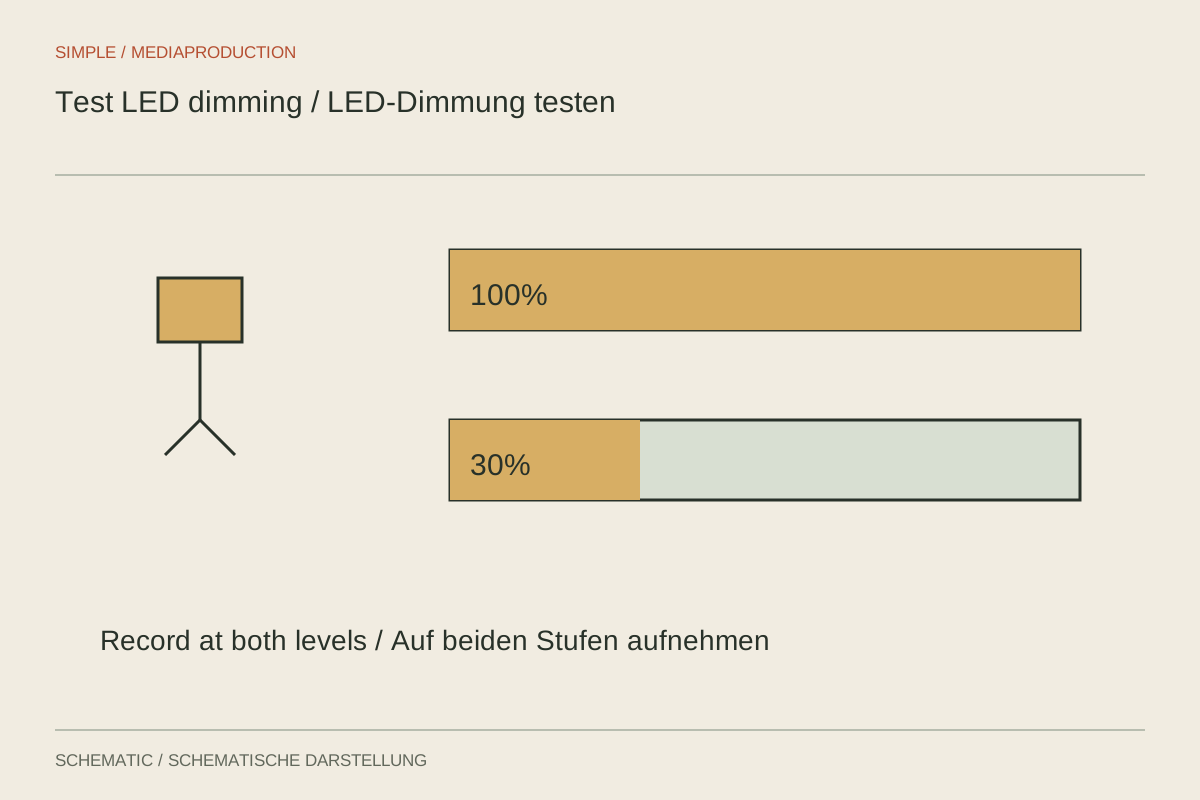
An LED can look clean at full output yet misbehave when dimmed. Test the exact fixture, dimming level and camera settings together.
Light & location
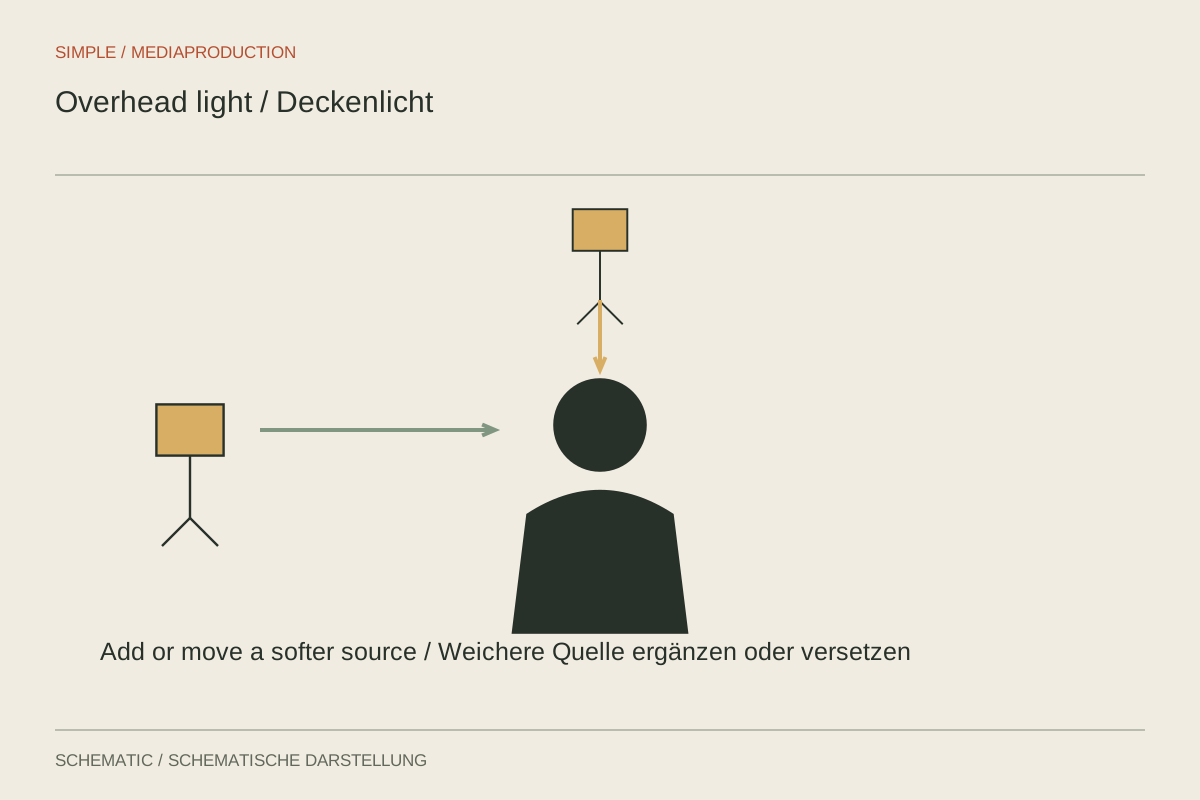
Light directly overhead can shadow eyes and overemphasise the forehead or table. Seating position is often the first useful adjustment.
Light & location
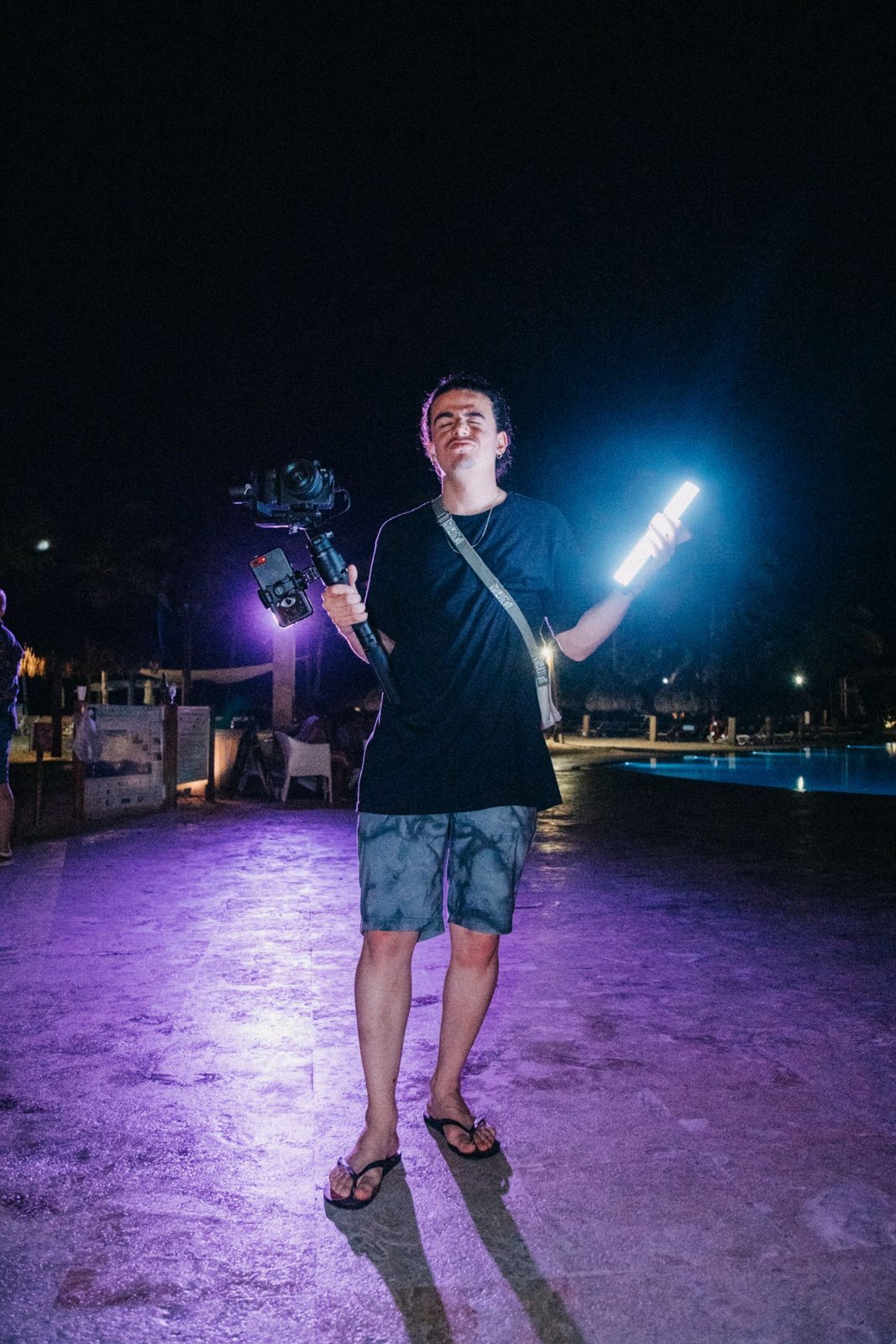
A portable kit includes support, power and modifiers as well as fixtures. Plan it around a specific recording situation.
Light & location
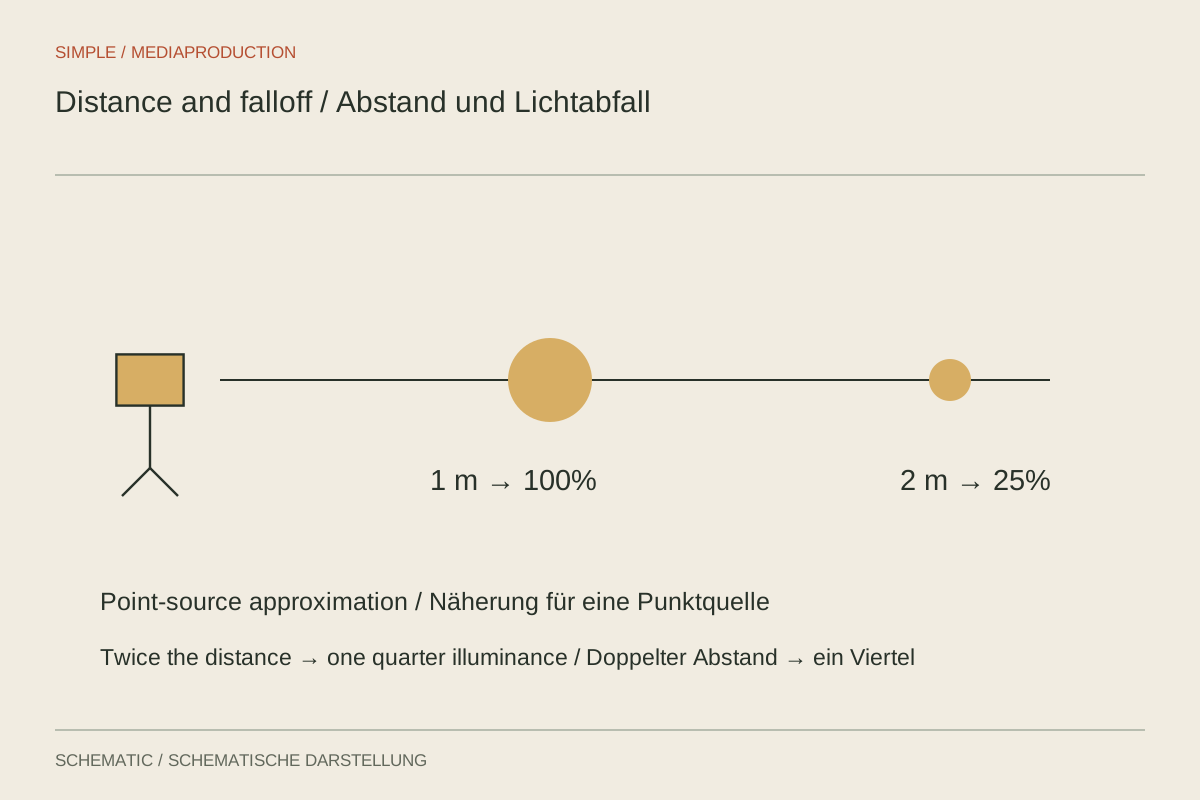
Distance changes more than brightness. It affects differences between speaker and background, and the impact of small movements.
Light & location
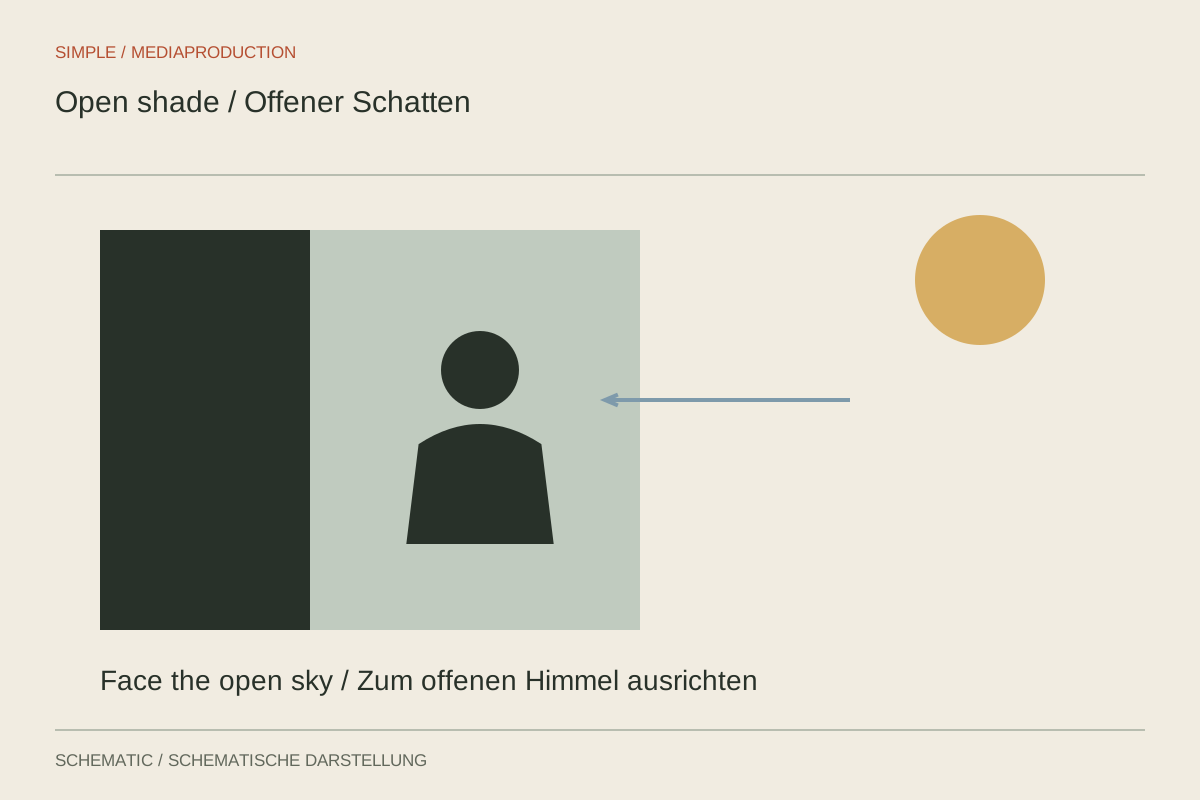
Not every shaded position gives calm facial light. Check the open sky, the ground and moving patches of sun.
Light & location
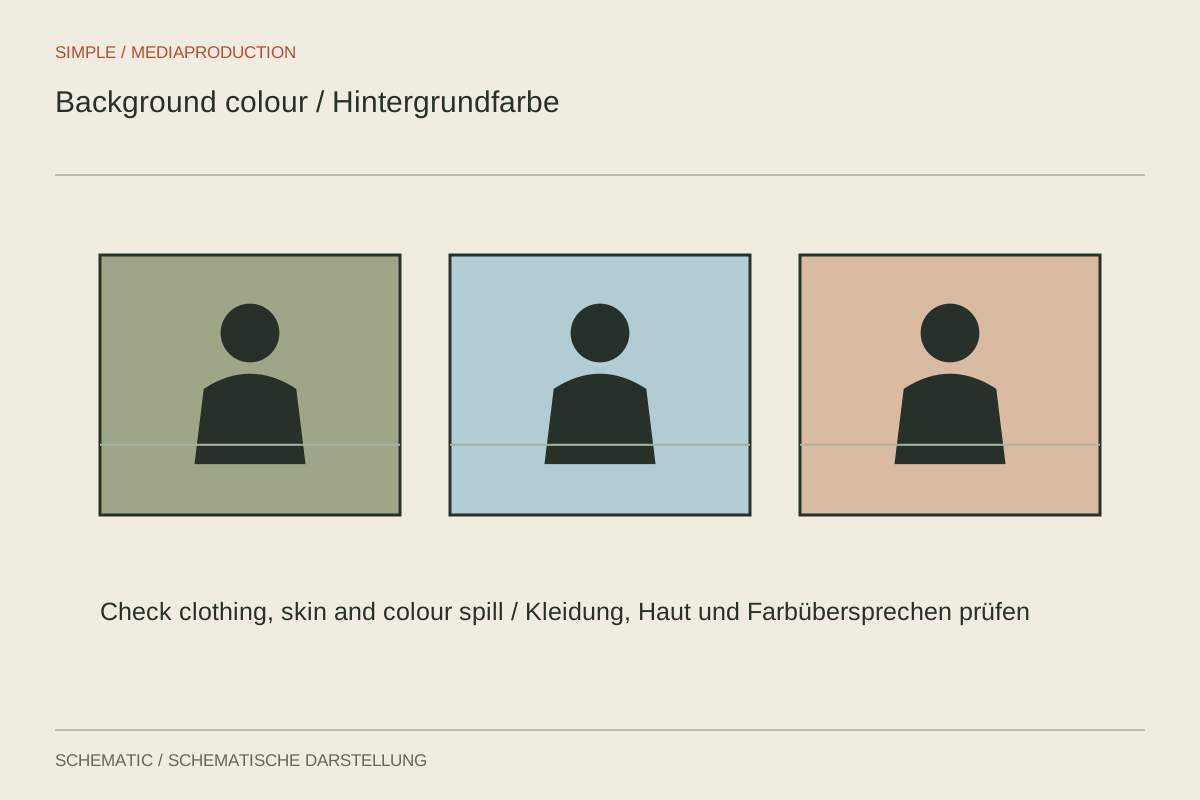
Background colour should support clothing, skin and graphics. Test the actual surface under the intended light.
Sound & podcasts
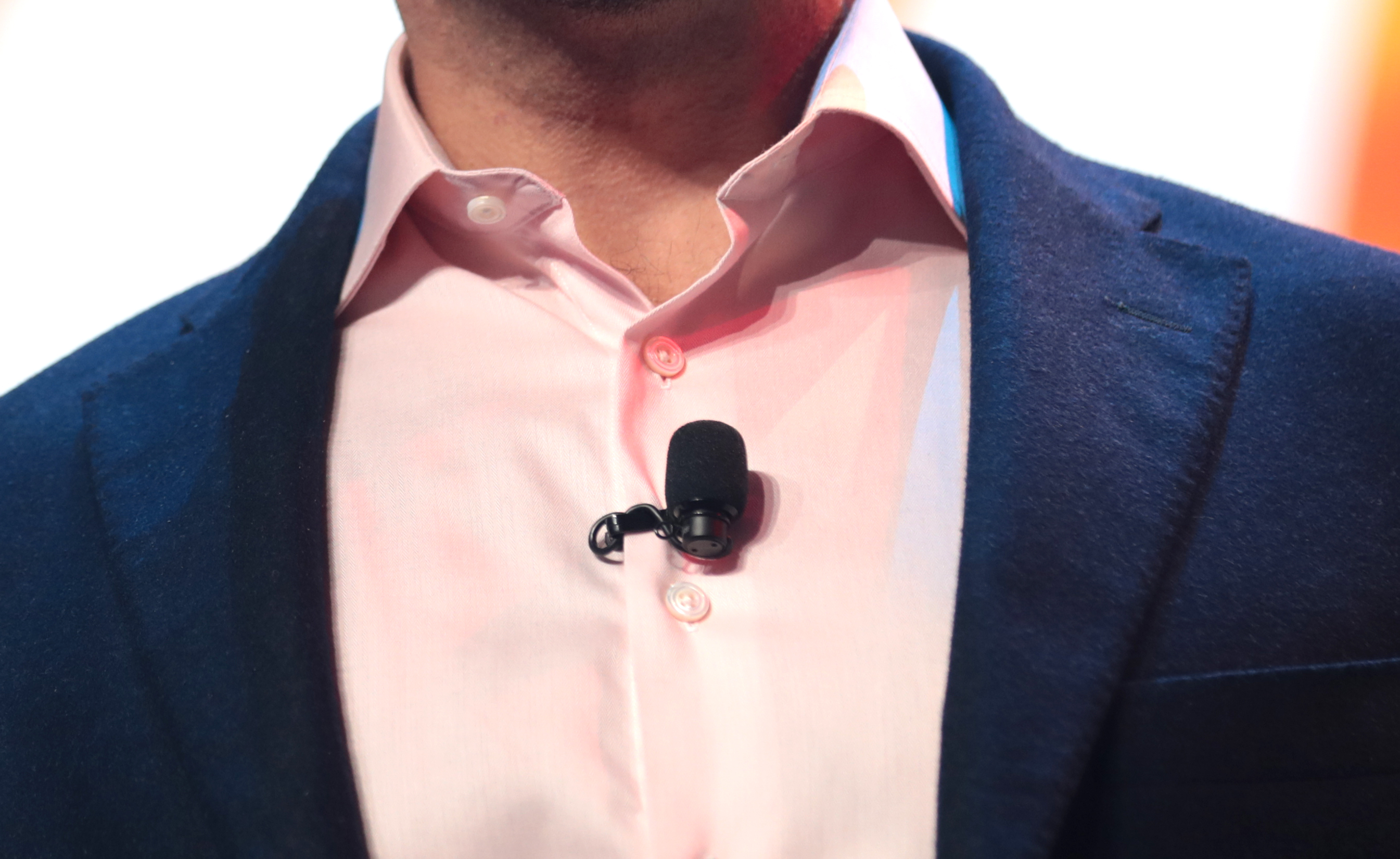
Where the mic sits affects more than volume. Keep its sound inlet clear, prevent rubbing and test the movements the speaker will actually make.
Sound & podcasts
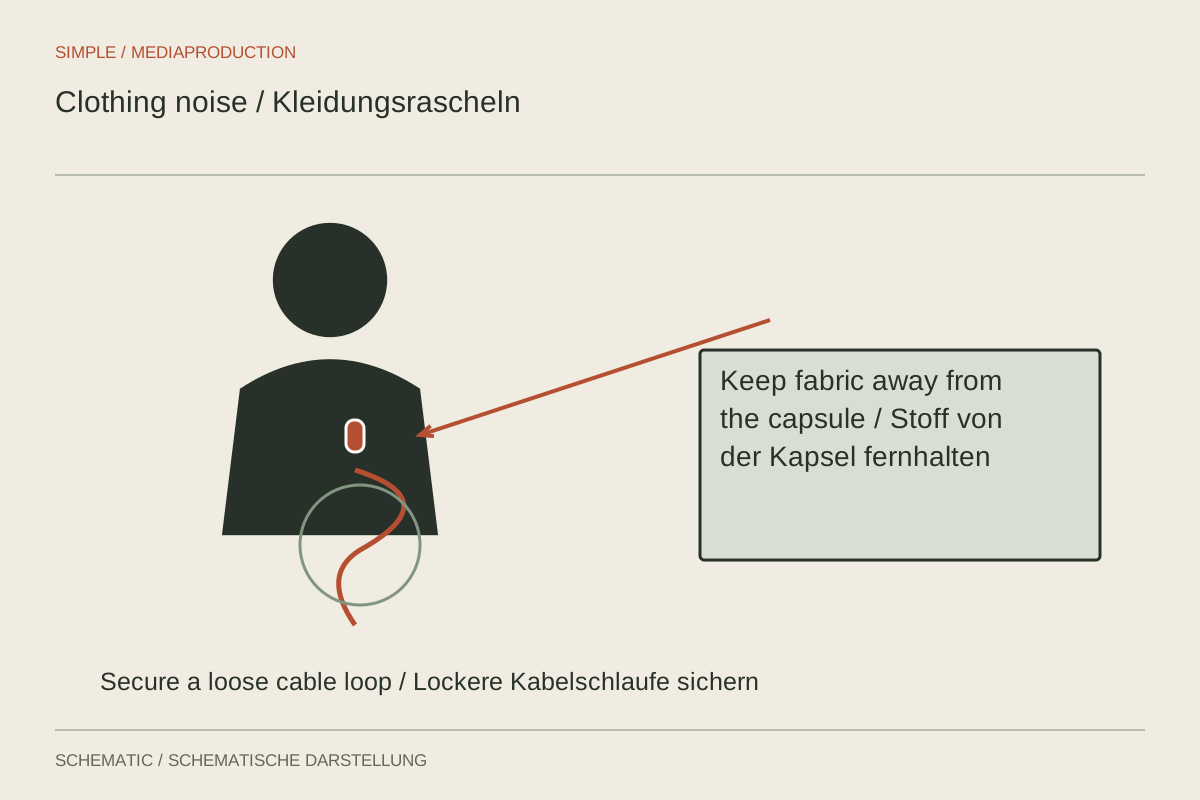
Rustling can come from fabric, jewellery or cable tension. A movement test separates these causes better than a gain adjustment.
Sound & podcasts
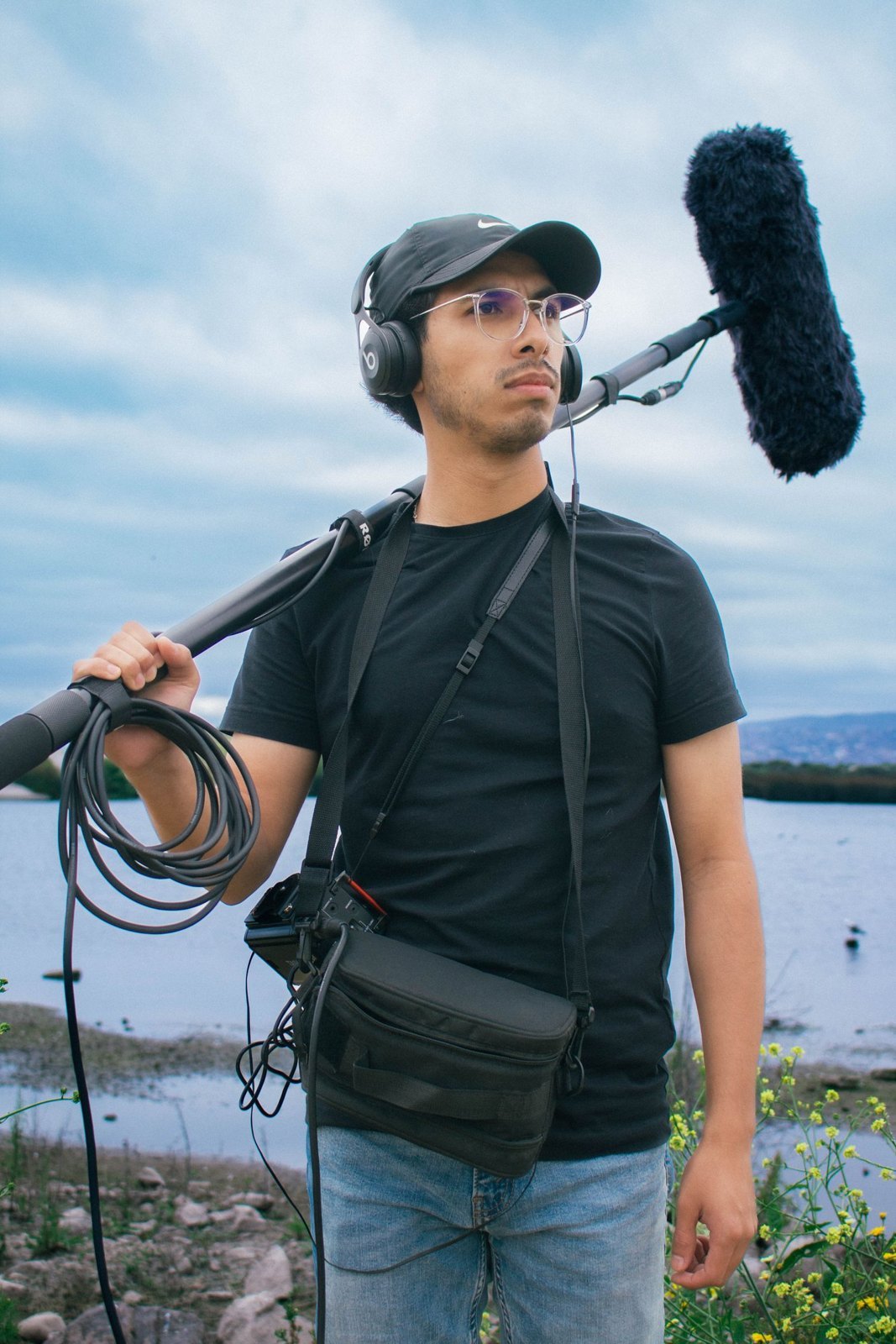
A directional microphone needs proximity and suitable aim. Staying out of frame is only one of several requirements.
Sound & podcasts
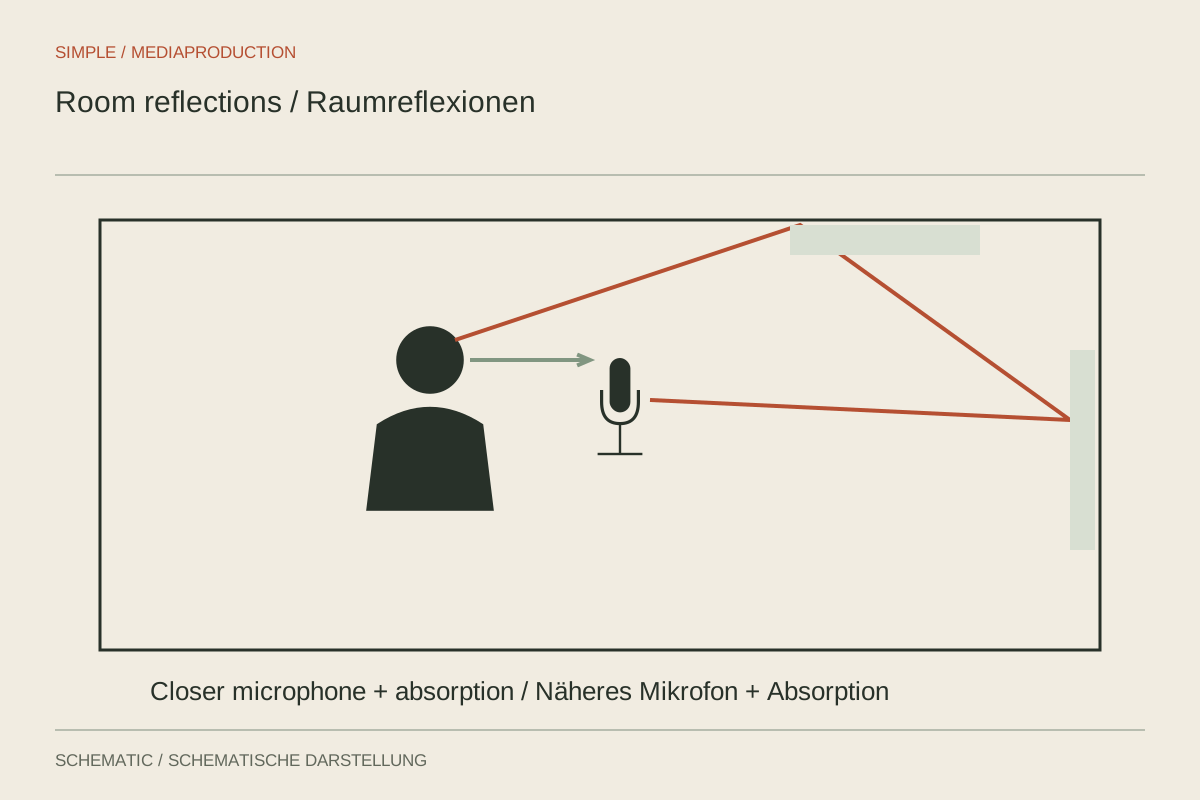
Reverberation is delayed room sound, not steady noise. Microphone distance and location often help more than aggressive processing.
Sound & podcasts
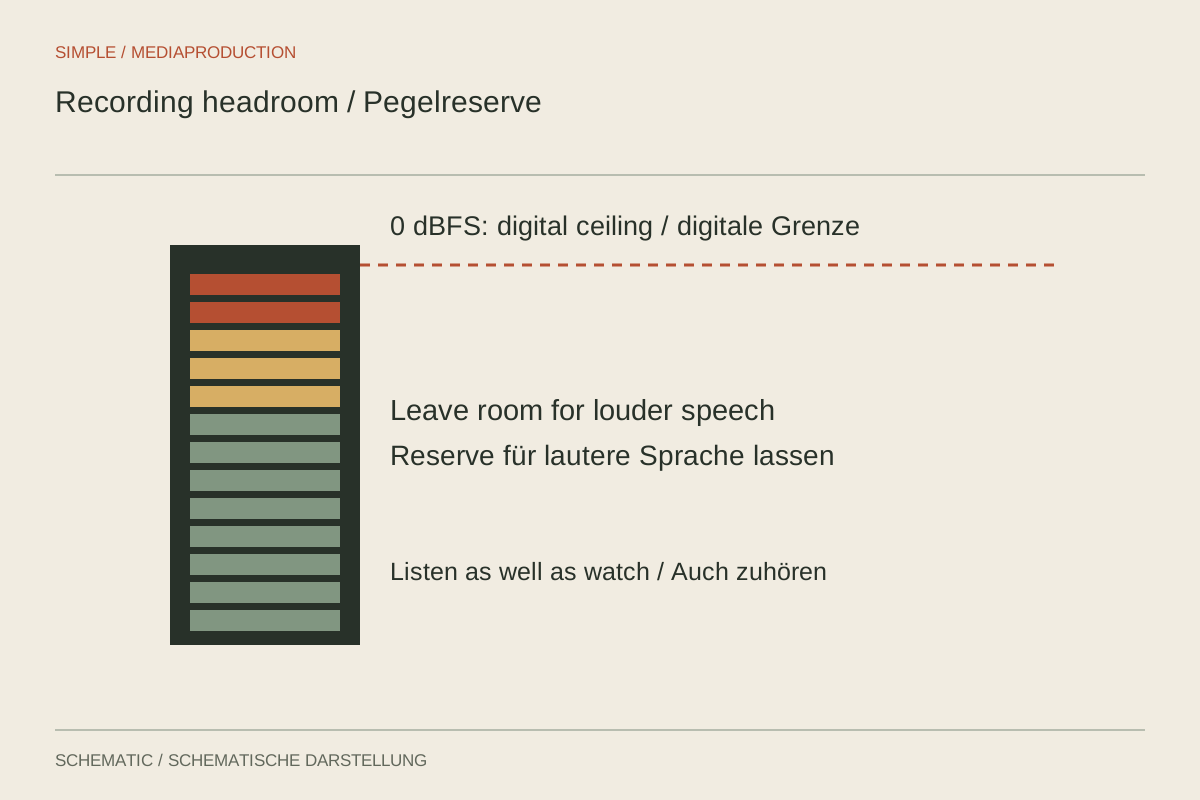
The loudest plausible moment determines headroom. Set the input and distinguish it from headphone volume and output level.

Sound & podcasts
Meters show activity; headphones reveal faults. Monitor the signal at the point where it is actually being recorded.
Sound & podcasts
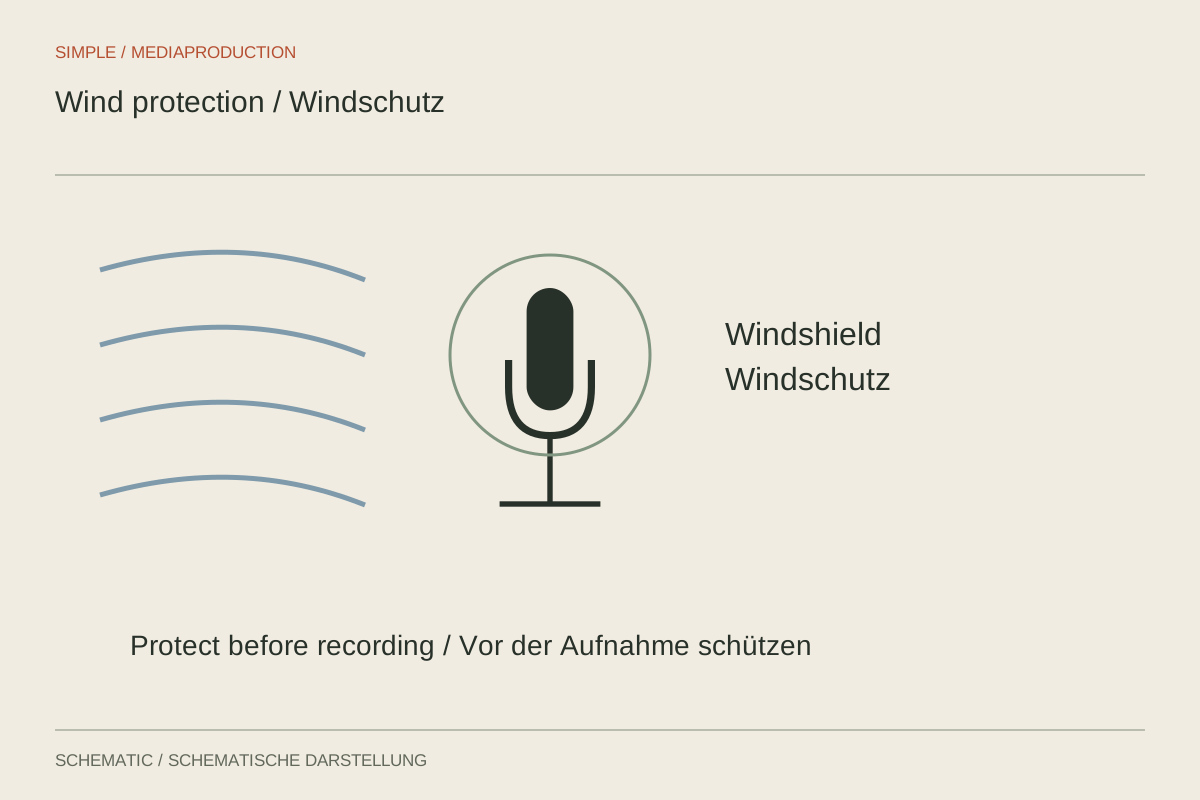
Wind protection must suit the microphone and airflow. Editing filters cannot reliably repair an overloaded capsule.
Sound & podcasts
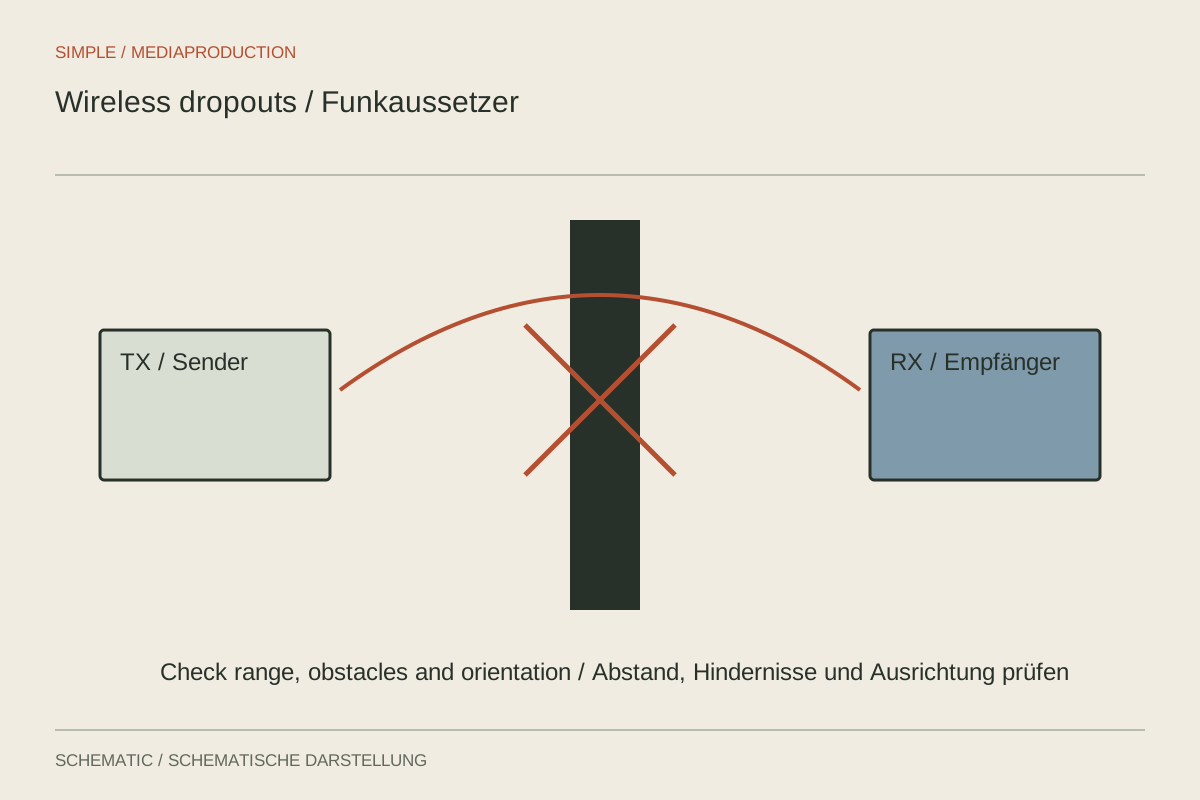
A dropout may originate in the radio link, cable or recording. Separate those stages with controlled comparisons.
Sound & podcasts
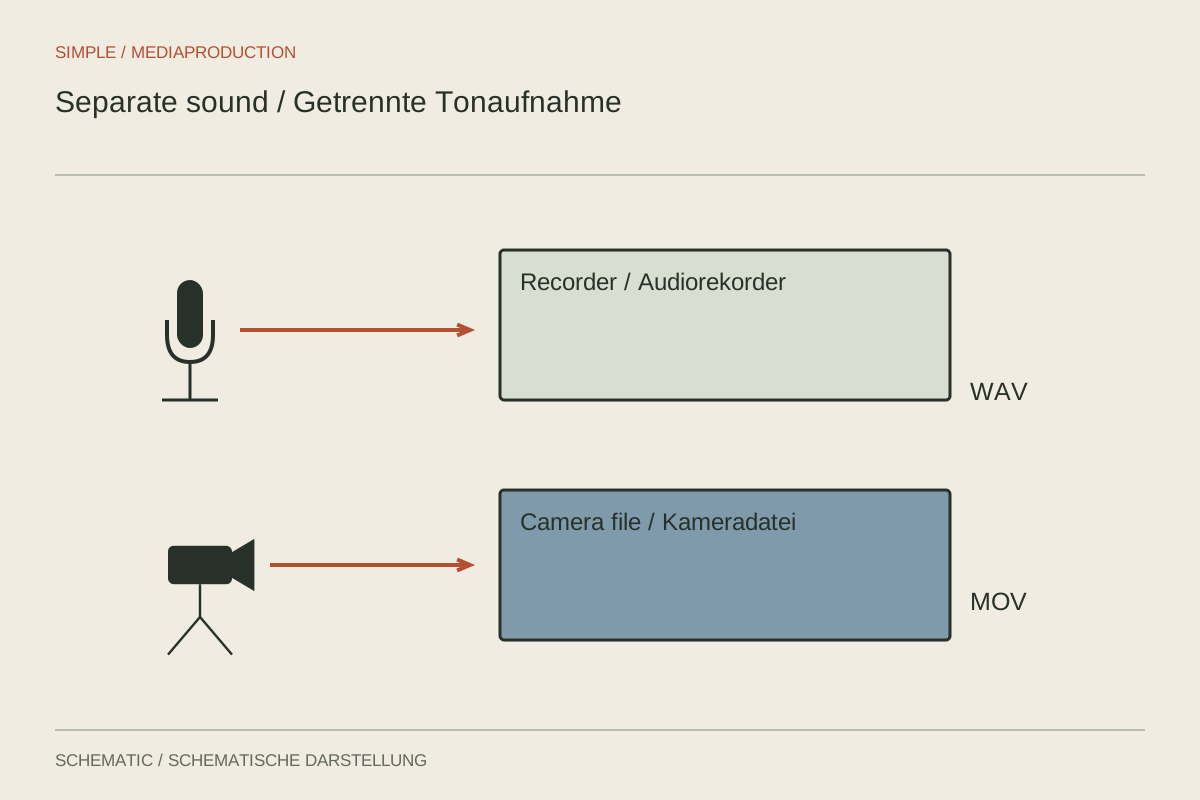
Separate sound recording needs an unambiguous relationship to the camera. Plan synchronisation, naming and checks before the first take.
Sound & podcasts
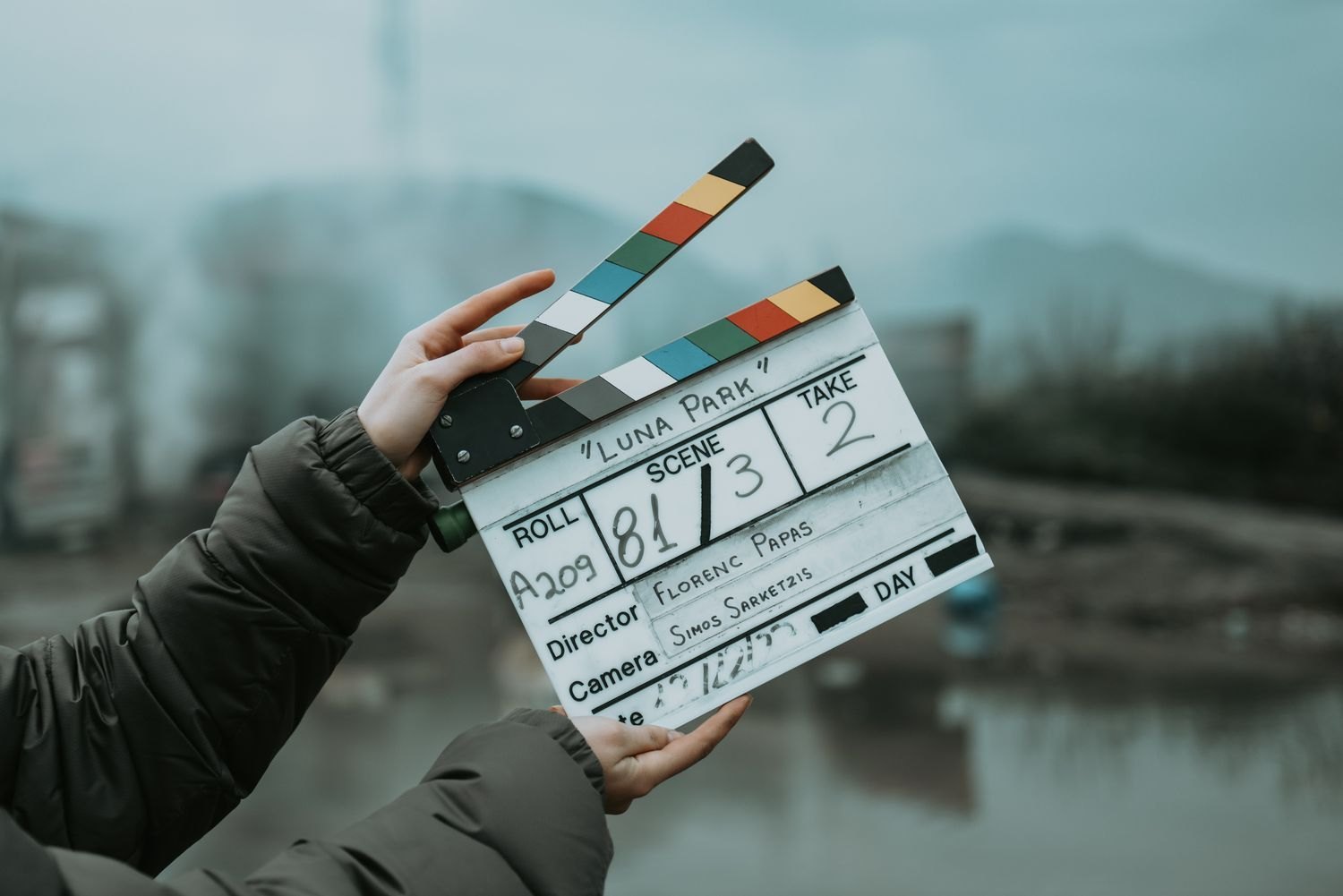
A clap gives picture and sound a shared instant. It must be visible, audible and clearly identified.
Sound & podcasts
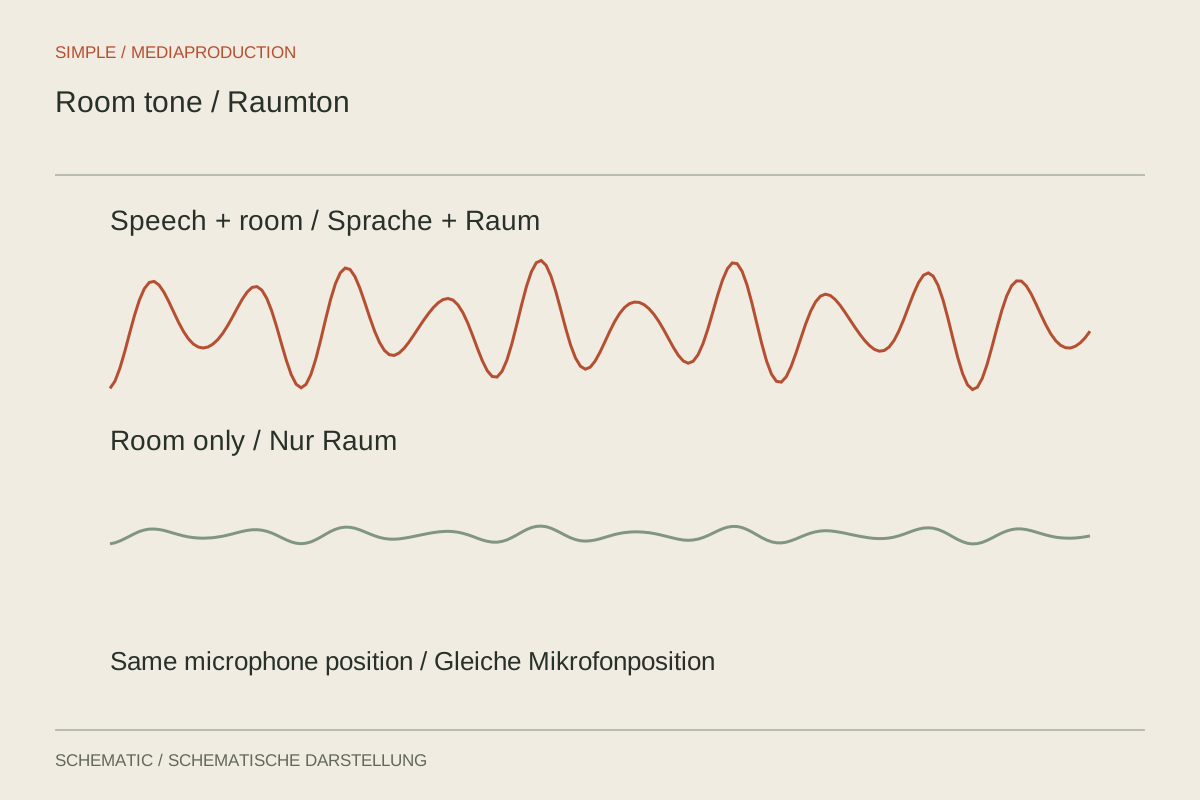
Room tone connects speech edits with the same acoustic environment. Capture it under the same conditions as the conversation.
Sound & podcasts
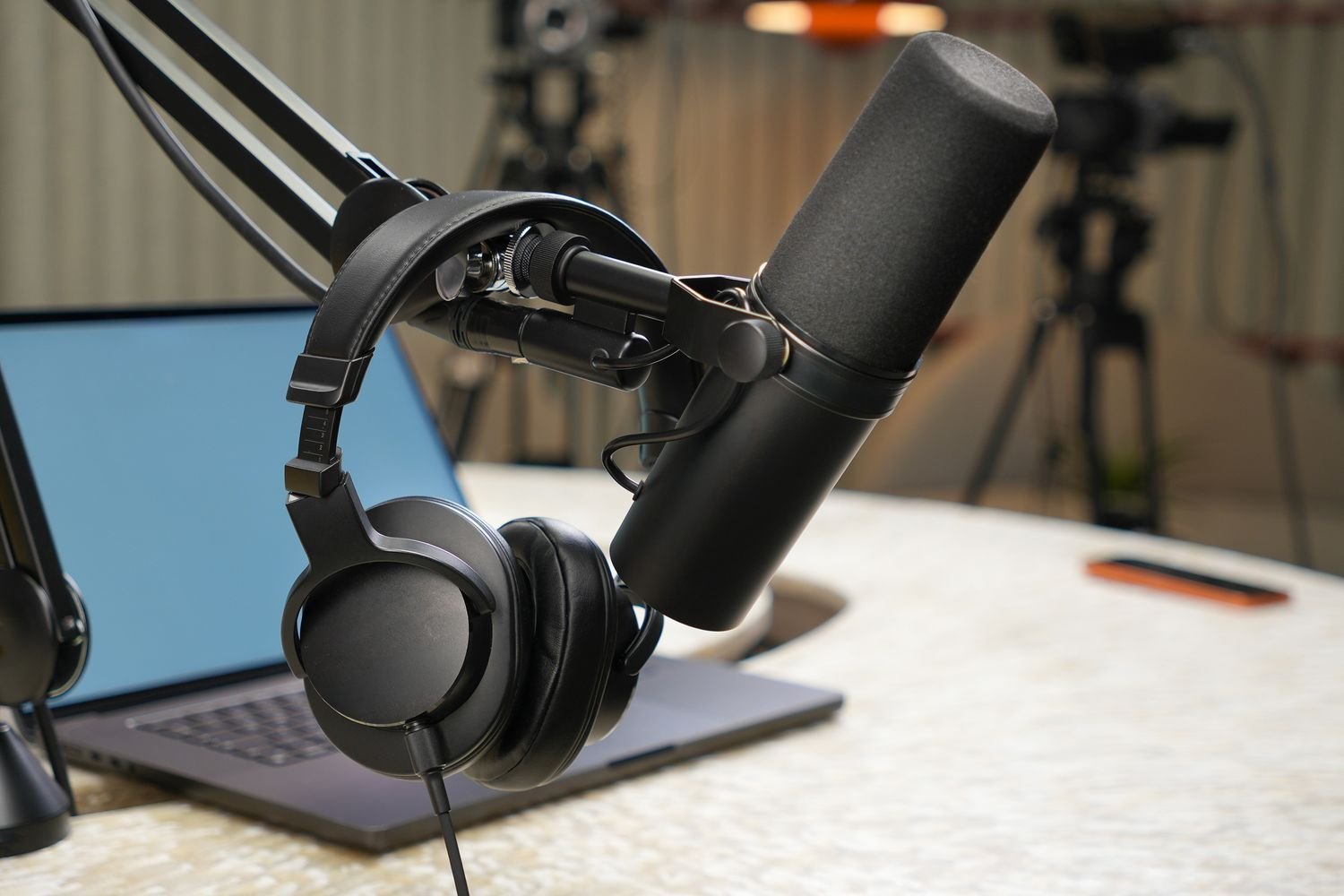
Consistent distance stabilises level and tone. Position the microphone for a natural seated posture rather than forcing the speaker around it.
Sound & podcasts
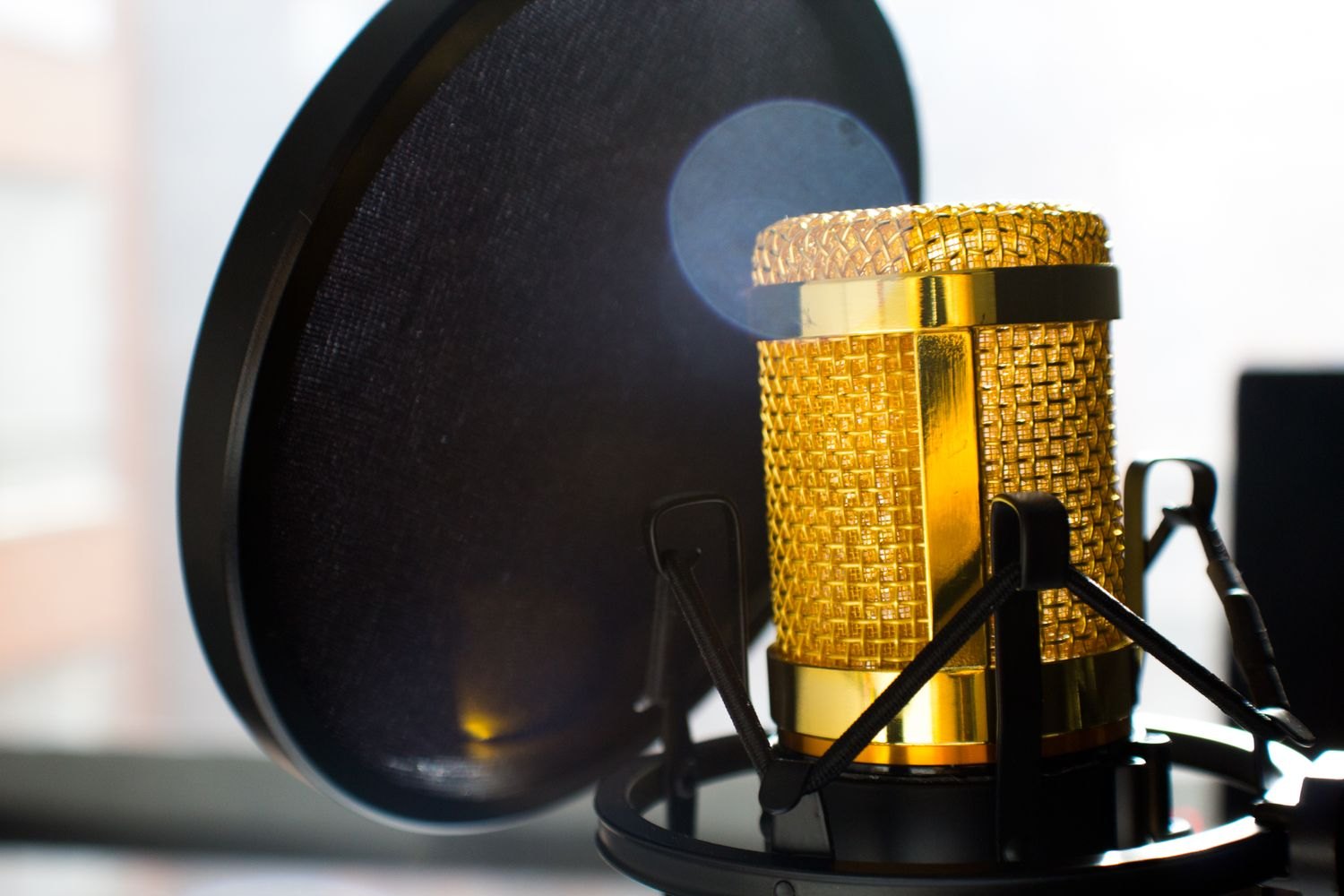
P and B sounds can send air bursts into the capsule. Slightly off-axis placement and a suitable pop filter often preserve more detail than heavy filtering.

Sound & podcasts
Two microphones become independently editable voices only when their channels are saved separately. Check spill and routing before the conversation.
Sound & podcasts
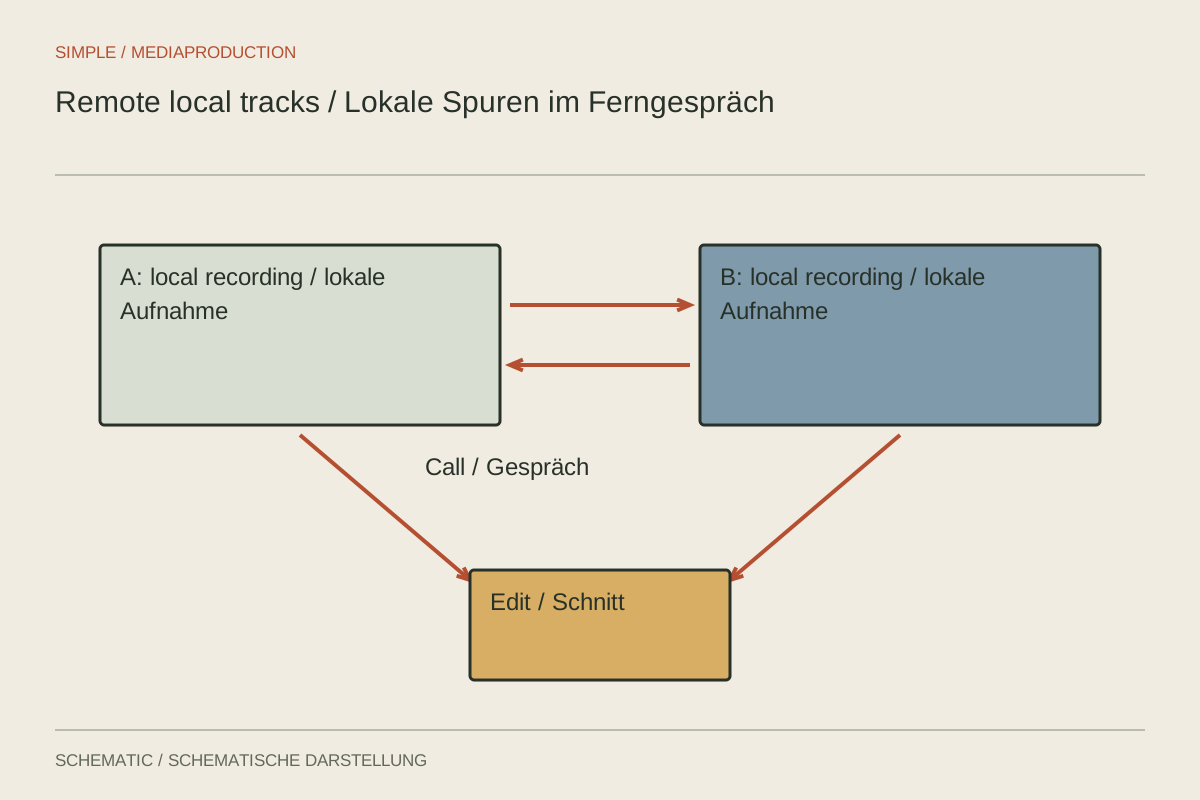
Local tracks can separate connection problems from the captured signal. They still require preparation, upload checks and an understandable edit.
Sound & podcasts
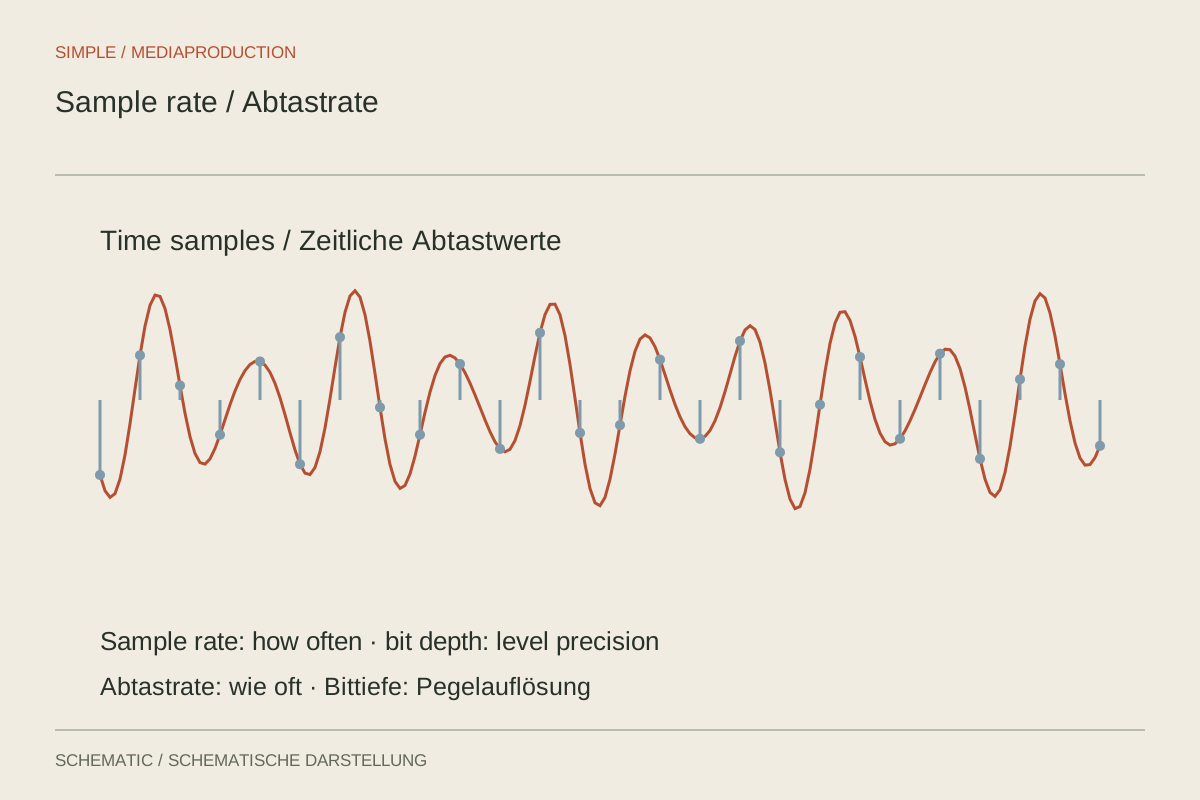
Sample rate describes measurements over time; bit depth describes their representation. Consistent settings and correct conversion matter more than the largest numbers.
Sound & podcasts
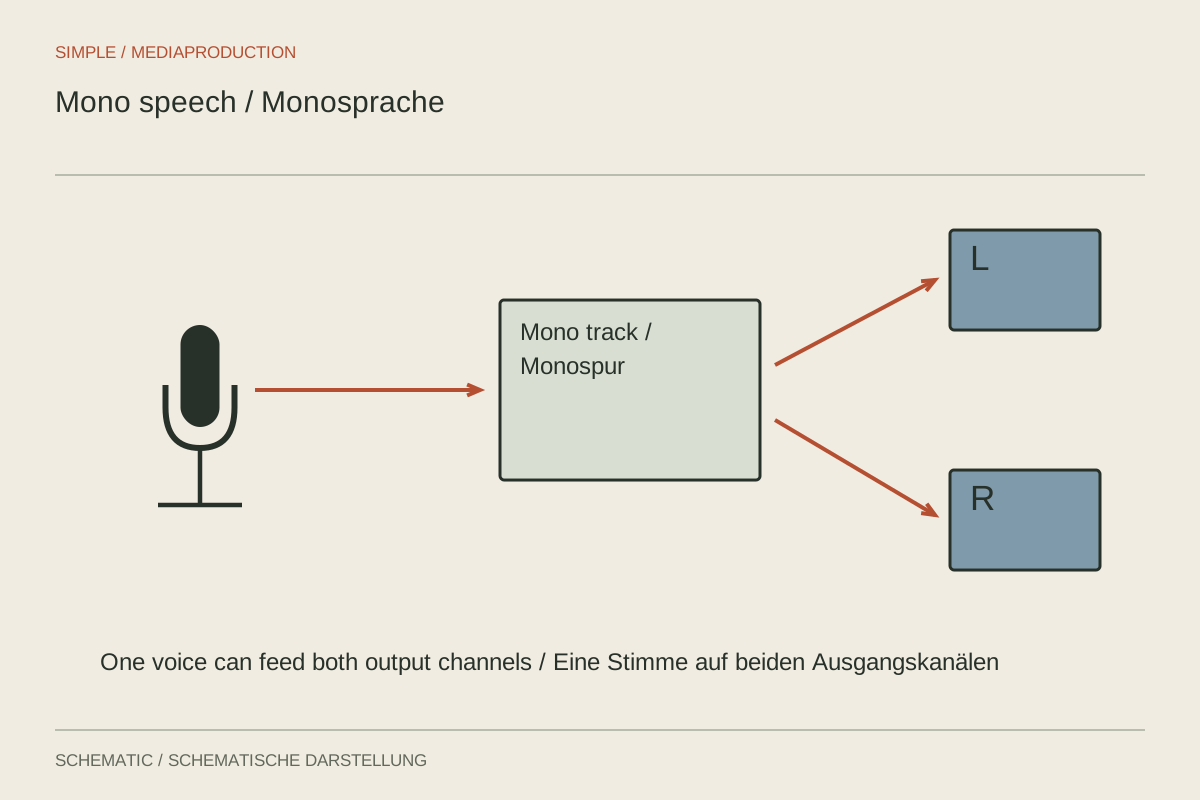
A single voice usually needs no artificial stereo width. Distinguish recording channels from its eventual position in the mix.
Sound & podcasts
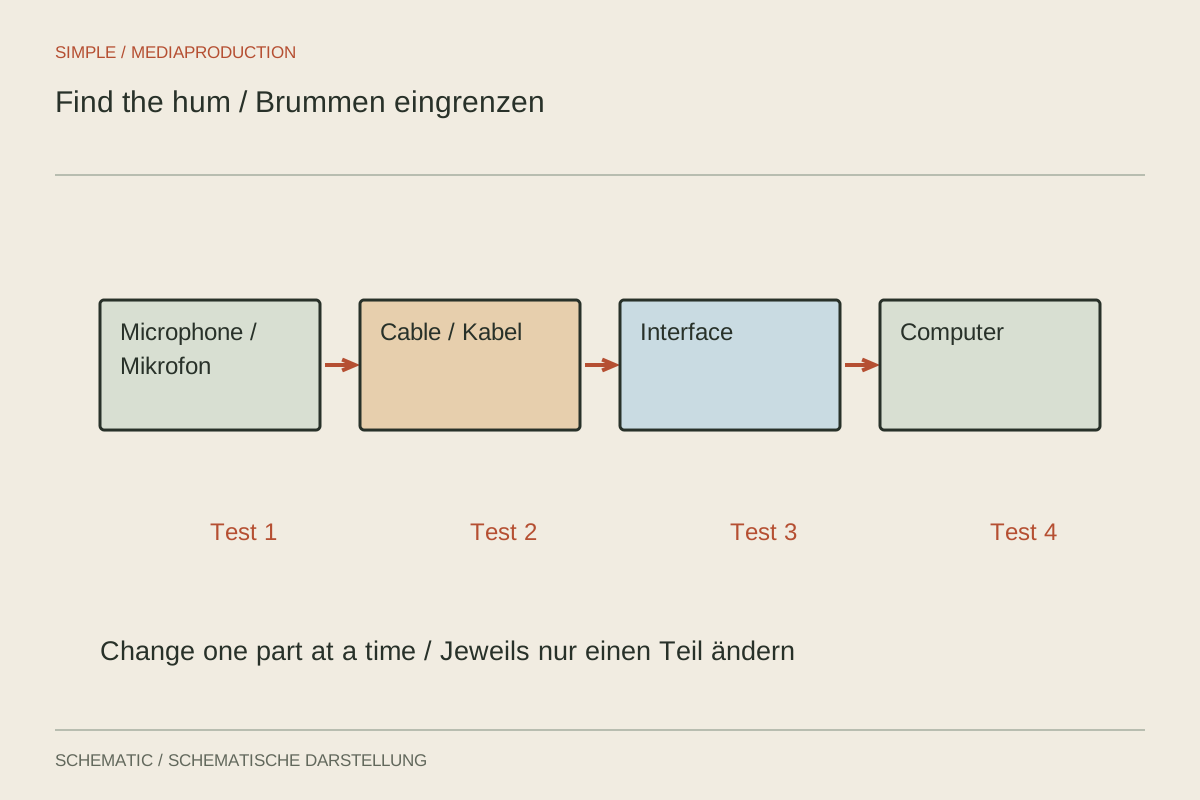
Hum is easier to locate when the signal chain is simplified step by step. Change only one connection per trial.
Sound & podcasts
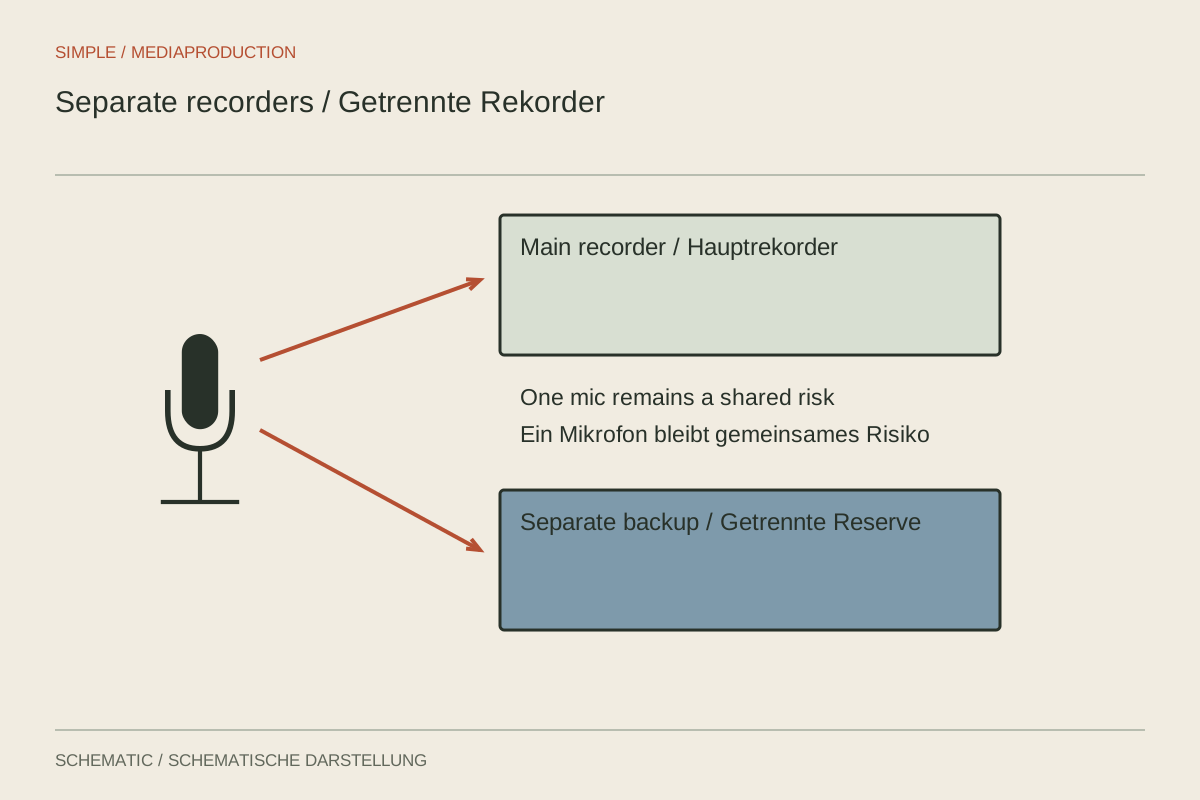
A backup protects only against faults it does not share with the main recording. Distinguish a second channel from an independent path.

Sound & podcasts
Voiceover recording becomes easier when script, posture and files are prepared. Record complete thoughts and make retakes traceable.
Sound & podcasts
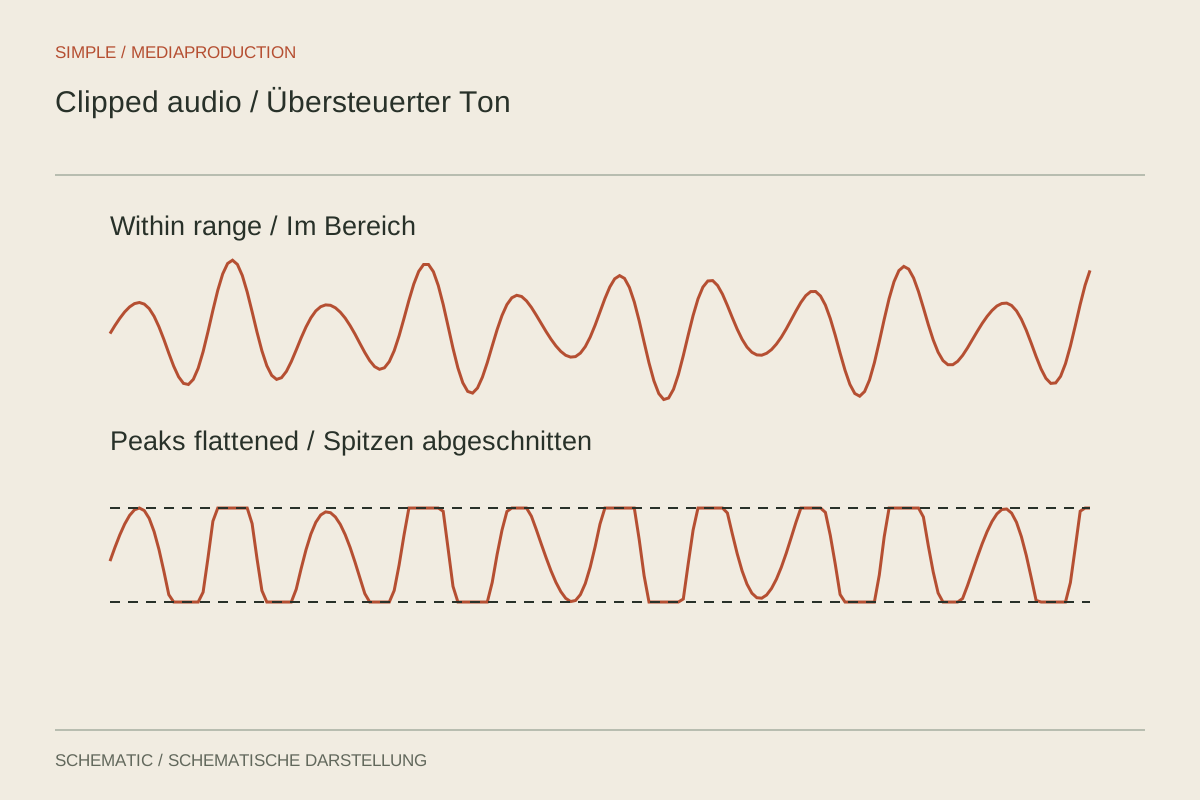
Distortion can occur before the final meter. A quiet export therefore does not prove the recording was clean.
Sound & podcasts
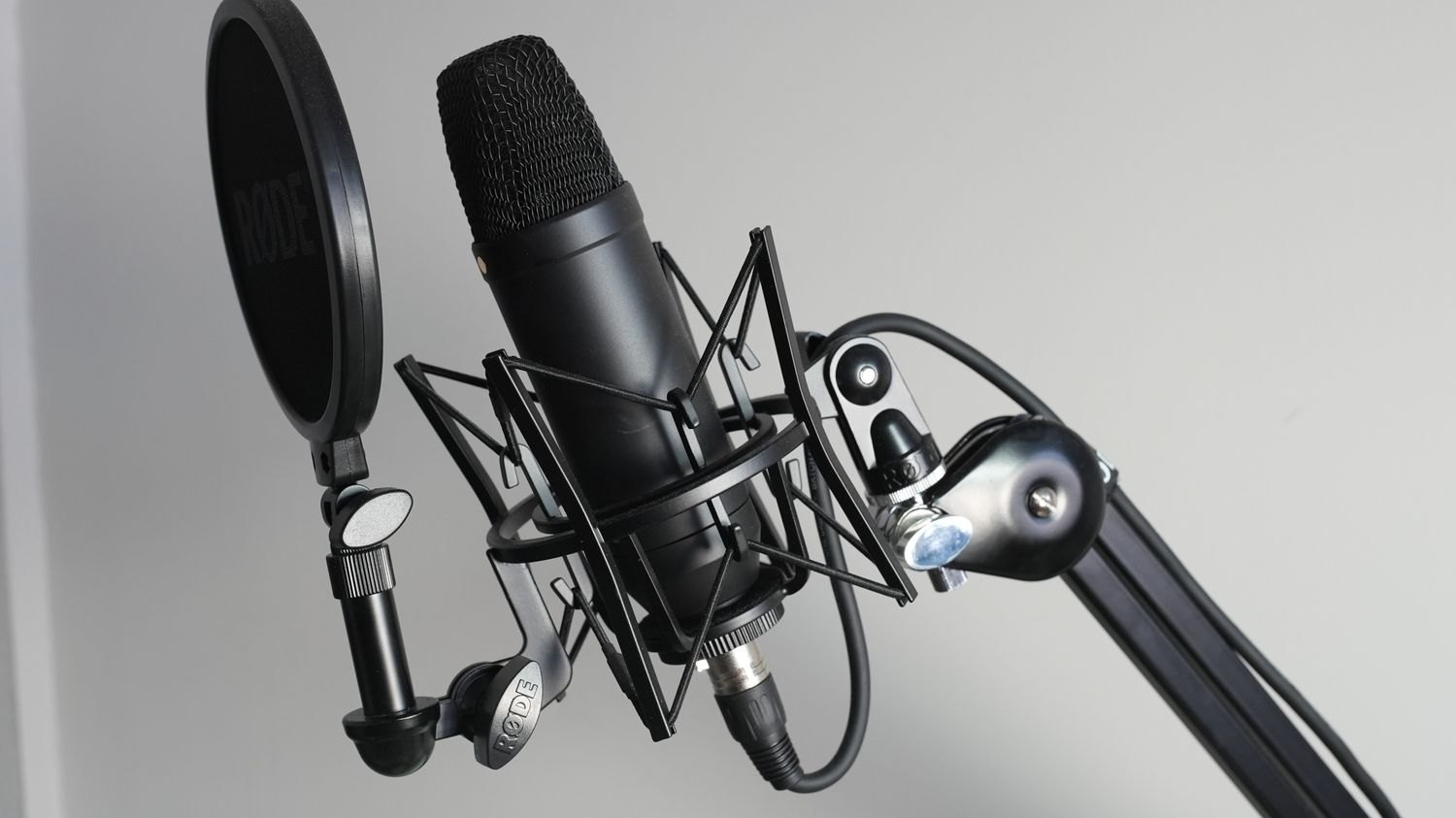
Noise reaches a microphone through air and solid connections. Check both routes before applying stronger filtering.
Sound & podcasts
A short sound check should verify speech, movement and the saved file. A responding meter alone is insufficient.
Sound & podcasts
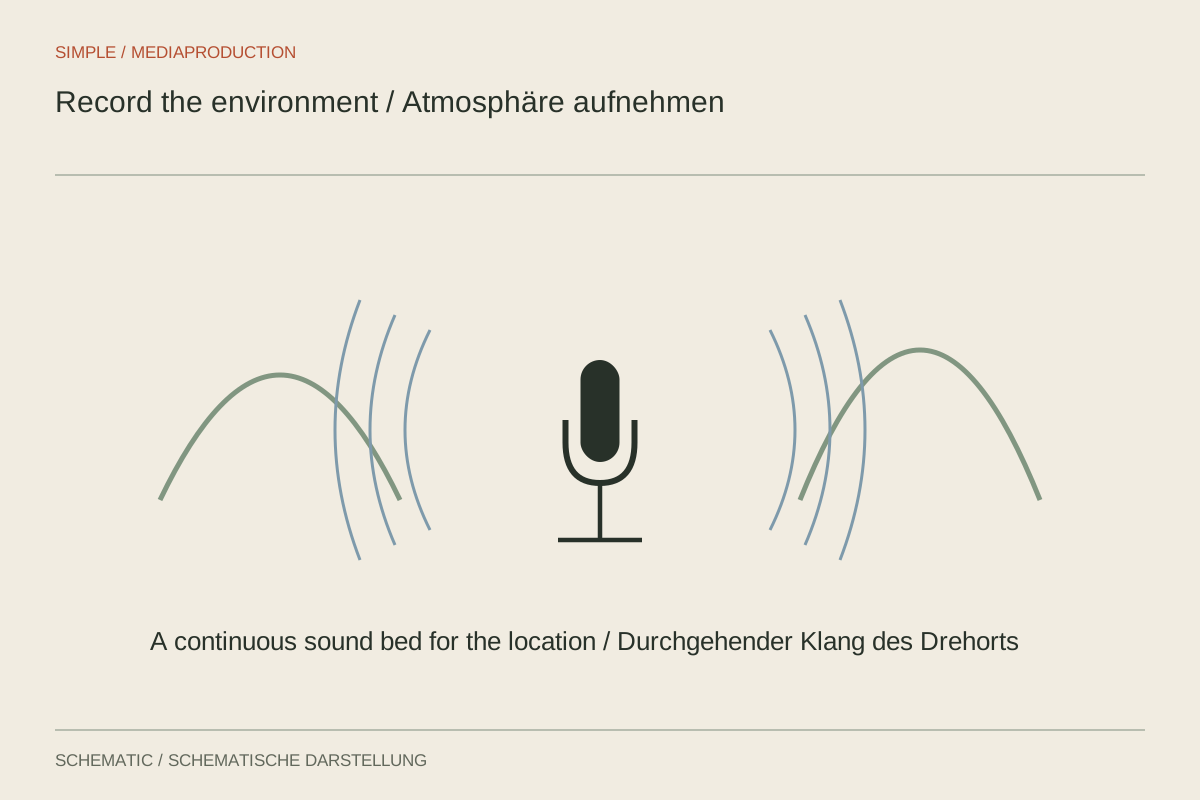
Ambience describes a place and its perspective. Record it deliberately rather than treating incidental camera sound as a generic background.
Editing & post-production
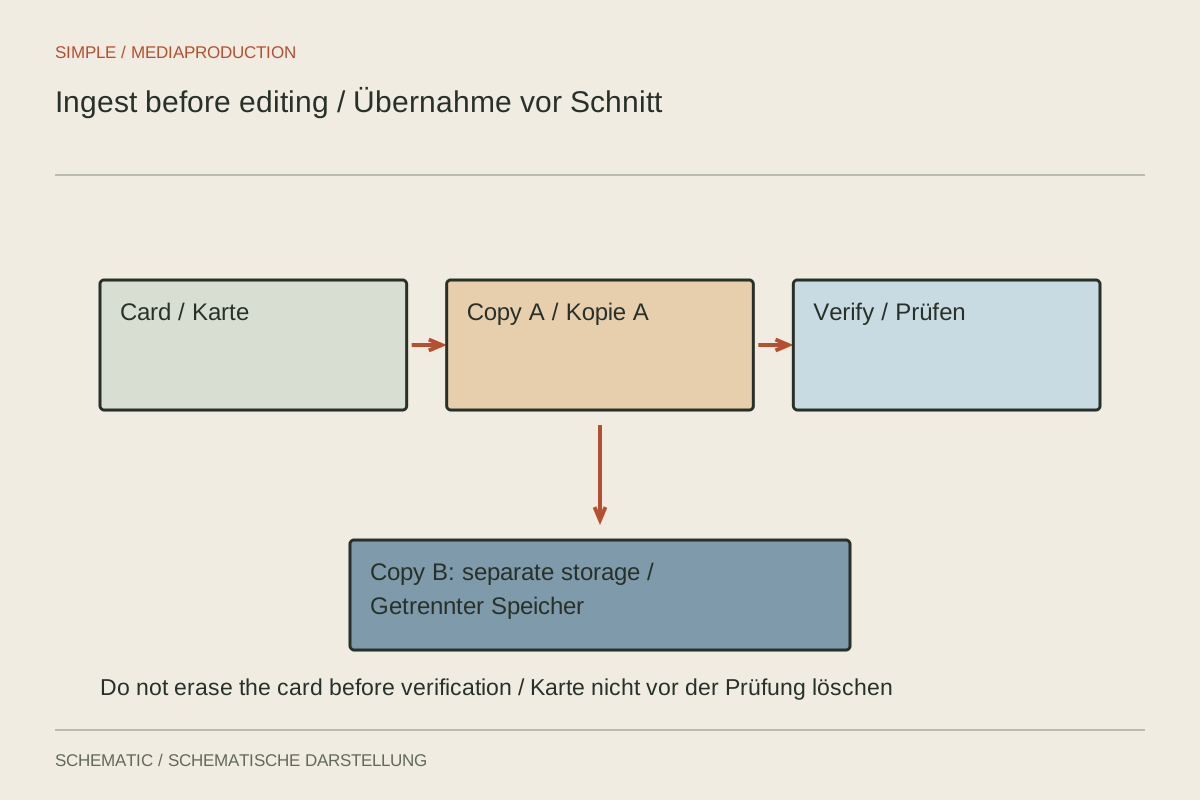
Importing is not the same as backing up. Copy cards traceably, verify files and only then begin editing.
Editing & post-production
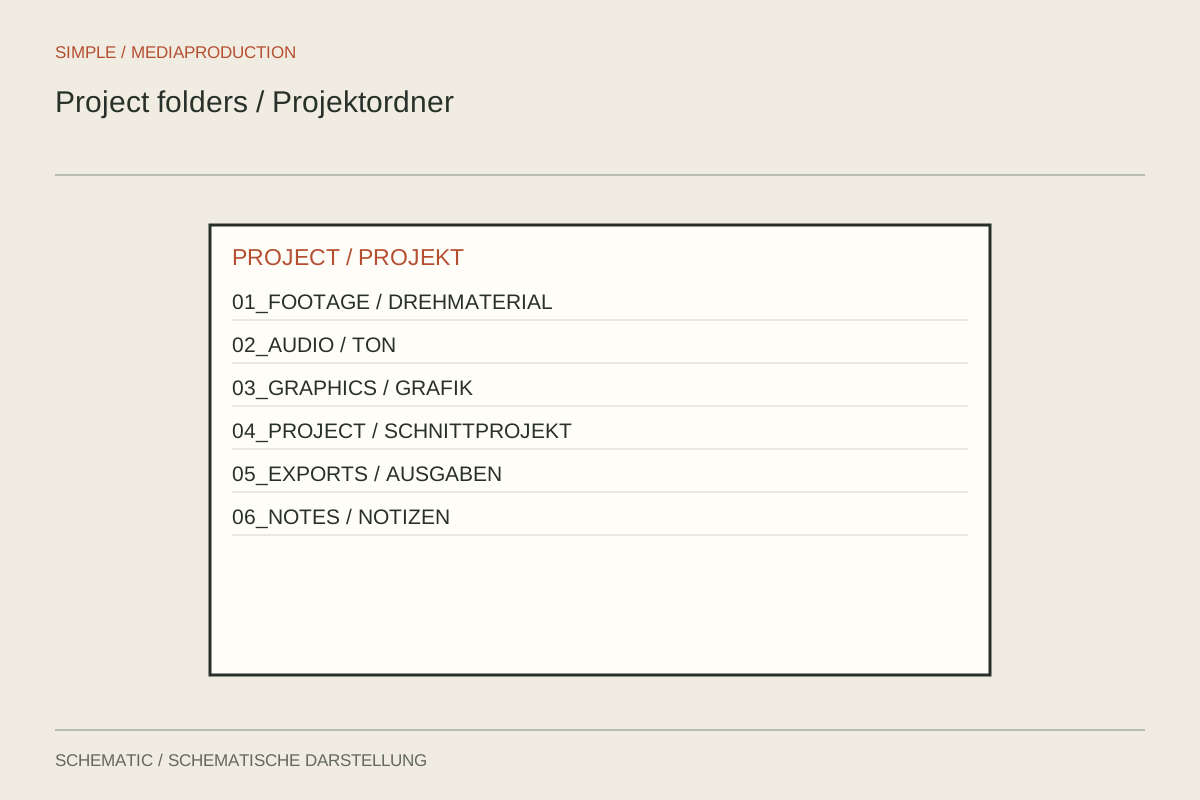
A folder structure should distinguish originals, project files and exports. It needs to remain understandable on another computer.
Editing & post-production
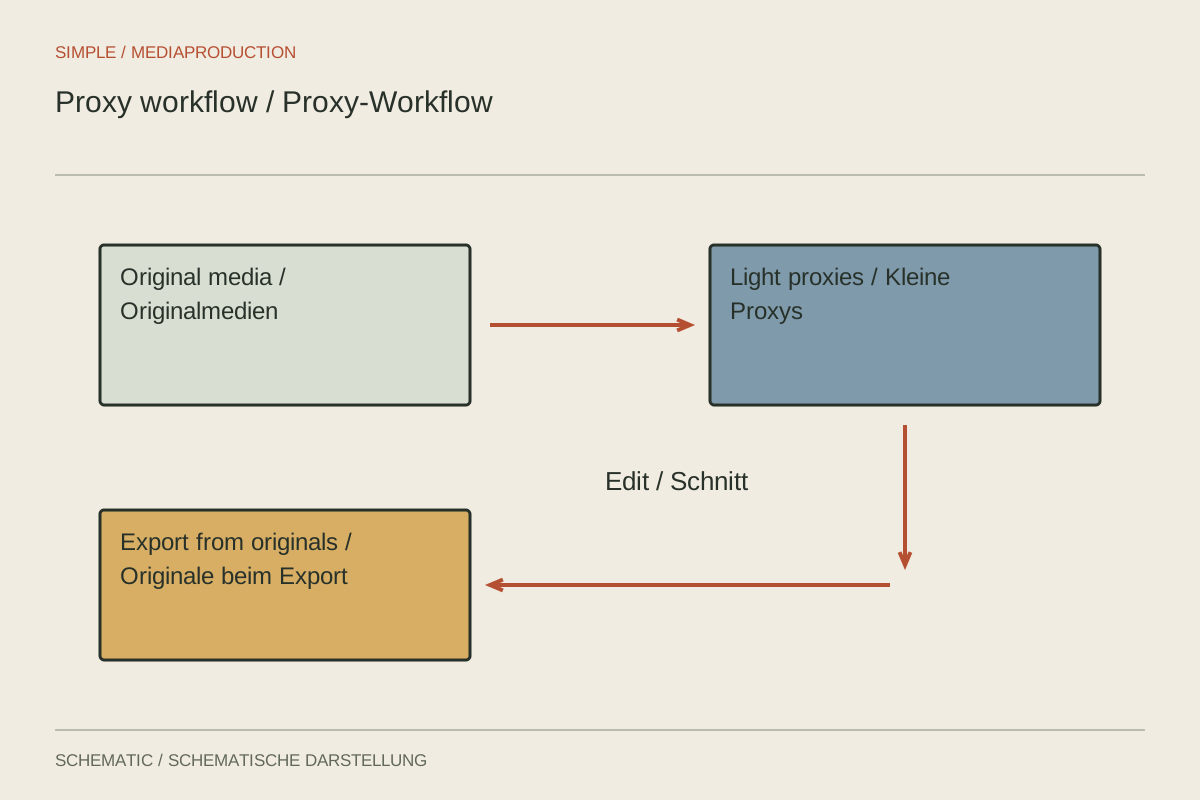
Proxies substitute lighter working copies for demanding originals during editing. Their unambiguous link to the source is essential.
Editing & post-production
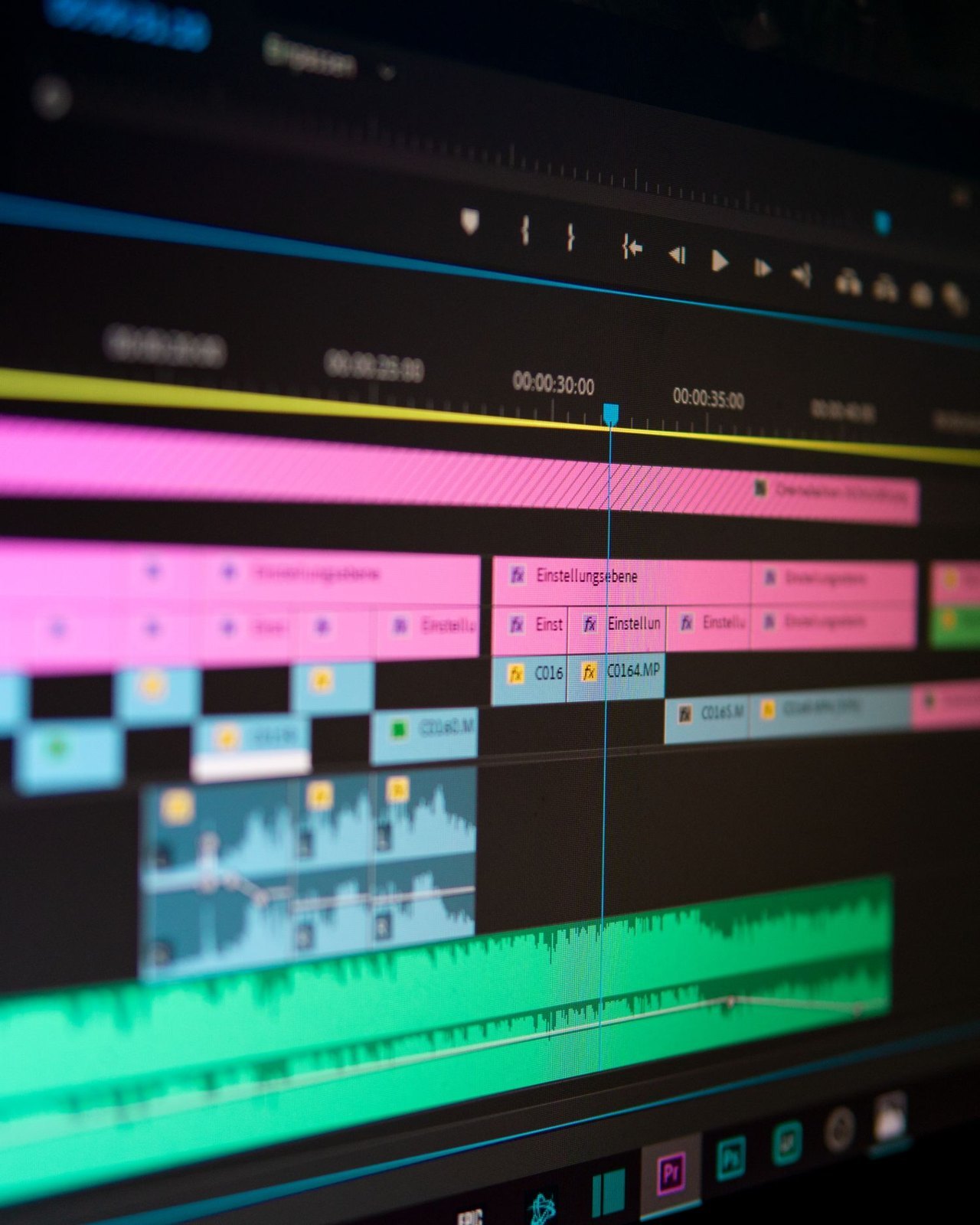
A rough cut tests order and clarity. Polished transitions contribute little while essential information is still missing.
Editing & post-production
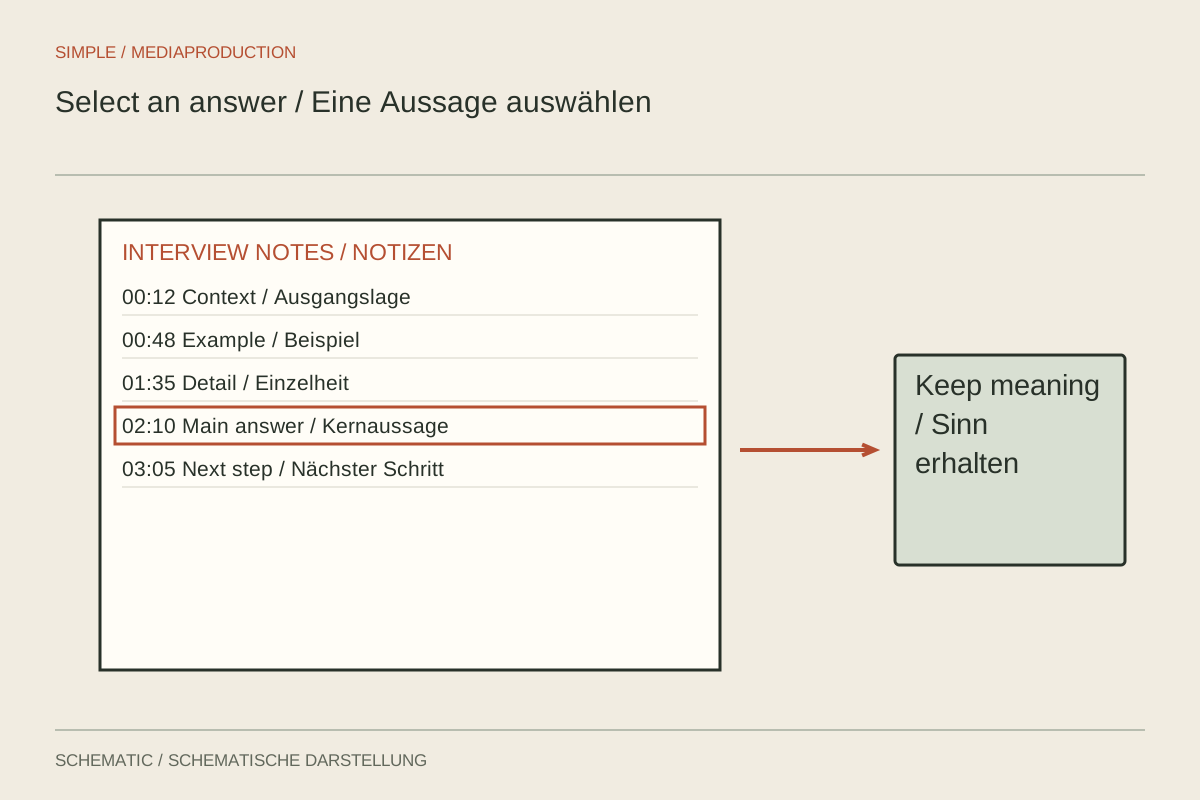
A useful interview selection preserves the answer’s meaning. Transcripts help locate passages but do not replace listening in context.
Editing & post-production
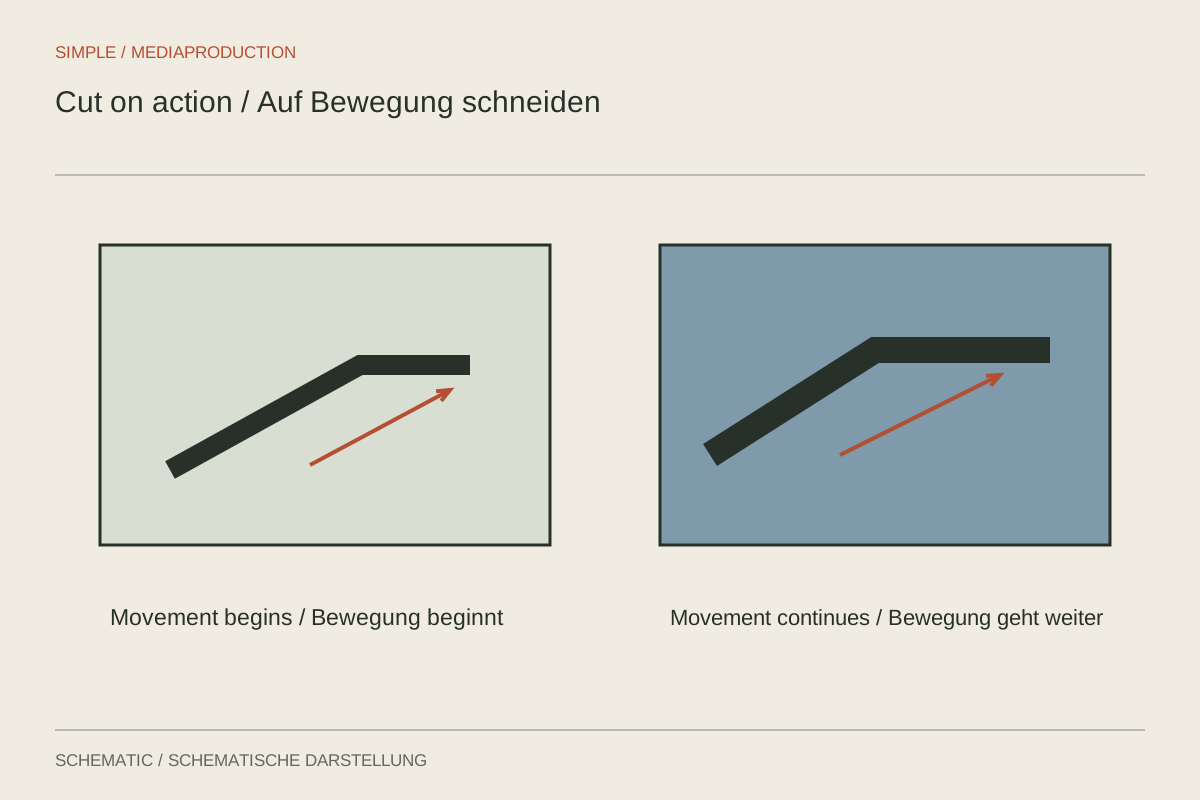
A cut within an action can connect two views. Movement phase, direction and the information that must remain visible determine whether it works.
Editing & post-production
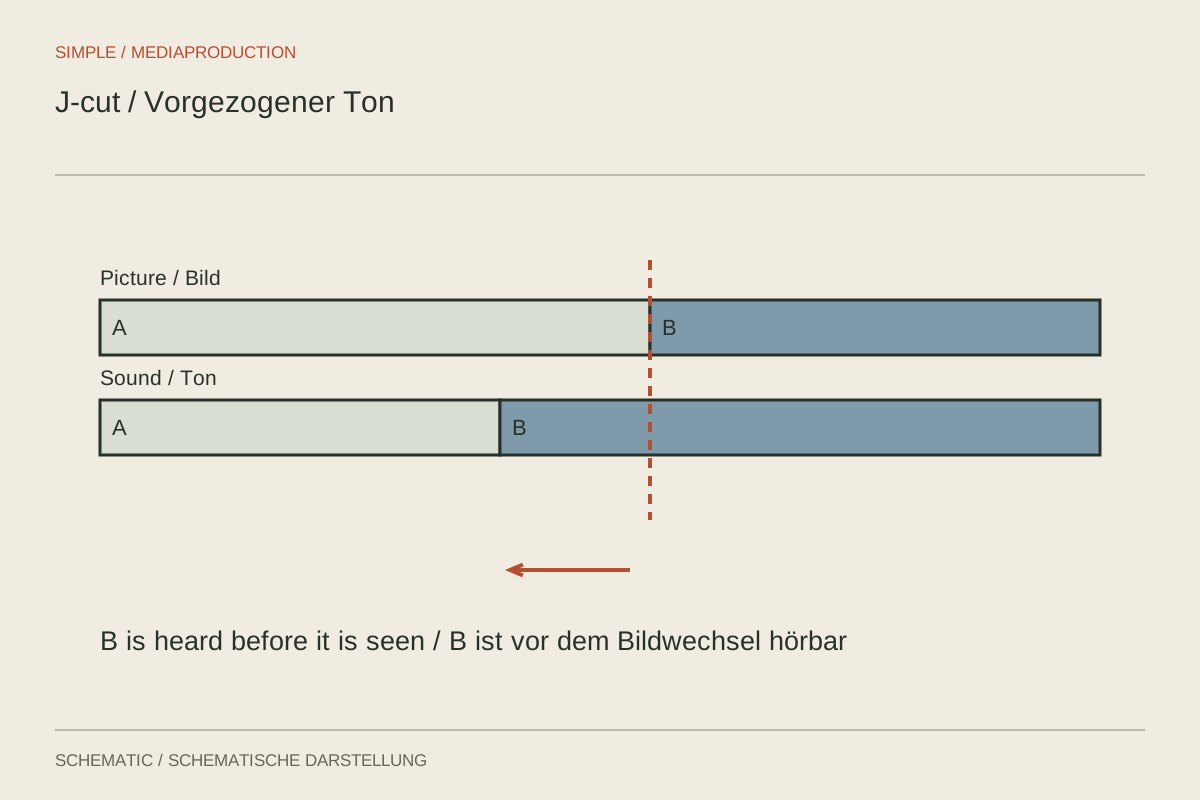
In a split edit, picture and sound change at different times. This can anticipate a new scene or carry a thought across it.
Editing & post-production
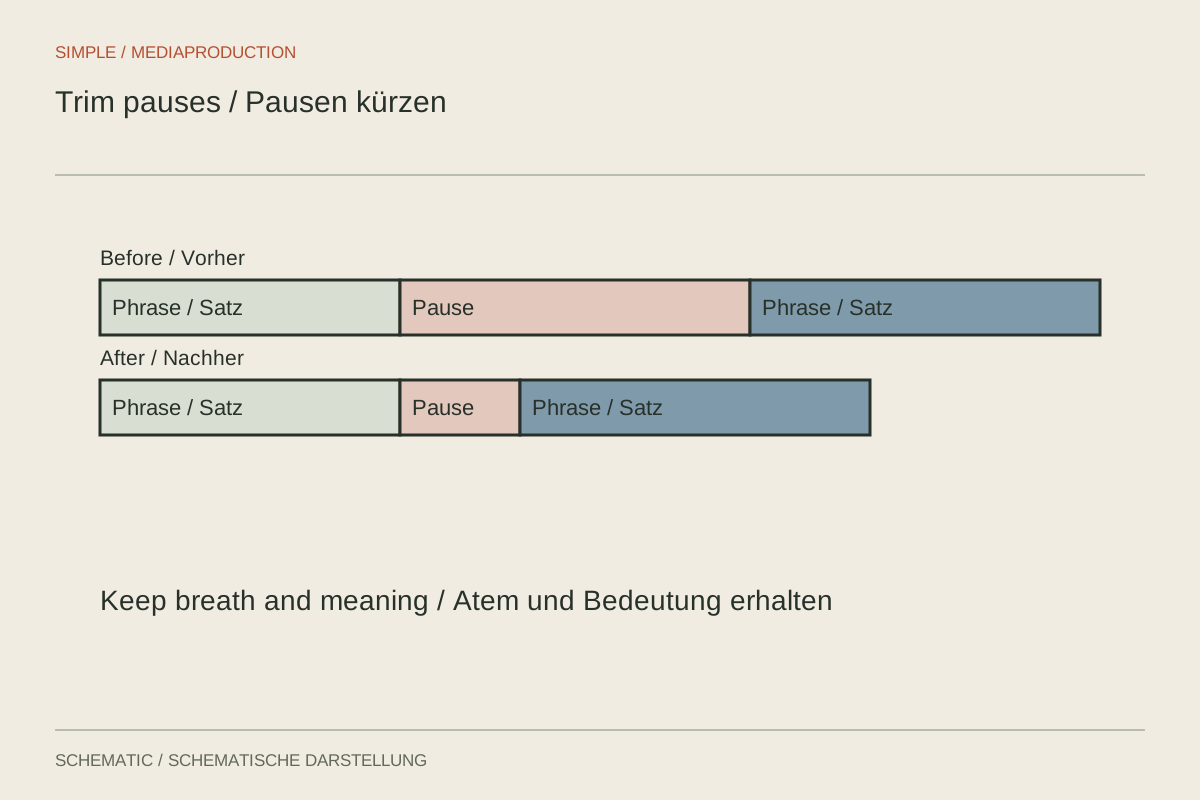
Pauses carry breathing, emphasis and meaning. Remove waiting without turning a considered answer into a rushed sentence.
Editing & post-production
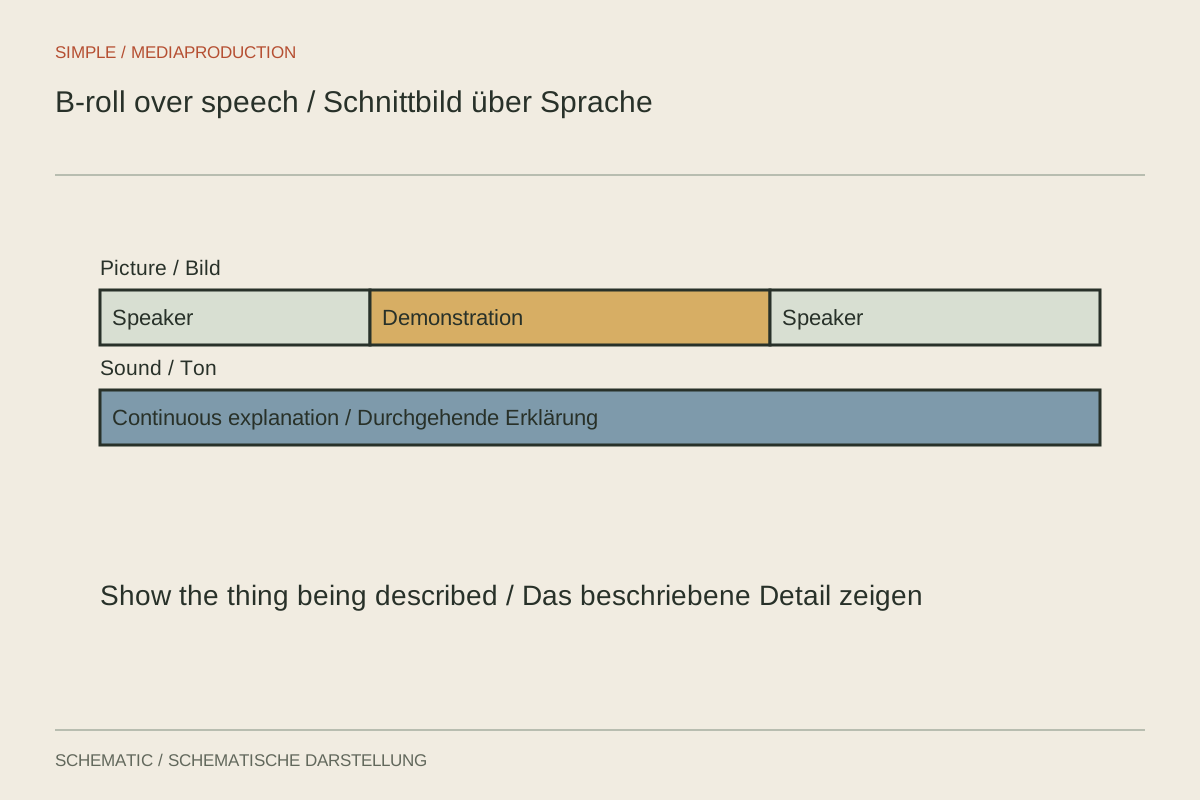
B-roll should show, explain or connect something spatially. An attractive image alone is not a reason to include it.
Editing & post-production
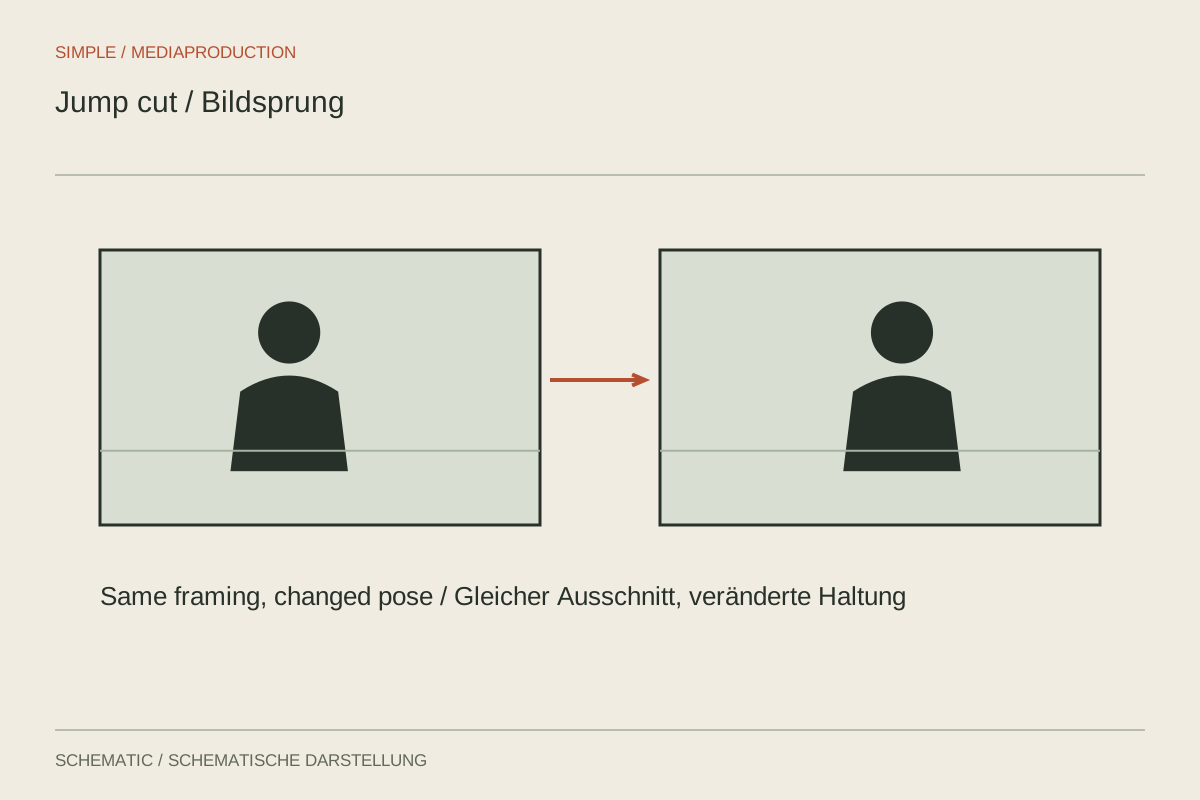
A visible jump can openly show an edit. Decide from the content and available images whether to keep it, cover it or cut differently.
Editing & post-production
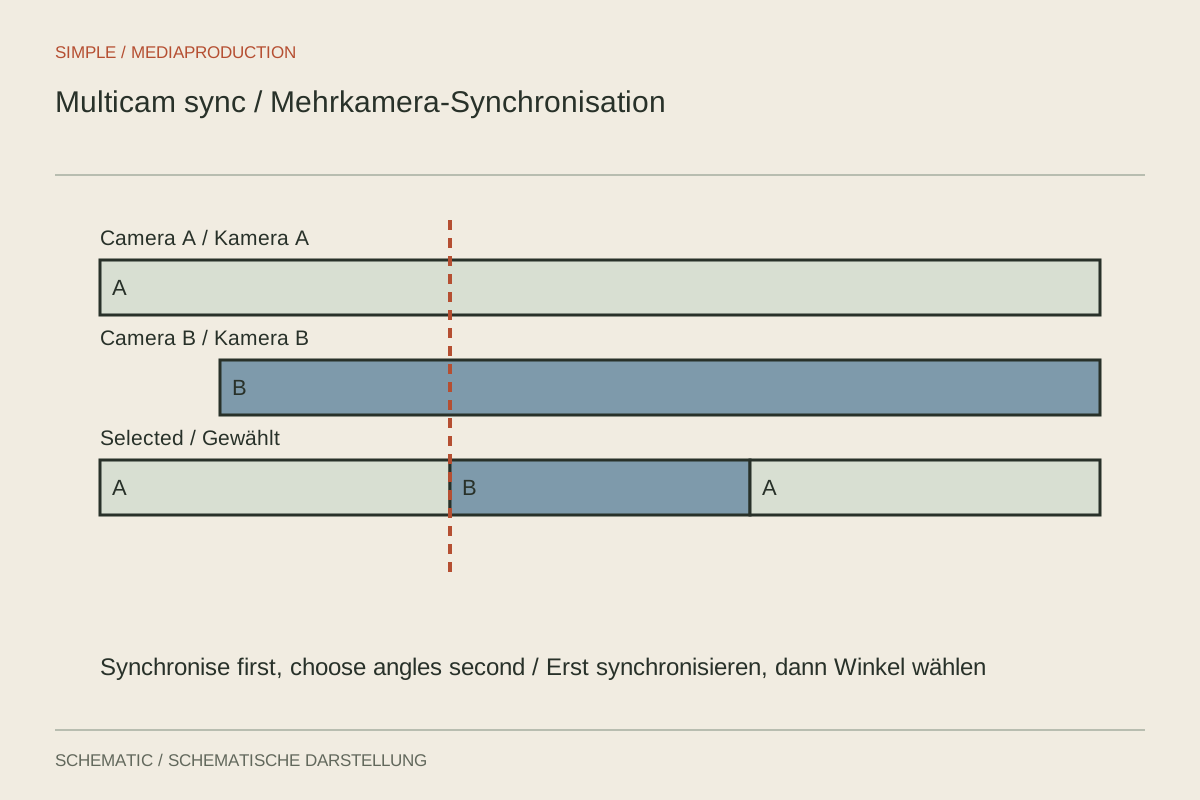
Two cameras first need a shared timeline and a clear audio path. Only then should you switch between views.
Editing & post-production
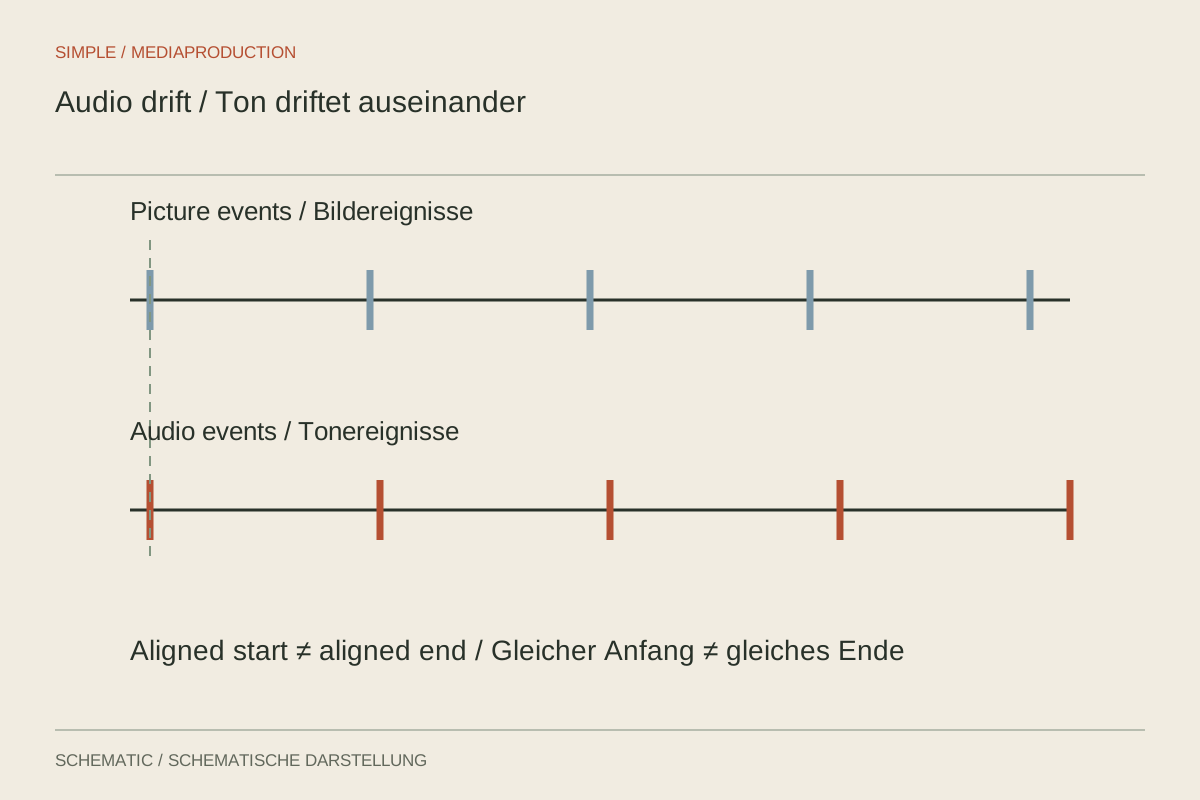
Constant offset, gradual drift and sudden jumps are different faults. First measure how the discrepancy develops through the recording.
Editing & post-production
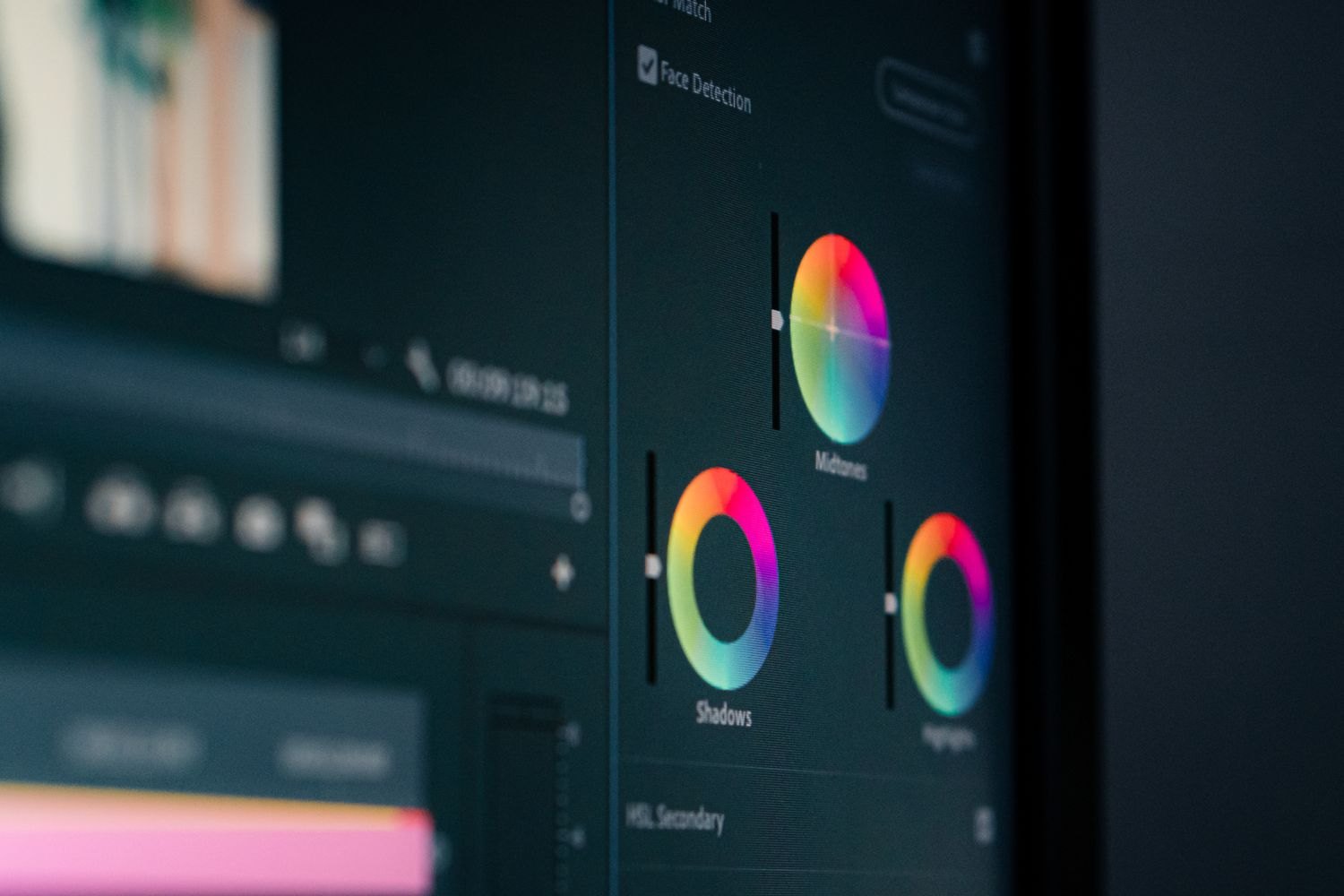
Basic correction establishes a coherent starting point. Exposure, white balance and colour management should be addressed before adding a look.
Editing & post-production
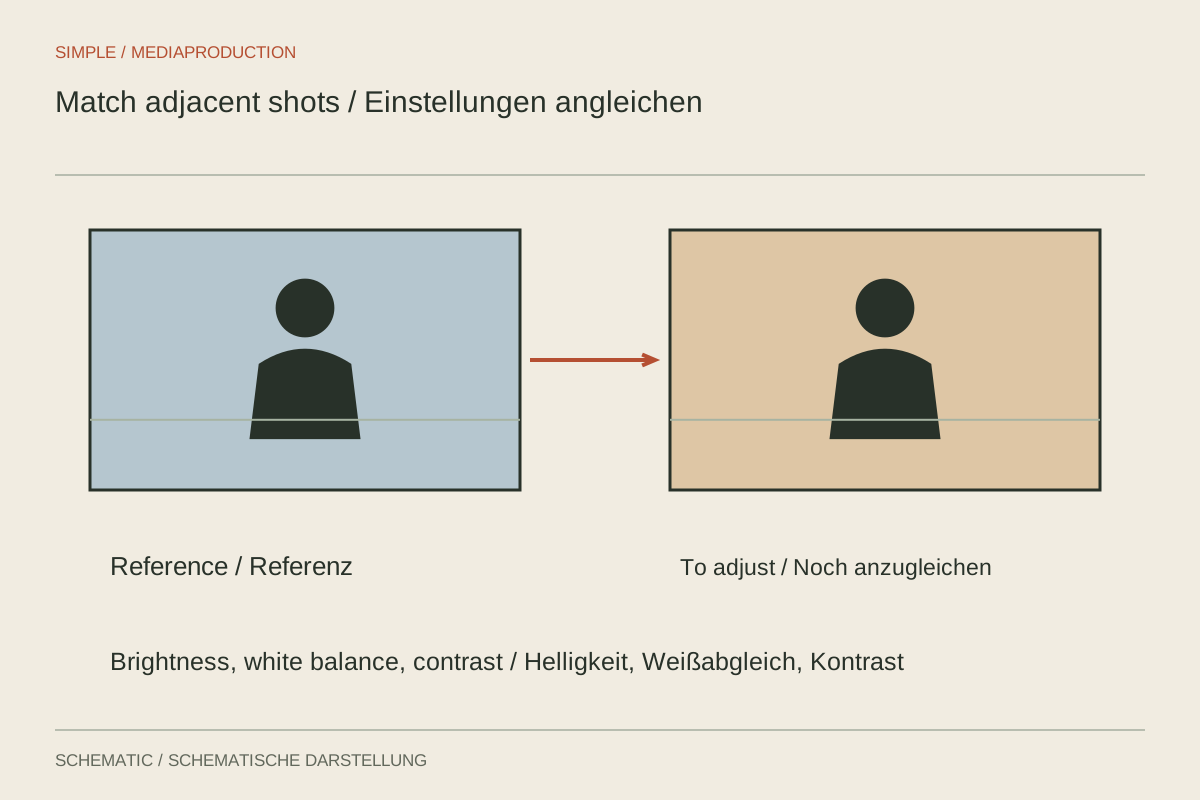
Matching shots need a shared reference, not identical slider values. Compare faces, neutral areas and the moving transition.
Editing & post-production
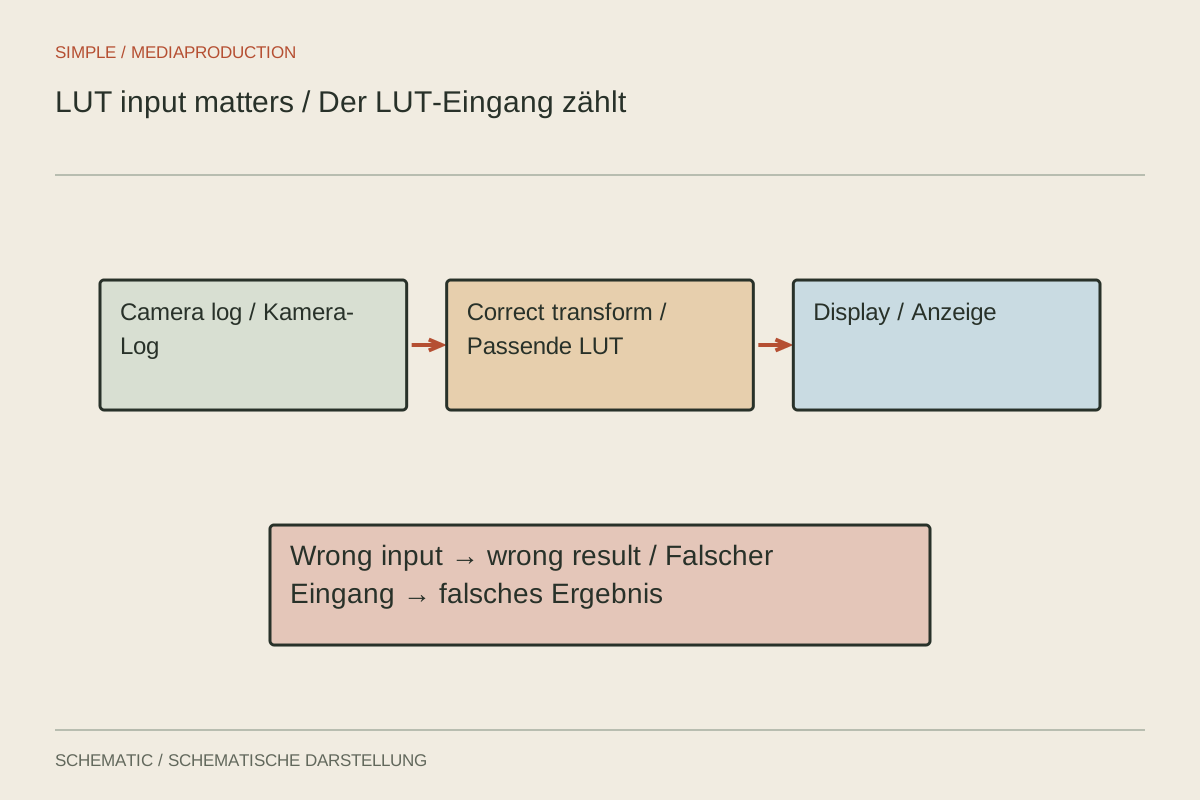
A LUT expects a defined input; check that before judging its result.
Editing & post-production
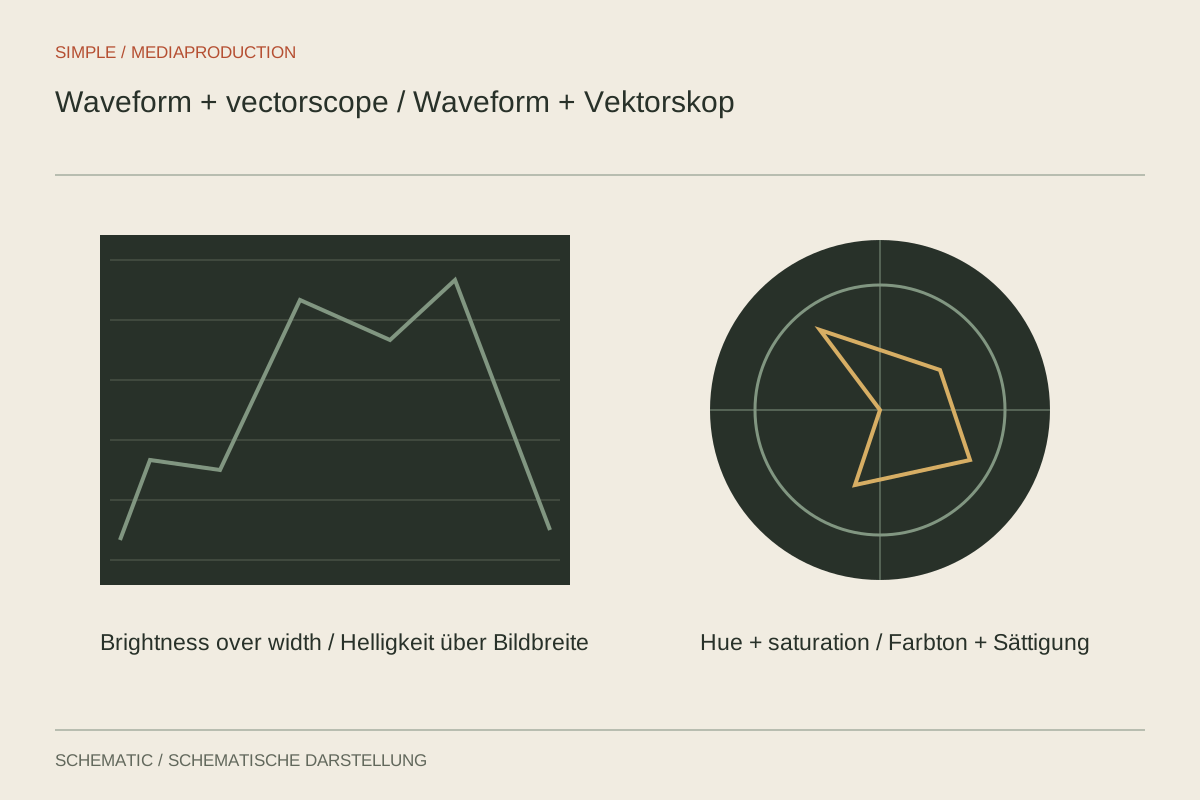
Scopes support comparisons without deciding how a scene ought to look.
Editing & post-production
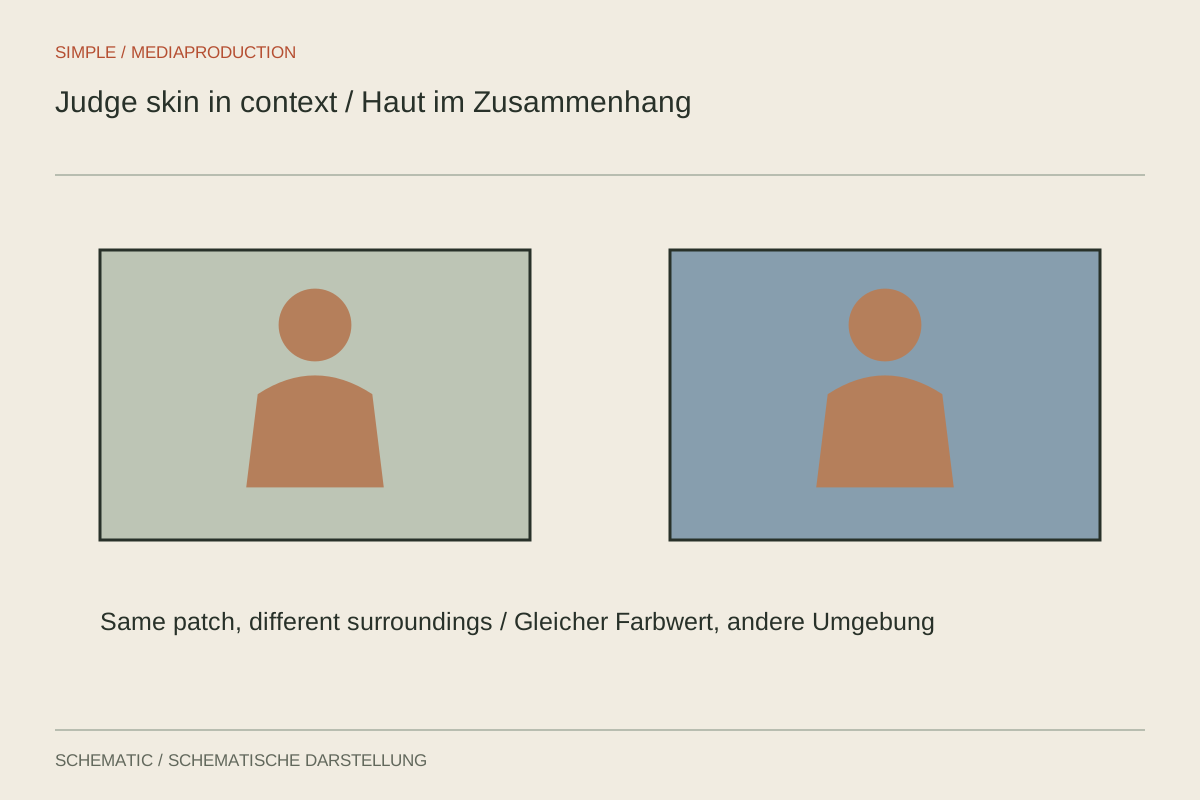
Judge faces within their lighting and surroundings rather than forcing one numerical target.
Editing & post-production
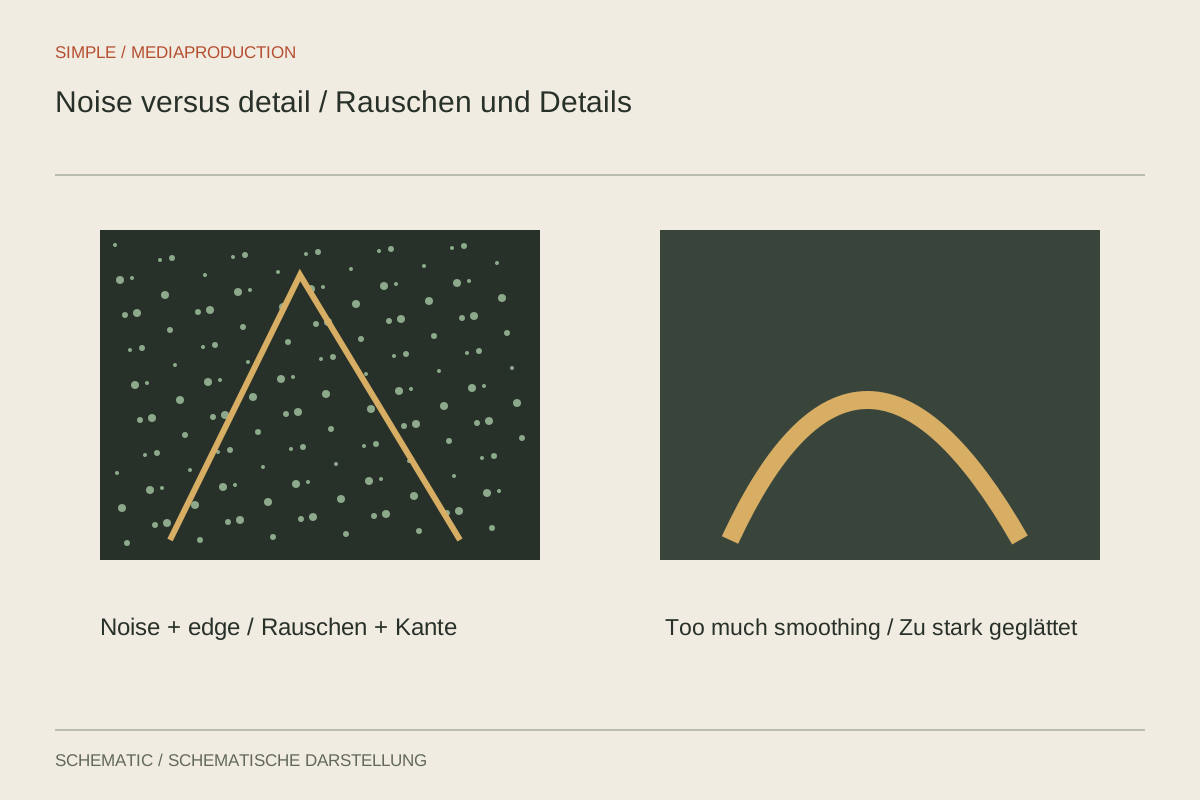
Separate noise from useful texture before filtering changes the movement.
Editing & post-production
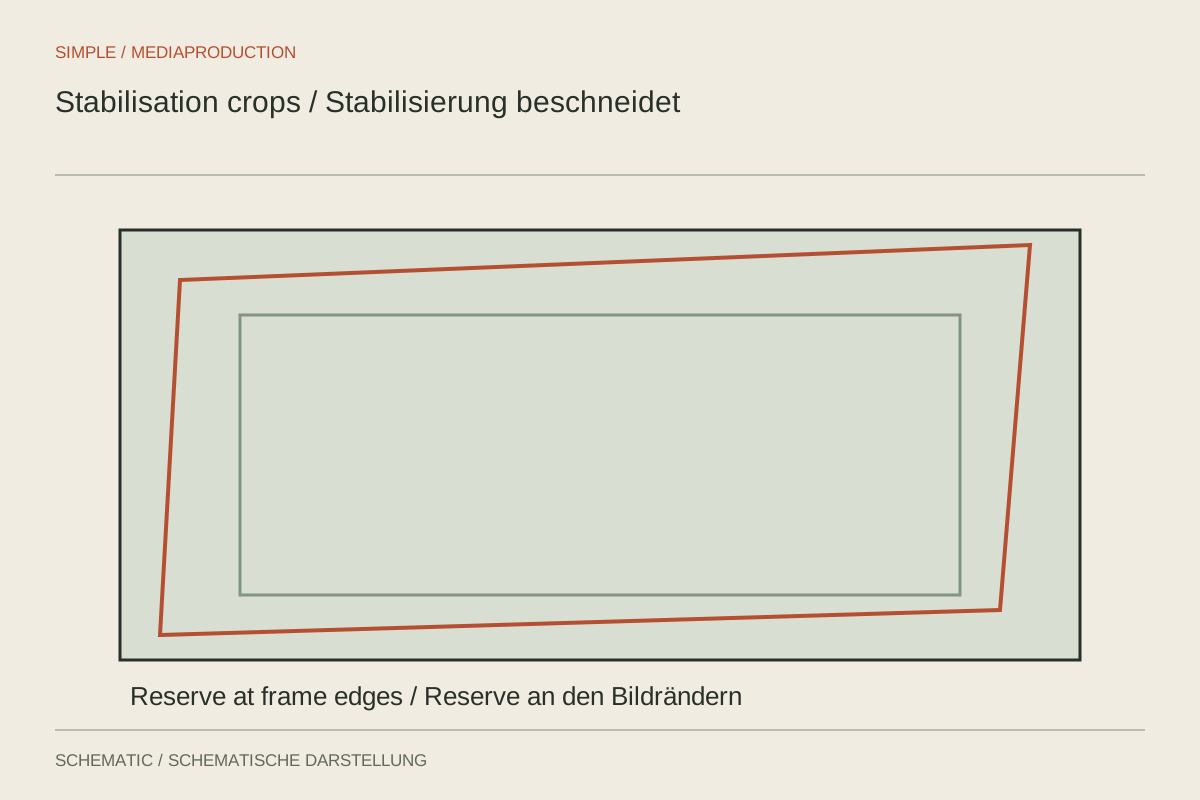
Stabilisation needs reliable motion analysis and spare framing; some shake remains unfixable.
Editing & post-production
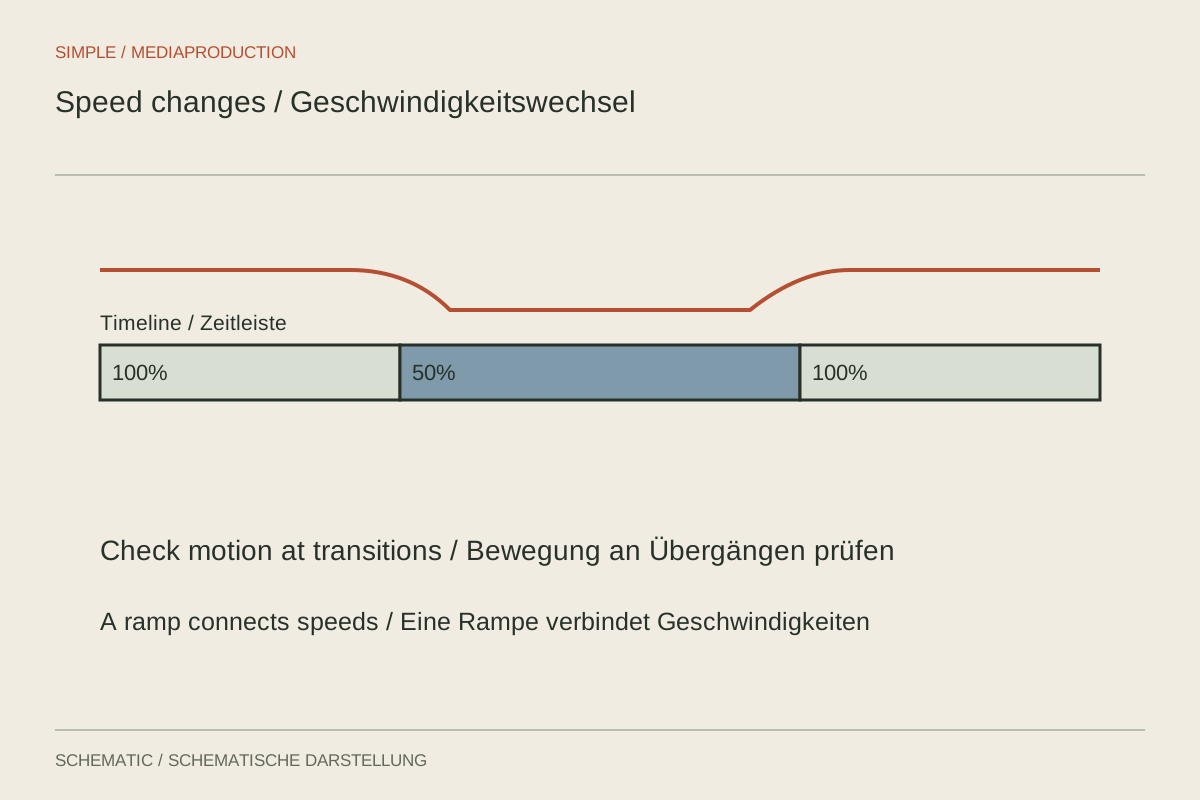
Treat capture rate, playback speed and generated frames as separate decisions.
Editing & post-production
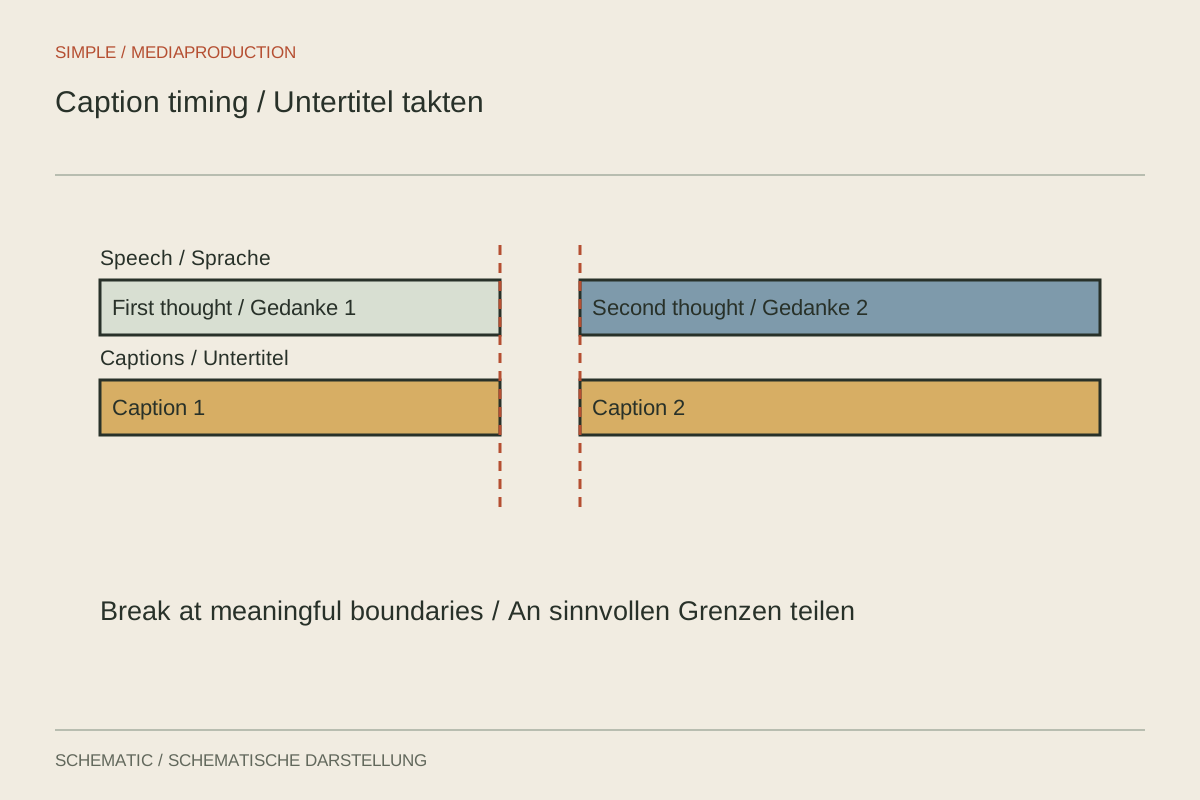
Captions need accurate timing and space to coexist with the image.
Editing & post-production
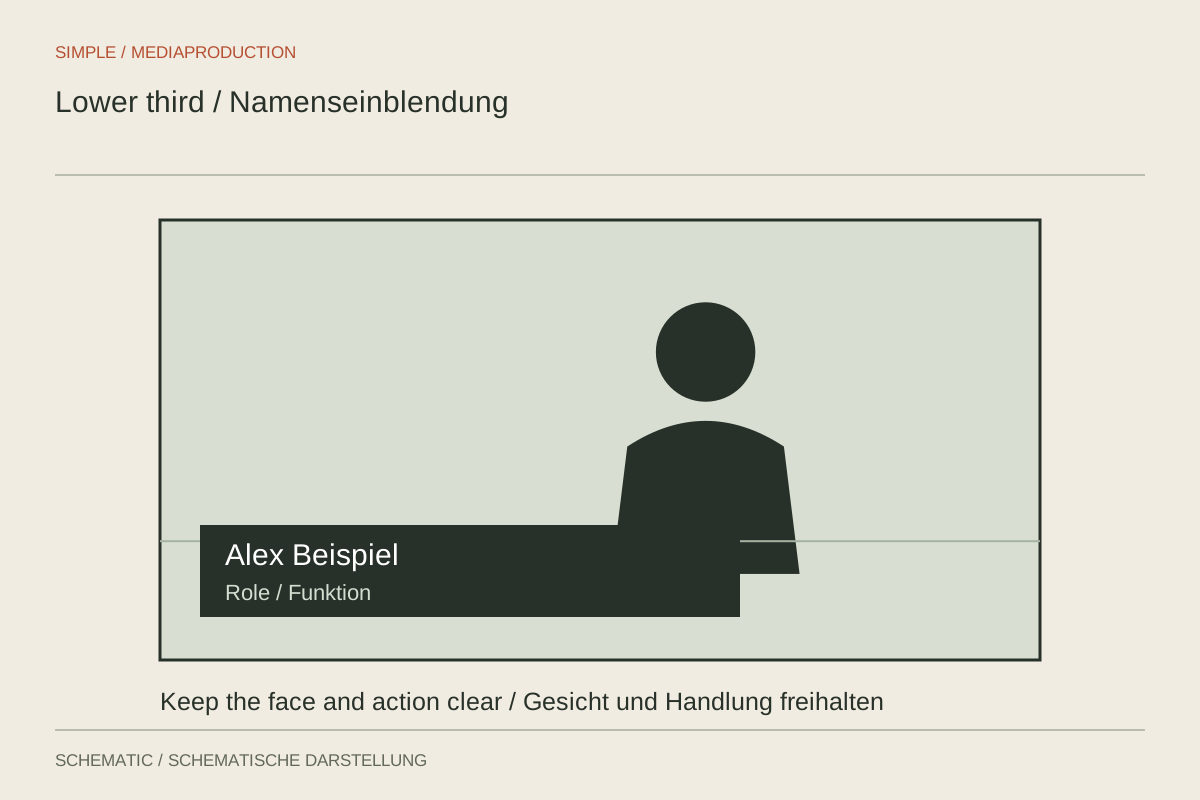
Make a name and role easy to grasp without covering the interview.
Editing & post-production
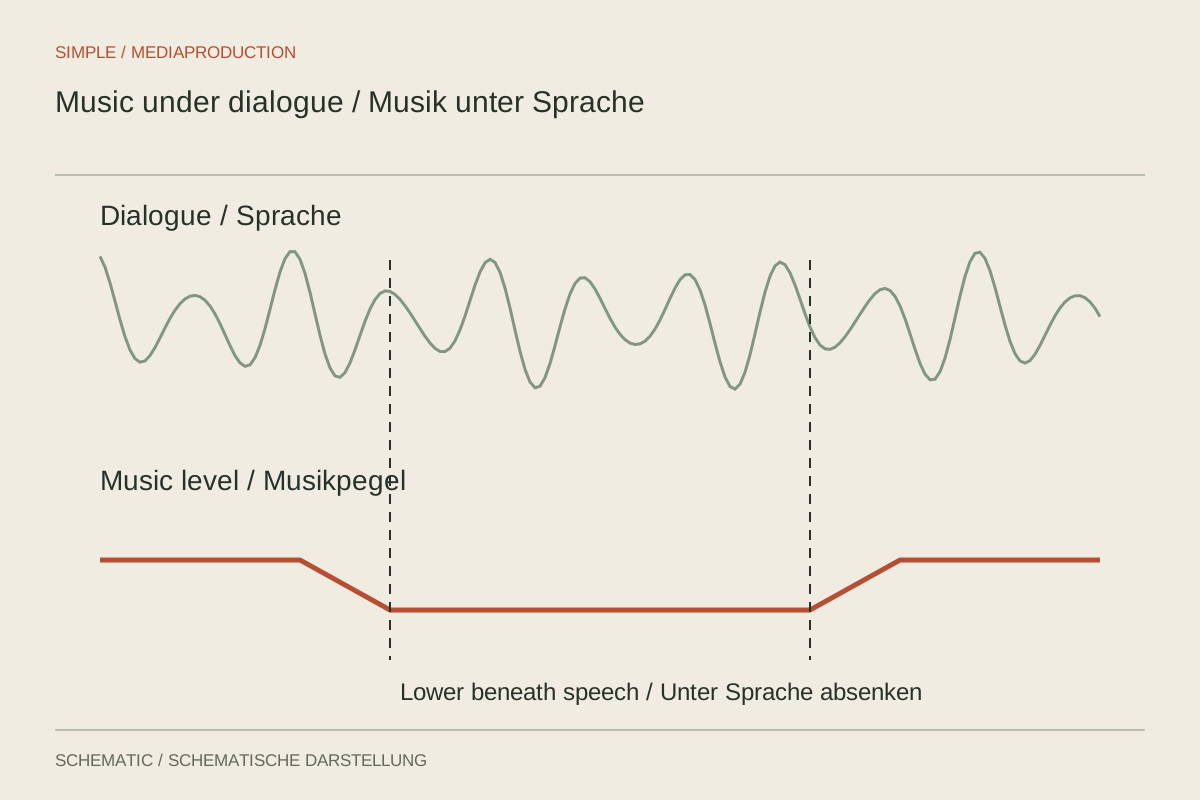
Balance music against the quietest important words, not only the loudest sentence.
Editing & post-production
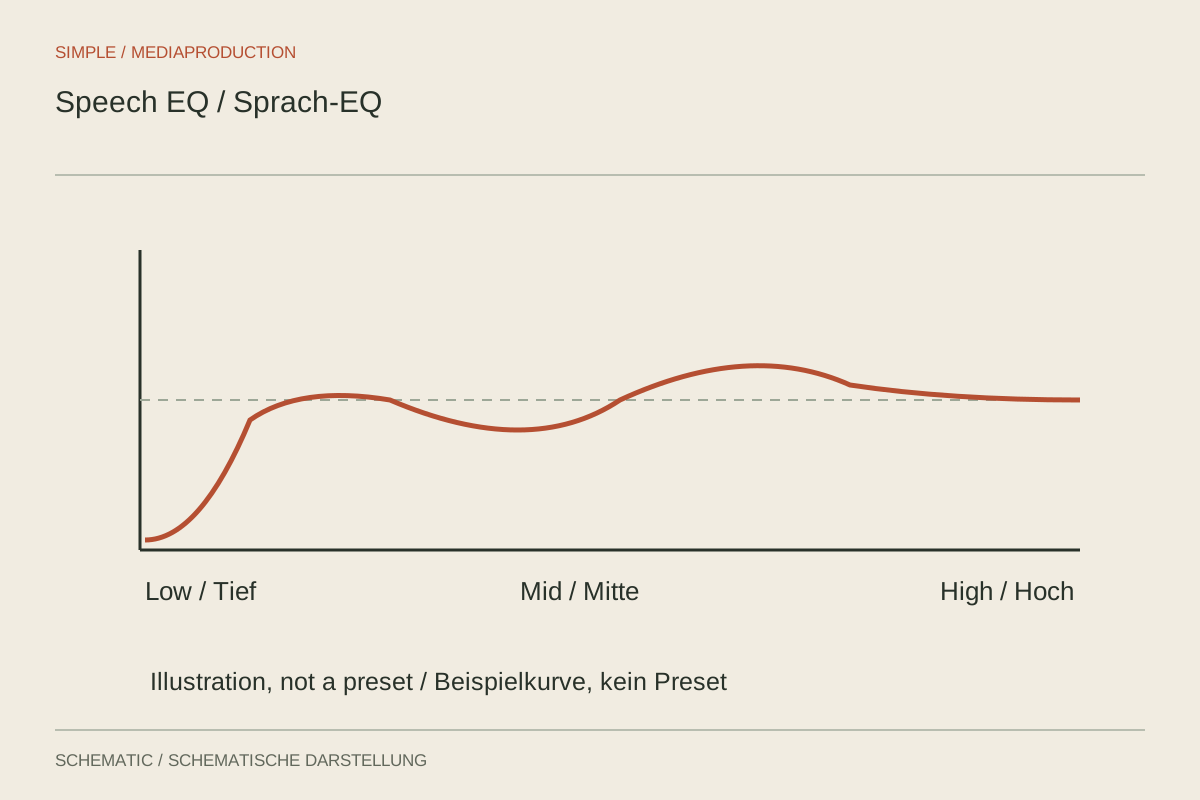
EQ adjusts tonal regions; it cannot replace a clear recording or clear wording.
Editing & post-production
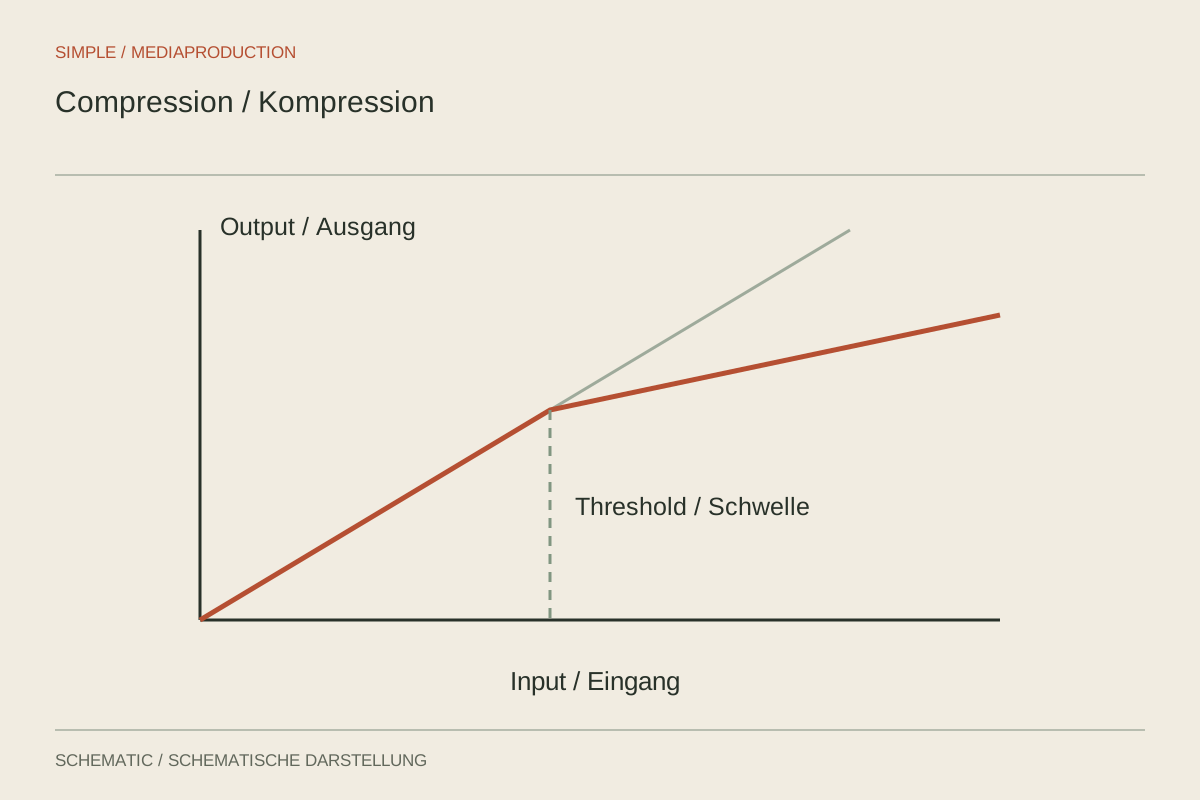
Prepare levels, apply restrained dynamics processing and compare at matched loudness.
Editing & post-production
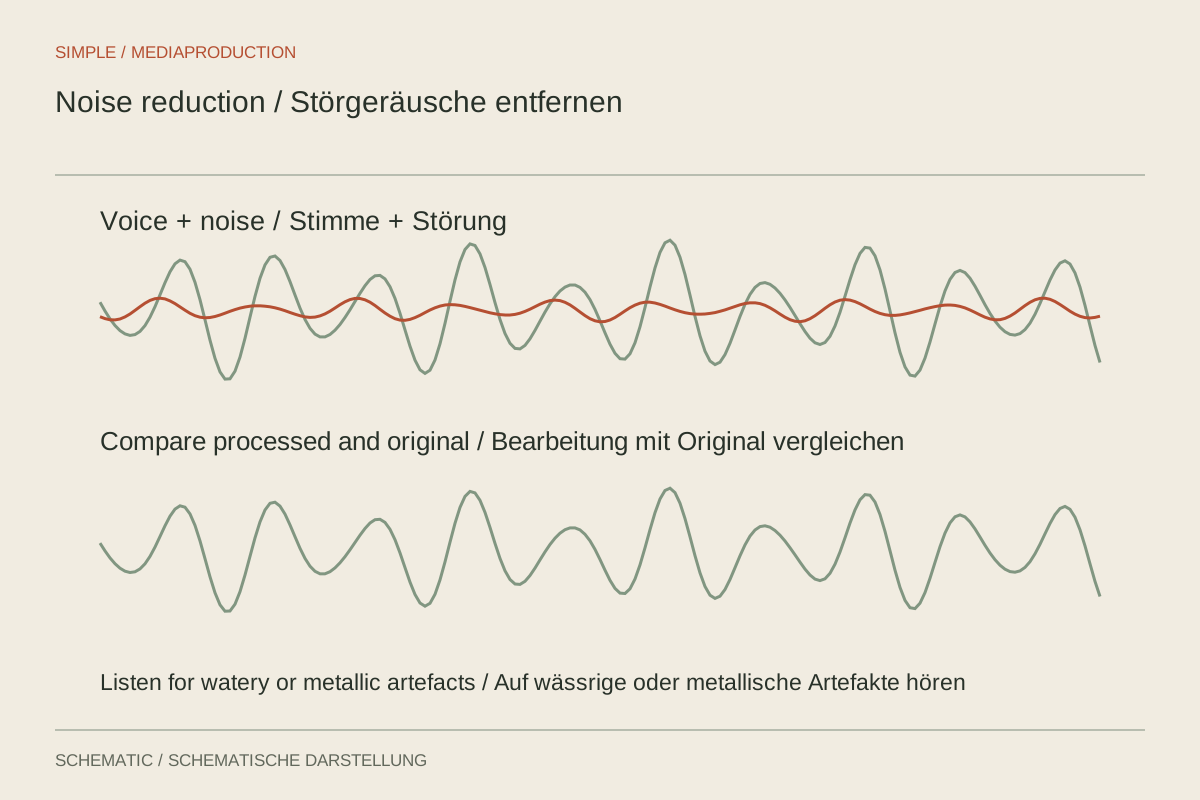
Reduce specific disturbances while protecting quiet parts of speech.
Editing & post-production
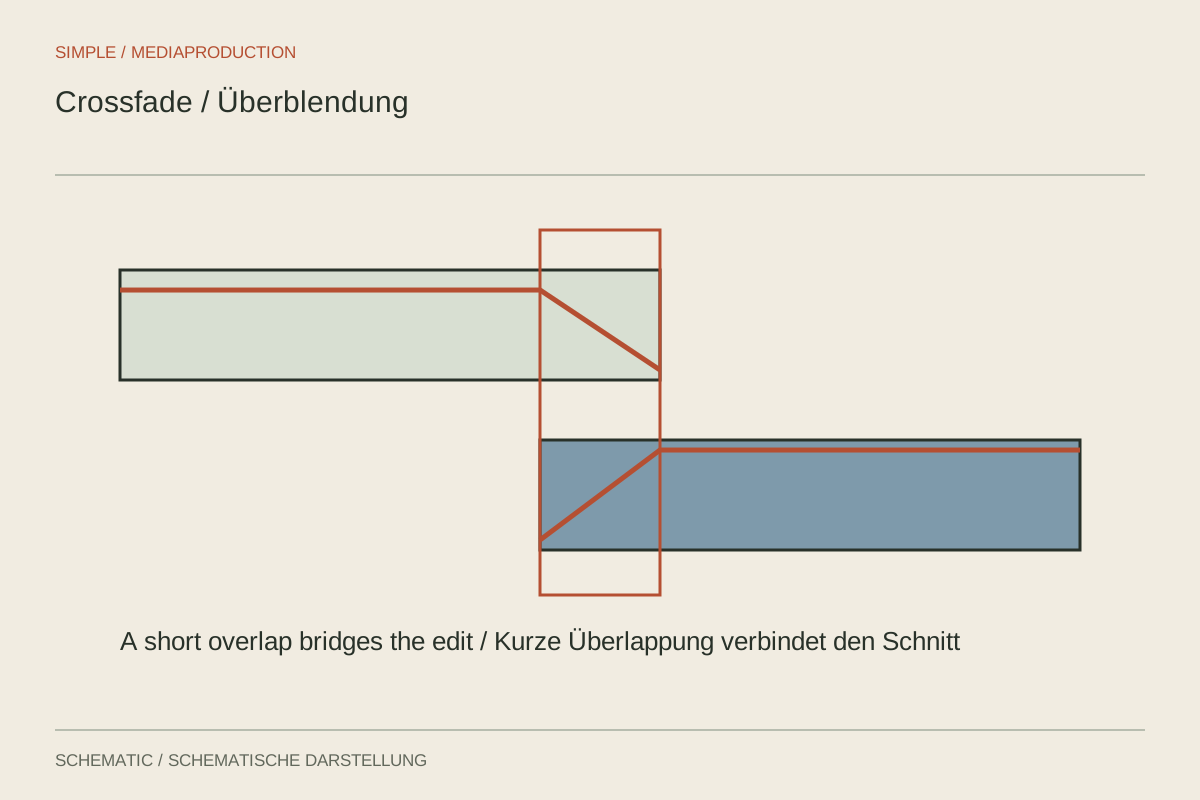
A short fade can smooth an edit, but cannot hide a mismatched phrase.
Editing & post-production
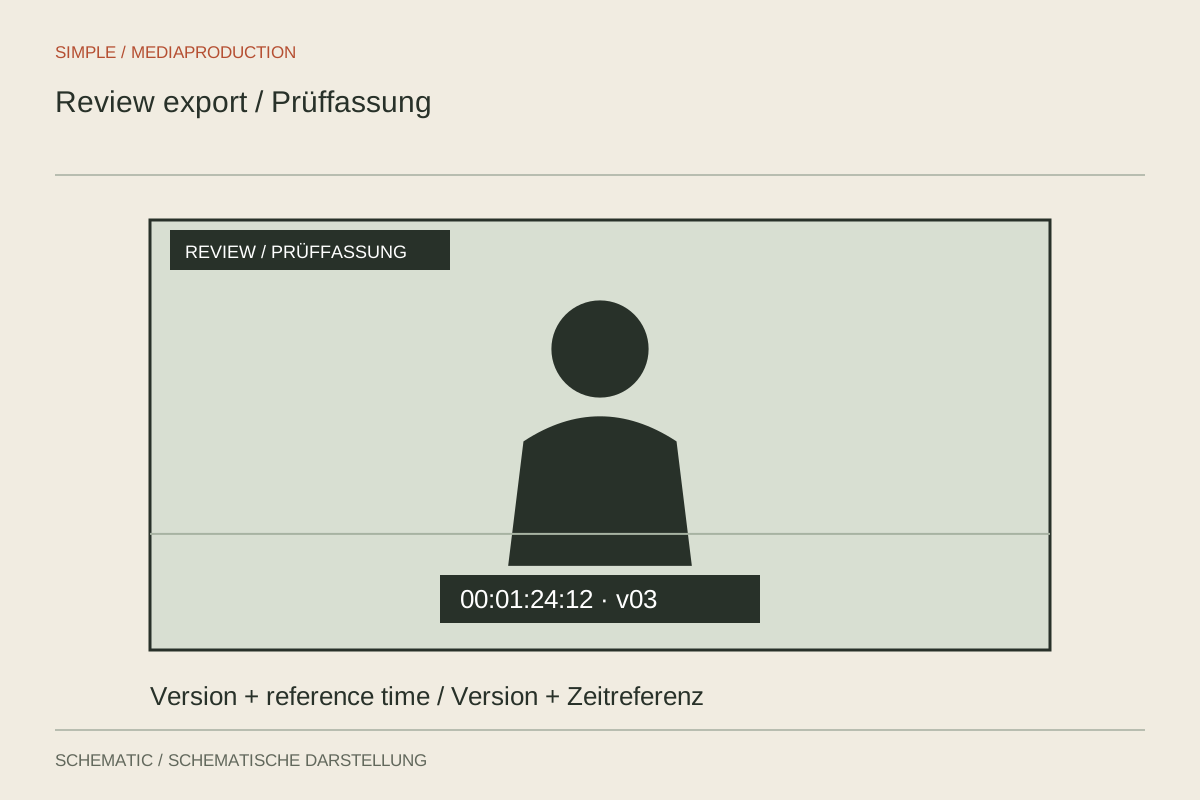
Prepare a review copy that directs feedback to one version and a defined set of questions.
Editing & post-production
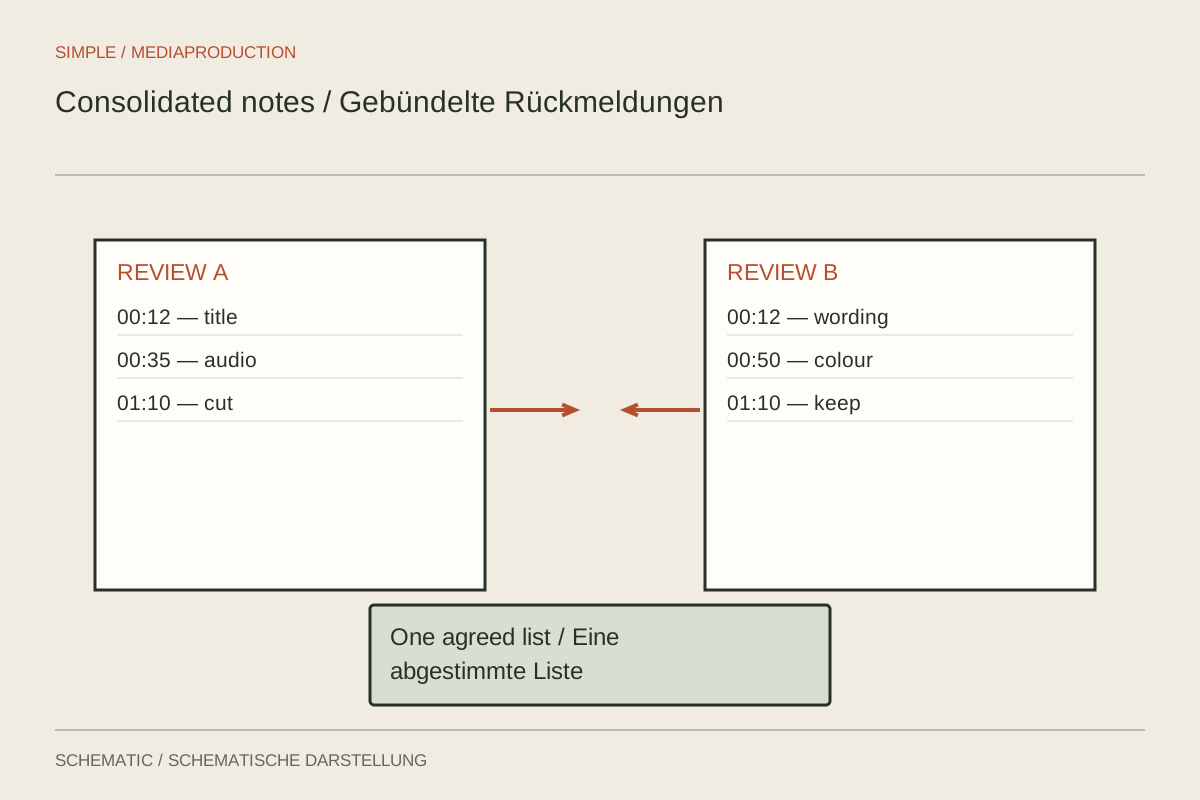
Turn comments into specific edits, clarification questions and unresolved conflicts.
Editing & post-production
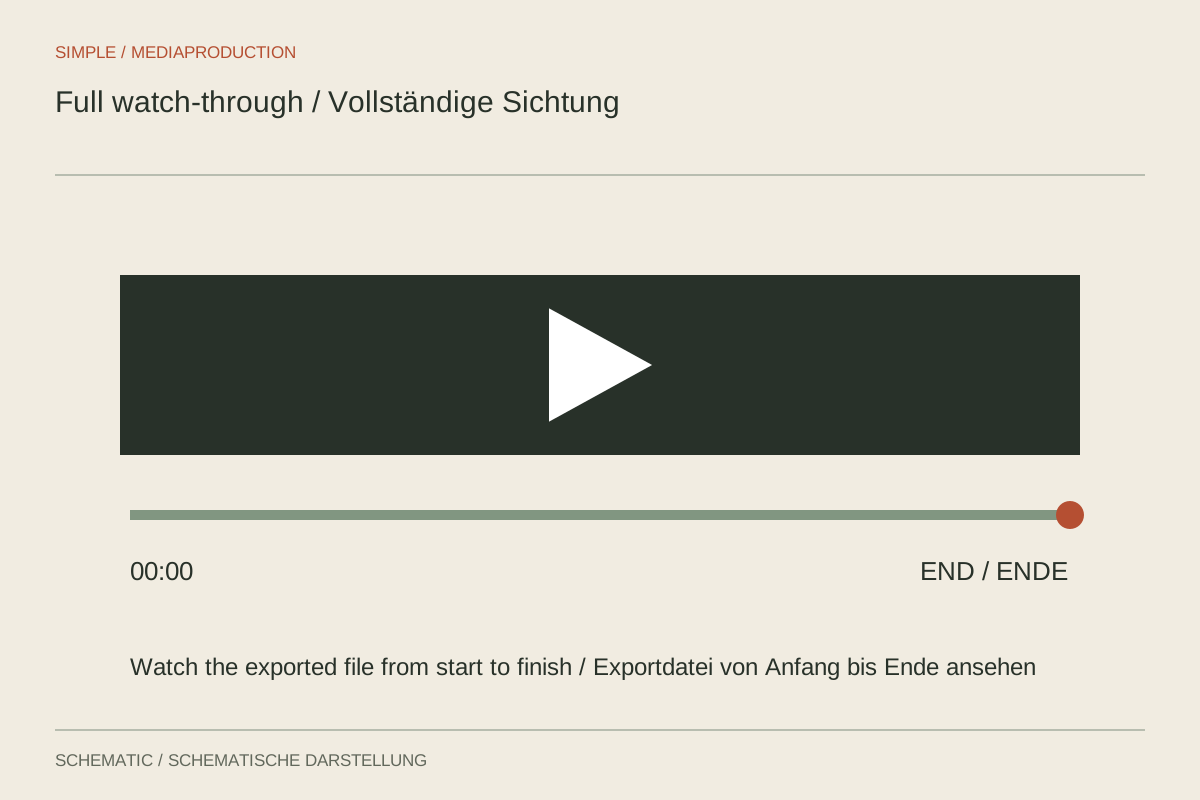
Watch the exported file continuously instead of checking only recent edits.
Formats & shoots
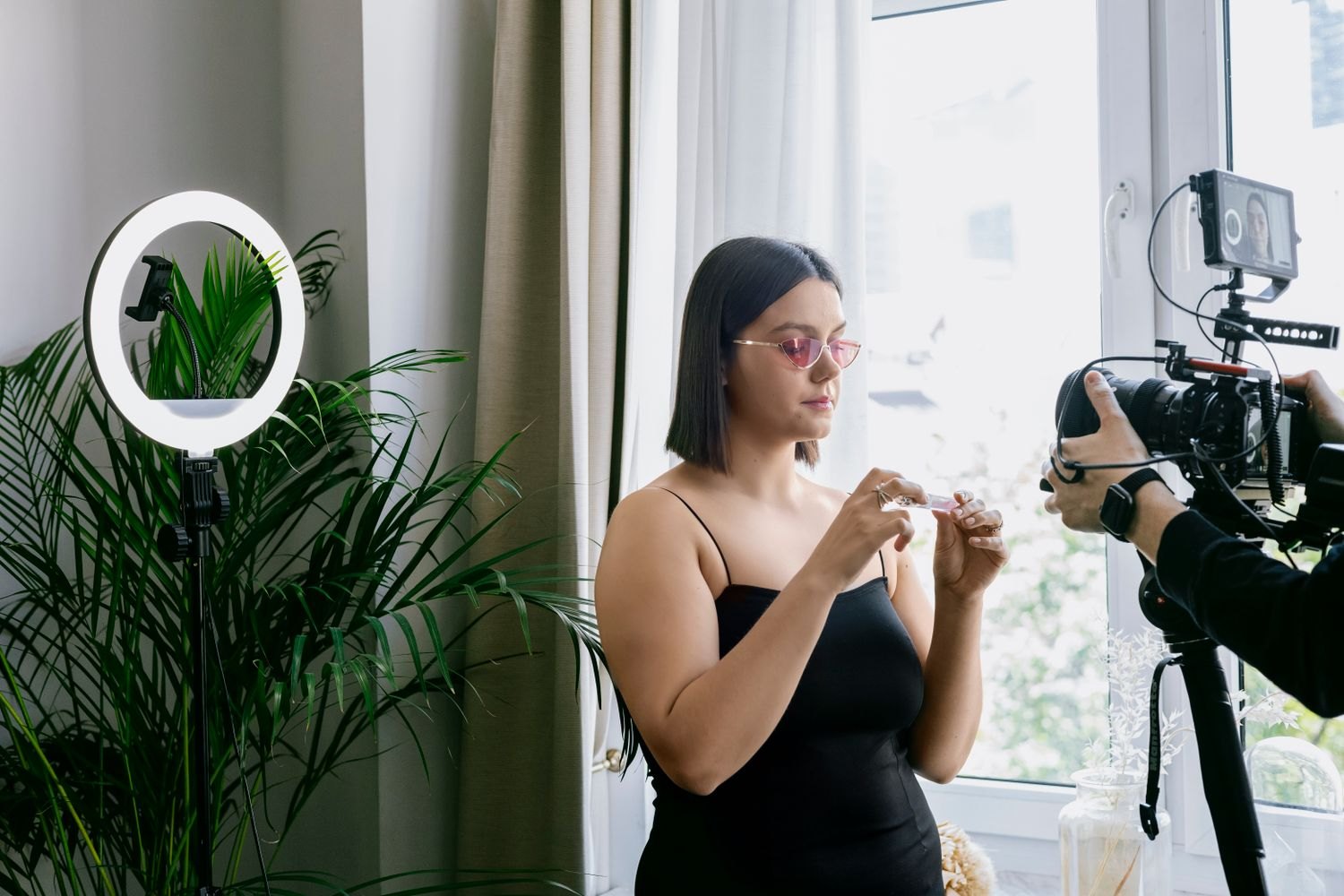
Explain one function through visible action rather than collecting attractive product shots.
Formats & shoots
Build a repeatable setup so you can concentrate on the message while recording.

Formats & shoots
Organise steps around visible changes and state the required starting conditions.
Formats & shoots
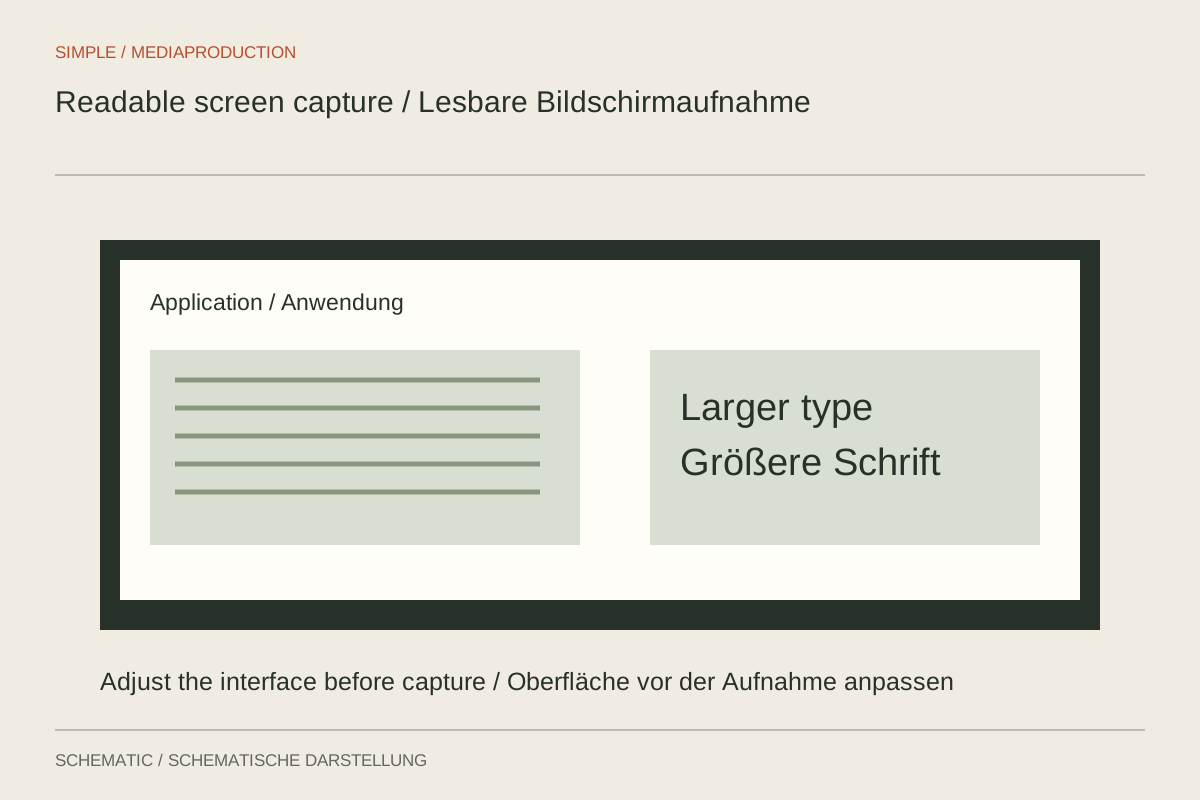
Plan capture area, interface size and output together to preserve readable text.
Formats & shoots
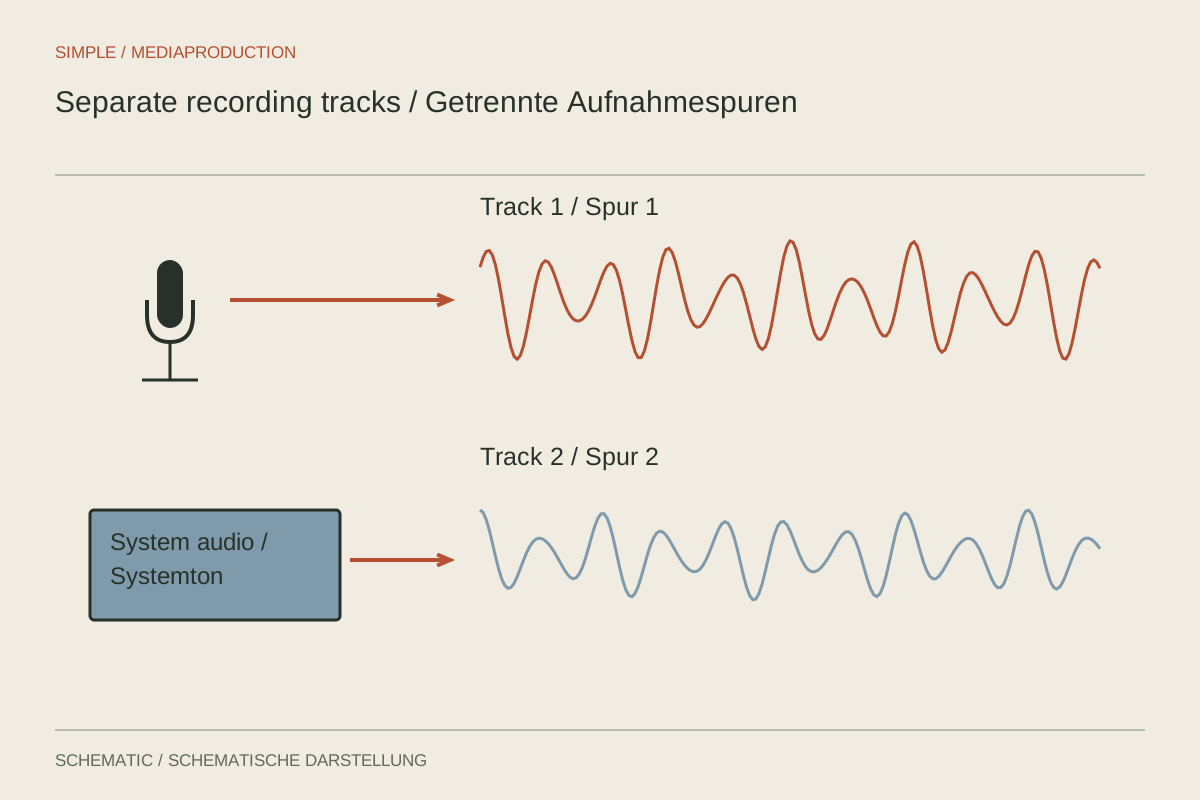
Separate sources and separate recording tracks are two distinct settings.
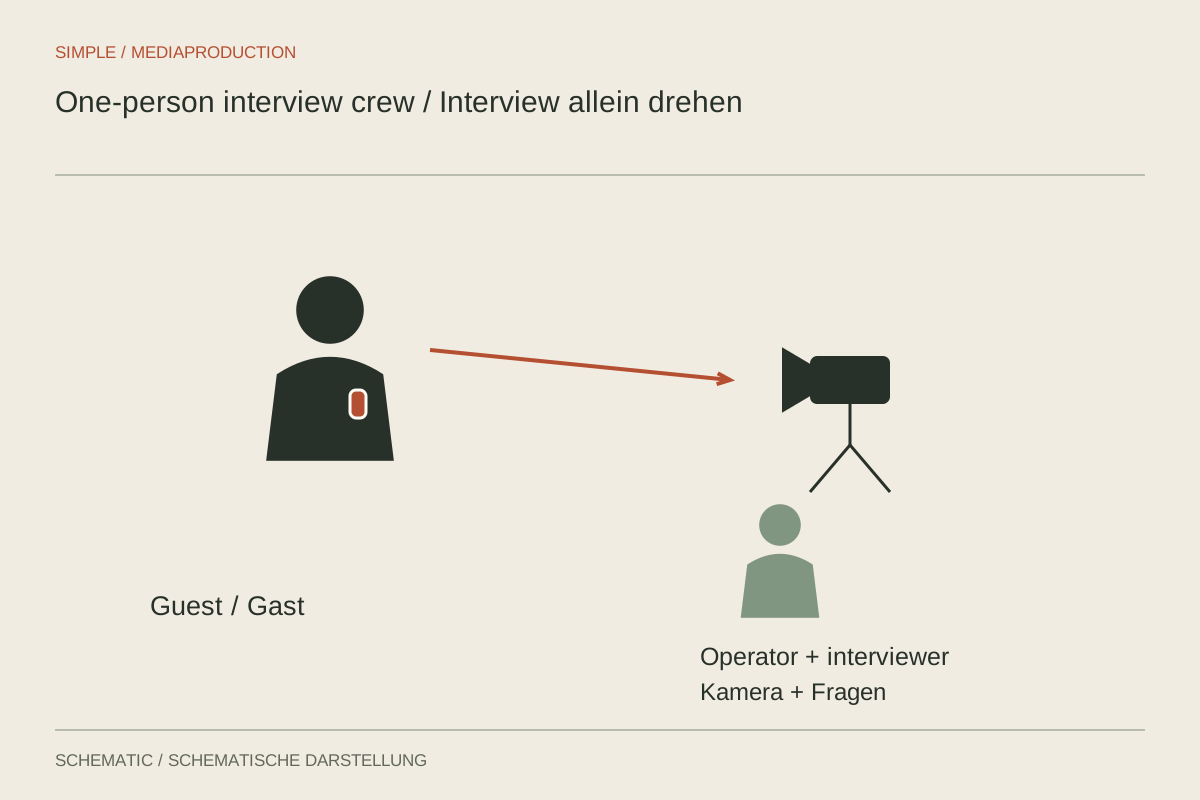
Formats & shoots
Organise the conversation and equipment so attention can stay with the interviewee.
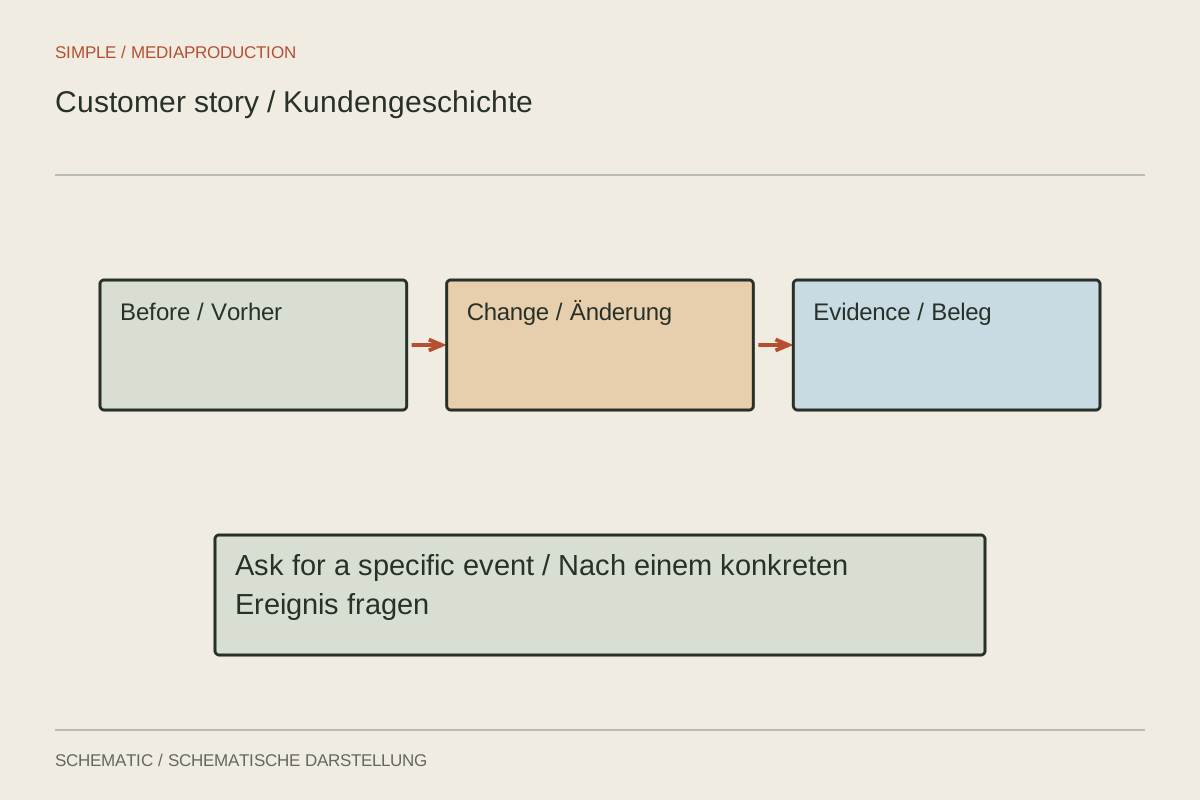
Formats & shoots
Invite a specific account of an experience without scripting the answers.
Formats & shoots
Prioritise unrepeatable moments and record enough context to connect them.
Formats & shoots
Build a behind-the-scenes film around a task or decision.
Formats & shoots
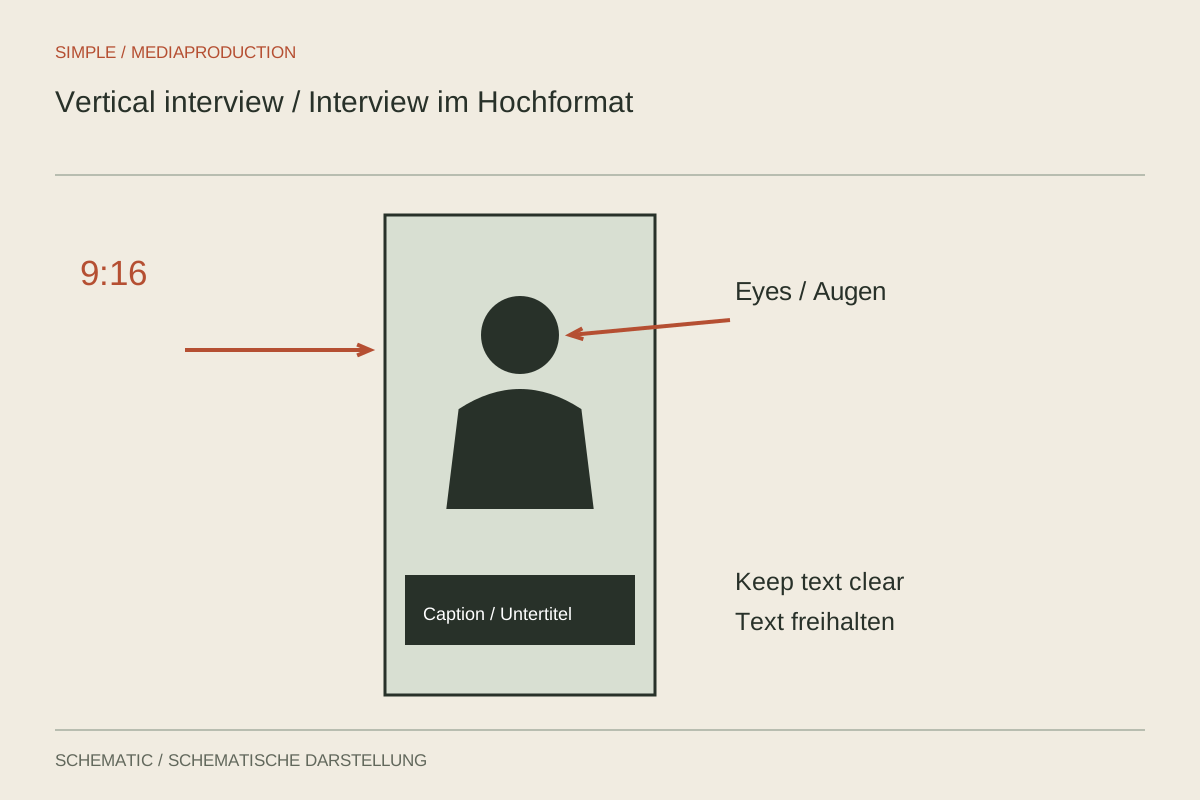
Compose the narrow frame for the face, gestures and captions together.
Formats & shoots
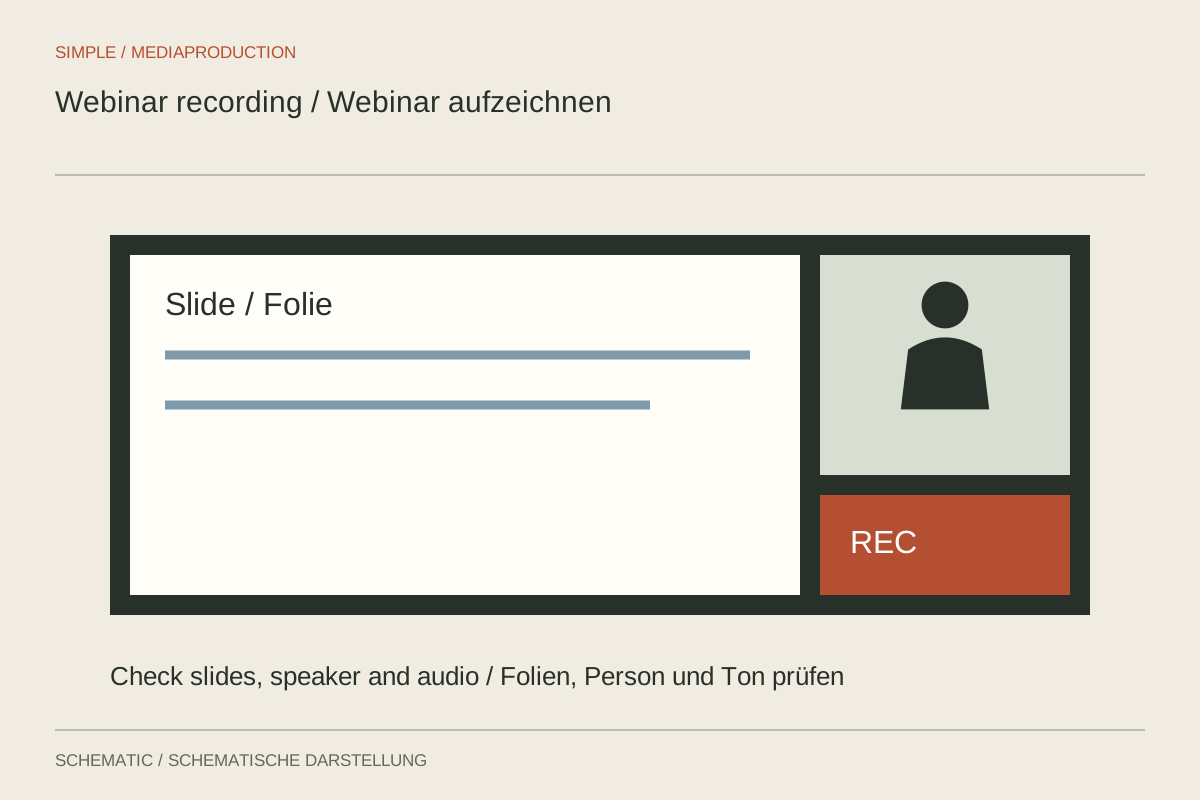
Plan the recording through layout, sound and presentation before the live session.
Formats & shoots
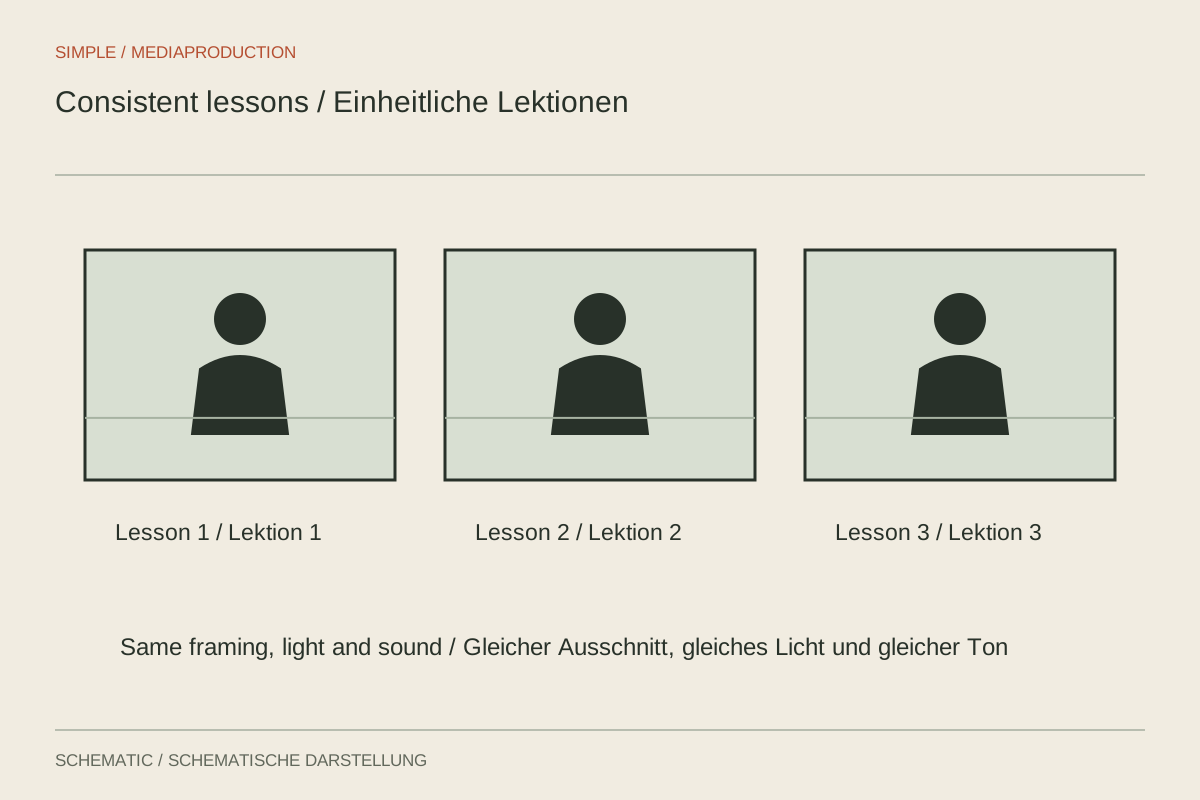
Create repeatable recording conditions without making every lesson structurally identical.
Formats & shoots
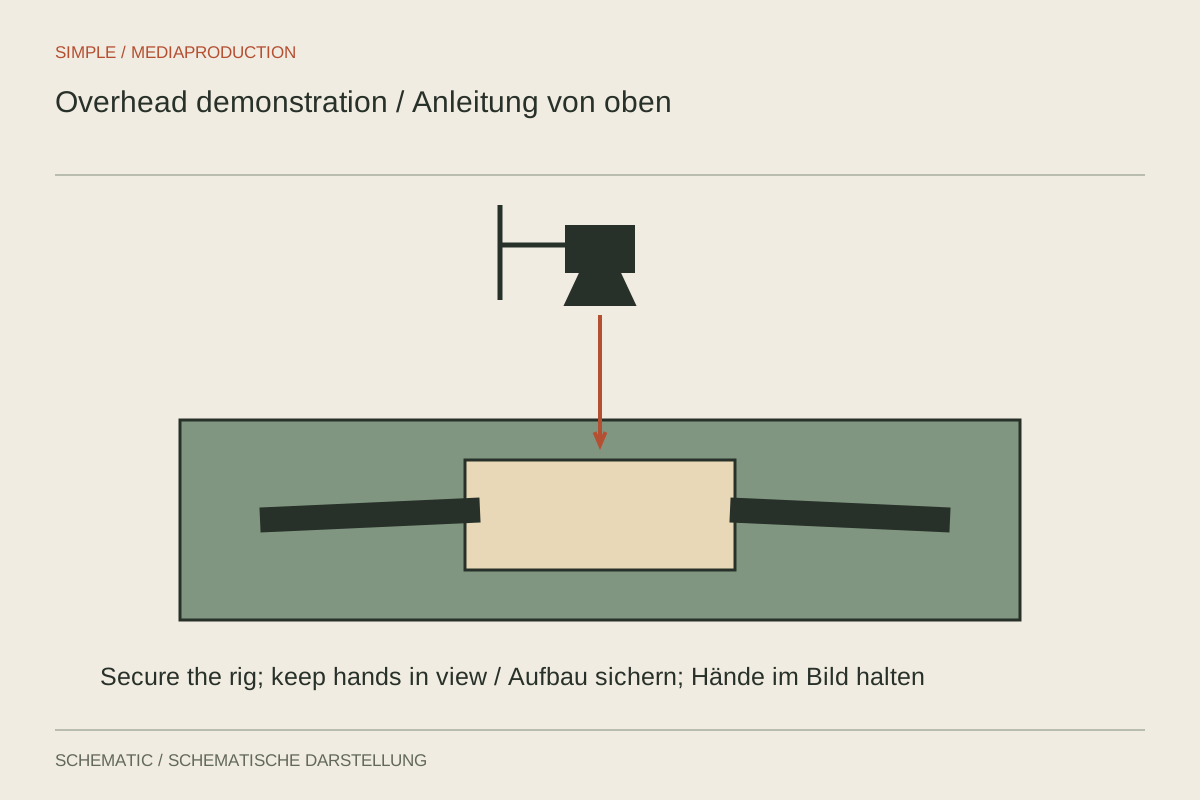
Plan the work surface, hands and camera support as one setup.
Formats & shoots
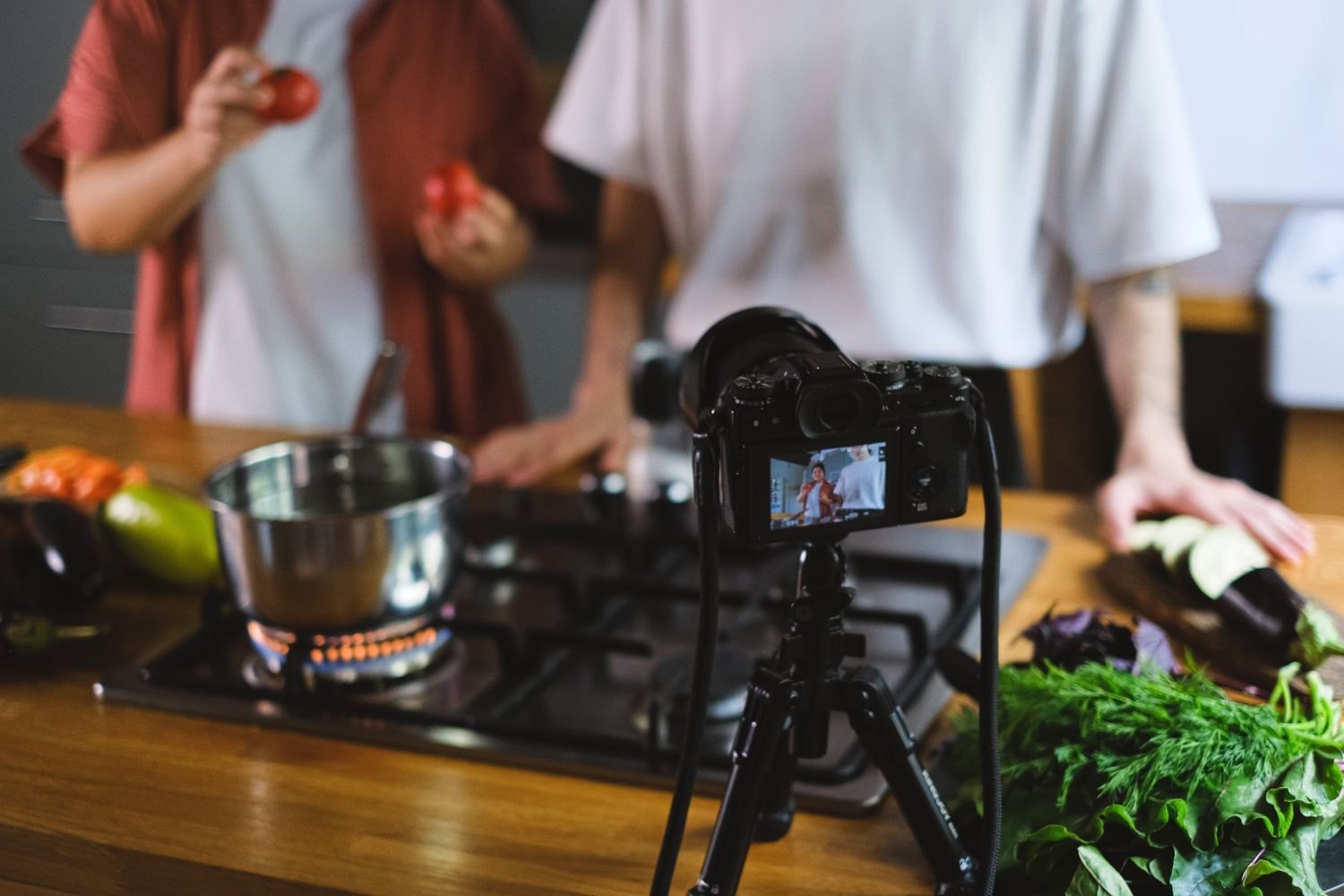
Capture the visible change and decisive movement in a cooking demonstration.
Formats & shoots
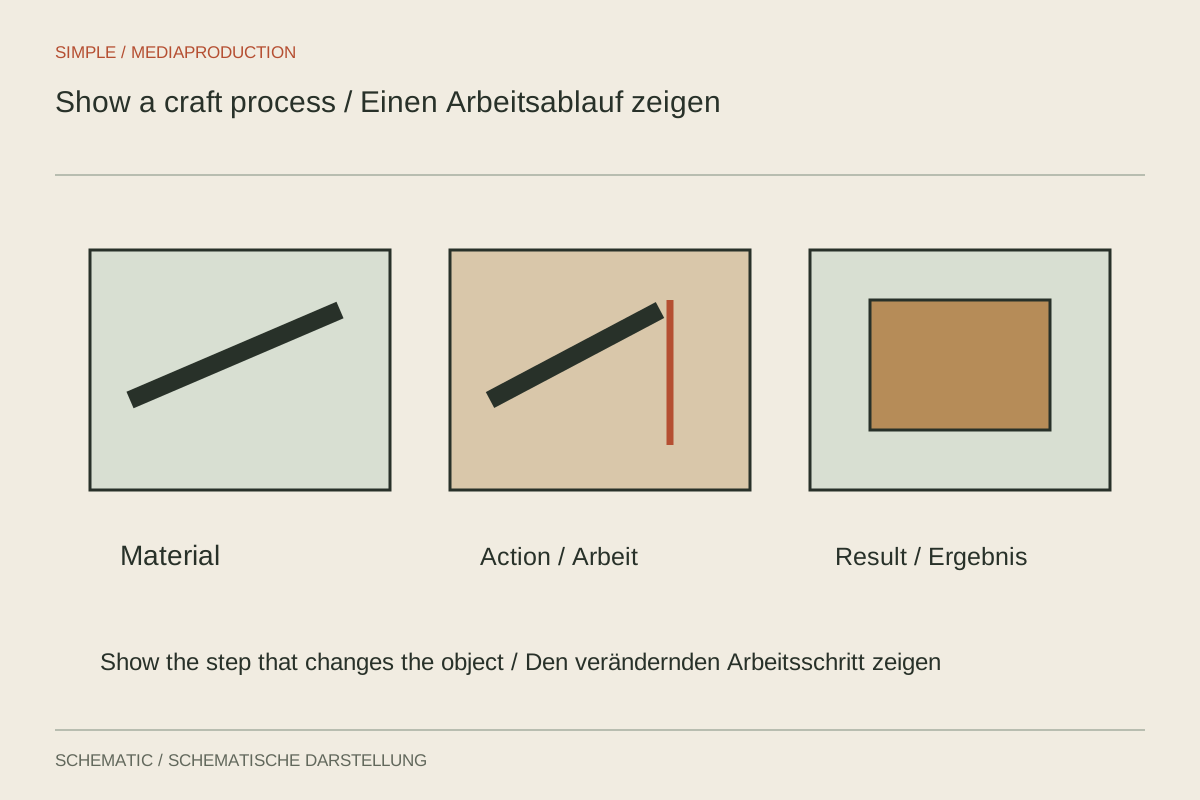
Show critical contact points and intermediate states, not only the finished object.
Formats & shoots
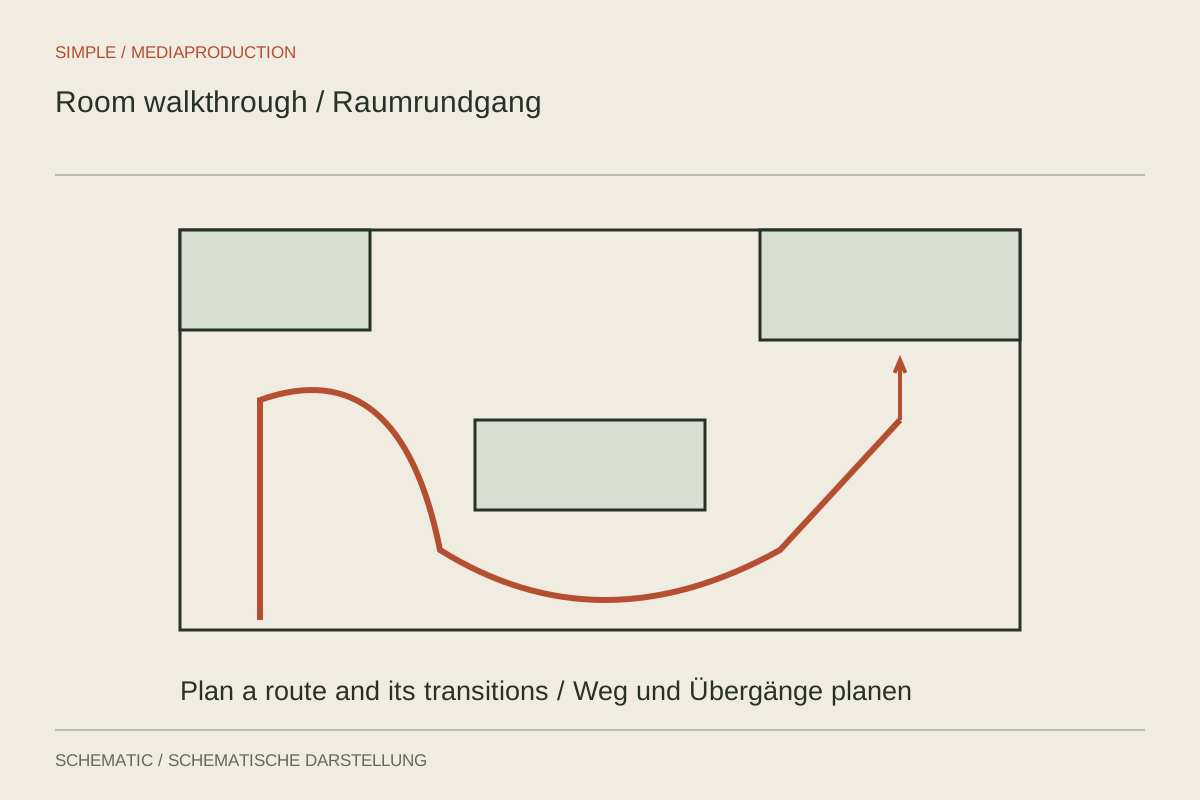
Show rooms in a comprehensible order without distorting their proportions.
Formats & shoots
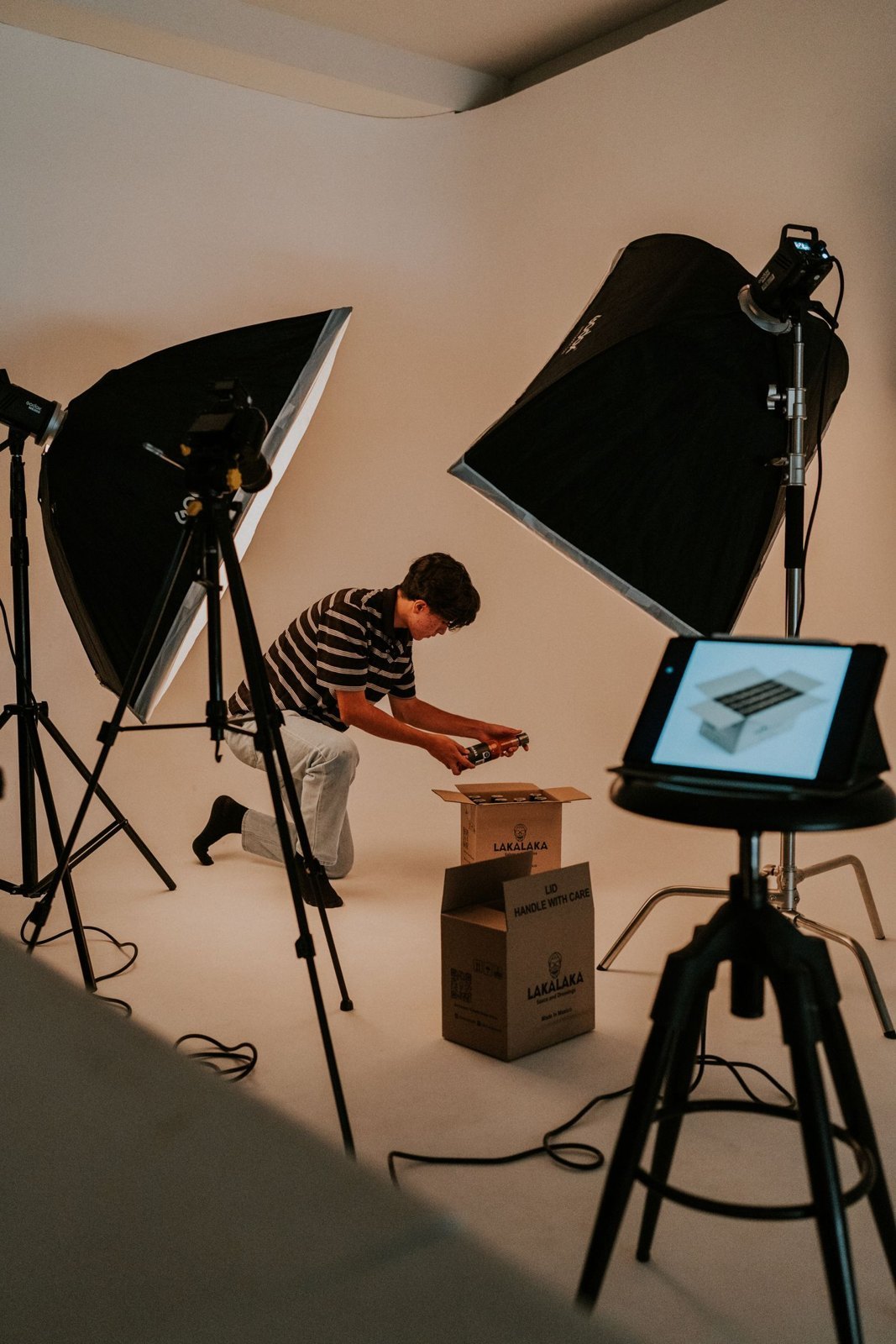
Show the contents and first handling clearly without implying a long-term test.
Formats & shoots
Answer one question directly, then add only the context it needs.
Formats & shoots
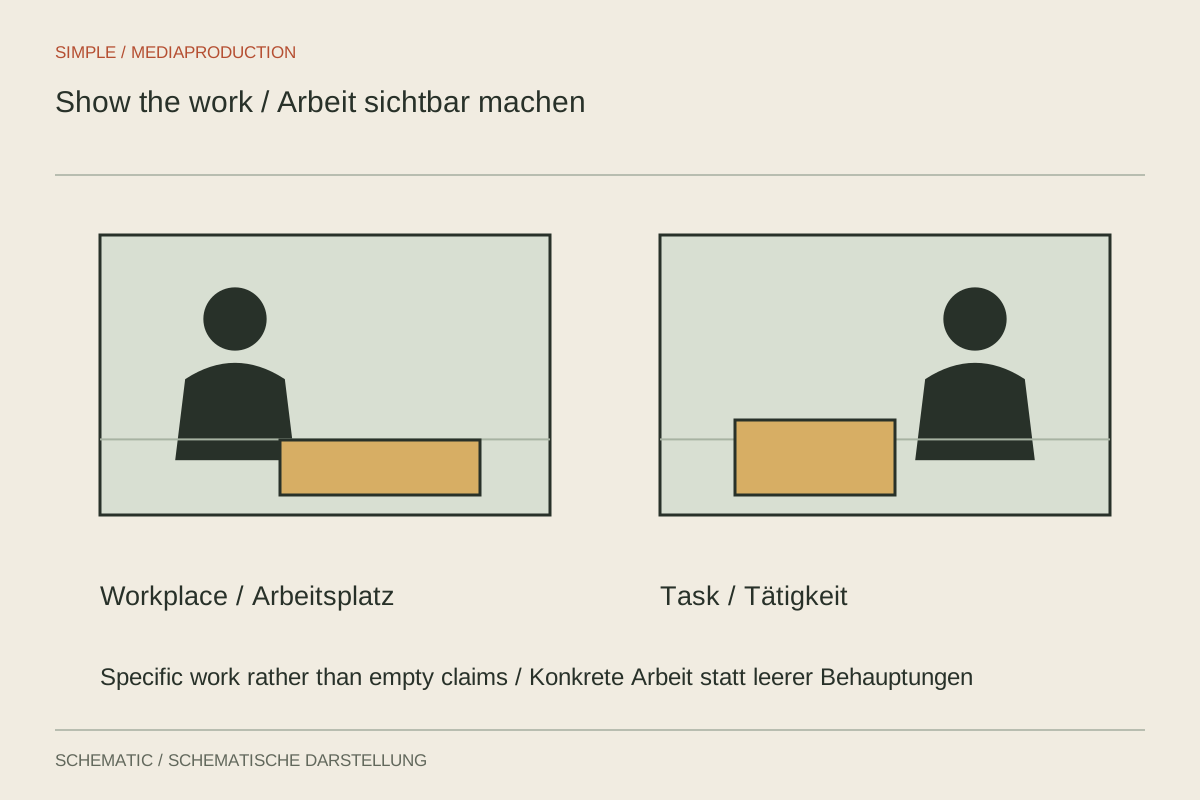
Show actual tasks and collaboration rather than filming generic employer claims.
Formats & shoots
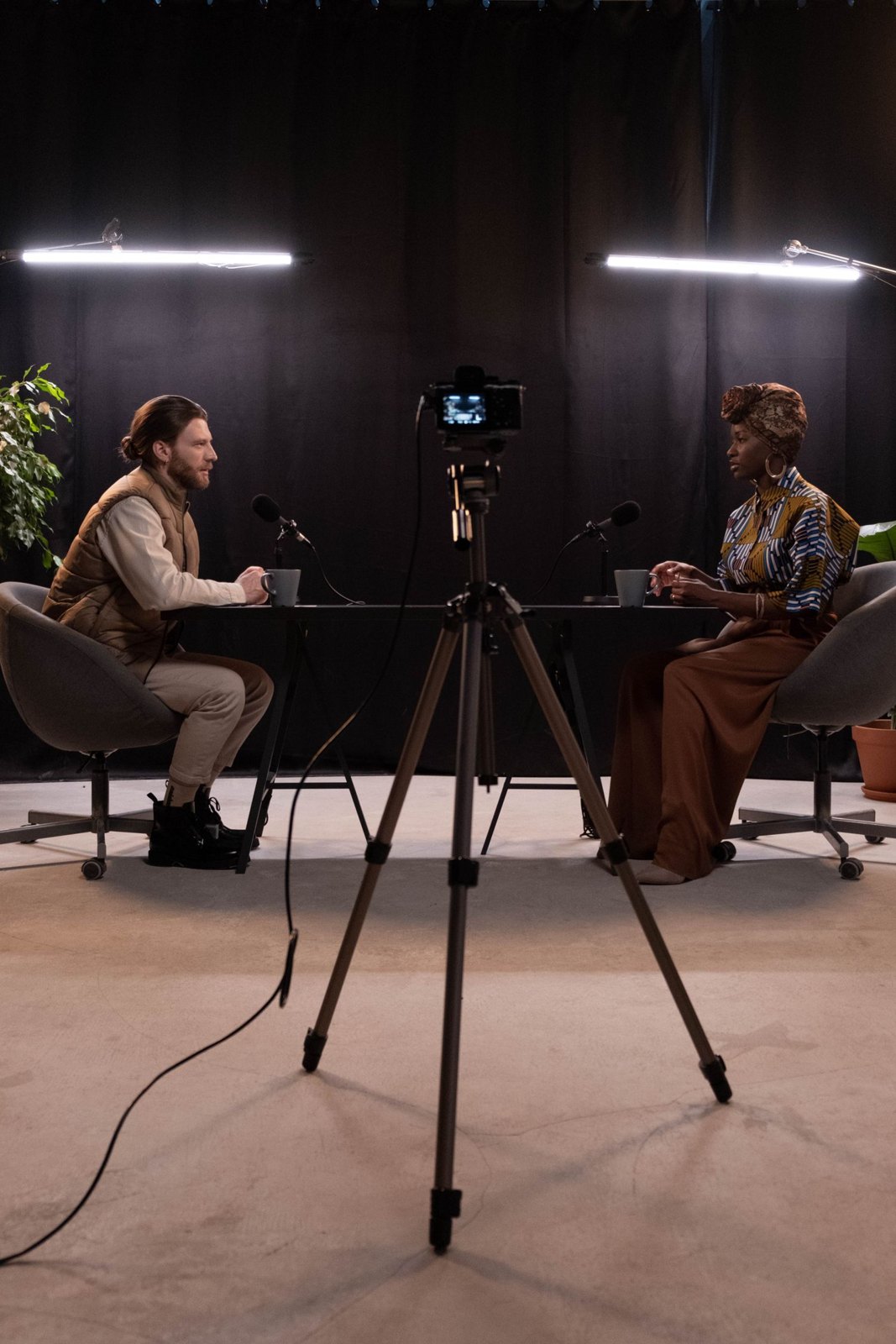
Add a visual layer without sacrificing the audio edition's clarity and conversational flow.
Formats & shoots
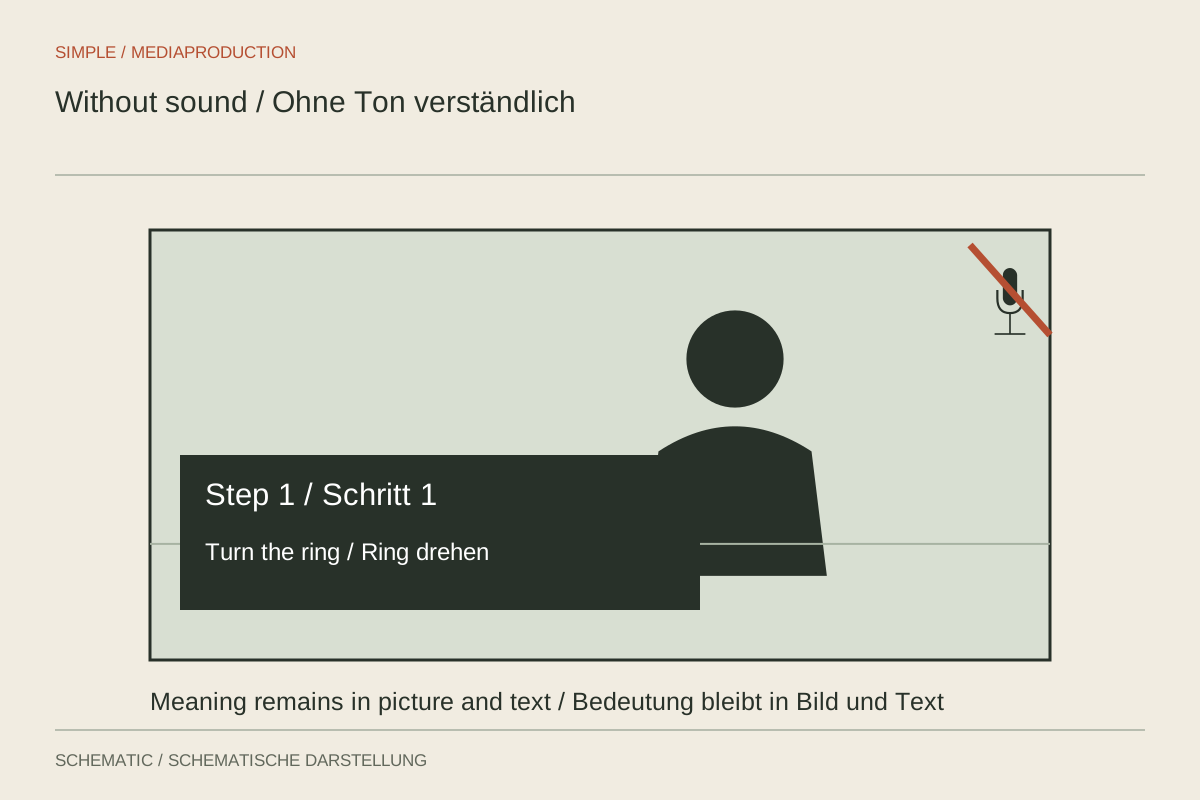
Make the central message understandable without sound while considering other access needs.
Formats & shoots
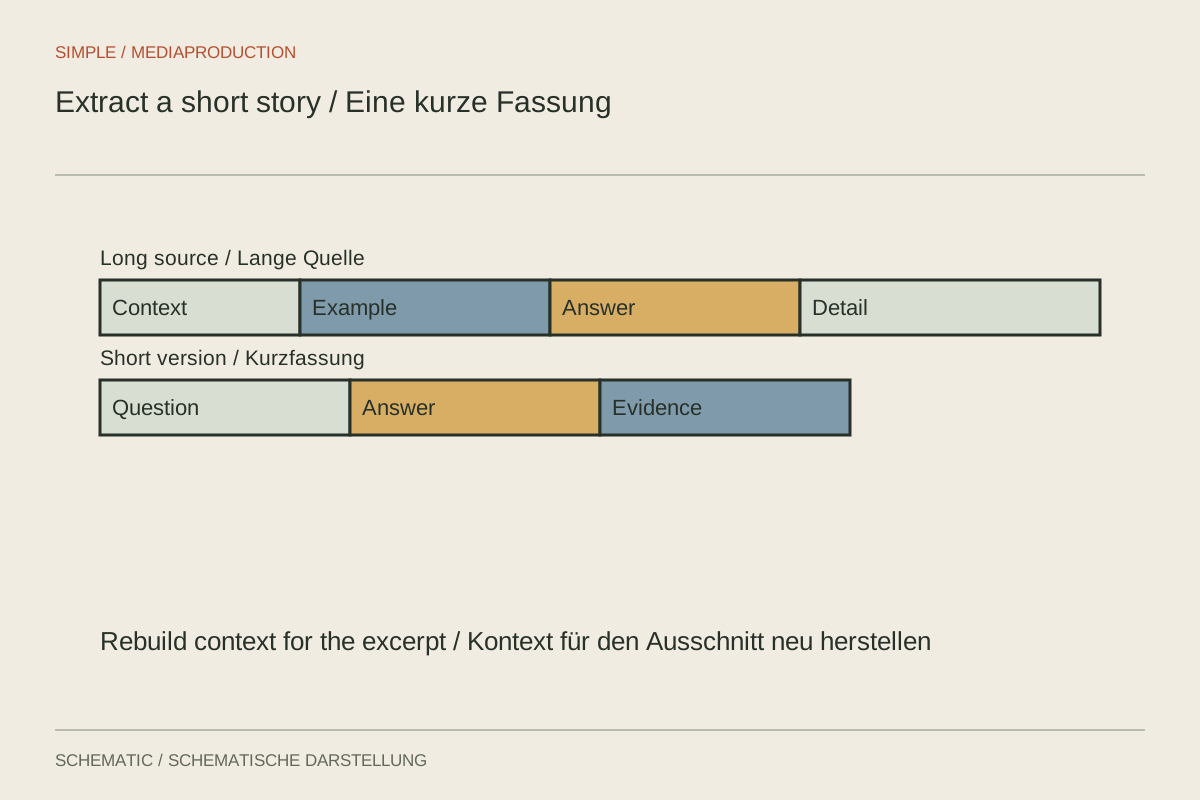
Choose a self-contained message for the short version instead of merely accelerating the original.
Export & delivery
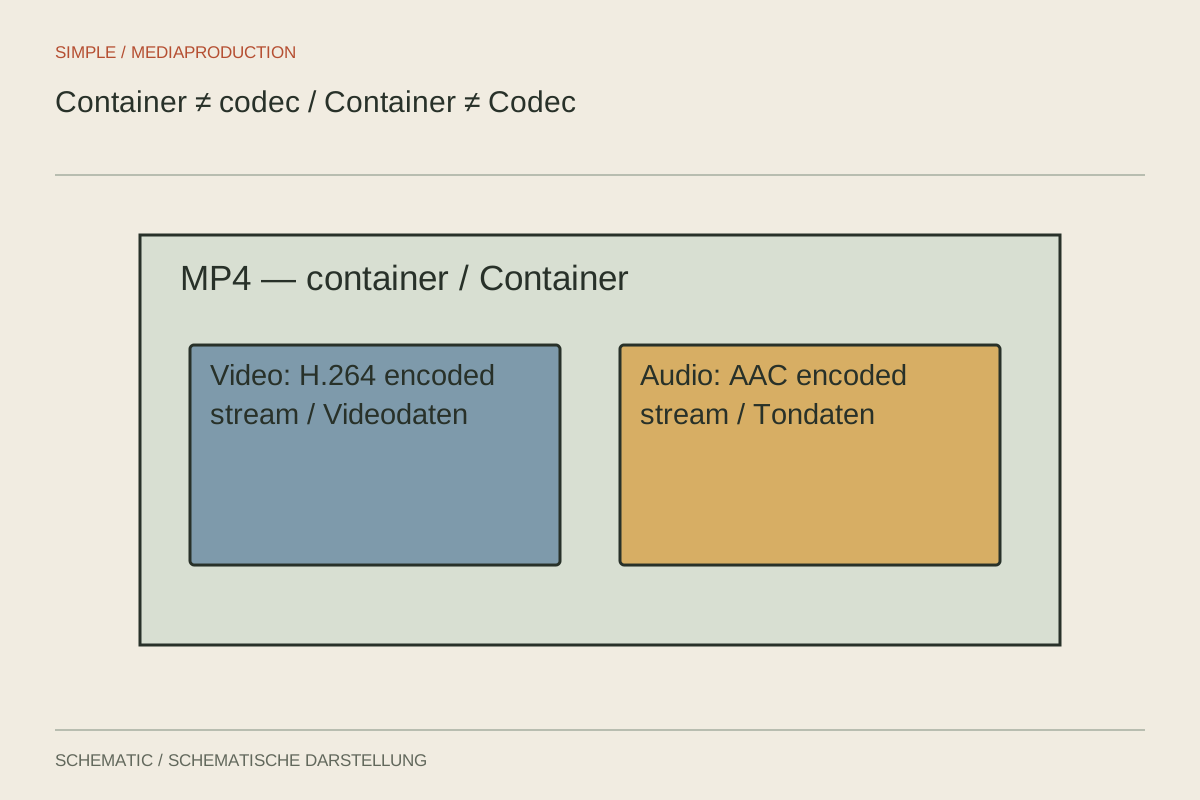
Inspect the extension, video encoding and audio format separately before converting a file.
Export & delivery
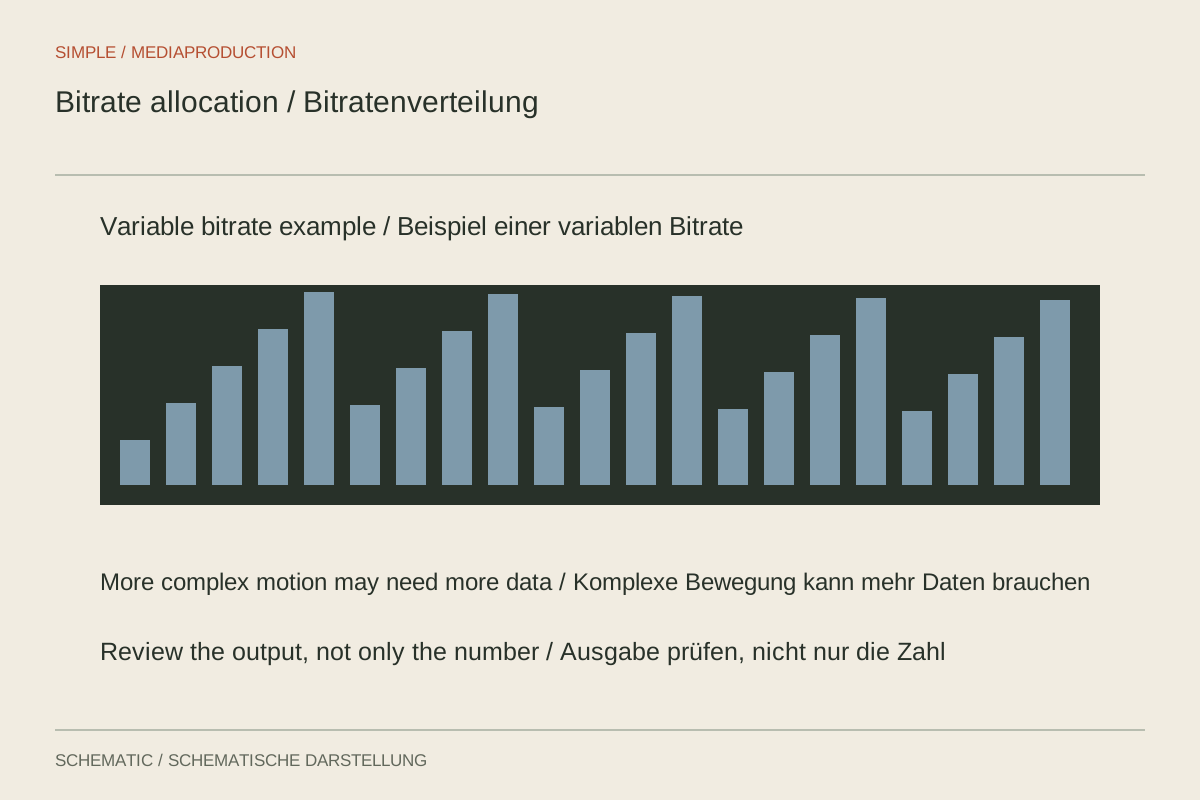
Test bitrate against the material and destination rather than applying one number to every film.
Export & delivery
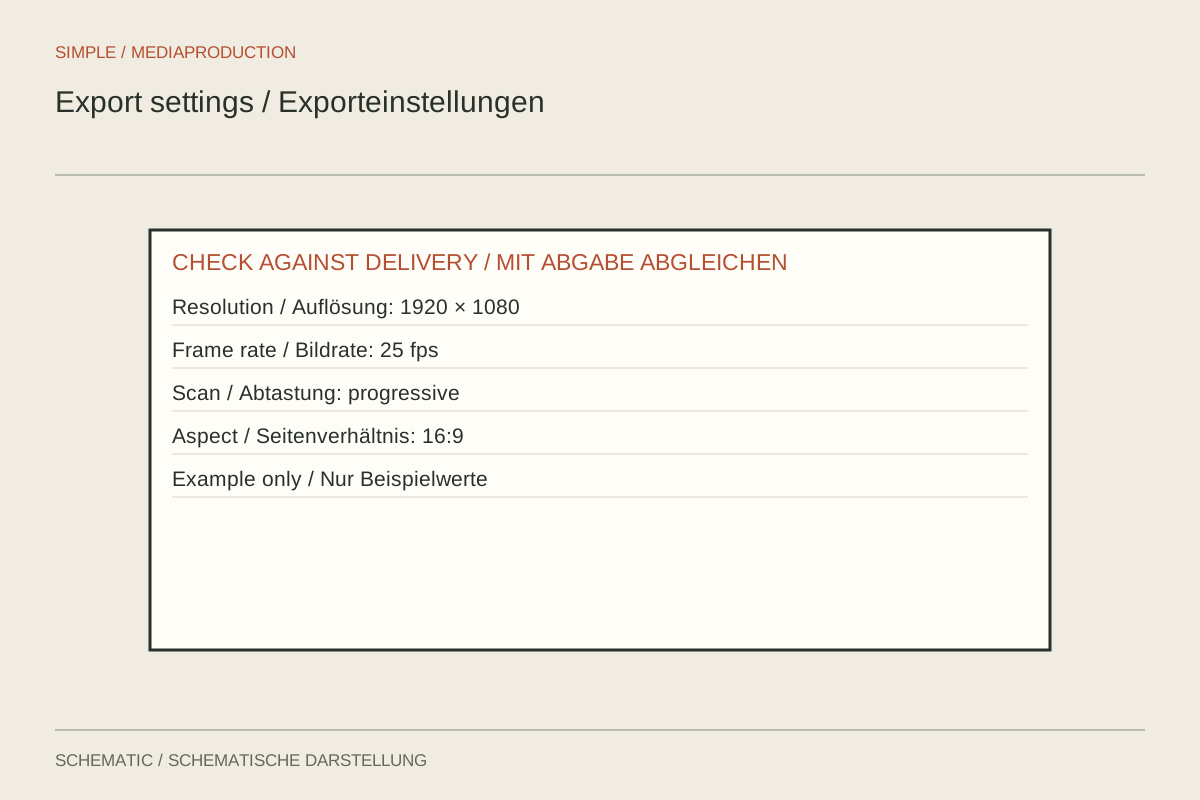
Compare sequence and output so export does not silently introduce a format change.
Export & delivery
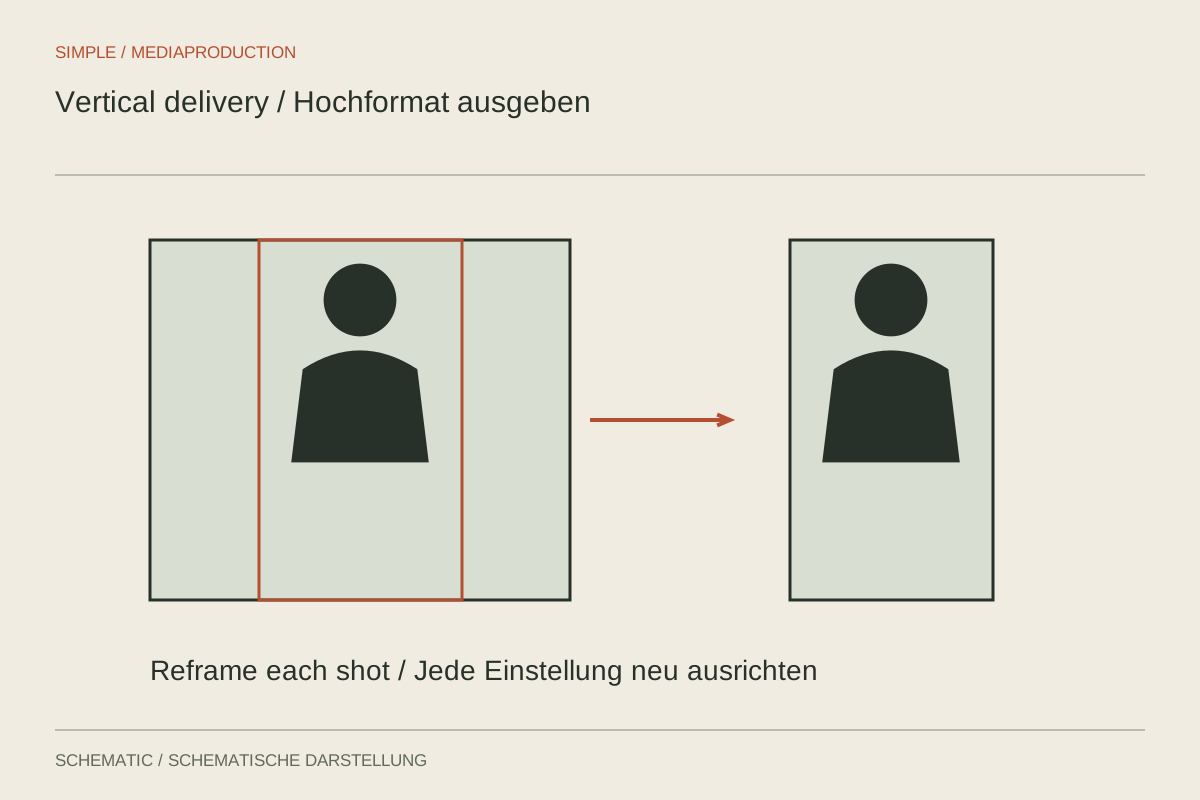
Create a checked vertical sequence and inspect information near every edge.
Export & delivery
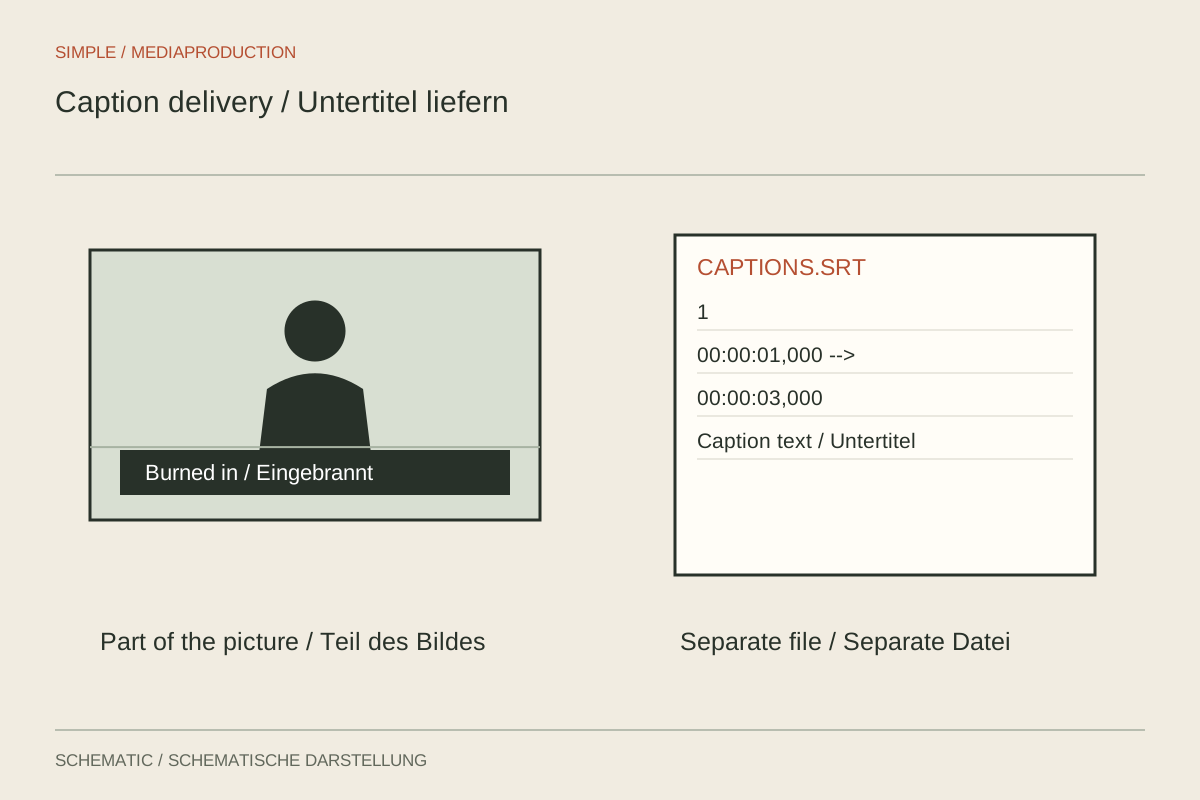
Decide on appearance, switching and later corrections before delivering captions.
Export & delivery
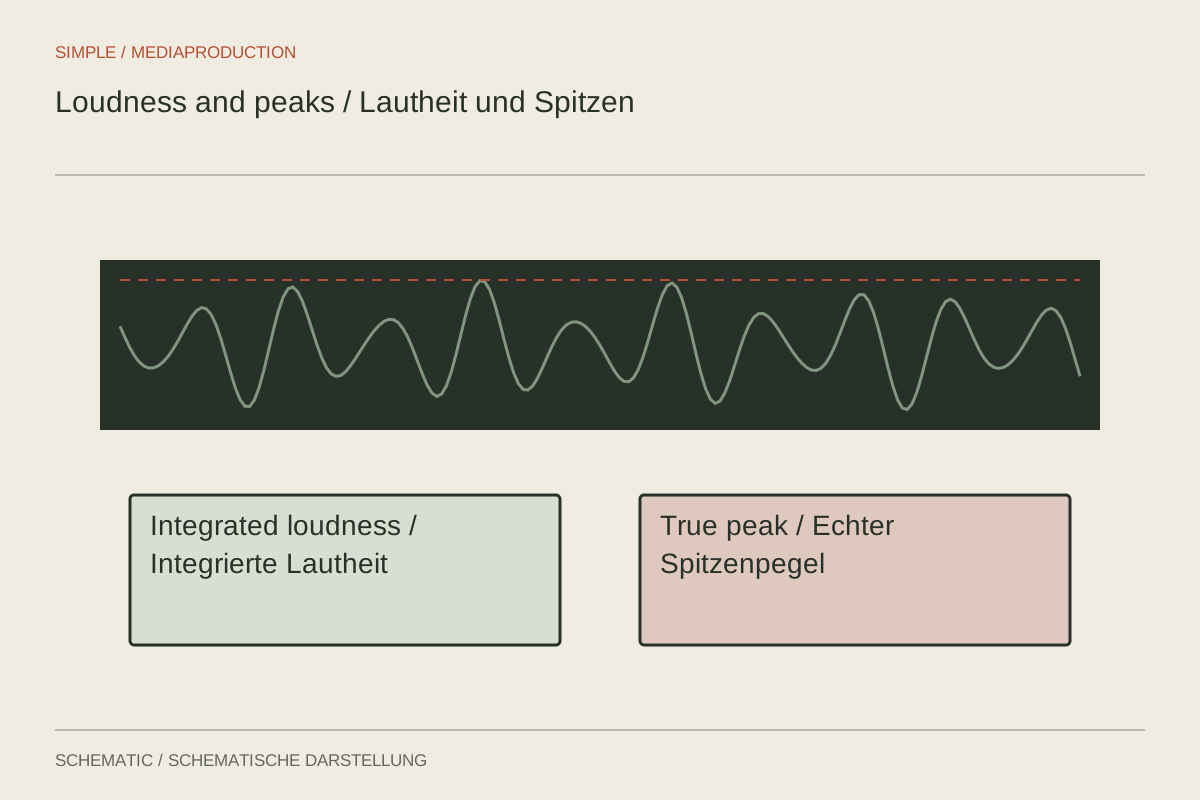
Measure programme loudness and peaks separately against the actual delivery specification.
Export & delivery
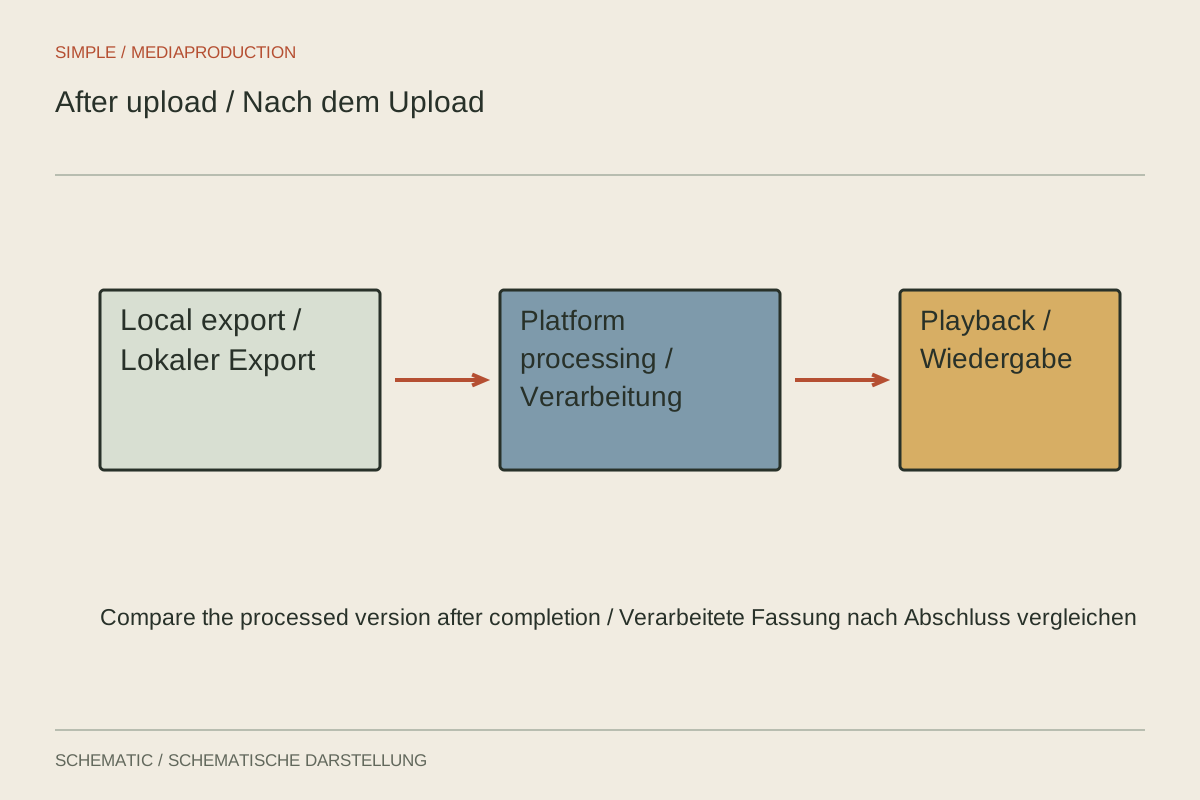
Investigate the local export, platform processing and playback quality separately.
Export & delivery
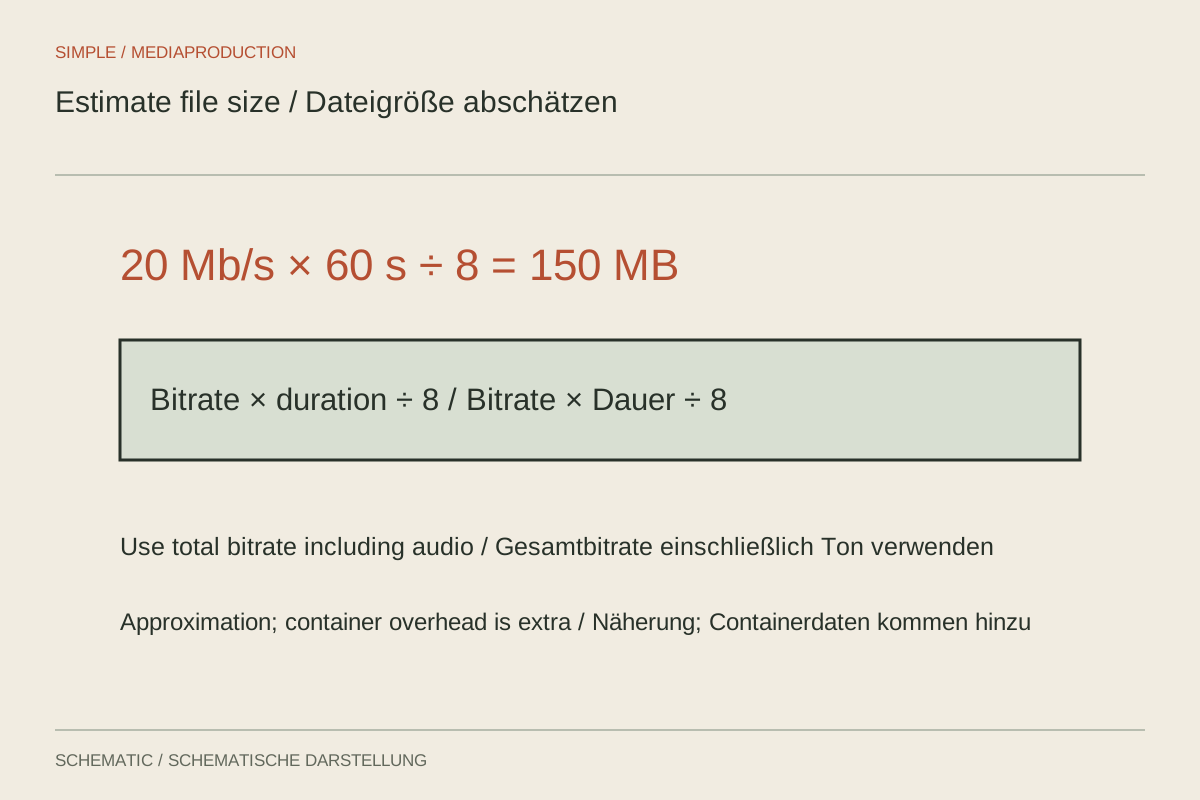
Duration and average combined bitrate provide a useful size estimate.
Export & delivery
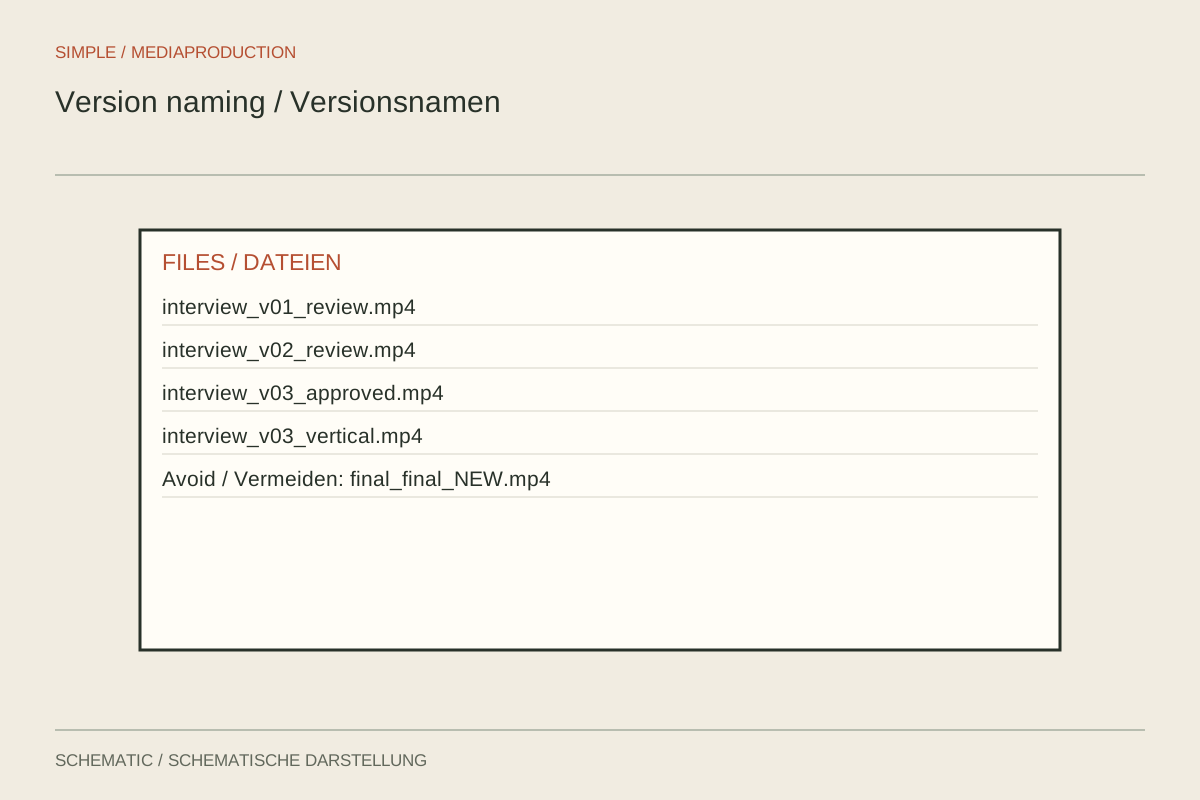
Filenames should identify version, language and purpose without requiring a separate legend.
Export & delivery
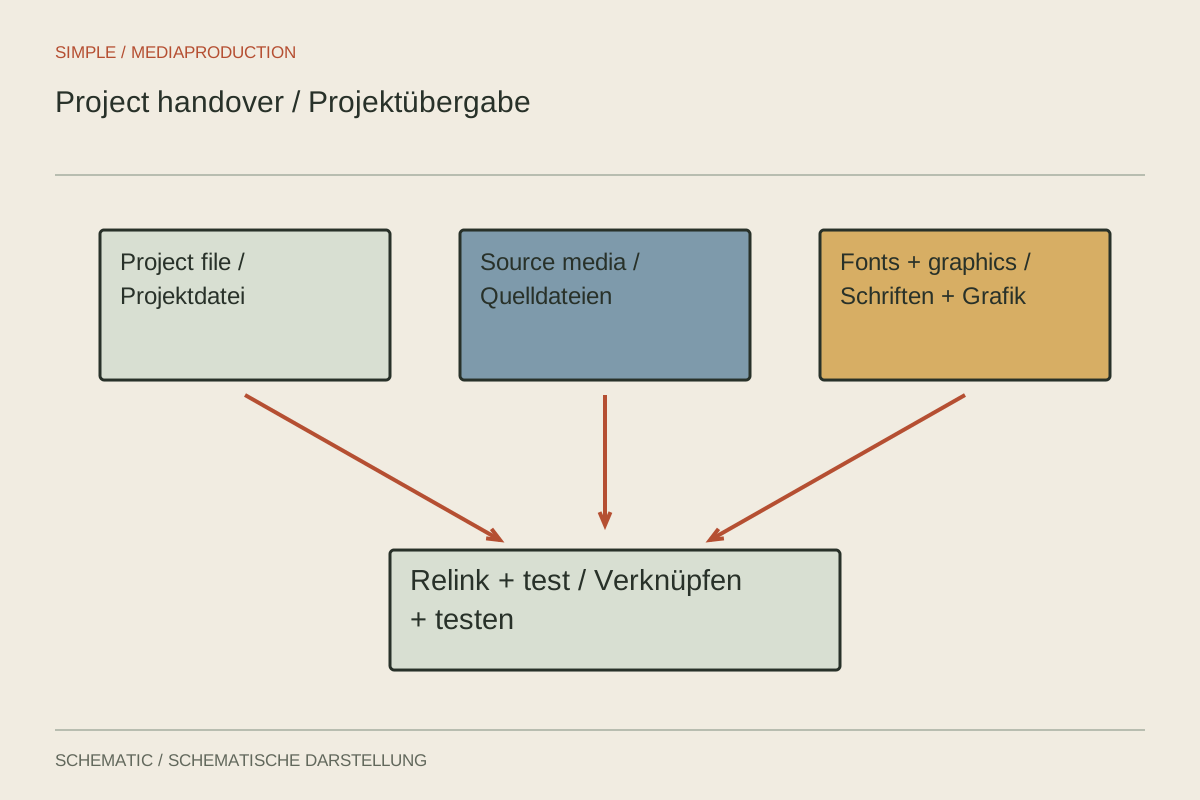
Deliver the project, media and external dependencies together, then test from a separate location.
Export & delivery
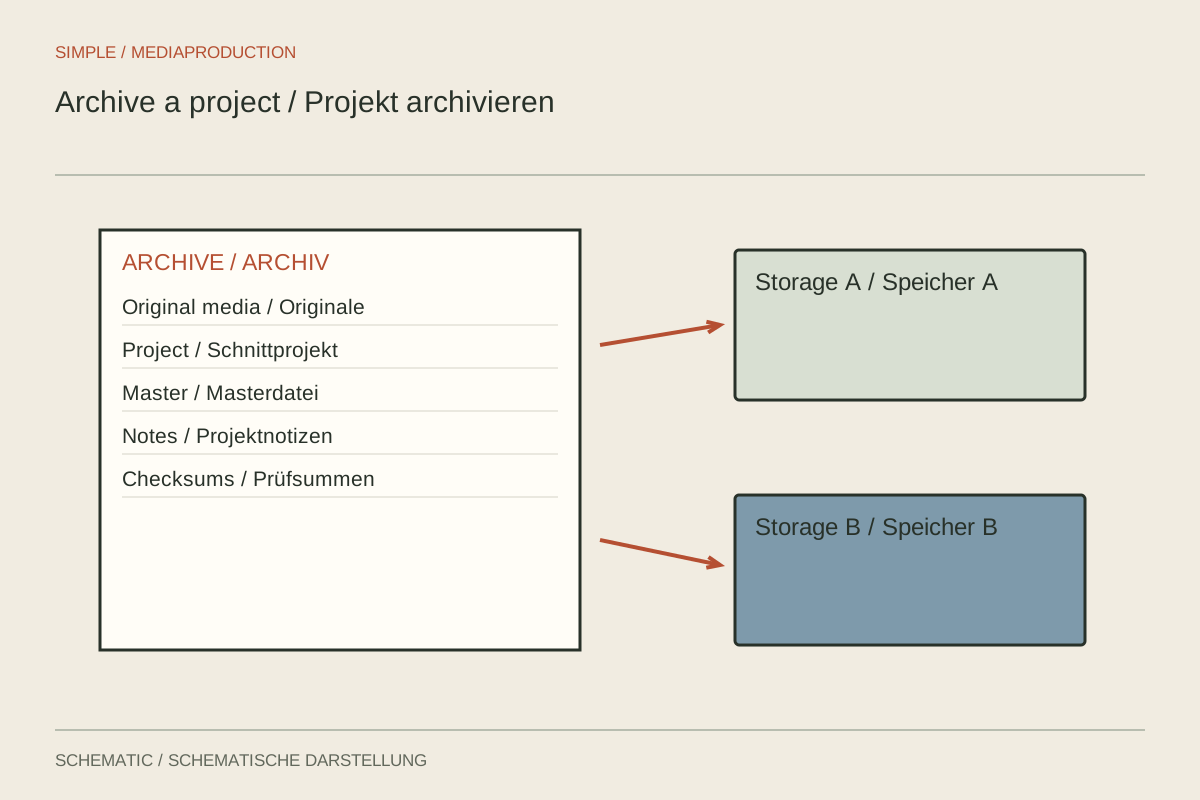
An archive needs to remain understandable and recoverable, not merely look complete today.
Export & delivery
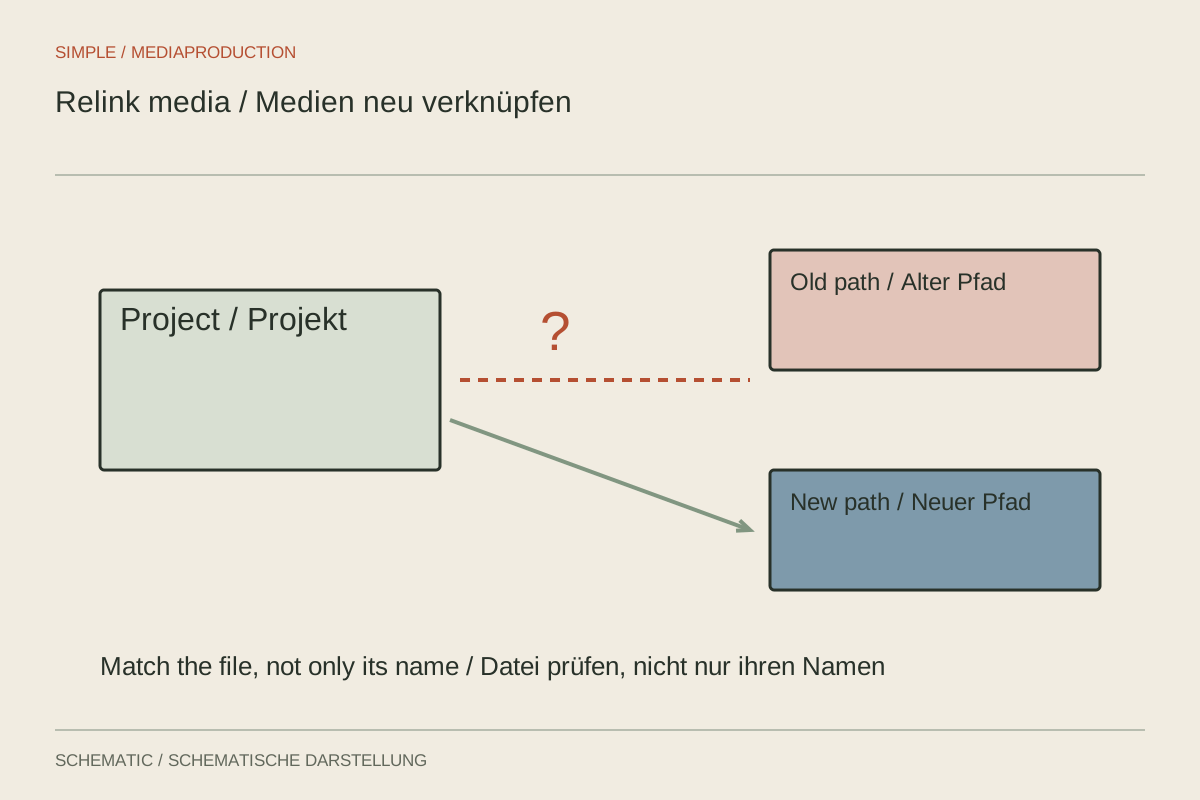
Repair broken references systematically without blindly matching identical filenames.
Export & delivery
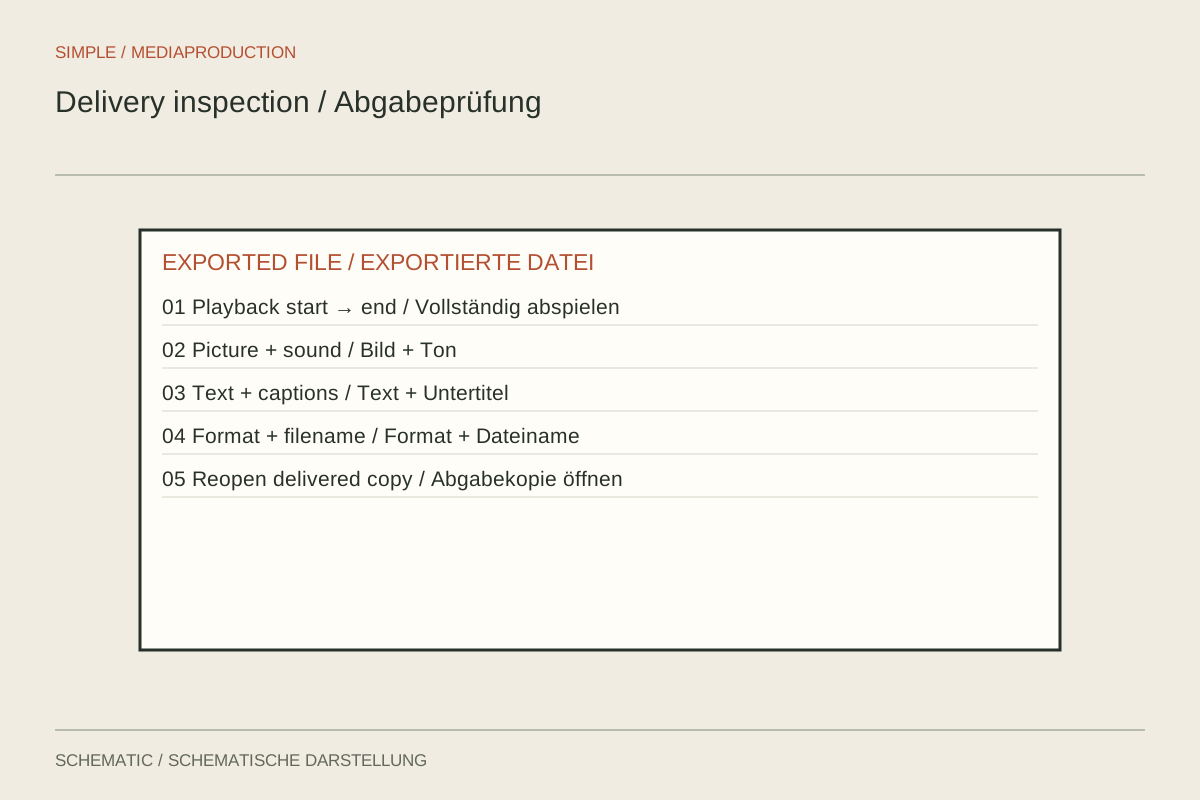
Check the actual file against the real requirements and record the result.
Export & delivery
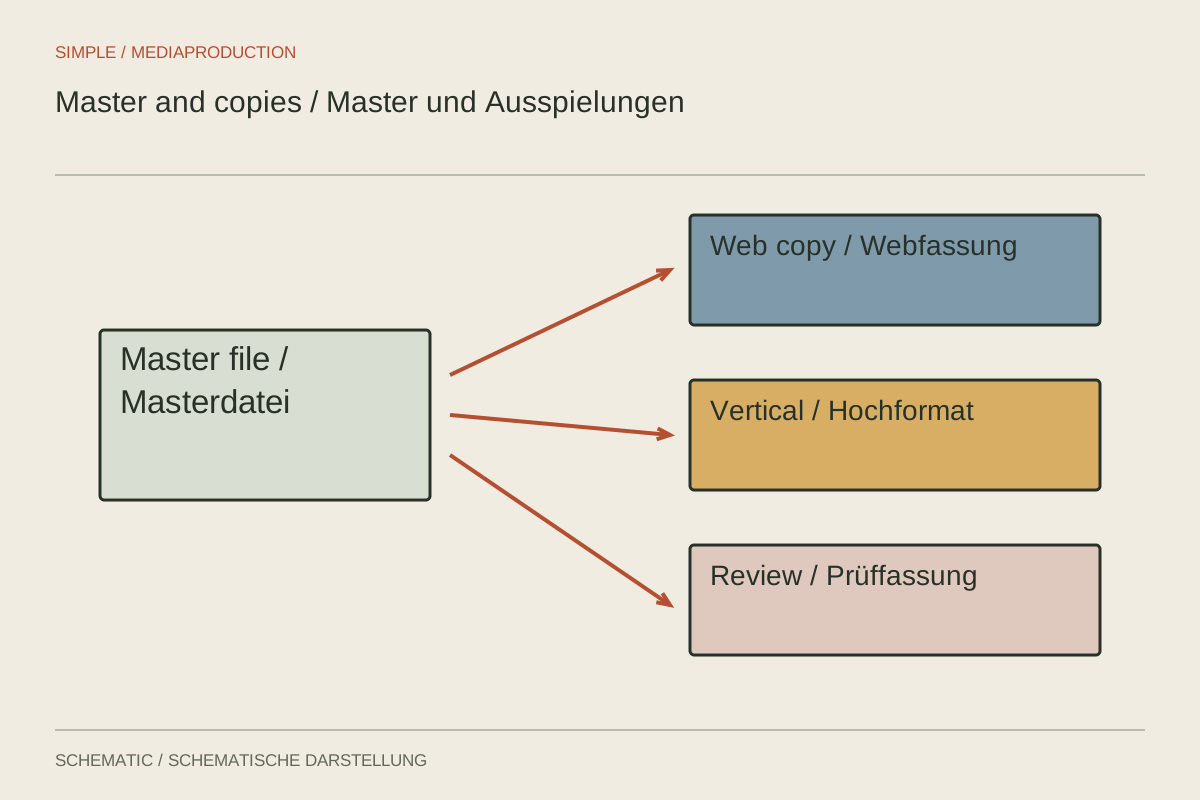
Preserve a high-quality reference and derive purpose-specific copies from it.
No matching articles. Try another term or topic.
