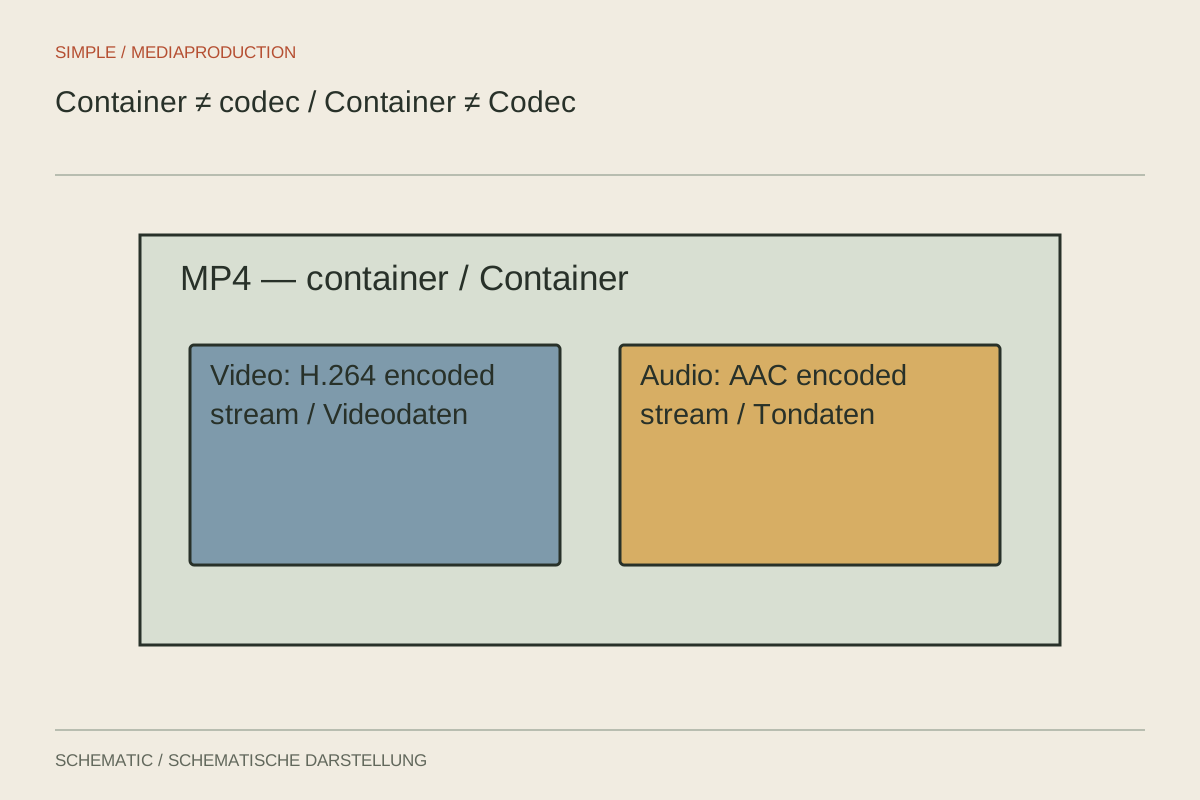
Two files end in .mp4, but only one plays on the intended device. That can happen because the extension does not describe every property of the contents. Reliable delivery requires knowing both the packaging and how the picture and sound inside it are encoded.
Separate packaging from contents
A container organises media streams and related information within a file. A codec defines how a stream is encoded and decoded. Picture and sound can use different codecs. MP4 and MOV are examples of container names; H.264 identifies a video codec.
Think of a shipping box containing several labelled compartments. The box explains how the pieces belong together, but not what every piece is made from. The analogy has limits, yet clarifies the central point: the outer file type alone does not establish whether a recipient can process everything inside.
Inspect a real file
Open media information in the editor or a suitable analysis tool. Note the container, video codec, resolution, frame rate and audio format. More demanding specifications may also involve profile, bit depth, colour information and channel layout. Compare these against the recipient's actual requirements rather than a similarly named export preset.
For example, someone asks for “an MP4 for a presentation.” Establish which computer or player will be used. A brief test encoded in the intended way can resolve uncertainty early. Do not wait for full delivery if the video must run on a specific older device.
If picture works but sound is missing, inspect the audio stream and selected track. If the file does not open at all, packaging, codec support, corruption or incomplete transfer may be involved. Renaming an extension does not change the underlying contents and is therefore not a general repair.
Repackage or re-encode
Repackaging, often called remuxing, transfers existing media streams into another suitable container without recompressing them. It can help when the streams are already appropriate and only the packaging is unsuitable. It cannot make an unsupported video codec compatible merely by changing the container.
Transcoding decodes and encodes the material again. It can change format, resolution or bitrate, but takes processing time and may add damage when lossy compression is used. Work from the original high-quality source where possible rather than a copy that has already passed through several exports.
Preserve the original before conversion. Create a brief test containing representative picture and sound rather than immediately converting every file. Inspect motion, lettering, colour appearance and synchronisation. Process the complete material only after the test works in the destination system.
Different stages have different priorities
A compact delivery codec can require more decoding work during editing than a workflow designed around intermediate media. Conversely, a large editing file may be impractical for downloading. Choose a file for its next use instead of treating one format as inherently best for every stage.
Record the important properties when handing over the result. “Film_EN_v03.mp4, 1920 × 1080, 25 fps, H.264, stereo” communicates more than “HD video.” Add further specifications where the recipient needs them. A final playback test remains necessary because a convincing list of settings does not replace checking the actual file.