Export bitrate describes how much data per unit of time is allocated to the encoded film. It affects size and image quality, but is not a complete quality measure. Codec, encoder, resolution, frame rate and content interact. A static presentation slide and moving foliage can look very different at the same setting.
Begin with the destination
Check the platform's or recipient's requirements first. A binding delivery specification takes precedence over a general tip. Establish whether a figure is a recommendation, a maximum or a live-streaming setting. Those situations are not interchangeable.
YouTube's upload guidance, for example, gives different reference rates for SDR 1080p at ordinary and high frame rates. Such guidance is a starting point for that service, not a universal standard for every delivery. For another destination or HDR material, check the corresponding current requirements.
Choose a demanding test section
Select a short passage containing the most challenging real images: fine texture, fast movement, smooth gradients and readable text. A still face against a plain wall is not an adequate stress test for a film that later includes water, confetti or moving leaves.
Export two or three versions using the same codec and resolution but different bitrates. Name them clearly. Do not simultaneously change the encoder or frame rate, because that obscures the effect of bitrate. View the files at the same size without accidentally different player enhancements.
Look for blocky areas, unstable edges, disappearing detail and banded gradients. Inspect motion as well as stills. If a higher rate brings no relevant visible improvement, the smaller file may be the more useful delivery, provided it still meets the recipient's requirements.
Understand variable and constant rates
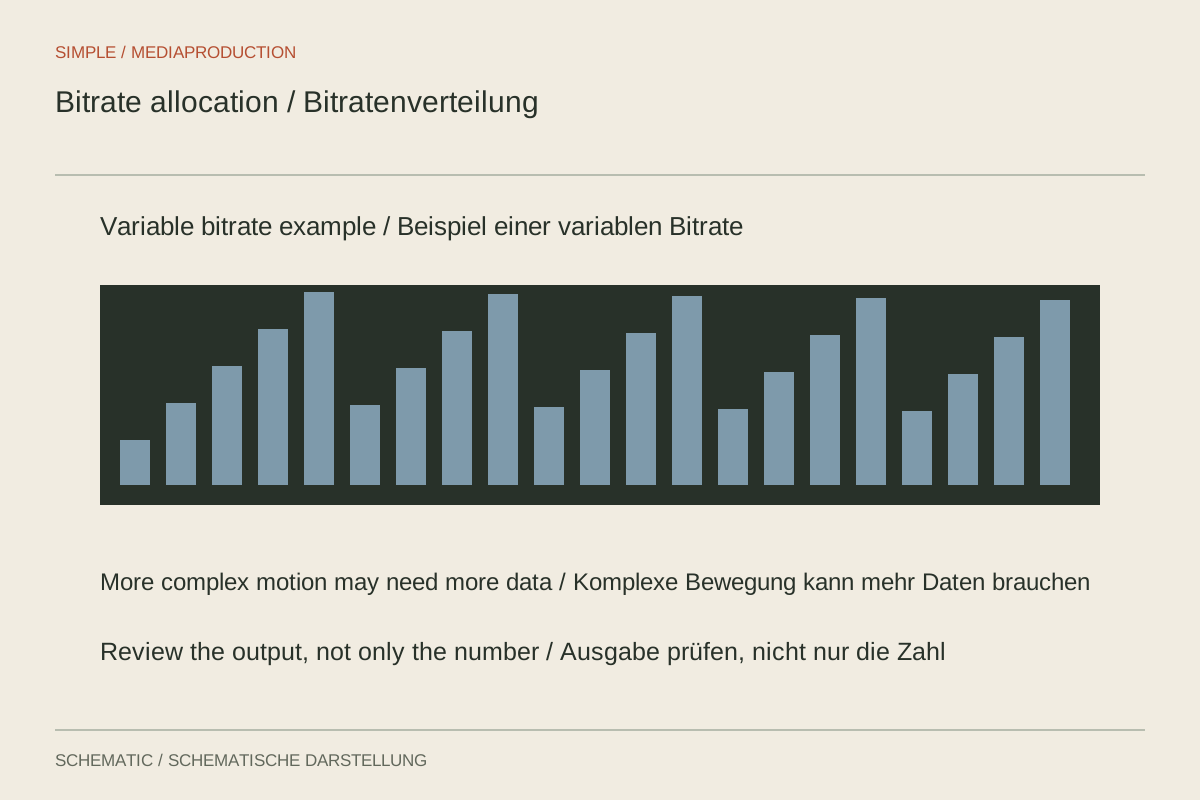
Variable bitrate allocates data differently according to content and settings. A constant target aims for a more consistent data flow. Availability and suitability depend on the encoder and intended use. A second encoding pass can use additional analysis, but takes time and is not implemented identically by every method.
Do not confuse a target with a guaranteed file size. With variable methods, the actual content affects the result. A configured maximum also differs from the average rate. Inspect the completed file when a strict size or transfer limit must be met.
Calculate the size implication
As an approximation, multiply megabits per second by duration in seconds and divide by eight to obtain megabytes. A five-minute film averaging 10 Mbit/s for video therefore needs roughly 375 MB for that stream alone. Audio and container information add more. At 20 Mbit/s, that portion approximately doubles.
The calculation supports a decision but does not replace looking at the picture. If the smaller version visibly breaks down at important moments, the saving may be inappropriate. If both versions work equally well, the smaller file reduces transfer time and storage without an observable loss of usefulness.
Check after platform processing
A hosting service may encode an upload again. The locally checked file is therefore not necessarily identical to the version eventually played. Wait for processing to finish and inspect the available quality level. A temporary low-resolution version should not immediately trigger a new export.
Preserve the high-quality source and the tested export settings. If another platform is added later, create its copy from that foundation where possible. Repeatedly re-encoding already compressed publications is not a substitute for a clean starting point.