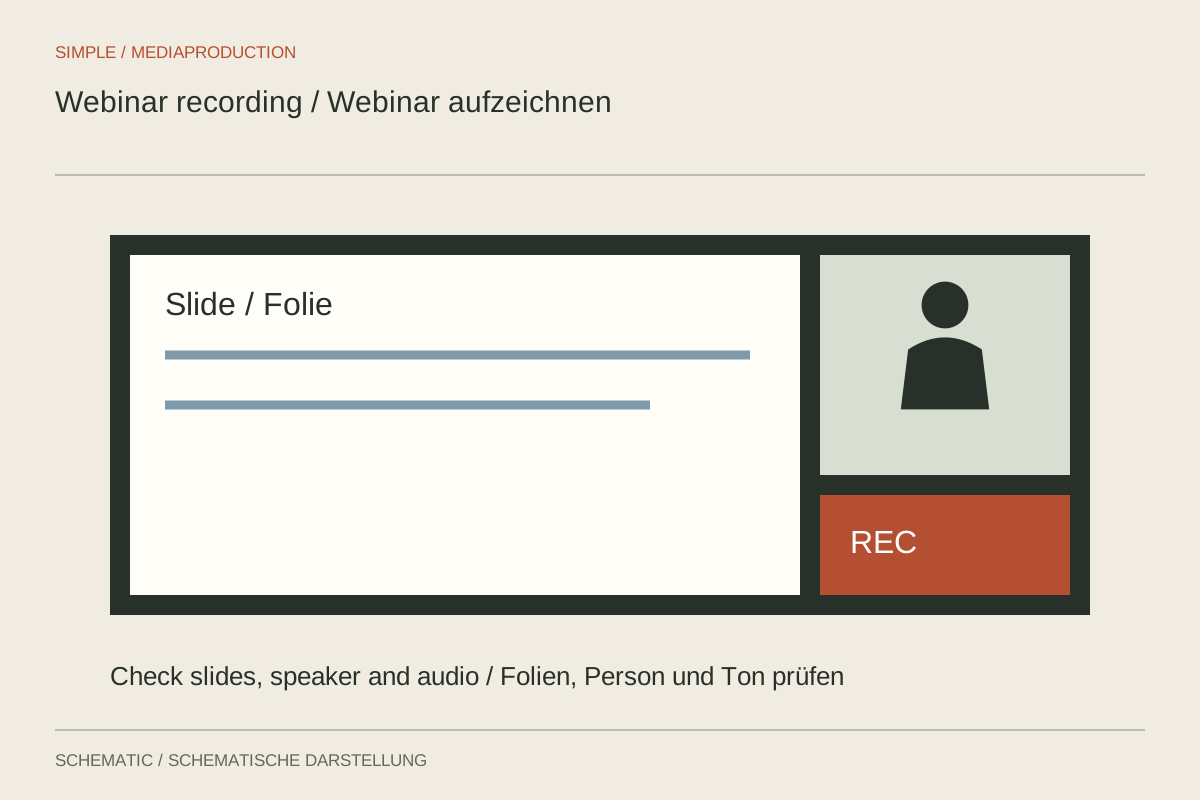
A webinar can work well live yet contain gaps as a recording. A phrase such as “You can see it here” may refer to a cursor that was not saved or a chat question absent from the replay. Plan the recording as a separate viewing context rather than an automatic by-product.
Define what should be recorded
Decide whether the finished video needs the presenter, slides, shared application and questions. Check the recording capabilities available in the platform and account. The layout visible on your screen may differ from the saved arrangement. A short test session using the same roles and settings is more reliable than an assumption.
Separate files or views can help during editing where available, but create additional coordination work. Note which file contains each image and audio source. Preserve the presentation slides separately too, so small text can be incorporated more clearly where necessary.
Test sound and sharing
Test every speaker and embedded media as well. A microphone may work while the sound of a played video is absent from the recording. Play a real short excerpt and inspect the saved file. Use the same computer, equipment and sharing route intended for the actual session where possible.
Inform participants clearly about recording and its intended later use. Agree how audience questions will be handled and which names or personal details should appear in the published version. Do not capture additional private windows or messages simply because they happen to be visible on the desktop.
Speak for later viewers
Briefly read a selected question before answering it. Describe important pointer movements with clear words and identify the relevant slide or control. This preserves context when chat, cursor or the live interface is absent from the eventual replay.
Leave a brief pause after changing topics. It helps later editing and captioning. If a technical interruption occurs, repeat the affected statement completely after resolving it. The editor then has a clean continuation rather than needing to reconstruct fragments of a sentence.
Turn the session into a replay
Where appropriate, remove long waits and technical preparation without losing necessary context. Identify omitted or differently presented sections when viewers need that information. Check names, questions and captions against the actual published version.
Watch the finished file completely. Look for changes between slides and presenter, missing media sound and suddenly undersized text. Keep the original recording and edited output separately. Later corrections should be reproducible from known sources rather than depend on an already repeatedly compressed publication.