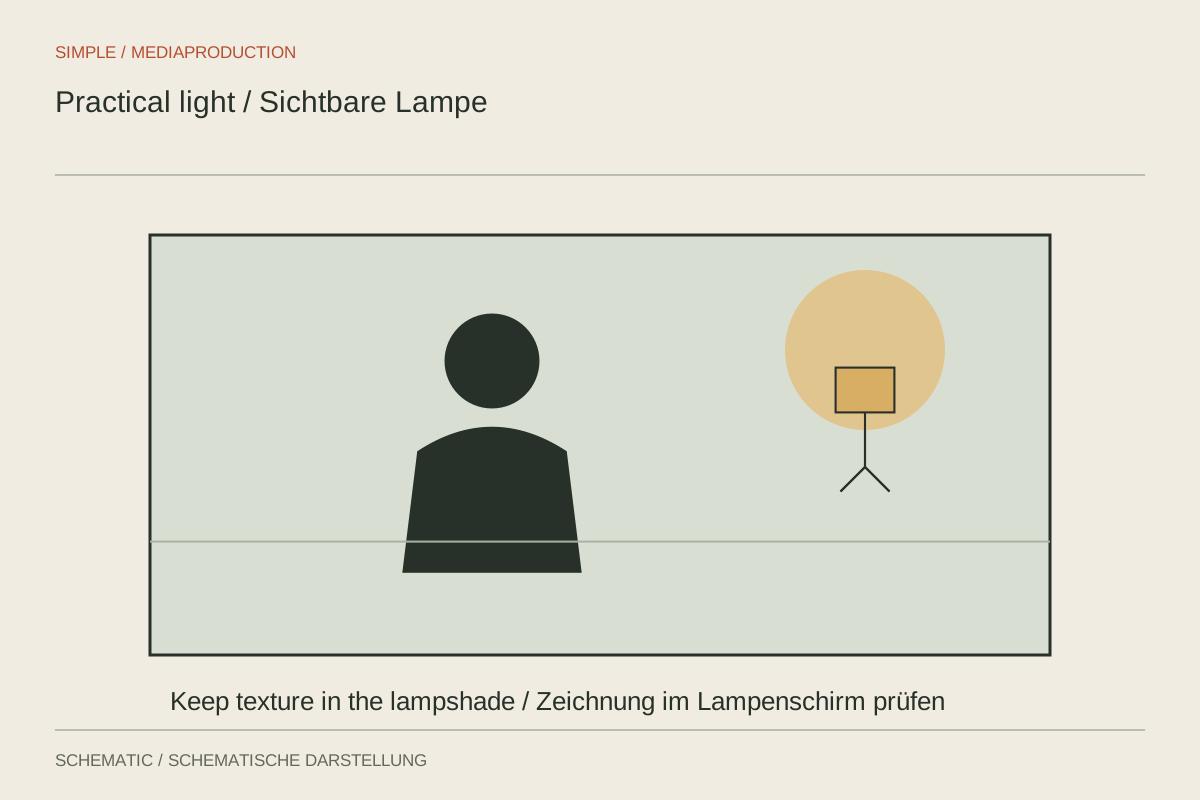
A desk lamp behind a speaker is both a furnishing and a light source. Filmmakers often call a visible fixture like this a practical. It can add depth to a room, but should not automatically become the brightest and most distracting object. First decide what it contributes: identifying a workspace, enlivening a corner or suggesting a warm lighting atmosphere.
Assess the visible shade
Set exposure for the speaker, then inspect the lamp. A white shade can lose all detail even while the face is correctly exposed. Reduce the fixture's output where possible or fit a suitable lower-output bulb. Darkening the entire image would unnecessarily compromise the main subject.
A tiny clipped glowing element may be an acceptable design choice. A large featureless patch beside the head draws much more attention. Move the lamp within the composition and compare a short recording. Make sure the shade does not appear to grow out of the head or awkwardly interrupt the shoulder outline.
Control the face separately
The visible lamp does not have to provide all the actual facial illumination. An additional off-camera source can supply soft light from a similar direction. Adjust the sources one at a time. This allows the face to become brighter without also making the visible shade brighter.
A warm background lamp with a neutral key creates an intentional colour difference. If the warm source also reaches one side of the face, however, it can create unwanted mixed lighting. Turn the shade, increase the distance or change the seating position. Avoid improvised paper or fabric coverings on hot fixtures.
Test the dimmed setting too
Not every LED bulb and dimmer combination behaves alike on camera. Record the actual dimming level at the planned frame rate and shutter speed. Look for travelling brightness bands or rhythmic pulsing. Light that looks pleasant in the room can flicker noticeably in the recording.
If the fixture is needed only as a room detail, a different position or another suitable bulb may be simpler than repairing the footage later. Photograph the arrangement for subsequent filming days and note the brightness setting. This makes the background easier to keep consistent across connected shots.
Avoid changing the lamp inadvertently
A visible lamp is easy to overlook between takes: someone switches it off during a break, turns the shade or changes a smart-home control. Compare the background against the reference before restarting. Also check whether a battery-powered fixture maintains output for the required duration. A brief test immediately after charging does not answer that question. A small difference may be unimportant when the lamp appears for only a few seconds, but more obvious between adjacent interview shots. Document the properties that matter to continuity rather than recording settings without checking their visible effect throughout the intended session.