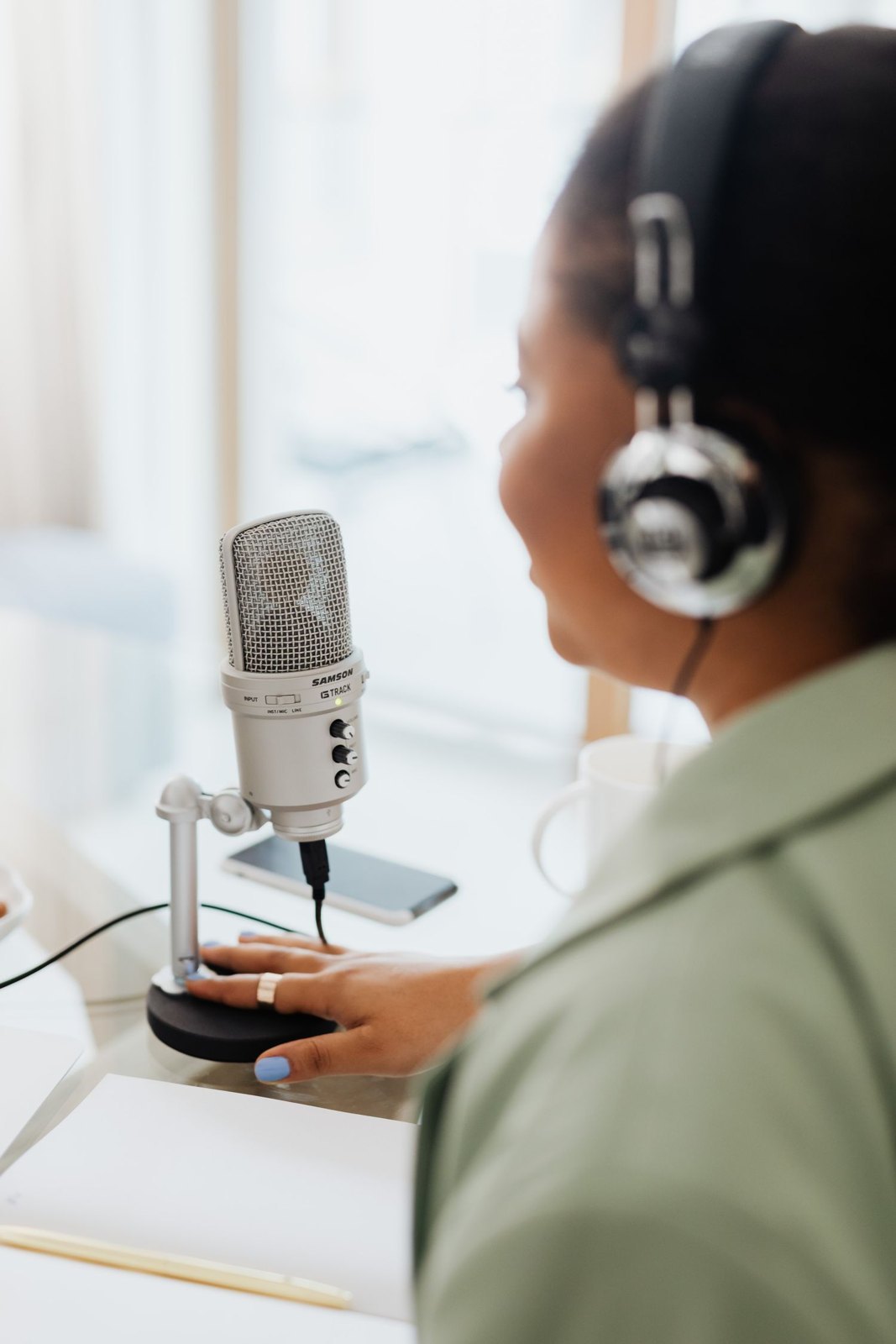
A moving meter only confirms that a signal is present. It does not reliably reveal whether speech is intelligible, a cable crackles or a jacket rubs against the microphone. Headphones provide that information. Which part of the chain you hear also matters: the receiver, camera input or saved file.
Understand the monitoring route
A receiver may sound clean while an incorrect level or faulty cable exists between it and the camera. Monitor at the recording device where possible. Also check a saved test file, because live monitoring does not confirm correct recording, channel selection and storage.
Use a comfortable, consistent headphone volume. Excessively loud monitoring exaggerates small noises and tires hearing. Very quiet monitoring can hide problems. Headphone volume normally does not change recording gain; avoid confusing the controls while adjusting them.
If a monitor offers several listening sources, label the chosen one in the setup notes. A later button press can otherwise switch from the recorded mix to an unrelated input without an obvious visual warning.
Listen for specific faults
Ask for normal speech, a short pause and the planned movements. The pause exposes fans, hum or wireless interference. Movement reveals cable tension, clothing and handling noise. Loud syllables test distortion. These three sections provide more information than a uniformly mumbled test.
With separate microphones, inspect each channel individually. A voice may sound similar on both sides even though only one microphone is actually being recorded. Have people speak in turn and watch the corresponding meters. Then monitor the complete mix to notice spill and level differences.
Remain able to act during the conversation
Agree an unobtrusive signal for a necessary interruption beforehand. If noise obscures an important sentence, repeating it immediately is often easier than repairing it later. Note the time if interruption is not possible.
Closed headphones make assessment easier in many situations, but do not replace awareness of the location. During moving shots, routes and instructions must remain perceptible. At the end of the take, check a short playback and the filename. This connects monitoring with evidence that the expected sound was actually saved.