A clip does not become good slow motion merely by entering a lower speed percentage in the editor. If too few distinct frames exist, software must repeat them or calculate new intermediate images. Plan the intended slowdown before recording. It determines useful frame rate, shutter duration and lighting, and whether synchronous sound remains available at all.
Calculate capture and playback rates
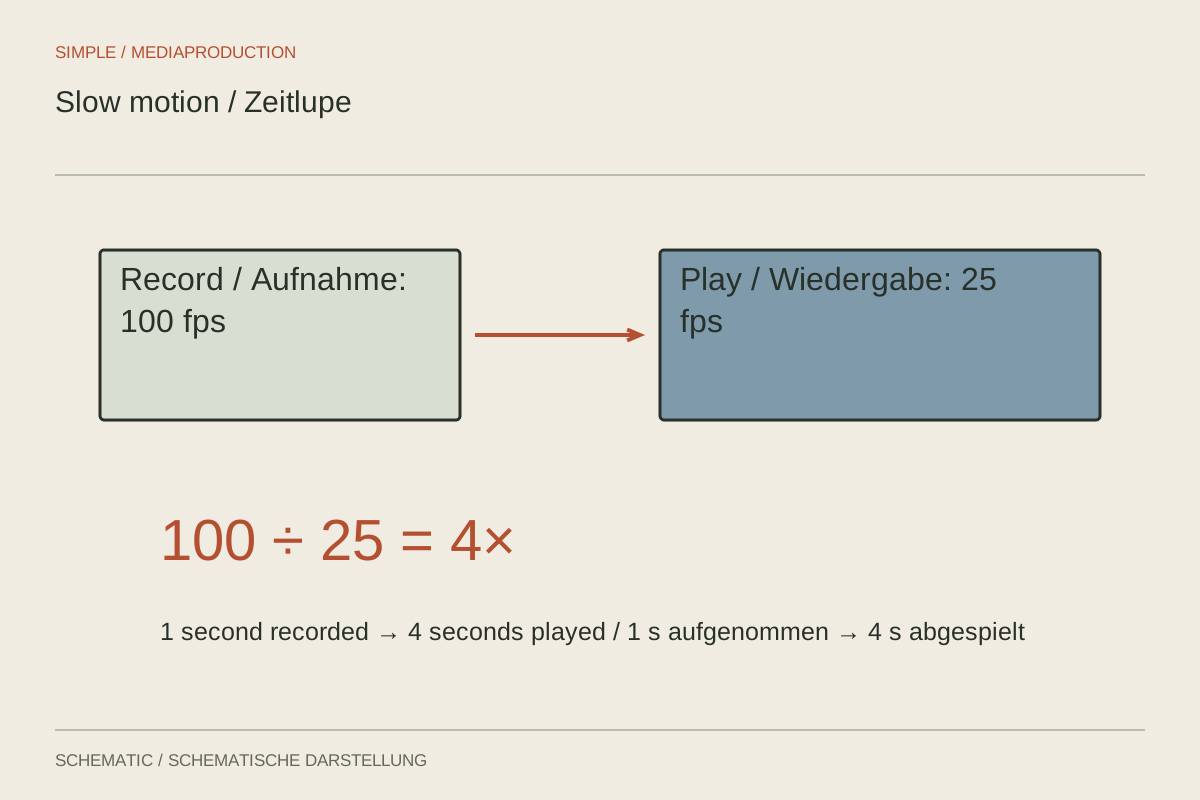
An action captured at 100 frames per second can last four times as long when played at 25. One second of recording becomes four seconds of playback. With 50-to-25, the factor is two. This relationship applies when each captured frame is shown once. Check exact device rates, particularly where labels such as 30 or 60 are rounded.
A regular high-frame-rate file may initially play in real time. Appropriate interpretation or a speed change creates the slowed version. A dedicated slow-motion mode may already make that conversion in the camera. Record both acquisition rate and stored-file playback rate. Otherwise, a clip that has already been slowed may accidentally be slowed a second time during editing.
Provide light and choose a suitable action
At a higher capture rate with a correspondingly shorter exposure, each frame receives less light. A setup bright enough for ordinary recording may become too dark in slow-motion mode. Recheck lamps for flicker as well. Lighting that previously appeared stable can become troublesome under the new temporal sampling conditions, so the earlier test does not automatically remain valid.
Choose an action whose additional movement phases are informative or interesting. A brief contact between tool and material may benefit; a long unchanged wait usually does not. Allow enough beginning and ending margin because the event passes quickly in real time. For an unrepeatable action, recording must already be running before the decisive moment starts.
Make a separate sound decision
Many dedicated slow-motion modes omit ordinary synchronous audio or handle it differently. Do not rely on a connected microphone indicator. Inspect a sample file. If the natural sound sequence matters, an additional real-time recording with audio may be necessary. Added sound should not be mistaken for an exact temporal record of the slowed event.
Compare the result in the final timeline. If movement remains uneven despite enough frames, inspect interpretation, output rate and any active frame interpolation. Check hands and overlapping edges especially carefully because calculated intermediate frames can fail there. Suitable movement phases genuinely captured by the camera remain the most dependable starting material for the intended slowdown.