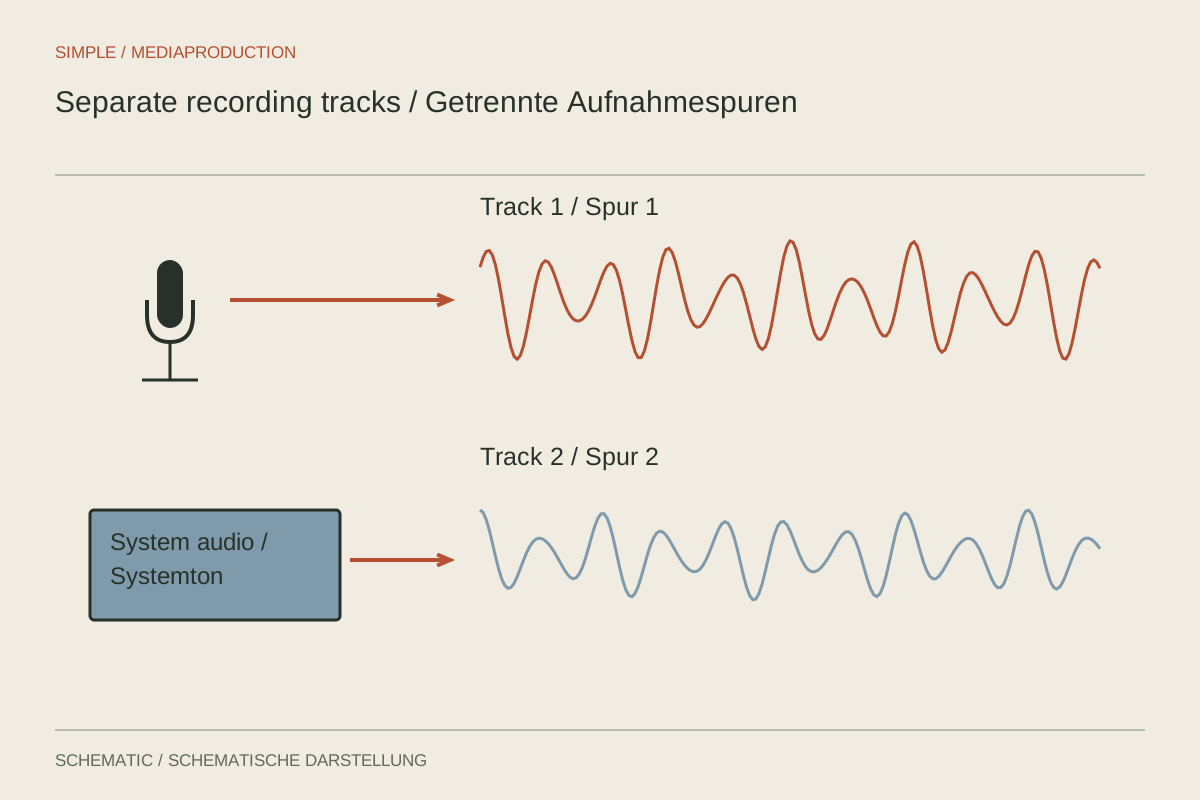
A screen recording may need louder narration and quieter application sound later. That is reliably possible only when both signals remain separate. Two visible faders in the recording application do not prove that two independent tracks are being written. Source routing, recording format and enabled output tracks must agree.
Map the signal path
List the signals required before configuring anything: microphone, demonstration application and perhaps remote participants. Decide whether the entire system output is actually needed. Application-specific capture can prevent notifications or unrelated programs entering the recording where the operating system and software support it.
Avoid capturing the same source twice. If application sound is recorded separately and also remains in the desktop mix, it can appear twice. A microphone can likewise be active globally and as an individual source. Inspect each source separately rather than watching only the combined mixer activity.
Assign recording tracks
One multitrack arrangement places a combined listening mix on track 1 and isolated sources on additional tracks. The mix supports quick playback while the isolated tracks remain available for editing. This is an organisational example, not a requirement for every recording.
Enable precisely the tracks that should be stored in the output settings. Choose a recording format that supports the arrangement and works in the intended editor. Assigning a source to a track is insufficient if that track is disabled when the application writes the file.
Give sources meaningful names and record the track layout. “Microphone,” “Demo application” and “Listening mix” are more useful later than several identical defaults. Keep the layout consistent across a series so each new lesson does not require rediscovering the routing.
Record a deliberate test
First record only your voice, then only application audio, then both together. Say which test is taking place. Import this short recording into the editor and audition each track separately. That confirms the desired separation exists in the saved file rather than only in the recording interface.
An ordinary video player commonly plays one selected audio track. Hearing only the voice on first opening does not necessarily mean application sound was lost. Inspect the available tracks in suitable software. Conversely, a complete listening mix must not conceal the absence of isolated tracks.
Locate duplicated capture deliberately
If application sound is hollow or unusually loud, mute sources one by one and review the test. Hearing the same content through two sources may indicate duplicate capture. Remove the unnecessary route rather than merely lowering both signals together. A small delay between them can still alter the tone.
Also check whether the monitoring mix is being captured again as system output. Your voice may then reach a second track through an unintended loop. For diagnosis, record a brief sentence while the application is silent and inspect which tracks contain it. This exposes the routing without experimenting during a long session.
Once the test works, save the configuration and repeat it after changing devices or the recording environment. A documented working layout saves more time on the next project than reconstructing the routing from memory.
Separate monitoring from recording
Use headphones where speakers would otherwise feed back into the microphone. Listen for a delayed copy of your own voice: an additional monitoring path can cause it and make speaking difficult. Adjust the monitoring route without accidentally disabling the source being recorded.
Recheck routing after changing devices. Another USB connection or a new headset can change the selected source. Keep the brief test as a regular step before longer sessions. Attempting to separate a completed mix afterwards is not an equivalent replacement for clean recording paths.
Create an appropriate finished mix for publication. A working file containing several isolated tracks is not automatically the correct delivery file. Verify that the final player reproduces all intended content through the designated playback track.