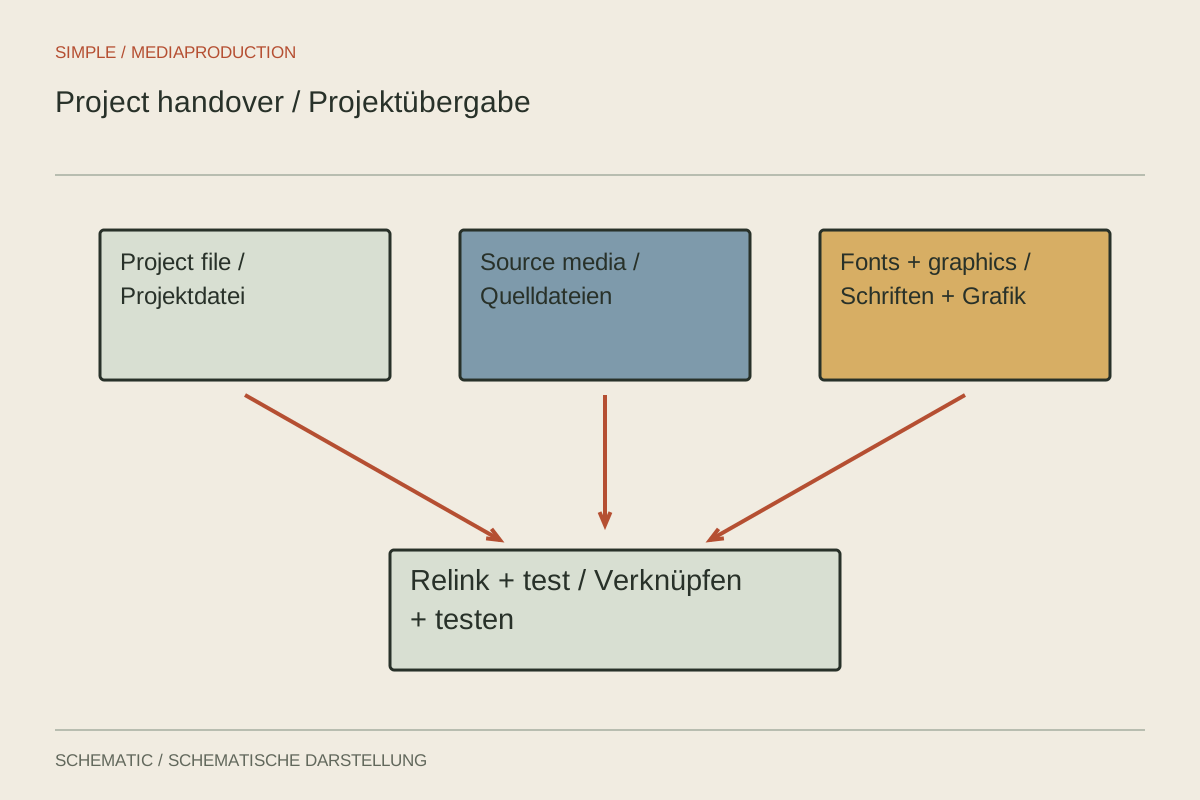
An editing project often contains references to media rather than the media itself. Sending only that small file may therefore deliver a timeline full of missing clips. A complete handover also needs to consider graphics, sound, fonts, effects and the software environment required for further work.
Define the handover scope
Establish whether the recipient will revise one specific edit or receive all original footage. That decision affects size and organisation. “Everything” may include old sequences, unused takes and large intermediates. A targeted collection must deliberately retain enough material for the intended changes.
Identify the approved sequence and version. Name working sequences clearly and mark those retained only as references. Explain the relationship between languages and formats. The recipient should not have to open every timeline to guess which one is current.
Collect media without destroying the working source
Use appropriate collection or consolidation tools and write to a new destination folder. Inspect their options carefully. Excluding unused clips saves space, but may remove material useful for later changes. A trimmed media copy with limited handles is not equivalent to the complete original.
Preserve the original working structure while testing the handover. Do not simultaneously move the only originals and reorganise the project. If collection is incomplete, an unchanged starting point is needed for repair. Only a successfully tested copy supports reliable subsequent decisions.
Check easily overlooked assets: separate music, effects, stills, captions, logos and linked animation. A linked project from another application may require additional media. A working preview on the original computer does not prove those dependencies exist in the handover folder.
Distinguish software and permissions from media
Record application versions and external extensions. If an effect is absent on the destination system, the result may differ or fail to render. A rendered reference or replacement can help, but should be distinguished from editable elements. Establish what the recipient actually needs to change.
Fonts, music and other licensed components cannot automatically be transferred merely because the project uses them. Check the agreed usage and handover arrangements. Document names and acquisition routes where files cannot be included. Do not assume licences are universally transferable.
Provide a short readme identifying the opening file, main sequence, folder roles, dependencies and known limitations. For example, explain that a graphic is supplied as a rendered clip and its text is no longer individually editable within this package. Such limits should be clear before the project is opened.
Test independently
Open the collected copy from another path and ensure it does not silently reference the old working folders. Testing on a suitable second computer is particularly informative. If that is unavailable, document the actual scope of the test and carefully inspect referenced paths.
Play the main sequence and demanding sections: graphics, nested sequences, linked animation and multitrack sound. Compare a brief export against the supplied reference. Opening without an error does not prove the project has avoided a substituted font or missing effect.
After transfer, confirm file count and checksums where appropriate. Request an opening and playback test from the recipient before treating the handover as complete. Retain the verified copy with its documentation so later questions refer to the same state.