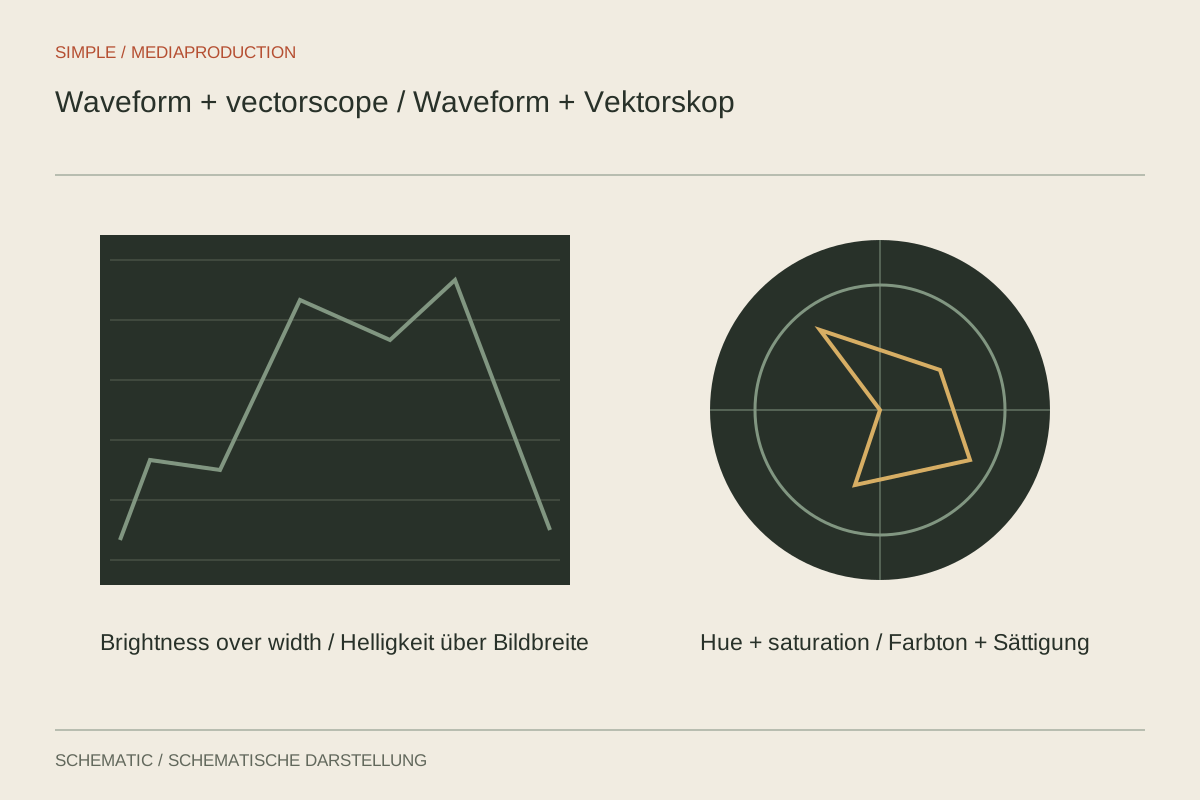
A bright wall can mislead your eye: a face appears different beside a dark background than beside a window. Scopes provide another view of the same image data. A waveform distributes measurements across the width of the frame, while a vectorscope displays hue and saturation. Both are especially useful when comparing neighbouring shots.
Understand the display first
Check the scope's colour space and scale. Numbers only mean something within that context. An SDR display cannot simply become a brightness instruction for every HDR project. Keep the project configuration constant initially and use a familiar clip to learn how adjustments appear in the display.
As an experiment, move a bright object from the left side of the frame to the right. Its bright trace moves horizontally in the waveform too. Vertical position represents the measured signal value instead. Several surfaces at the same horizontal location can produce several traces, so a waveform is not a miniature photograph of the scene.
Answer a specific brightness question
Choose two shots of the same person and examine comparable areas. If one background is brighter, the overall waveform should differ. Identify the face and clothing rather than forcing the complete distribution to match. A temporary mask can help isolate a region for inspection; remove it again after the measurement.
A flat trace near the top may indicate lost highlight detail. Inspect the relevant image area and earlier processing stages. An intentionally white graphic can legitimately be flat, whereas a featureless forehead in an otherwise naturally lit scene deserves attention. An identical shape on a scope can have very different creative causes.
An RGB parade separates the colour channels. A surface intended to appear neutral grey should not acquire an unintended strong colour shift through processing. However, a blue wall is not a reason to bring all three channels to the same height. Choose references according to what they actually represent within the scene.
Make a comparison reproducible
Place two stills from the same conversation beside one another and identify the region that should match. If the face is smaller in the second image, its contribution to the overall distribution changes. Comparing the complete graph shape is then unsuitable. Isolate comparable areas or combine the scope with a clearly defined visual comparison.
Establish whether measurement occurs before or after the selected correction. Some workflows display the complete effect chain, while others offer different measurement points. If a control change produces no response, check the measurement reference before assuming a fault. A frozen reference image can also be mistaken for a live measurement.
A dark jacket need not reach the lowest scale value merely to fill the graph's height. A misty scene likewise does not require artificially deep shadows. Record the intended lighting character as part of the comparison. Scopes help maintain that intention across clips rather than forcing every image into identical contrast.
After checking, remove temporary masks and restore the ordinary view. Keep a short comparison sequence containing the difficult edits. Later look changes can then be tested against those same transitions without repeatedly searching for reference points.
Read colour without chasing targets
On a vectorscope, the direction of a trace describes its hue region and its distance from the centre describes saturation. A scene full of green foliage therefore produces a different distribution from an interview against a grey wall. A larger spread is neither automatically better nor inherently wrong.
Use the display to spot changes: does a product colour move noticeably after an adjustment, or do neutral surfaces acquire colour? Then answer the creative question by examining the image. Deliberately warm evening light need not disappear merely because the distribution is asymmetric. Save comparison stills and briefly disable corrections to reset your visual judgement during a long session.