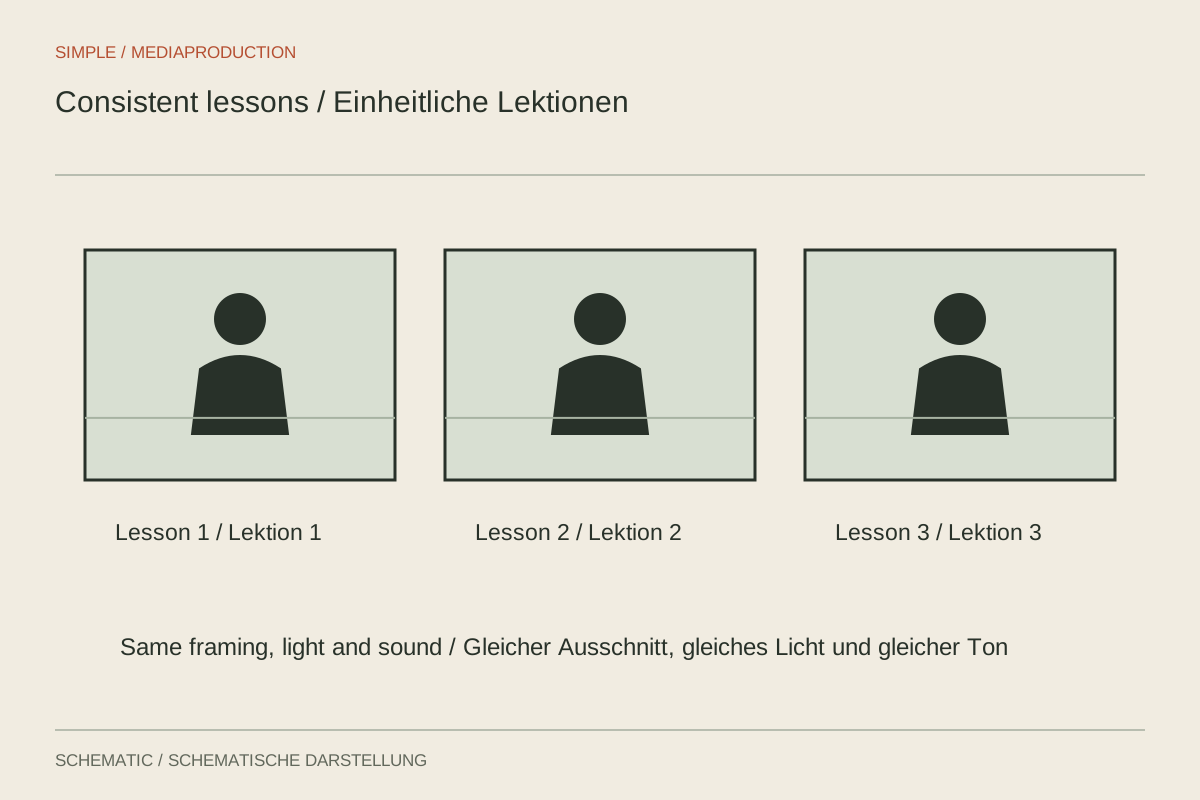
A video course feels coherent when language, sound and presentation remain understandable across lessons. That does not require every episode to have the same length or number of sections. Useful consistency lies in recognisable terminology, readable images and a dependable technical foundation.
Keep a small production record
Note the camera, distance, framing, light positions and microphone placement. A setup photograph and marked positions can simplify later pickups. Record capture and project settings too. Remembering that something was approximately the same last time is often insufficient after several weeks.
For recurring graphics, establish type, colours and basic positioning. Test the longest heading and a dense example before producing many lessons. These decisions should support orientation rather than force every explanation into a layout too restrictive for its content.
Organise lessons around learning tasks
Give each unit a concrete outcome. Explaining a concept may require a different structure from a practical exercise. State prerequisites and avoid references that only make sense within the original recording order. “As you just saw” becomes unclear when learners open lessons in another sequence.
Use the same terms for the same functions. Explain a new expression where it is introduced; a short reminder may be sufficient later. Repetition helps when it supports learning, whereas an identical lengthy introduction in every episode consumes time without necessarily adding understanding.
Combine batch recording with checks
Record related passages together where that saves setup work, but inspect picture and sound regularly. A long unchecked session can reproduce a displaced microphone problem across many lessons. Keep a simple list of successful takes and required additions.
Speak lesson numbers or internal identifiers only when the audience actually needs them. Rearranging the course is easier when the recordings are not linked rigidly throughout. Filenames and project markers can provide the necessary organisational references without becoming part of the spoken material.
Make later updates possible
Preserve source media, graphics, captions and approved text systematically. Where the content allows, separate replaceable screen examples from explanations likely to remain valid longer. A changed interface then need not require rerecording an entire lesson.
Before publication, watch several consecutive episodes and also open one lesson by itself. The course should make sense both in sequence and when used for targeted reference. Record which parts are replaced during updates so an old graphic or caption version does not quietly remain inside the new edition.