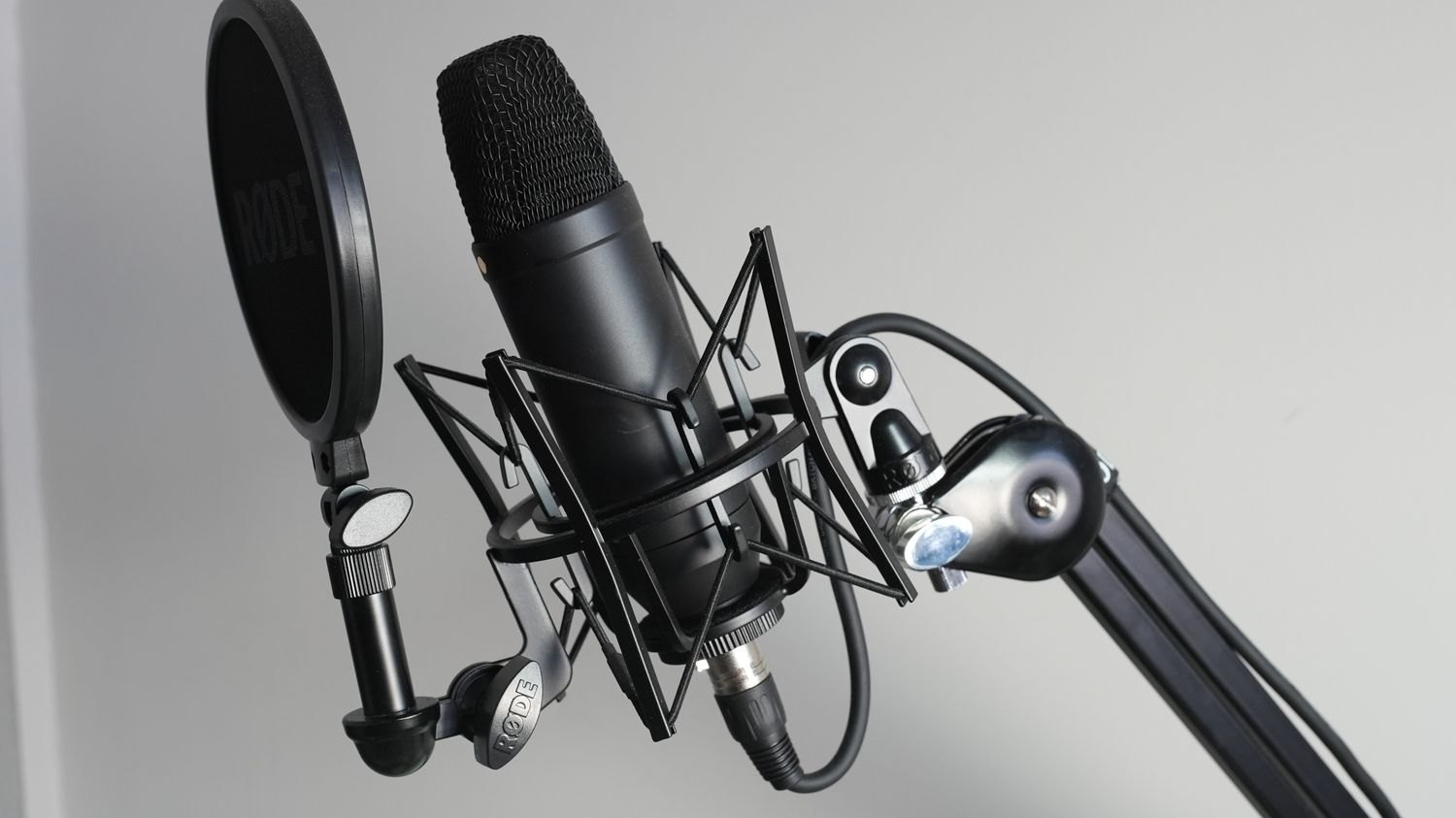
A finger taps the desk and a low thump appears in the headphones. The tabletop can transmit vibration through a stand or microphone arm. The tap is also audible through the air. A shock mount primarily affects the mechanical path; it does not make a loud keyboard disappear from the room. This distinction helps select an appropriate remedy.
Test the transmission path
Record normal speech, gentle desk tapping and an ordinary hand movement. Do not hit harder than would occur during actual use. Then compare an arrangement with the microphone on a separate floor stand. If the low thump becomes much weaker, the desk connection was probably contributing.
Inspect the cable too. A taut lead can partly bypass a mount's isolation. Leave sufficient slack without allowing loose loops to strike the desk or stand. Contact with a vibrating surface may preserve the disturbance despite an effective microphone mount.
Adjust handling
Hold a handheld microphone at a stable point. Rubbing, rotating or tapping its housing may be audible. Ask the speaker for a complete sentence while making expected movements. Changing grip between answers is easier to manage than during an important word.
For desk recordings, place notes and water where they need not be moved constantly beside the microphone. A suitable soft surface can damp some noises but does not replace secure mounting. Also check whether a microphone arm slowly droops and changes recording distance.
Treat the cause before processing
A high-pass filter can reduce low rumble but does not remove every contact noise. Excessive filtering thins the voice. If a knock masks a consonant, the content may remain damaged. For planned narration, repeating the sentence is often more useful.
Test the completed arrangement again on headphones and from a saved file. An adjustment becomes a solution only when it works during actual movements. Note cable and arm positions particularly when the workspace is dismantled after each recording.