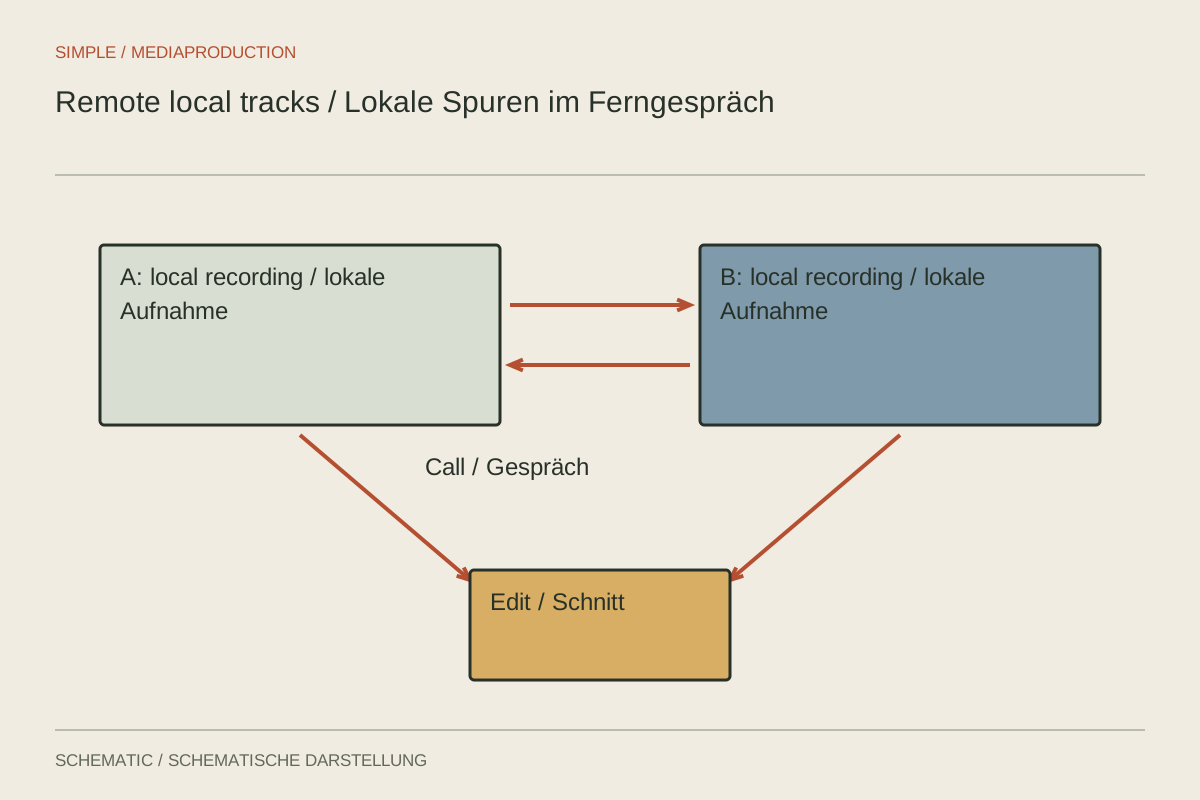
During an online conversation, the connection may briefly fail while the microphone at the other end remains clean. Local recording initially saves each voice on the participant's device rather than capturing only the transmitted call. This can make recording quality less dependent on network fluctuations. It does not prevent incorrect microphone selection, reverberation, overload or an interrupted save.
Arrange a real test before the session
Ask each participant to record a short test on the device they will actually use. Check microphone selection, headphones and a quiet room. Connecting a headset can silently switch a laptop to its microphone. Compare the displayed device name with the sound of the actual recording.
Explain the process in a few concrete steps: open the session, choose the microphone, speak a test and wait for the save or upload confirmation afterwards. Avoid lengthy technical instructions for unused features. If the participant must also operate a separate local recorder, rehearse its start and file-transfer process once.
Prevent echo and doubled voices
Headphones largely keep the other participant's voice out of the local microphone. Without them, loudspeaker sound can be recorded again, complicating editing and creating echo. During the test, check whether your own voice returns with a delay or two applications play the same output simultaneously.
A calling system may apply echo cancellation and other processing to transmission. Its local track may be handled differently, depending on the service. Listen to a downloaded test rather than judging the eventual file only from the live conversation. Choose settings according to the actual platform and its current documentation.
Handle interruptions as a conversation problem
If the connection freezes during a question, ask for a brief repeat of the question or answer after it returns. The local file may be complete even though the other participant never heard the sentence. A seamless later recording must not conceal the fact that the speakers were talking past each other at that point.
Note such moments with an approximate time. A repeated thought should remain complete and understandable. Avoid accidentally removing a qualification that the other speaker responds to. Meaningful continuity matters more than a technically immaculate but misleading exchange.
Check uploads and files before saying goodbye
Platforms using local temporary storage may still need to transfer data after recording stops. Ask participants to keep the required window or app open until completion is confirmed. Riverside explicitly documents an upload status and, where necessary, a recovery route using the same device and browser. Other systems have their own procedures.
Then confirm that every participant has a complete file. Compare duration, beginning and end, play samples and back up originals. A successfully concluded conversation is not proof of a complete export. Do not clear local temporary data while files remain missing.
Edit against a reference
A combined call recording can provide orientation even when local tracks supply the final sound. Check alignment at several points and account for possible delays between participants. A clap sent over an internet connection is not a universal shared zero point because transmission takes time.
Keep breathing gaps and reactions believable. Pushing answers too close together can imply an interruption that never happened. Retain an untouched version and document which tracks were used. Missing words, file faults and later questions can then be traced back to the original material.
Explain a usable failure plan
Agree beforehand what happens after a complete connection failure. One simple arrangement could be to leave local recording running initially, wait for a brief message through an agreed alternative contact route and avoid launching several new applications simultaneously. The appropriate action depends on the service and should be tested beforehand. Nobody should clear browser data or reinstall an app while untransferred recordings may still be stored there.
When using a separate recorder, agree a clear filename and transfer route. Request the unchanged original rather than simply “the audio file”. Depending on how it is sent, a messaging application may produce a compressed voice version. Check size, format and duration on receipt. A small convenient copy may be enough for discussion, but should not silently become the only production source.
Keep extra work manageable for guests. A dependable simple procedure is preferable to three untested backup applications competing for microphone access. The pre-session test reveals which arrangement the participant can actually operate independently.