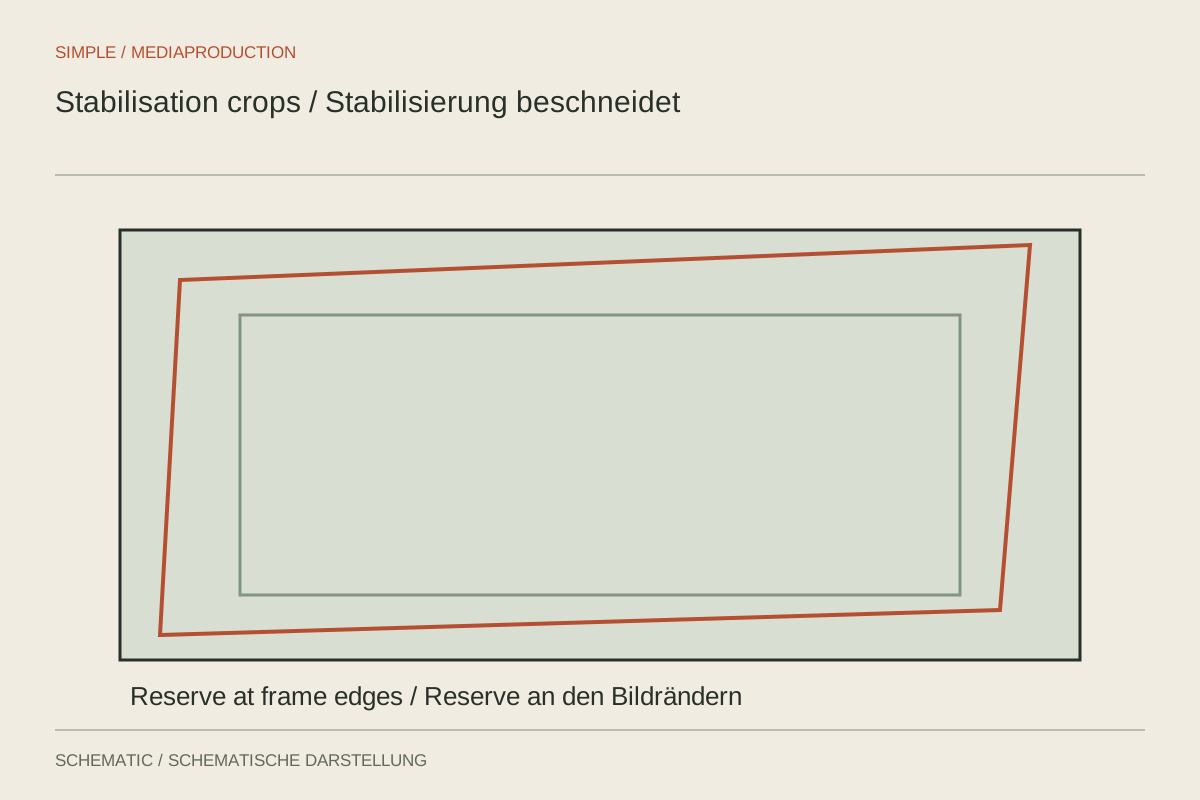
Footage can become steadier after stabilisation and still look worse: doorways bend, the crop pulses or every footstep leaves a blurred jolt. Software can shift and deform the image. It cannot manufacture a completely new, sharp recording from arbitrarily shaky material.
Select the usable passage
First trim the section you actually intend to use. Starting and lowering the camera often involve stronger movement than the main shot. A shorter, cleaner passage can be easier to stabilise and may require less cropping. Keep the original media unchanged within the project so that the decision remains reversible.
Decide which movement should survive. A deliberate slow pan should not necessarily be treated as a locked-off shot. Choose a movement-smoothing approach when camera travel belongs to the scene. A no-movement target is more appropriate for a subject filmed without intentional camera motion.
Compare simpler methods first
Begin with moderate strength and inspect the resulting composition. Stabilisation moves the image boundaries, and hiding those edges often costs picture area through enlargement. If important hands or labels disappear, weaker smoothing may be the better compromise. Watch the complete passage rather than checking its middle alone.
For bending lines or rubbery surfaces, try a simpler method that changes position, or position with rotation and scale. Complex local warping does not help every subject. A passing vehicle or a person obscuring much of the frame can also make motion analysis harder by competing with the background.
Check fixed references such as doorframes, shelf edges and the horizon. If they move unnaturally relative to one another, the treatment may be more distracting than the original small wobble. Reduce the strength and compare again. Extra computation does not guarantee more believable geometry.
Recognise the limits early
Motion blur remains visible even when the image position becomes steadier. A stabilised clip can therefore alternate rhythmically between soft and sharp frames. Strong rolling-shutter behaviour adds further distortion. A short export helps distinguish playback-preview problems from artefacts that are actually present in the rendered result.
If restrained settings still produce an unstable image, use a shorter passage, another shot or a deliberate cut. Leaving some spare framing on the next shoot can help, but it does not replace steady camera handling. Clear, intentional movement gives post-production a stronger starting point than a series of hurried, unpredictable corrections.